Matt Godden

human : artist

Bring content into view.

Category : mountaintop musings

Reviews, rants, and academic polemics.

New (Modified) Welding Cart.

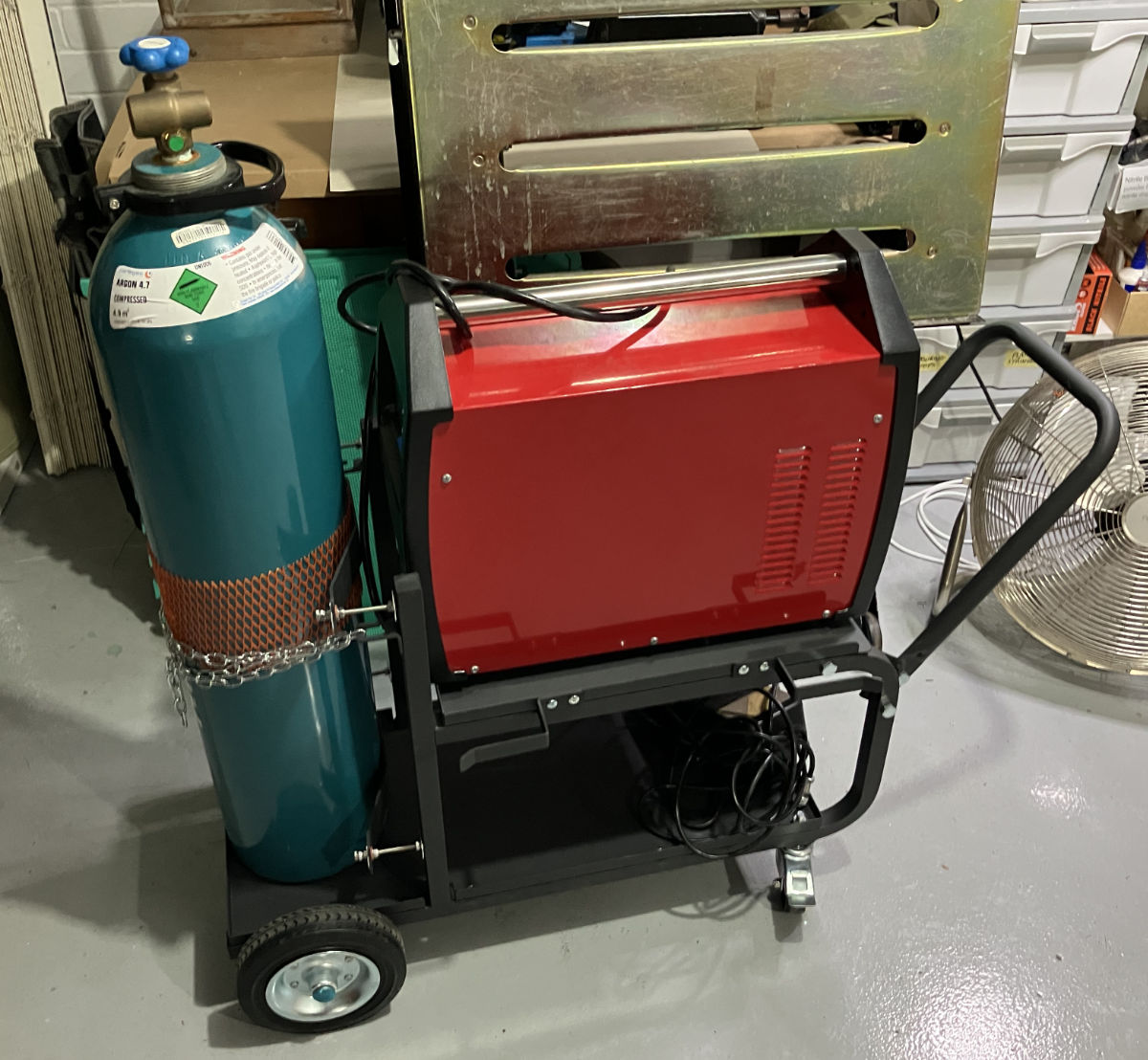
I welcomed a new piece of kit into my metal fabrication setup this week – a Michigan heavy duty welding trolley. This one, specifically.

I have some very specific concerns with my gear, which this trolley had to address. For starters, my welder is very heavy; 20+ KG, as it’s both a welder and a plasma cutter. I bought the combined machine as I was space constrained, and couldn’t fit separate machines for each task. A good idea, but it has this downside – the one machine is heavy, and deep. It’s so deep, that it doesn’t fit on the shelf of most welding trolleys.

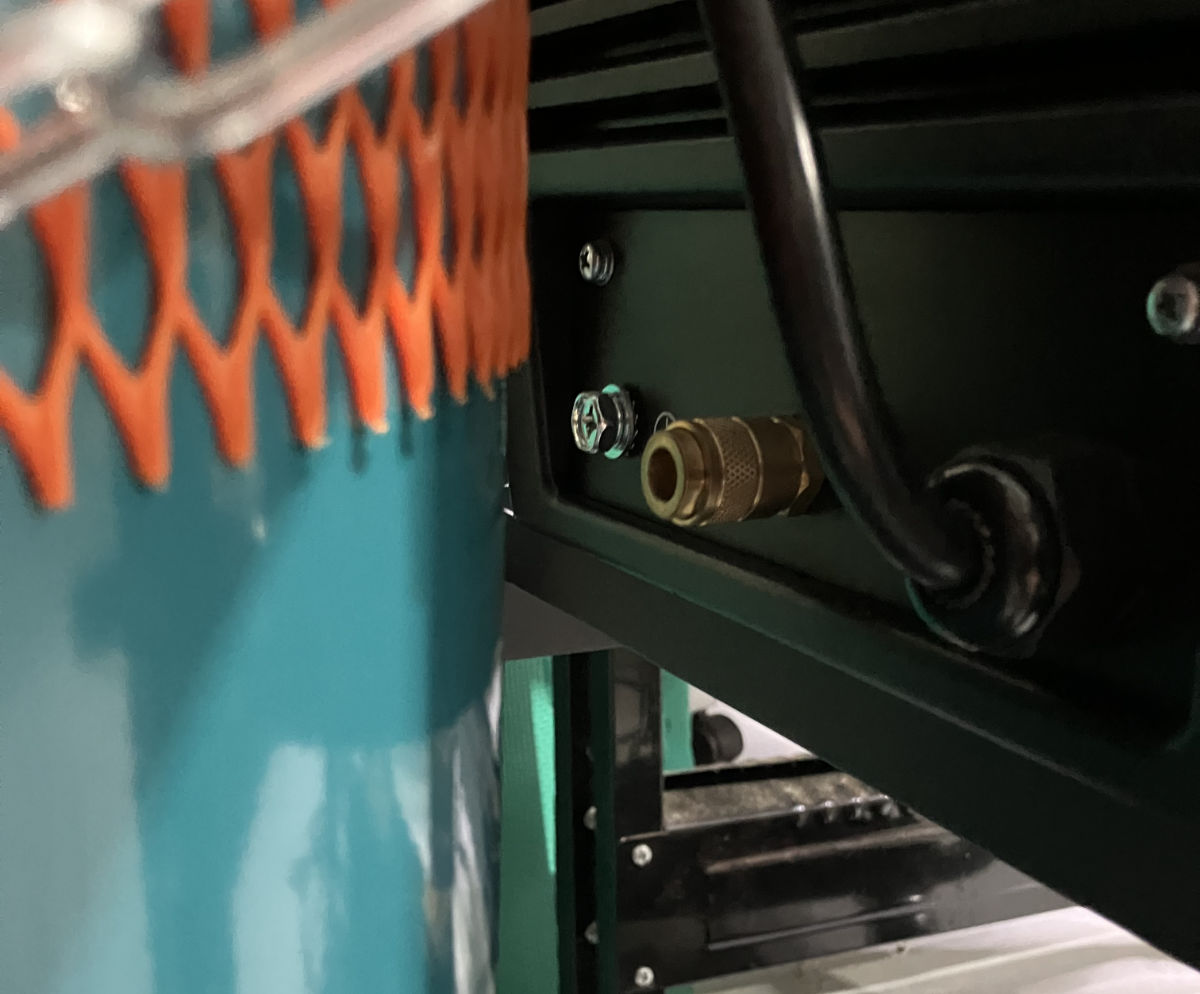
Secondly, the welder’s shield gas input is dead-centre on the machine. This means when it’s pushed as far back as possible, so it fits on the trolley’s shelf, there isn’t room for the gas fitting and hose between the machine, and the gas bottle.

The alternatives are to extend the shelf, or, to push the gas bottle back. I went with the latter, given there’s room for a bigger bottle than mine.

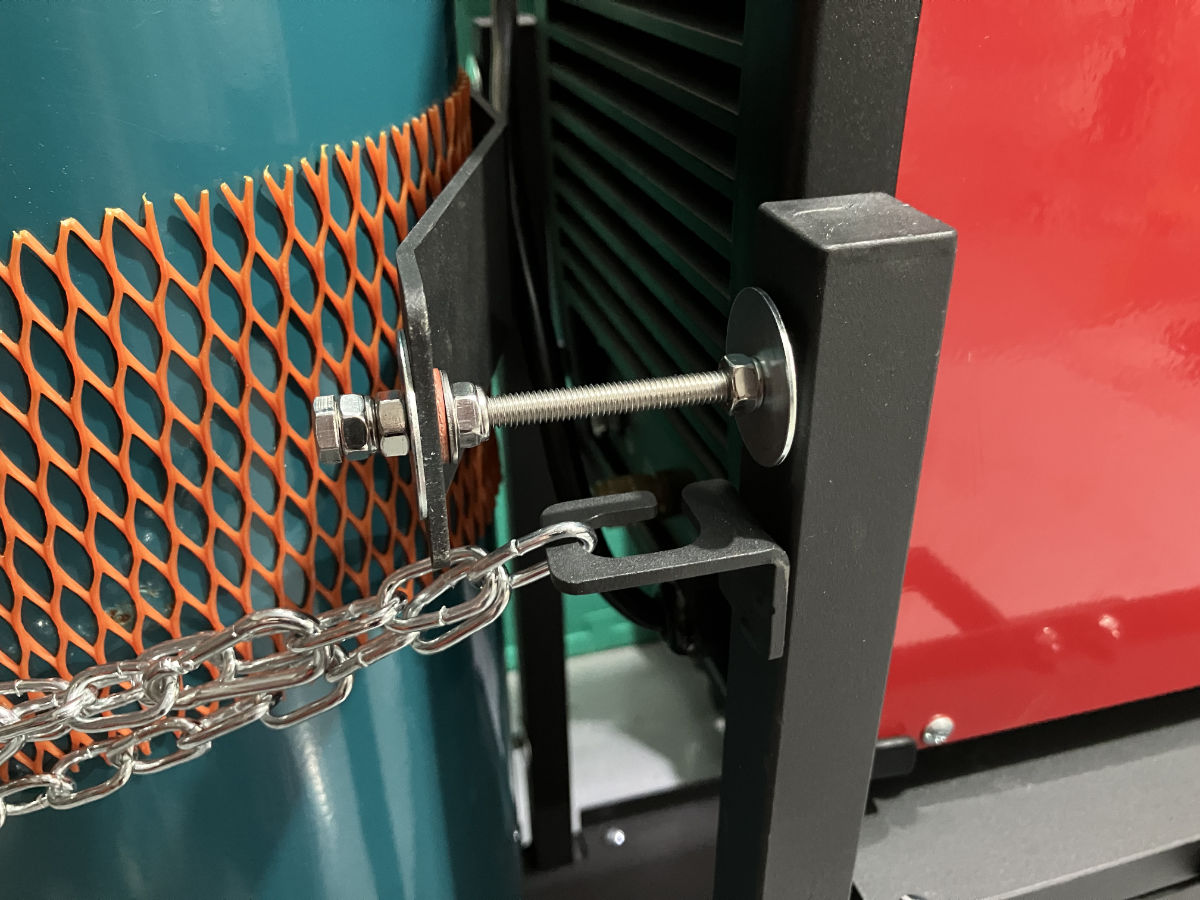
The solution, potentially temporary, depending on how it holds up, was to make standoffs to move the cradle (which secures the bottle) back. Thankfully the cradle parts are bolted on to the frame, so it was just a matter of using longer bolts, with nylock nuts and washers, to cantilever the cradle parts out. The added bonus is the threading means it’s very adjustable to the size of the cylinder.


Fixing Finder’s Window spawning.

Finder in macOS has a behaviour that when you switch to it from another application, and there are no other Finder windows open in your current space, it should automatically open a new window to the user’s chosen default location.

Unfortunately, this behaviour isn’t reliable – it will do it once, but then not do it the next time. The problem being that if it fails to spawn the new Finder window when you switch to Finder, pressing the dock icon a second time will transport you to a different space that does have an open finder window.

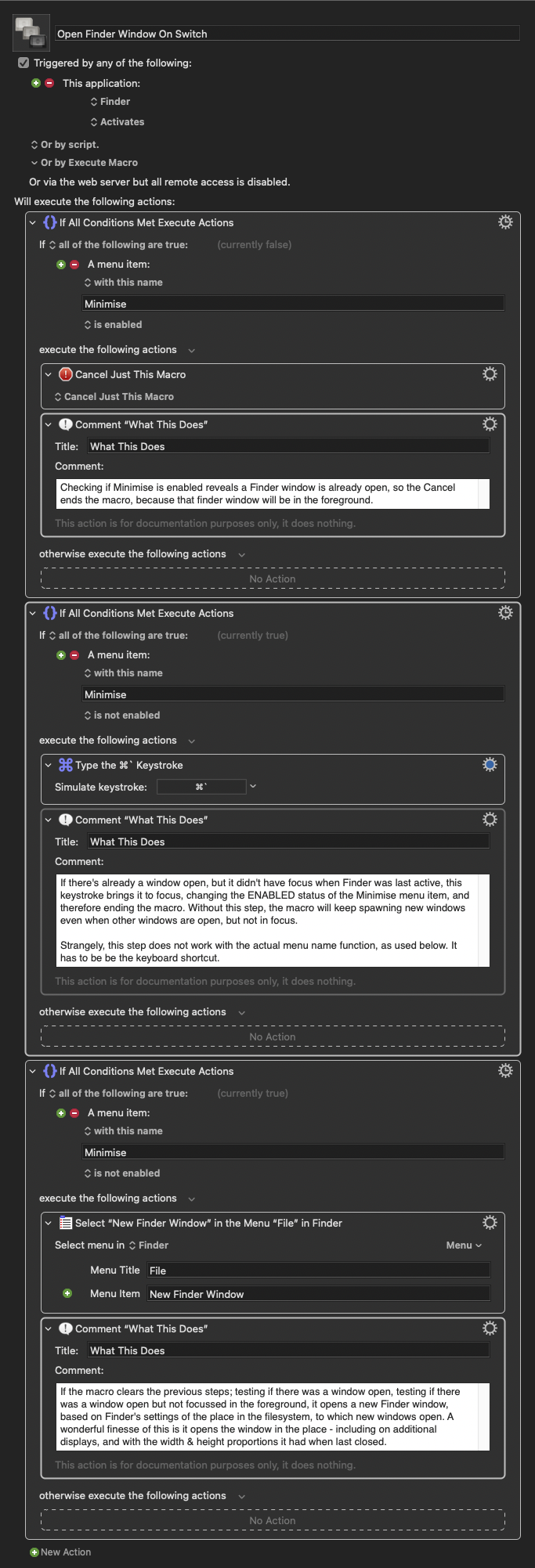
Thankfully, Keyboard Maestro is here to save the day. To be clear, what really saved the day, was the Keyboard Maestro user forums, whose helpful denizens supplied the solution to this. Here’s the workflow, with documenting commentary included within.

This macro activates when switching to Finder from either the Dock, or by clicking on the desktop, and ensures you always have a file browser window ready to go when you switch to Finder.

Edit December 2025: You may want to be careful with this. I’ve noticed a correlation between having this macro enabled, and Finder’s preferences becoming periodically corrupted, such that the sidebar items will randomly disappear. I’ve disabled it for now, to see if the problem resurfaces.


Done.

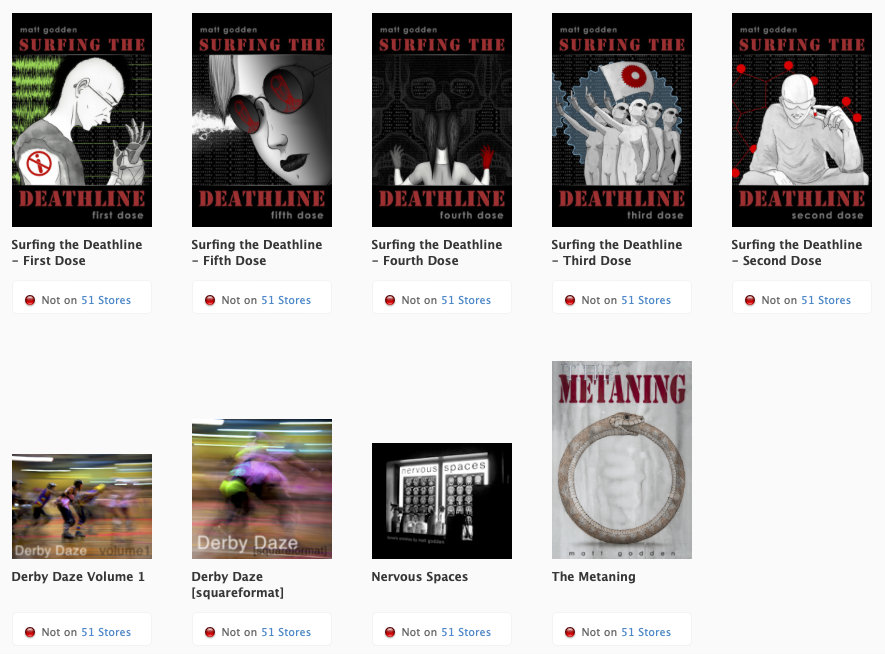
From now on, I’m only selling books direct.

I should have done this earlier, but procrastination won out. What turned things around now, was Apple’s insistence on the requirement that I sell via EU-specific stores to reach EU customers, and those stores were about to require me to publish my home address and phone number.

Also the whole “Apple takes 30% of the cover price” thing, and the “Apple publisher tools have become garbage” thing.

So, we out.


Learning to Code

There are certain problems I have with software – problems that are not solved the way I want them solved, so I’ve finally bit the bullet, and started learning a bit of programming. The most difficult part about it, is trying to deal with the learning tools; in this case Swift Playgrounds.

It lacks tooltips for all its buttons. The function to stop the program while running doesn’t actually stop the program. The app itself is unstable and crash-prone. But, for all that, I’m having a lot of fun pushing my brain in a way I haven’t had to in a while, and learning new things.

Also, I have to admit being tickled pink at being able to name functions like this, for comedy value.


2024 – A Wrapup

2024 was a year to pause, and take stock – a year to get things completed, and checked off the list of all the things I had to do.

I shaved off my beard. That was pretty momentous. I do a major visual evolution every seven years or so, and this let me become much more comfortable with going out and doing things, since my mask could now get a skin-seal against my face.

I sawed up and disposed of my old desk top that I’d carted all the way from Sydney. Another part of my old life jettisoned in the name of storage space, where I did more sorting.

Most of the year, I was on my own in the house, which was pleasant.

Art Projects:

I removed C45C4d3 from the local library, which took several weeks to organise, as it hadn’t been faring all that well with the way it was hung.

I kept going with the image per day on mastodon, which was a really rewarding project – it eventually went through all my Fish Noir and Japan images.

A big, final update to Surfing The Deathline was a huge part of this year, consuming about two months. Once I sorted everything out tech-wise, I was able to fix pretty much everything that had ever bugged me, or just not been perfect (to my eyes). I’m super-happy with the outcome, because I know it’s at a state where I couldn’t have made anything better than it is, given the artwork I produced, etc.

Tech Projects:

Virtualisation and Audio Workflows were the big theme for this year. Setting up VMWare virtual machines for MacOS Snow Leopard, so I could run old Adobe Creative Suite apps, and produce a Surfing The Deathline update took a huge amount of time – I was lucky enough to find a secondhand, unopened copy of Snow Leopard Server for less than a tenth the price I’ve seen it attracting. The setup of all this literally took weeks to work out all the kinks.

Audio workflows revolved around setting up a whole new podcasting setup, as well as migrating all my music from a decades old iTunes library to new, largely filesystem-based setups.

First week of December, I migrated all my web & email hosting  away from Hostcolor, where I had been for around twenty years, to a new, Australia-based host. Things just became too unreliable with the old host – there was a week-long outage in April, as a result of a hardware failure that didn’t have backups running. I procrastinated most of the year once they fixed it, but a huge slowdown and image serving issue in late November, combined with having to endure their general support person finally made the pain of moving less than the pain of staying.

A huge tech thing for this year, was finishing a redesign and new-from-scratch theme for mattgodden.com. This has been a project running off and on for a year or two, and the breakthrough came when I surrendered to a part of the problem being effectively insurmountable with the way I wanted to do things. The solution was a little more conservative, a little more old school, but frankly a better, less showoff solution to the problem. It also made creating responsive versions dead easy, and satisfyingly functional.

Gear:

I bought a secondhand Nikon D810 to try out some features my existing D800 lacked (highlight-weighted metering). I liked those features so much, I bought a new D850, on the basis that it’s the final generation of DSLR camera Nikon will produce. Along with that were new memory cards.

I bought another couple of camera accessories – a filter holder for my big 14-24 lens, and a special rotating collar setup for tripod mounting the camera.

I bought a panel dolly for moving the aforementioned sculpture from the library, but didn’t end up using it, because the movers were able to carry it to their van.

I bought a new iPhone – a 2023 model iPhone SE, which I literally spent months not using, just having it sitting on my desk, powered on as I slowly worked out new processes to replace the old ones I’d used for the previous phone. Once I migrated fully over to it, I’m pretty happy with it. While the extra screen is not as easy to reach, the extra space is VERY usable.

I bought a new PCI storage card for my Mac Pro, and a pair of Samsung NVME drives, so I could migrate to a new operating system install booting off that card, and migrate my photo library from a usb-attached spinning hard drive, to a PCI direct SSD.

Health:

Eighth and ninth Covid shots. Tried to get back into bike riding, but got hit pretty hard by a magpie, which kindof put me off. My shoulder & back developed some issues; the shoulder especially. The fear is a frozen shoulder, which is an inflammatory thing in the capsule containing the ball joint. It makes it hard to sleep on my right. My back on the left side also has issues when sleeping on my left – doesn’t really leave a lot of choices. I had X-ray & ultrasound scans on both, so the new year will see the results discussed.

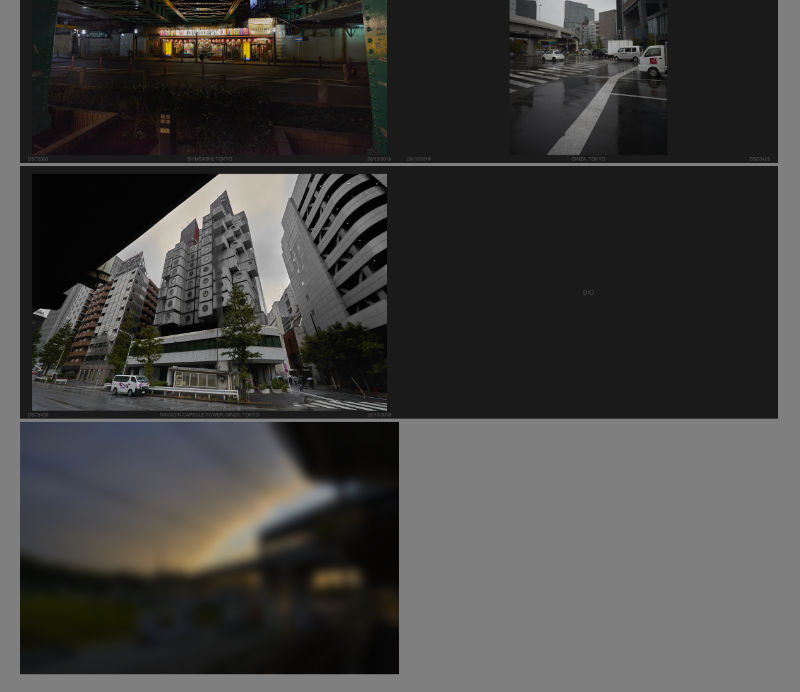
Brisbane 22/12/2024

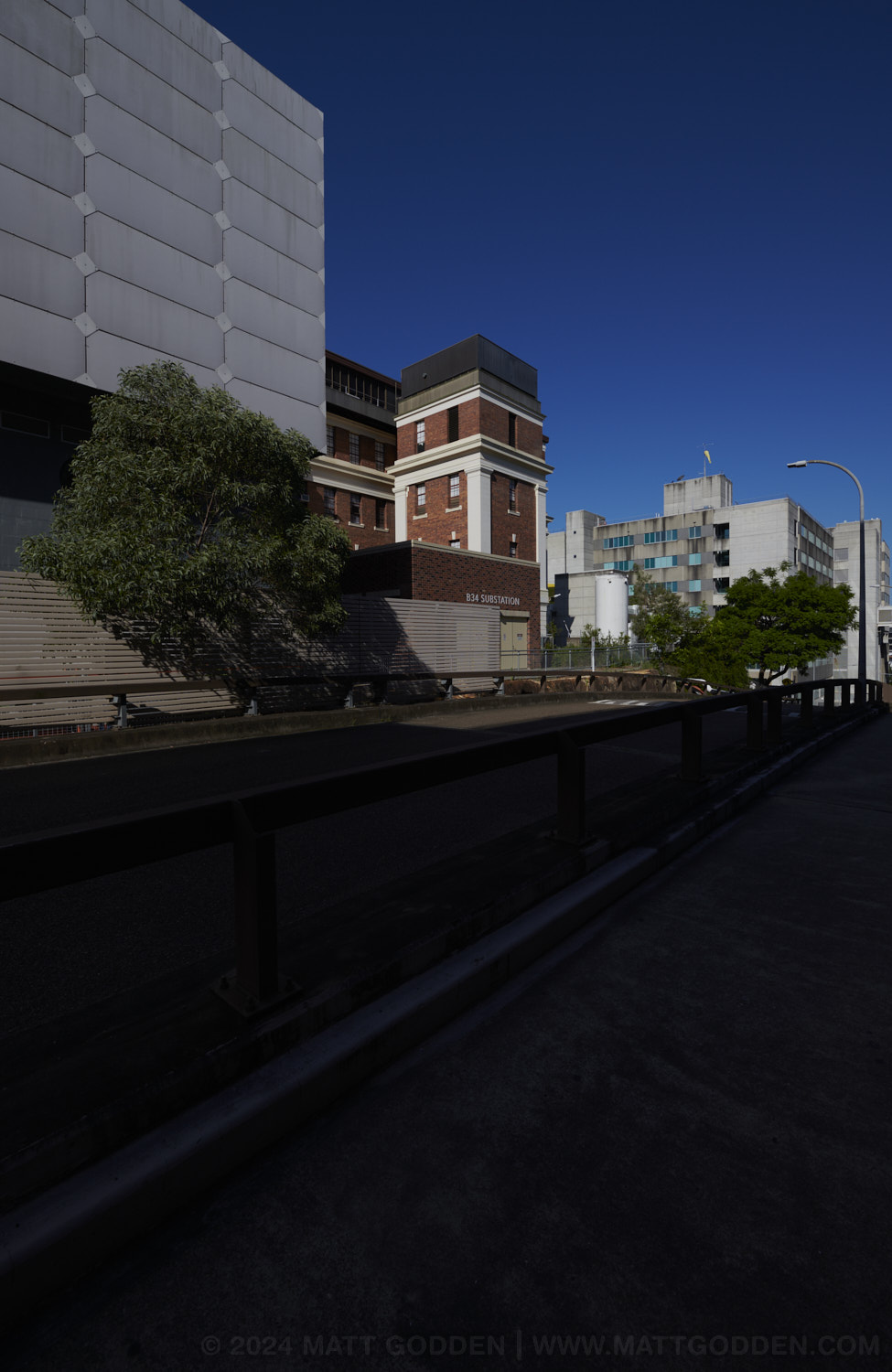
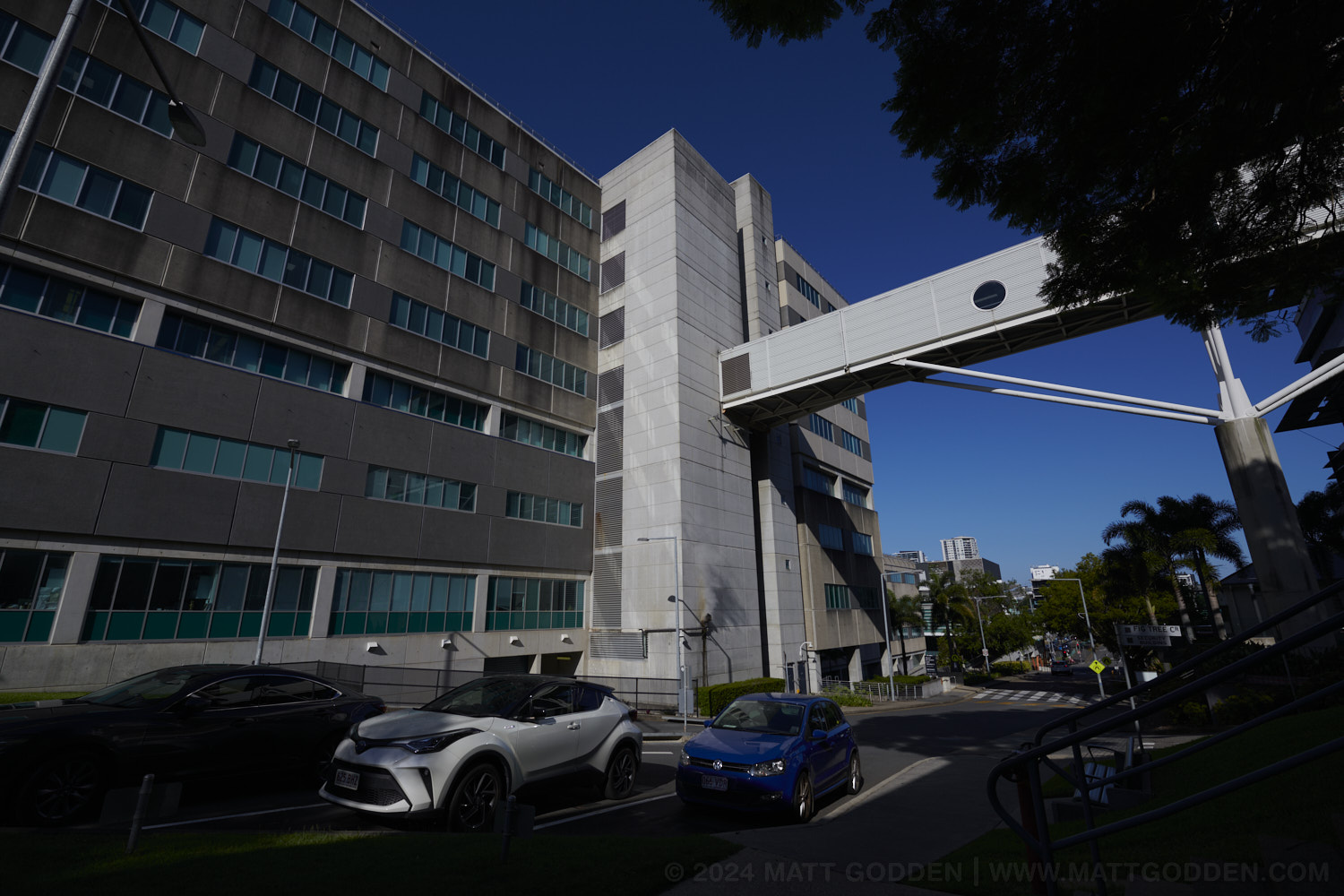
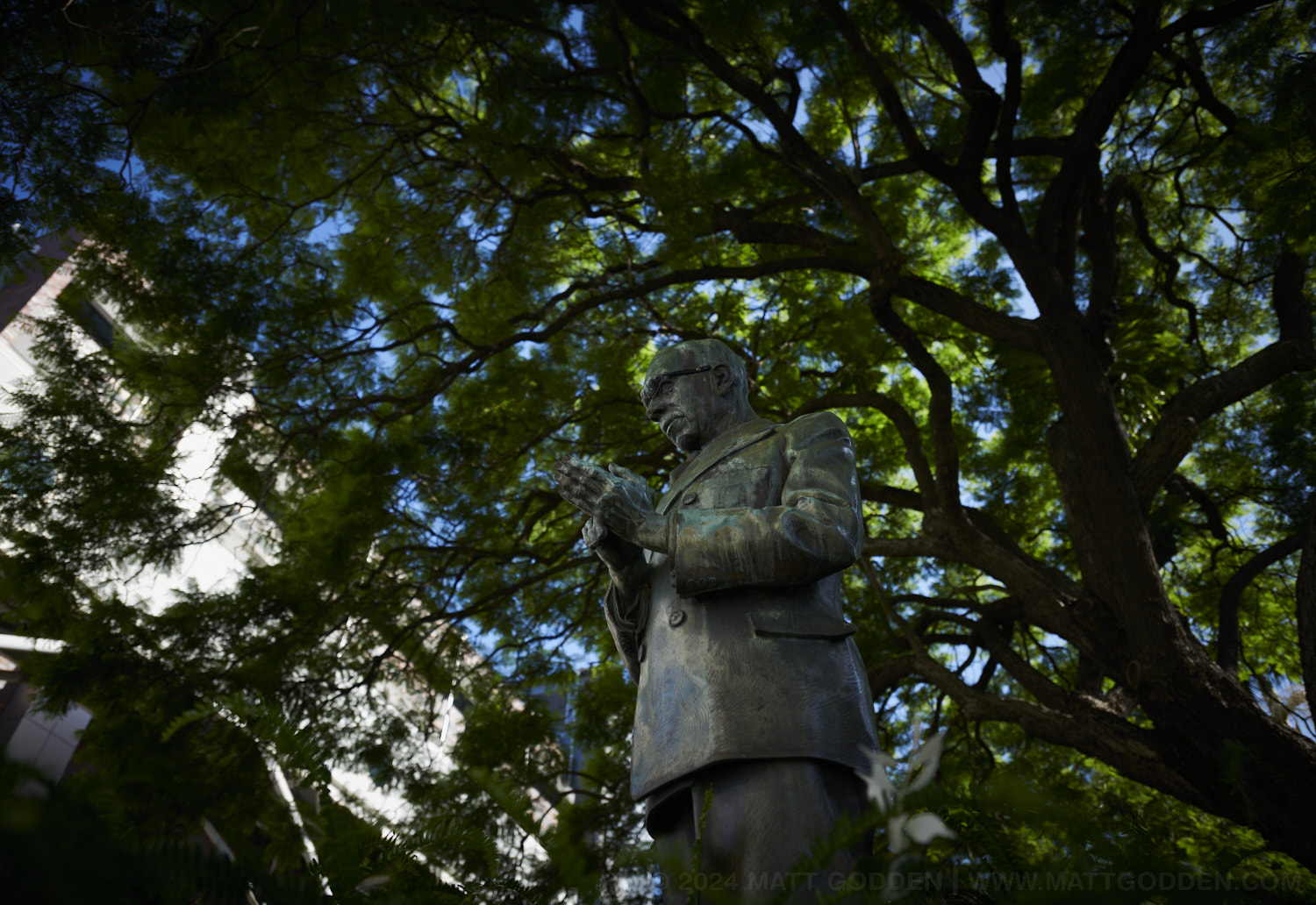
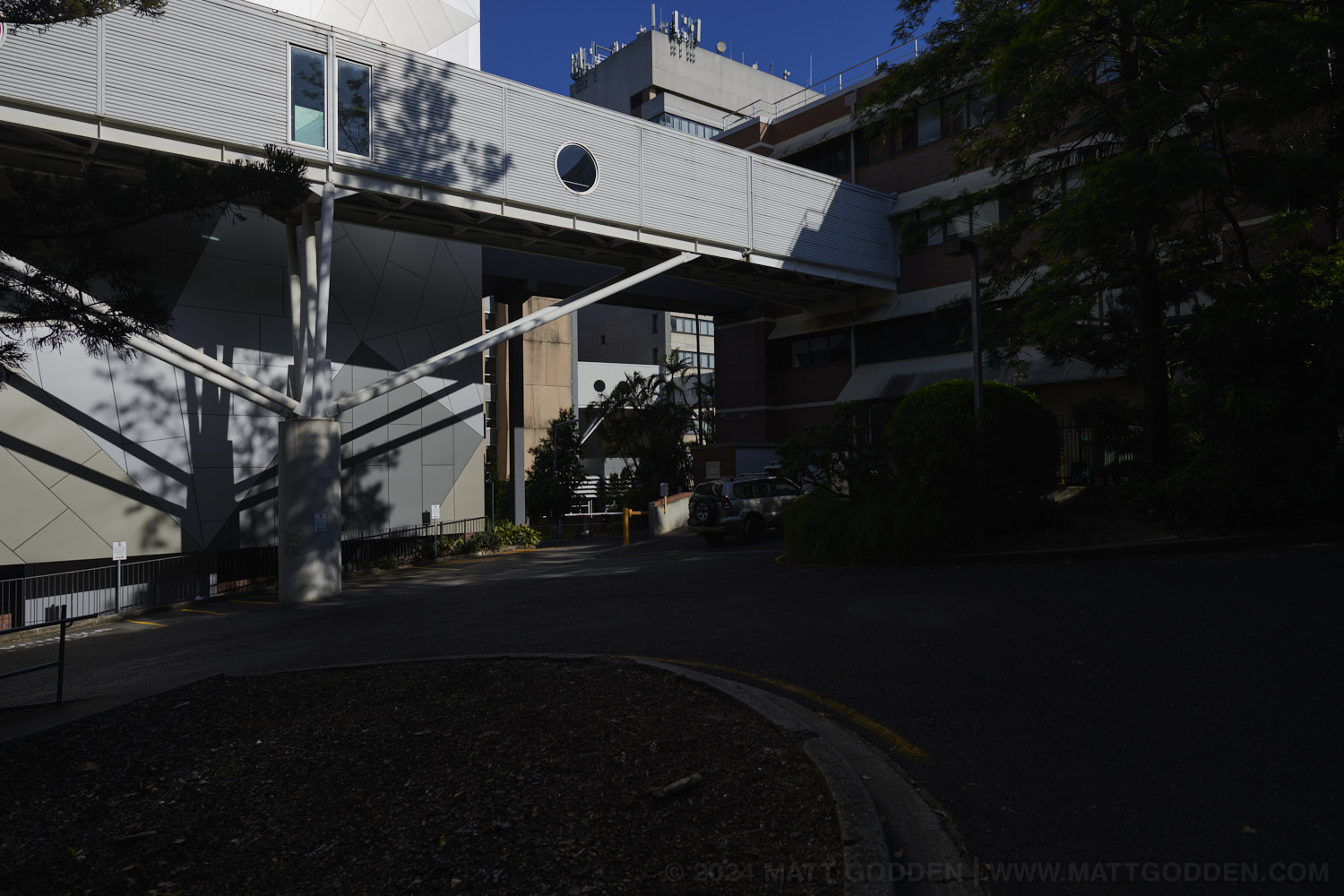
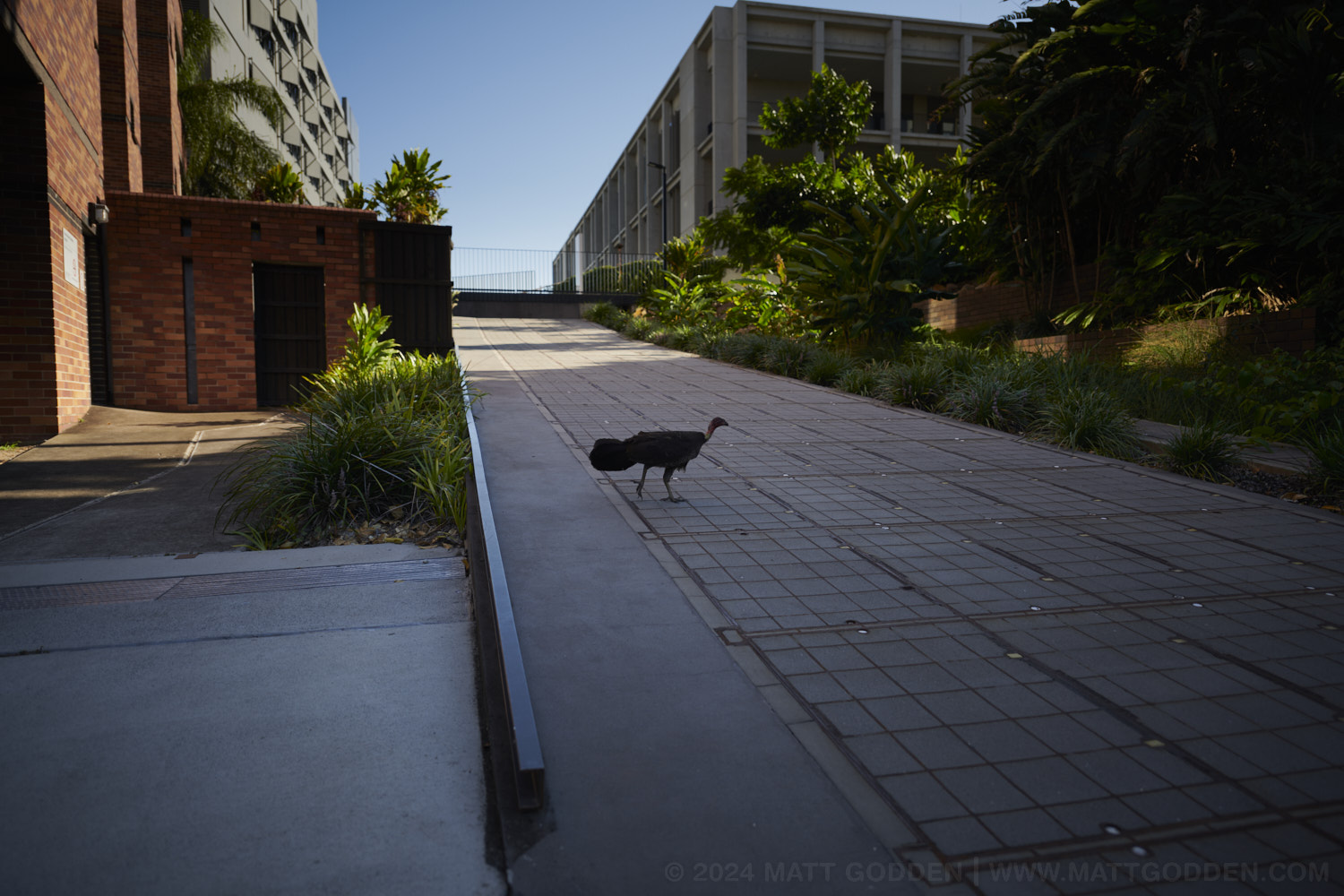
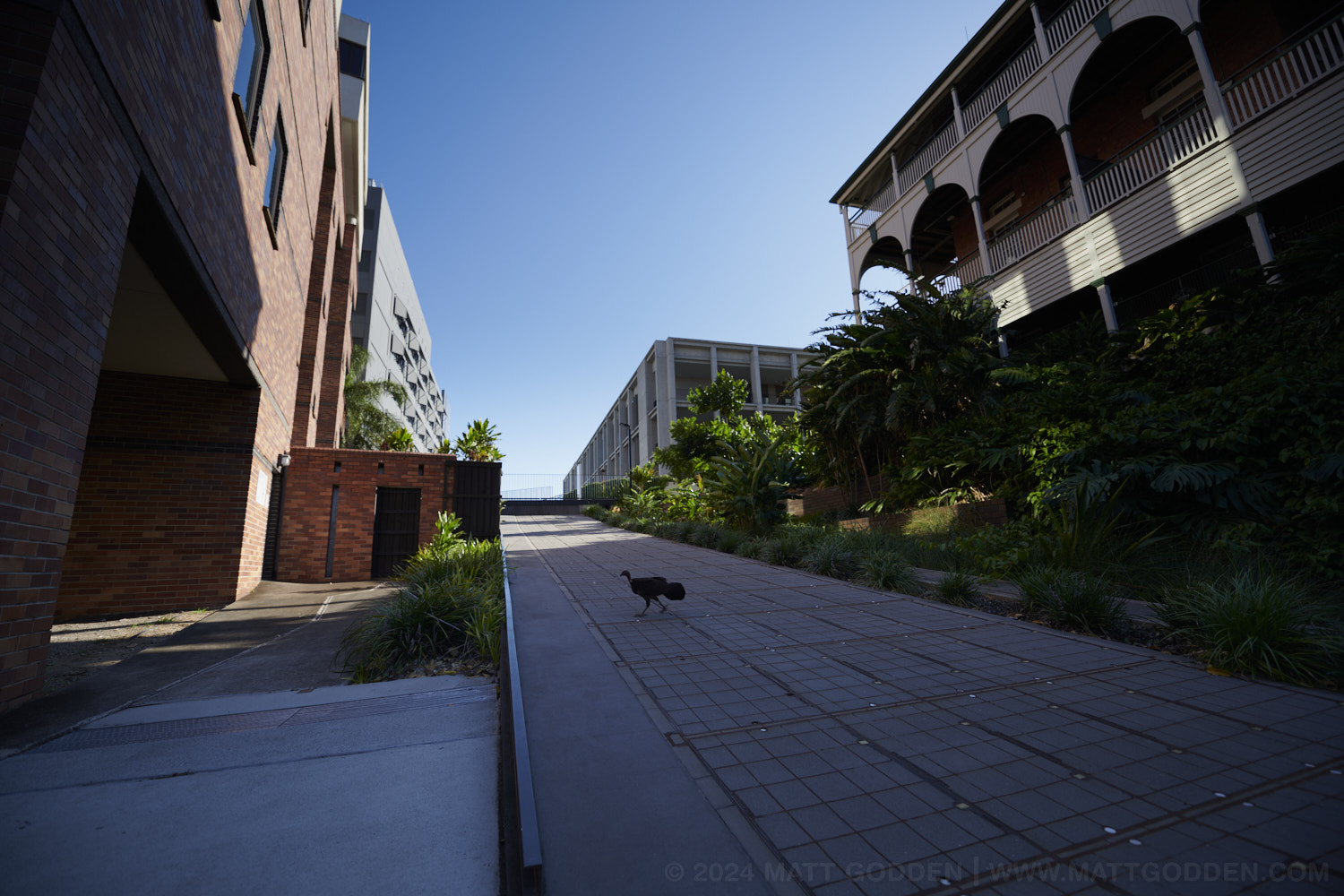
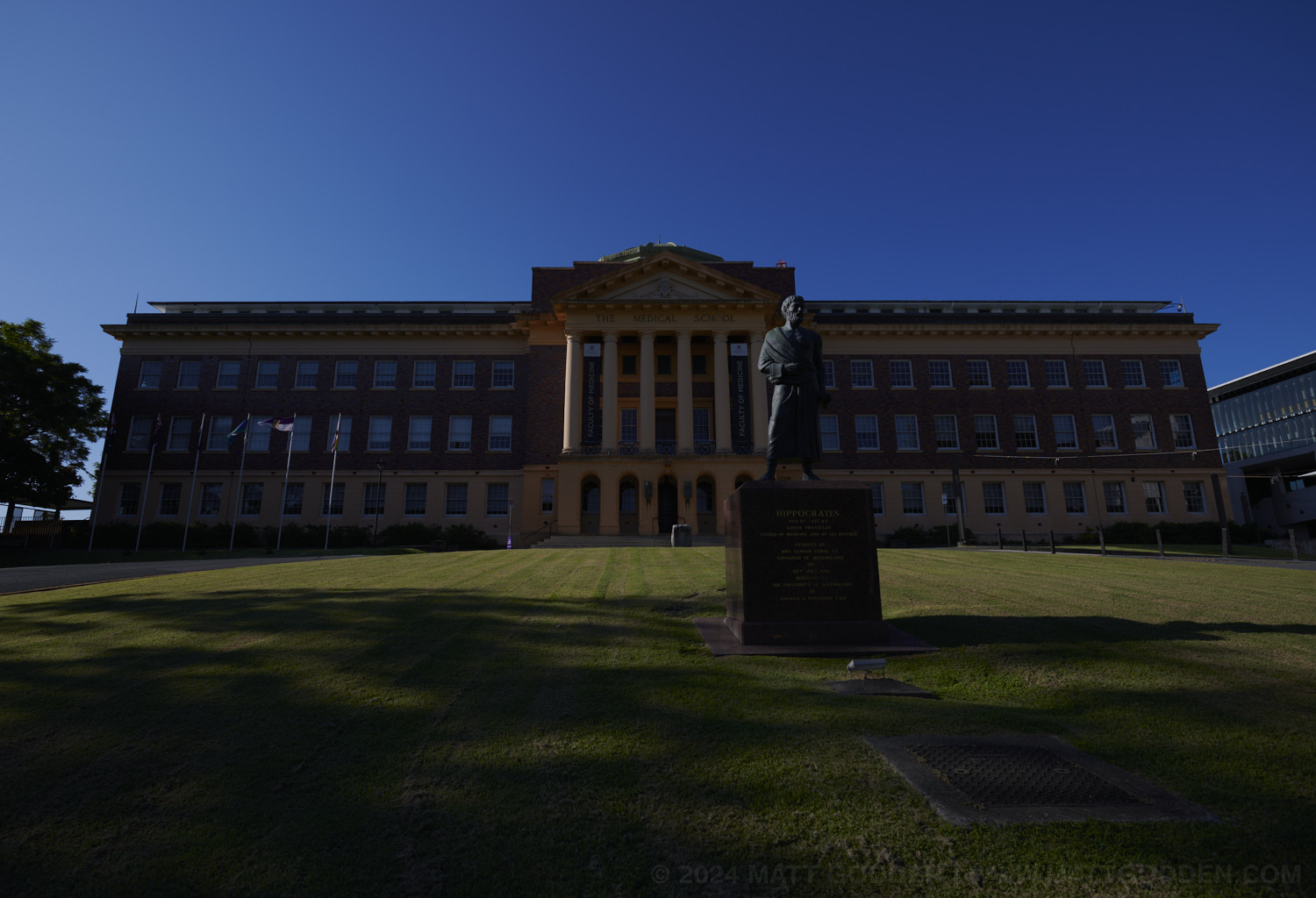
Walking around Brisbane women’s hospital and medical school in Herston. Testing out the new camera, with an autofocus adjustment. Primarily shooting in highlight-weighted metering, which biases the images quite dark in order to protect the highlights from over-exposing.


Consent In Software

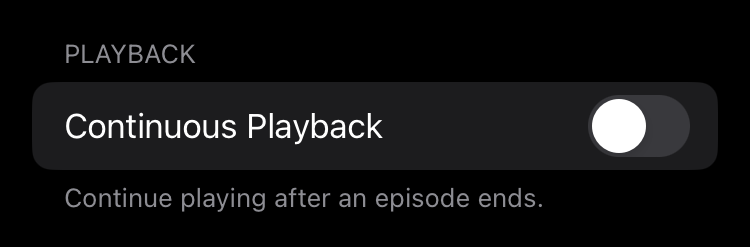
The Apple Podcasts app on iOS has a setting:

What does this setting do?

That should seem like a obvious answer, right? Once an episode ends, the app stops playing, and remains so until the user interacts with it to manually play another episode.

That’s not the way the application behaves. What actually happens; if you have multiple episodes of a particular show on your device, stored locally within the Podcasts library, and you play one, all the remaining episodes will be put into the “Playing Next” queue. Each episode will be auto-played after the previous finishes.

So this is a setting to disable or enable Continuous Playback, that doesn’t have any effect on whether Continuous Playback happens, because Apple is a company that has no respect for the concept of Consent.

The user does not explicitly consent to Continuous Playback.

The user actively signals that they do not consent to Continuous Playback.

Yet, Apple goes ahead and does Continuous Playback to them, regardless.


Don’t ever leave your drink unattended with someone from Apple’s Podcasts.app team. Too harsh?

The purpose of a system is what it does.

The biggest company in the world, and the people who work there do not deserve the benefit of your doubt. They would fix this if they cared. They would fix this if they found the idea of software ignoring user consent to be offensive in some way. They don’t, because they don’t.


A New Home.

Well, the crossing seems to have been successful. All my sites are now located at a new webhost, which seems to be significantly faster at loading pages etc. All the databases seem to be working, which was an area of concern. Clearly this stuff is designed to work with migrations.

Email appears to be working correctly as well.

I think the thing I’m most surprised by, is how fast the domain re-delegation has been – 2 hours. I recall it used to be a lot slower.

Anyway, we’ll see how it goes, if any issues crop up etc.


Ongoing Maintenance

Things might be a bit funky as the new theme beds in and has fixes made. There’s going to be a move to a new webhost soon, so disruptions should be expected. Also, the design isn’t small-screen responsive yet. That’s a longer-term goal.

That said, Woot! This has been a long time coming.


Treasure

150km round trip, two and a half hours on the road, with two stops along the way, and a little under $150 in total cost, I secured a box of vacuum tubes, a wheel from a plough, and a whole bunch of stainless steel fixings.

According to the guy selling the stainless steel (for $100), it was about $2k-$3k worth of material, which I believe. It was, again according to him, surplus from a job.

So these materials should prove interesting, both for making things, but also simple stuff, like if I need to make concrete plinths and bolt things down, I can embed these.