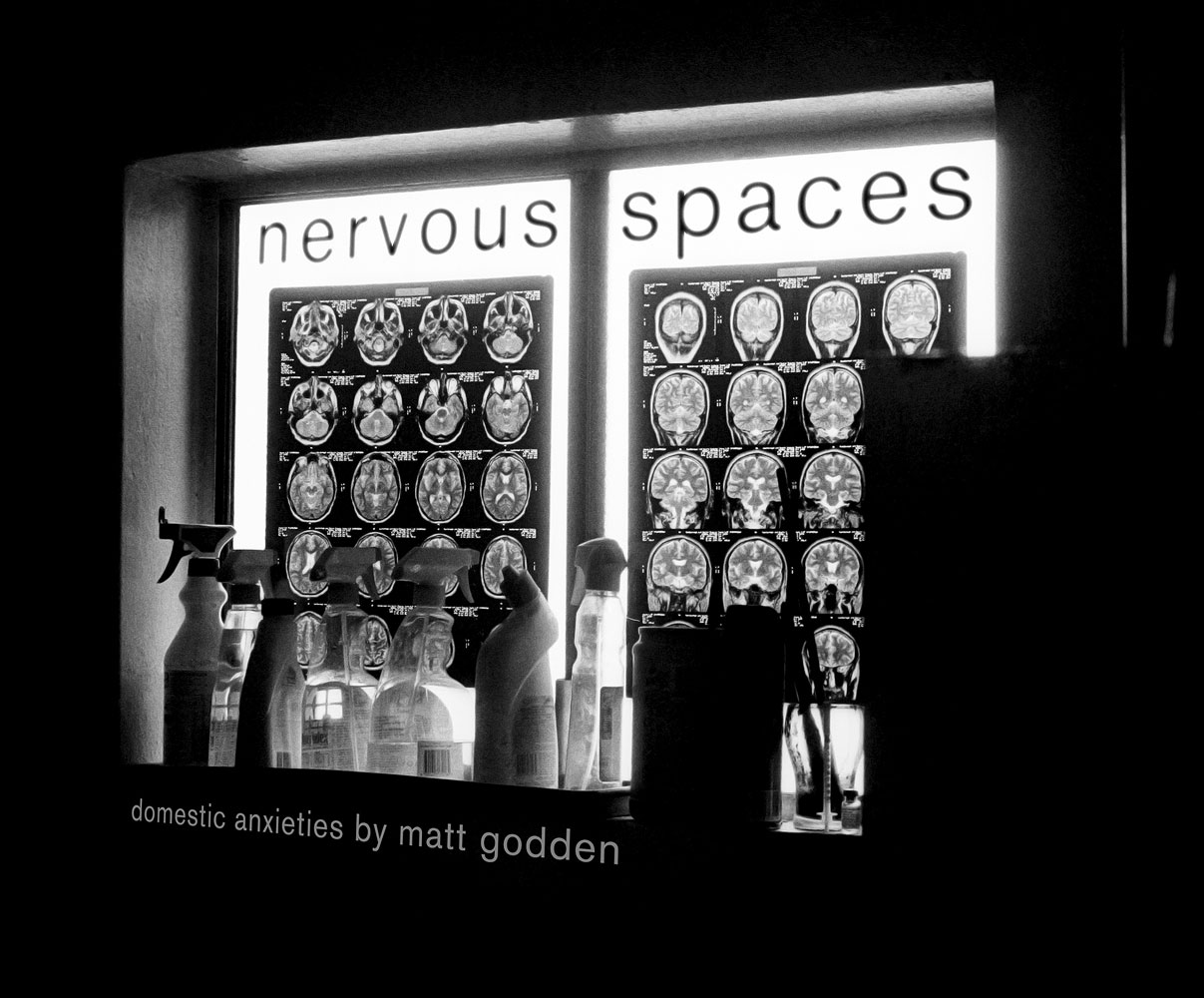
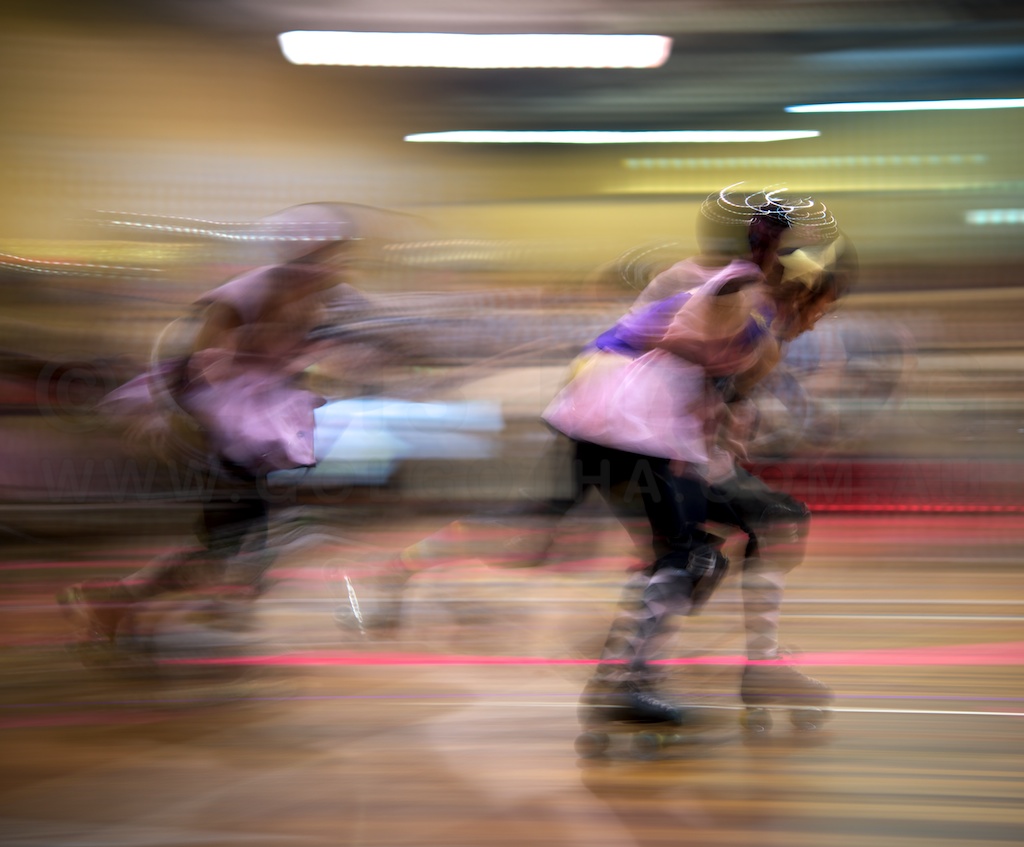
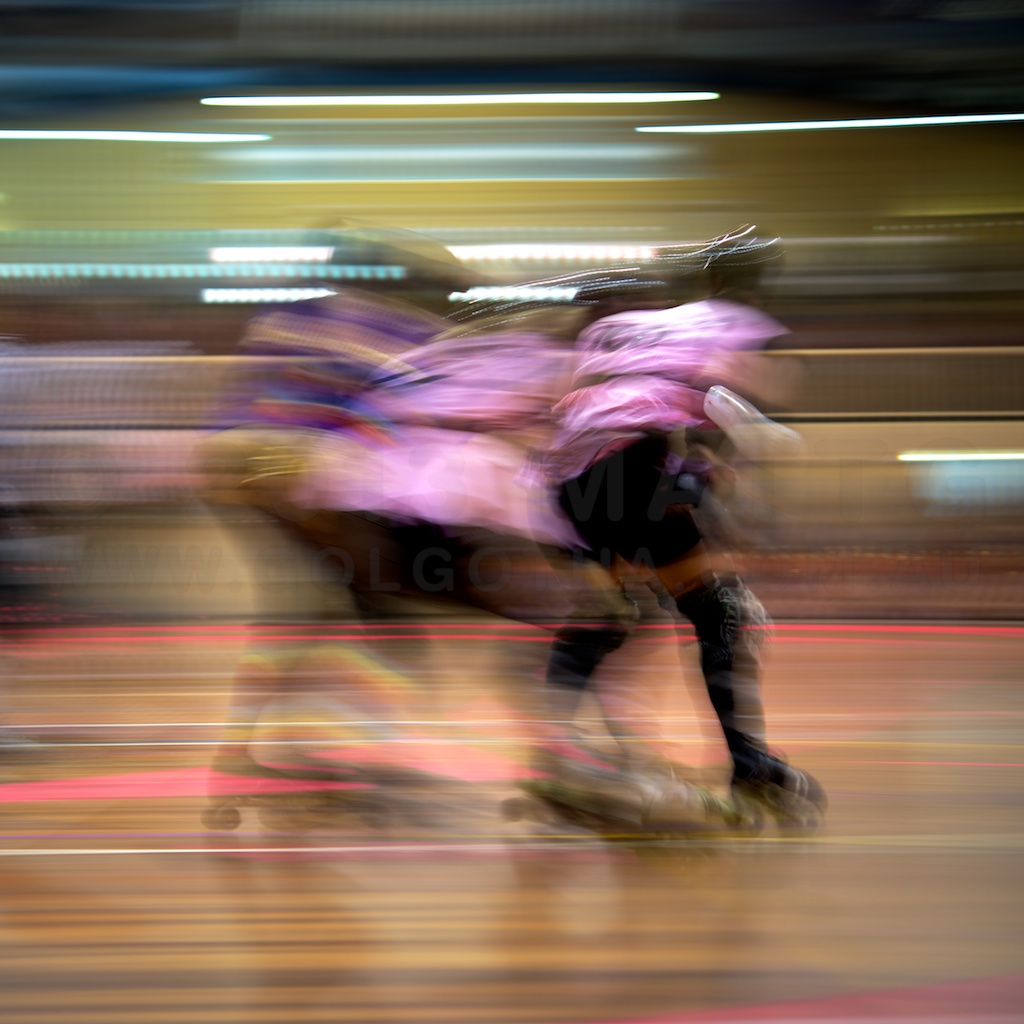
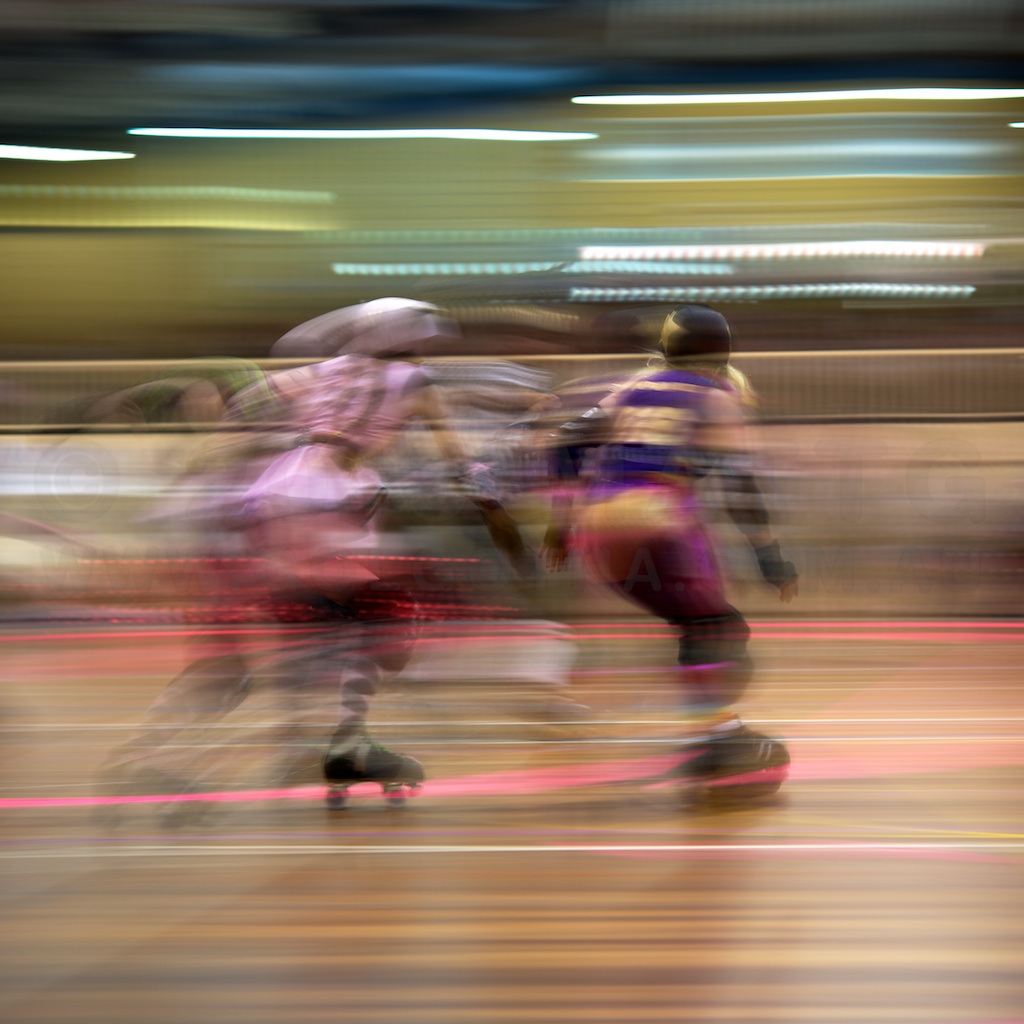
Nervous Spaces is a documentation of the body of work exhibited in 2010 at the Xavier Artspace, St Vincent’s Hospital, Darlinghurst, Sydney.
This EPUB version is available on the iTunes / iBooks Store, and can be read on Mac or iPad.
Pinned and chronological feed of posts. Check The State of The Art for the big picture.
Nervous Spaces is a documentation of the body of work exhibited in 2010 at the Xavier Artspace, St Vincent’s Hospital, Darlinghurst, Sydney.
This EPUB version is available on the iTunes / iBooks Store, and can be read on Mac or iPad.
A week on more admin and housecleaning type stuff. All of the text bubbles for The Metaning have been scanned and isolated, ready to be used in digital versions – that should let me photograph the work without adding the actual speech bubbles, and then composite them in to get an iBooks as we’ll as hardcover versions done and on sale. At the moment the goal is to get the work onto the iBooks store before the Xmas break.
Thursday night I’m at an exhibition where one of my student works from ACP is being exhibited. In fact, I’m in a park typing this right now as I wait to go to the gallery – seriously loving the new iPad :)
Later on – The week ended with building a new eBook version of the Nervous Spaces book, which should be available soon. The exhibition print was the one I’d hoped would be printed, so I’ll get to pick it up soon.
This week has been about fine-tuning the positioning of the studio camera setup for photographing The Metaning, as well as processing photos from last week’s derby bout – all 700 plus of them. The other big time suck was on setting up and integrating a new piece of kit – a new iPad Air. Something that’s really impressive about it is the ability to display photographs on a large and high quality screen – which means if I want to show stuff to galleries, I don’t have to get them to use a computer etc. The touchscreen keyboard is pretty amazing – I find I can type just as fast, if not faster on it than I can on a regular one.
Some other good news, one of my works is going to be printed for the Australian Centre of Photography term 3 student exhibition. Opening night is Thursday.
Monday started with the first texts of the Cross-Polarisation setup. To say it was a success is an understatement. The technique is an absolute triumph. The linked image has a comparison of the same lighting positions using just the polarising filter on the camera, vs the camera filter & polarising gels in front of the lights. As can be seen, all the ink lines are jet black, and all the surface sheen is gone from the areas of flat black. Especially apparent is the difference in the Magnart on the left vs the right.
Tuesday saw the start of the start of the rubber cement tests for speech bubbles, and sadly, I’m not sure it’s going to work out. There’s quite a lot of over-gooing around the edges of the speech bubbles, and erasing it isn’t working as well as I’d hoped. I may have to switch to spray adhesive, which is also acid free, but possibly more brittle when dry.
On Friday I went to Sculpture By The Sea, which as always, has a wonderful mix of works. There’s the formalist steel pieces, the “big” things, site specific works, more or less every genre of sculpture. I’m continuing my thoughts about how to best set up my work for next year’s exhibition.
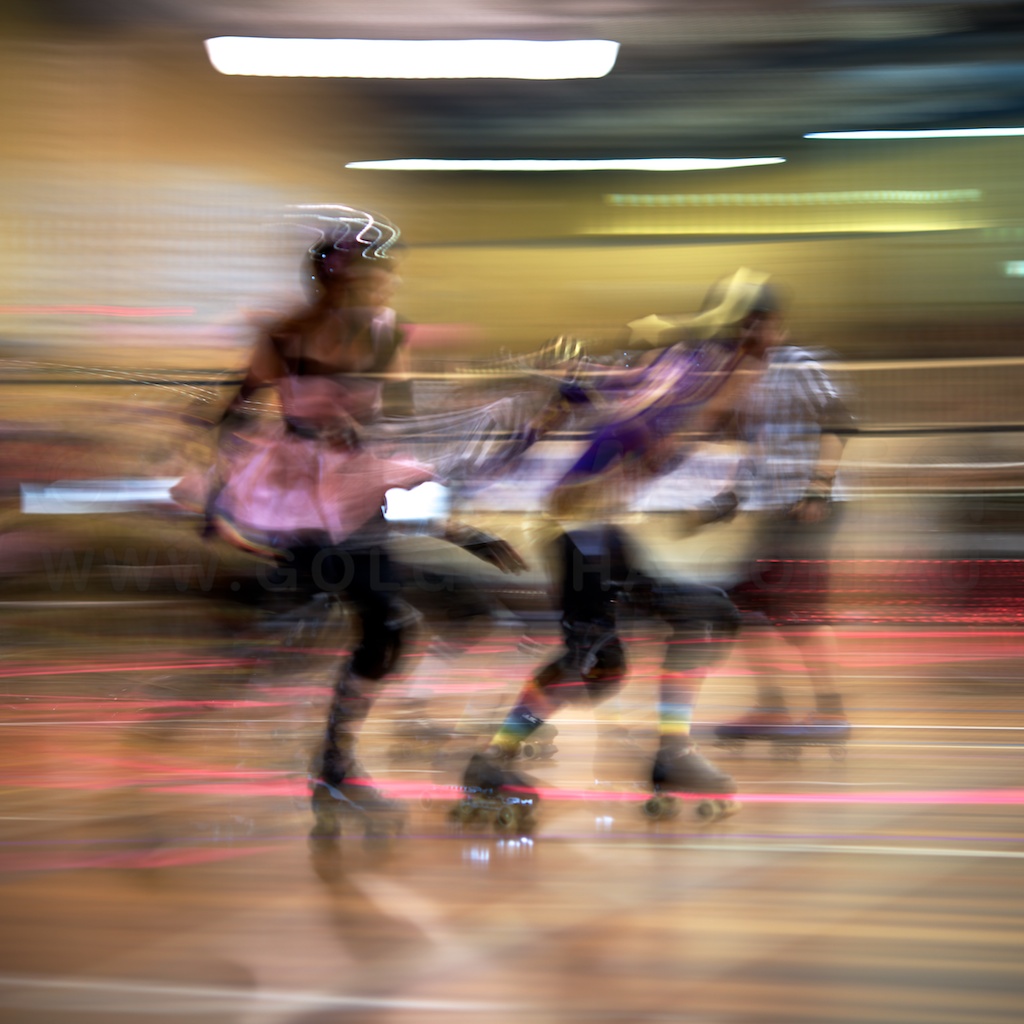
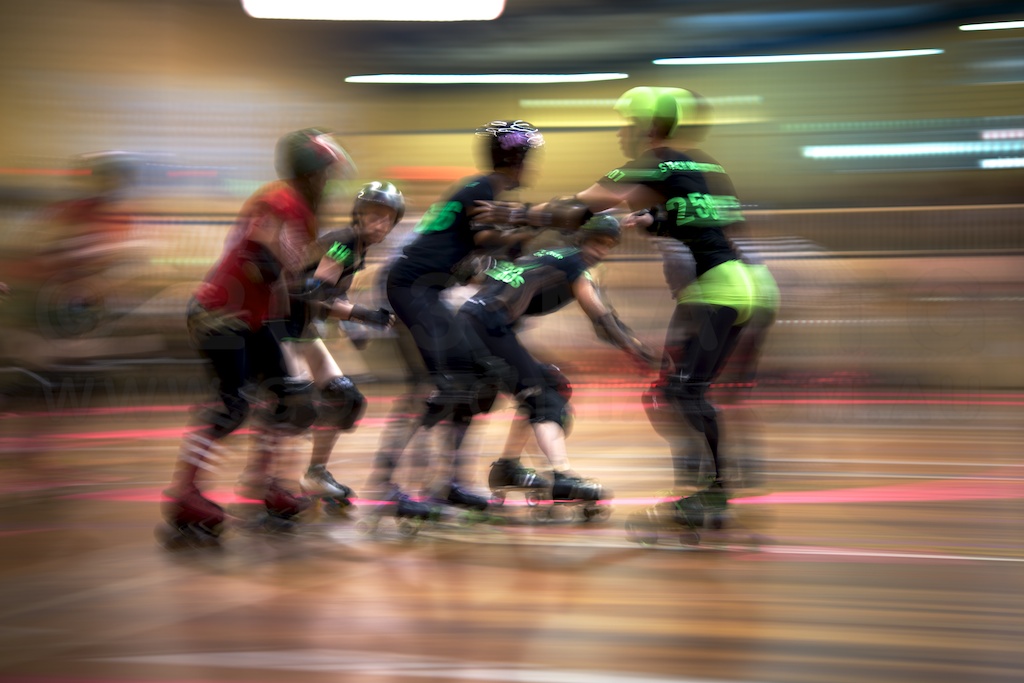
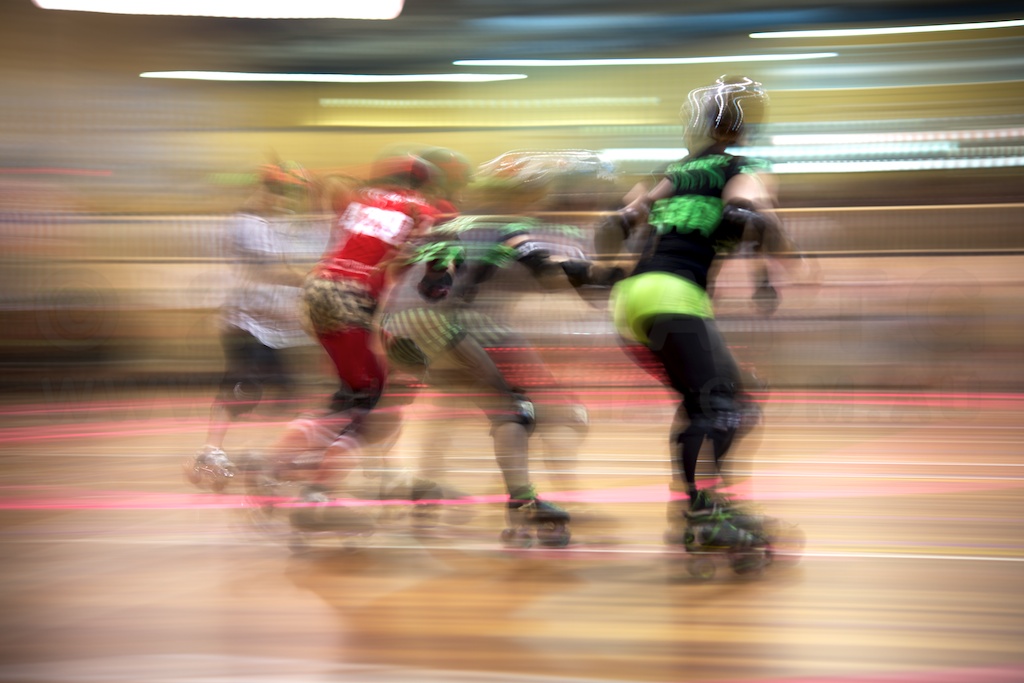
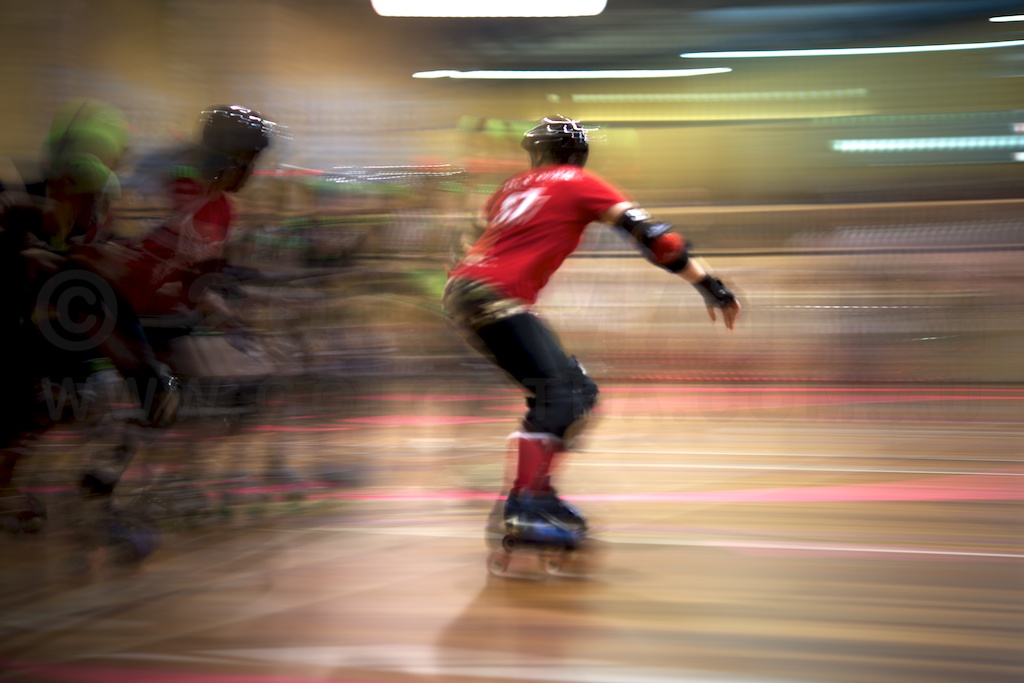
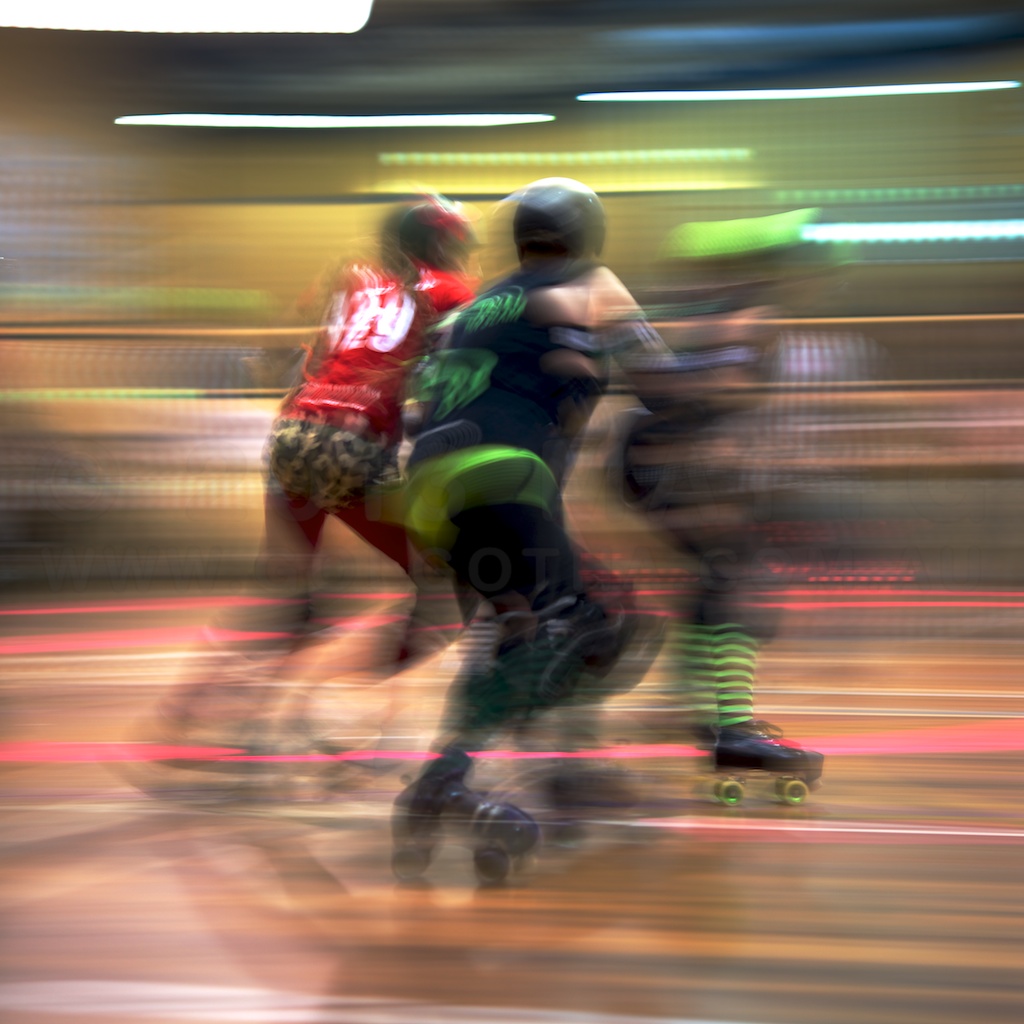
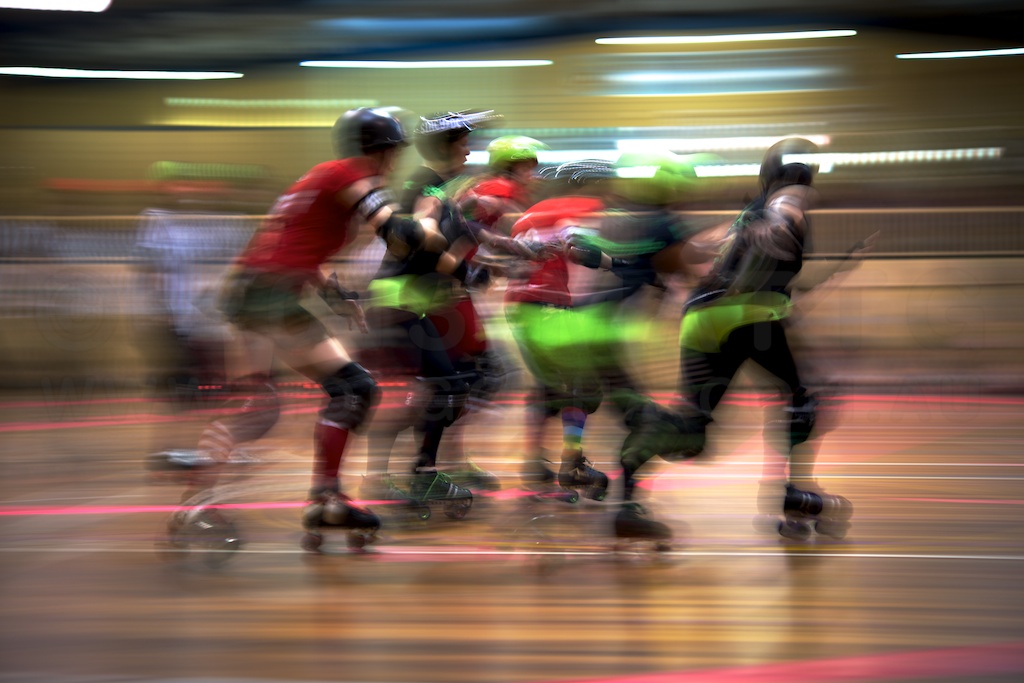
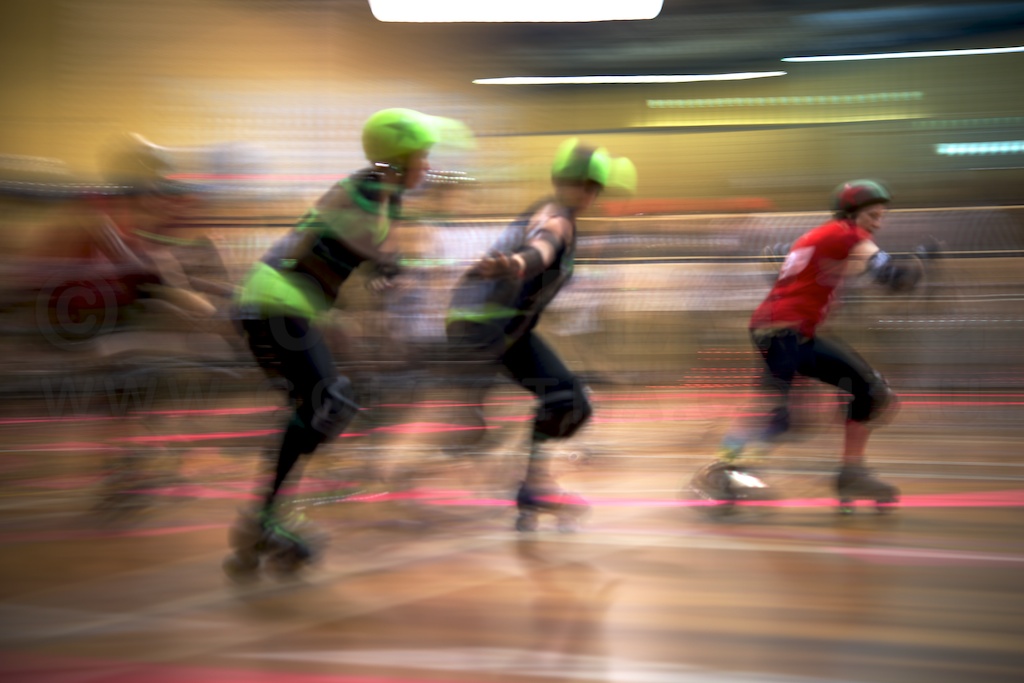
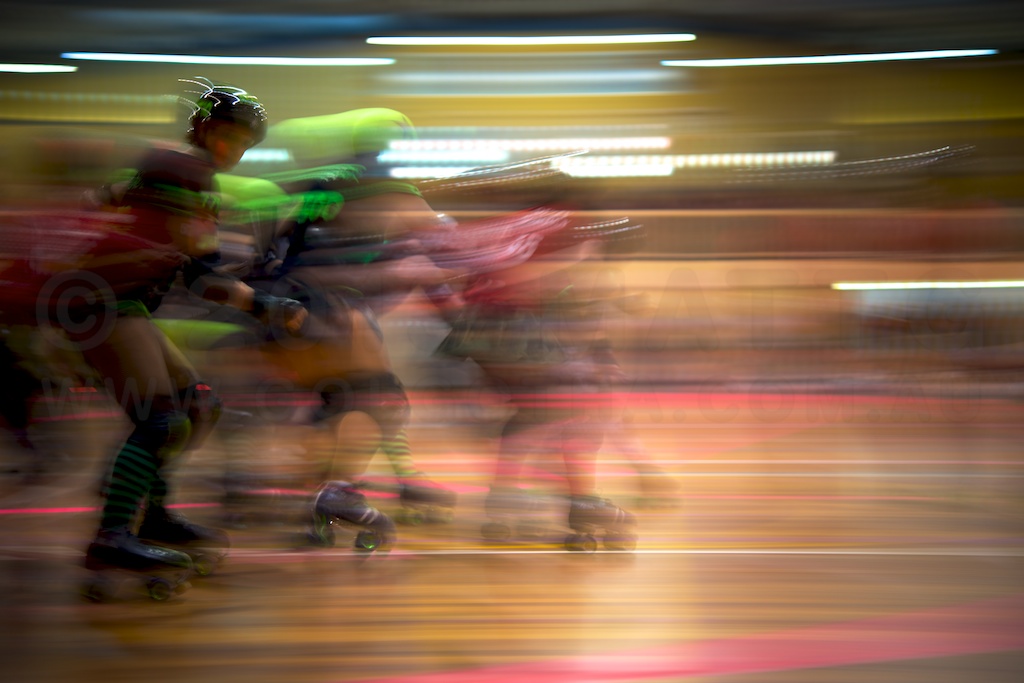
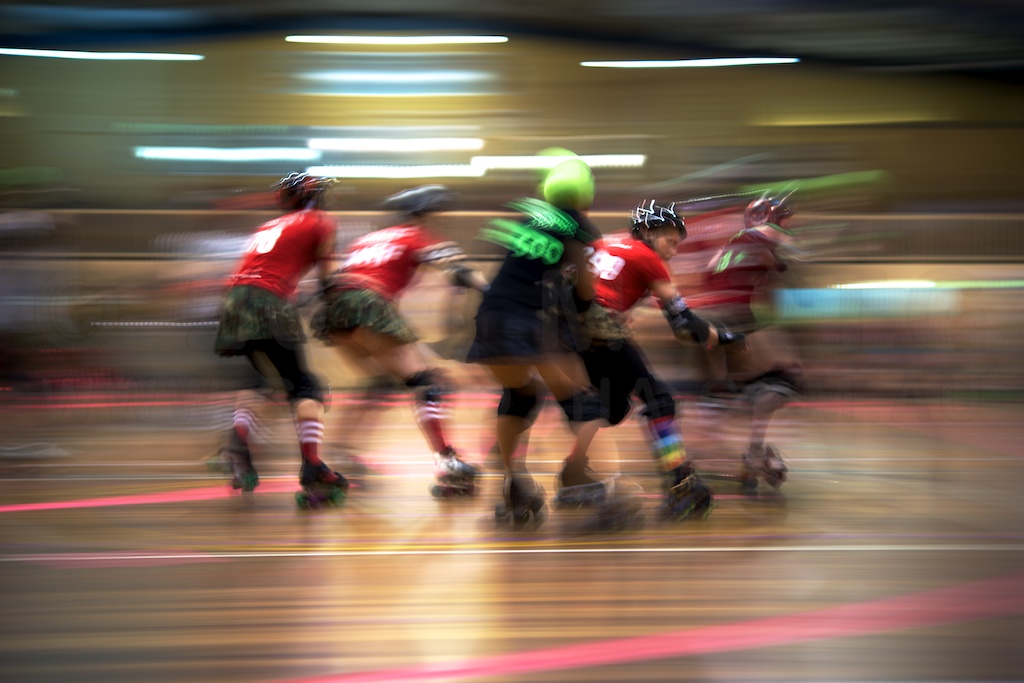
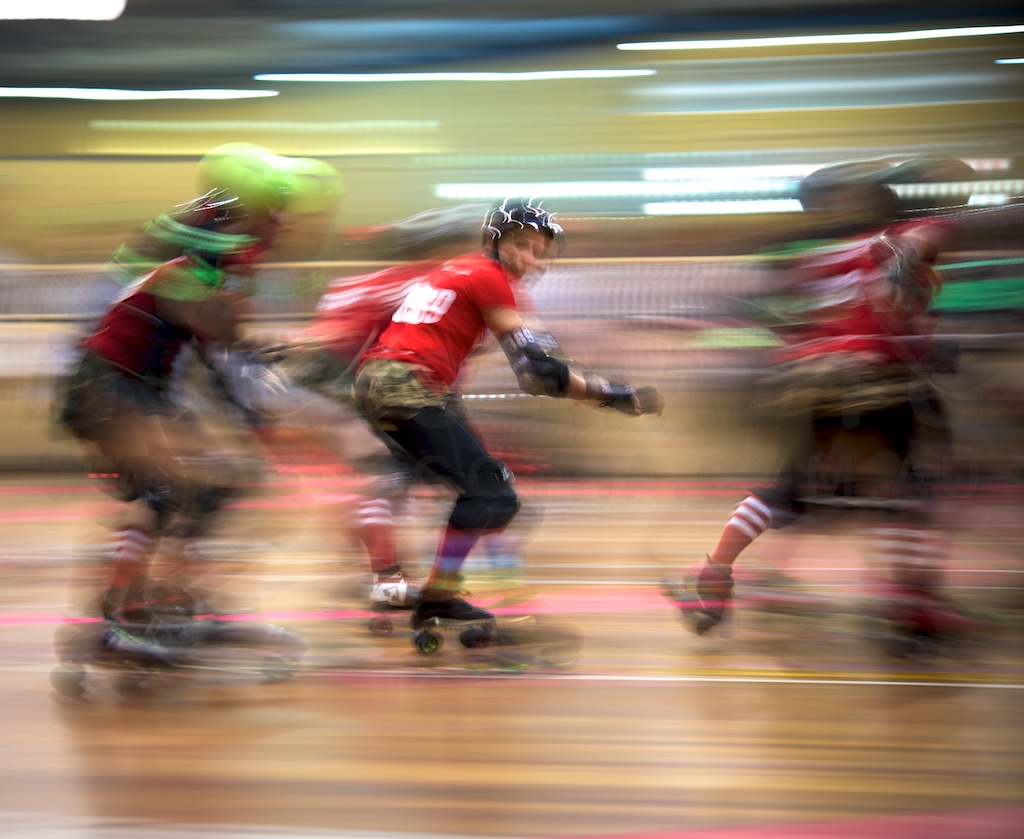
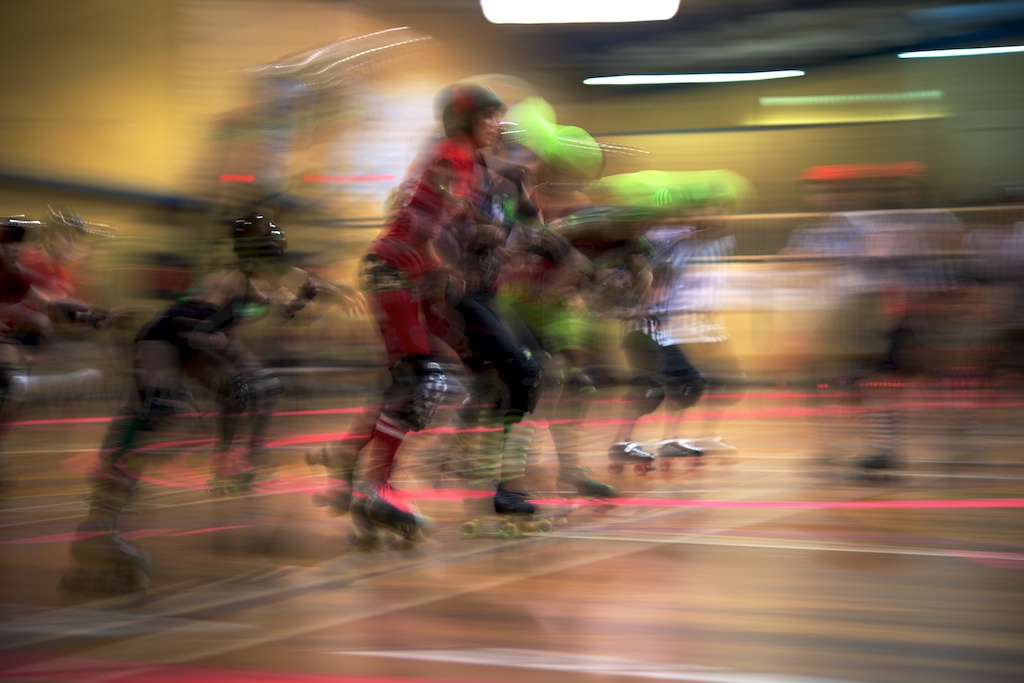
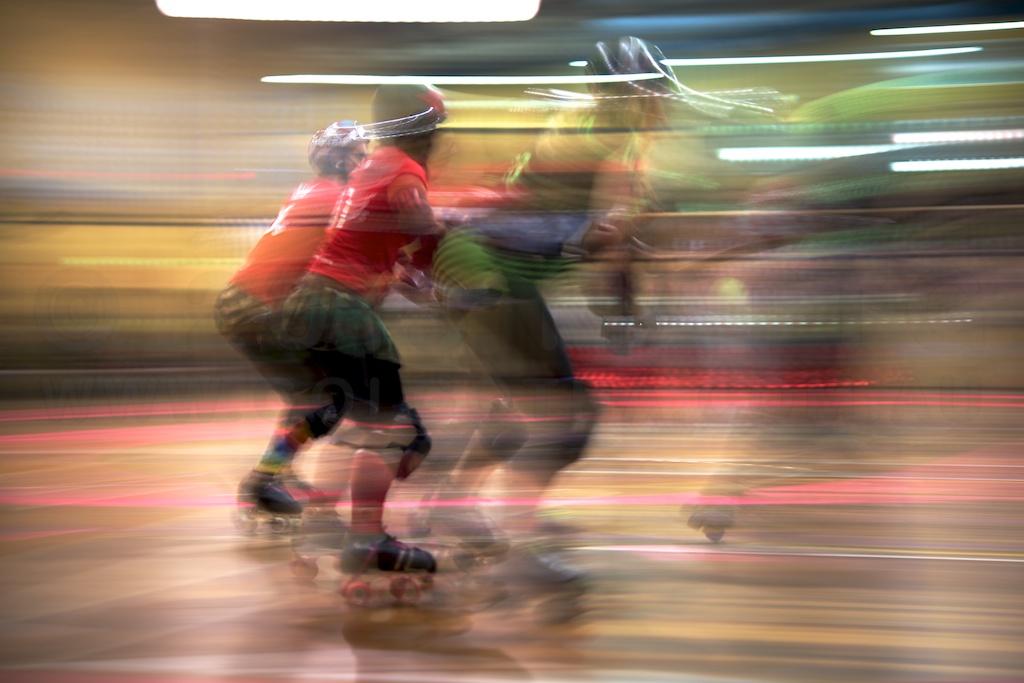
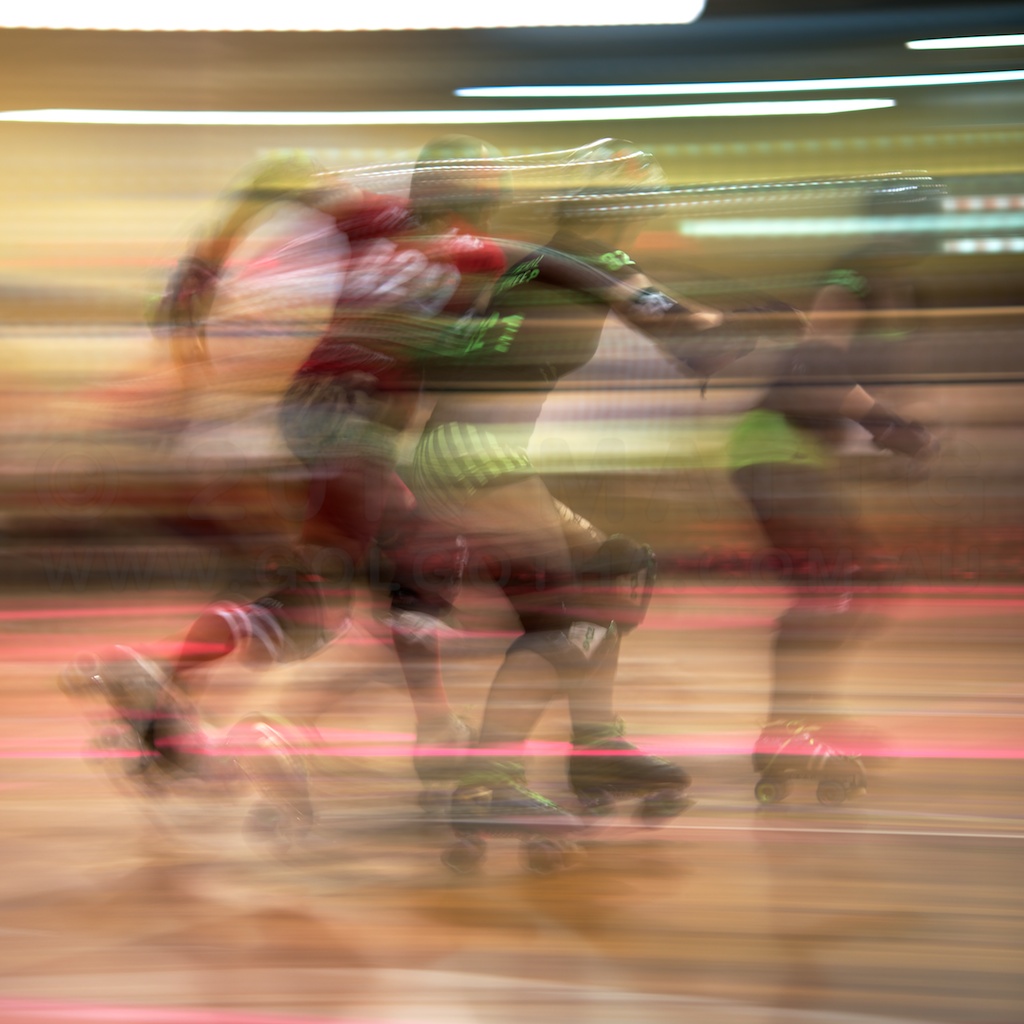
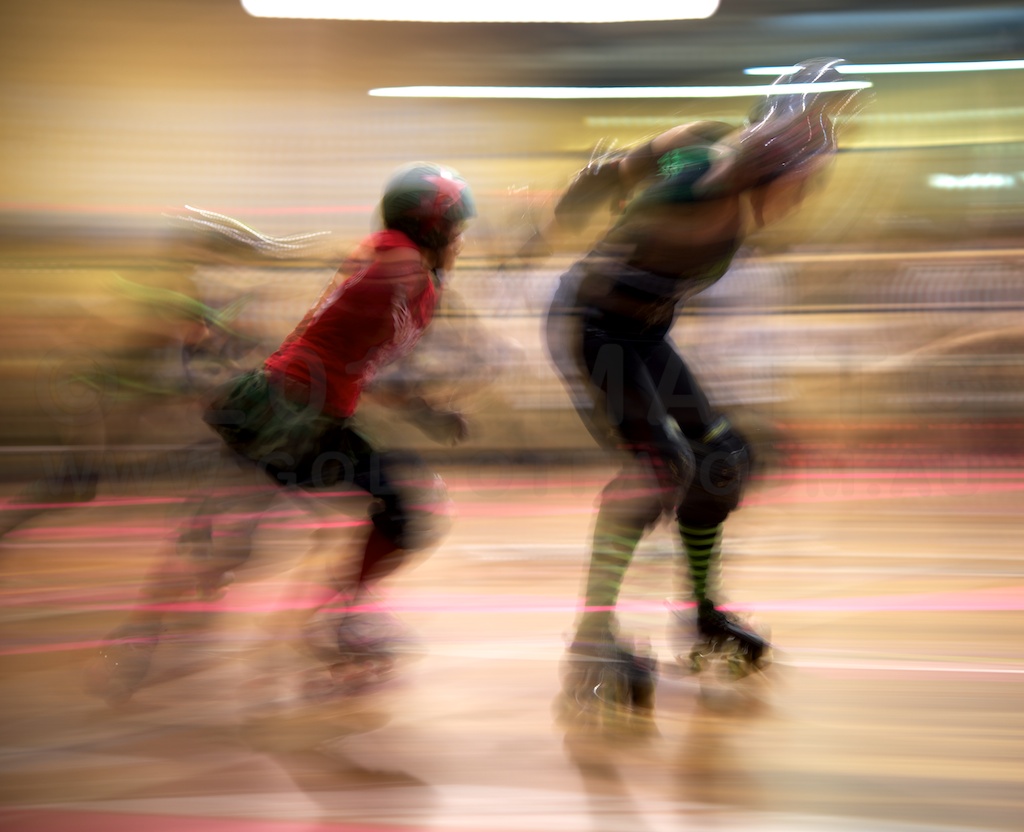
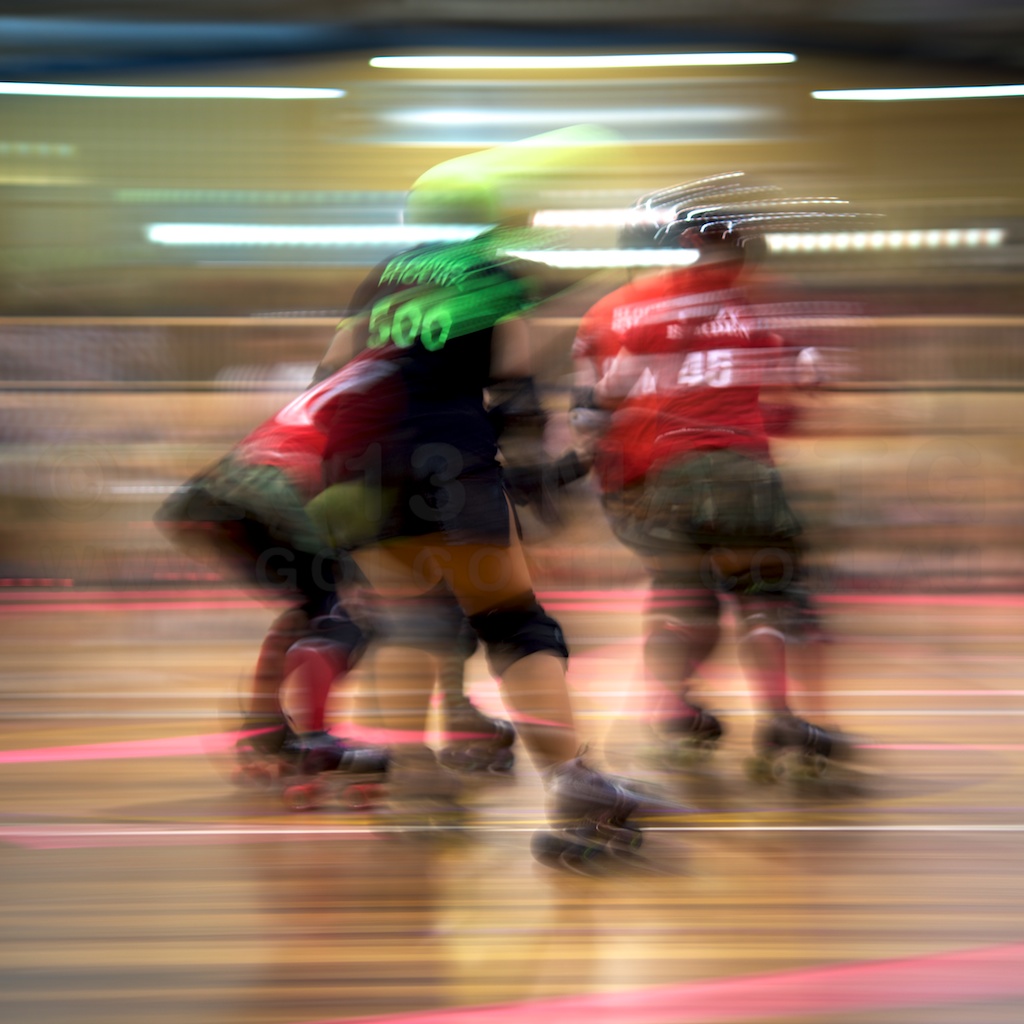
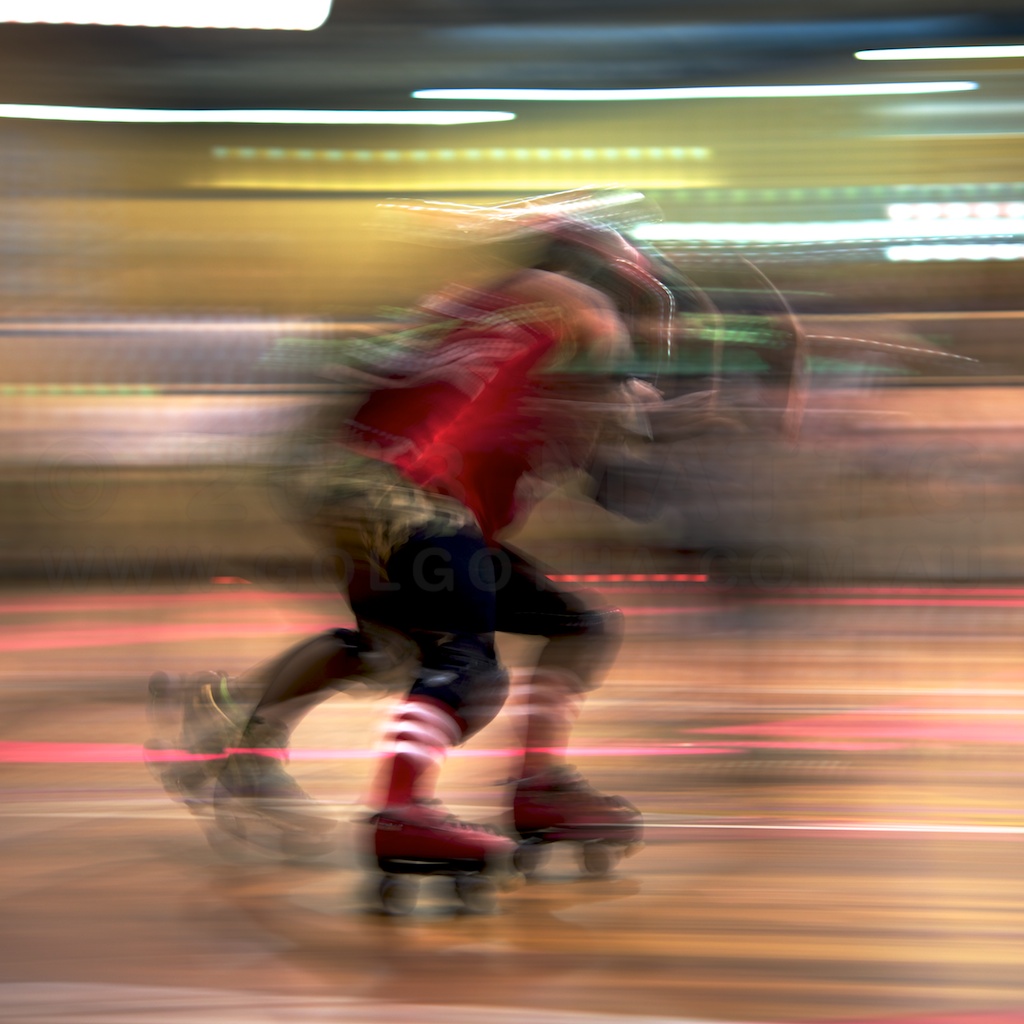
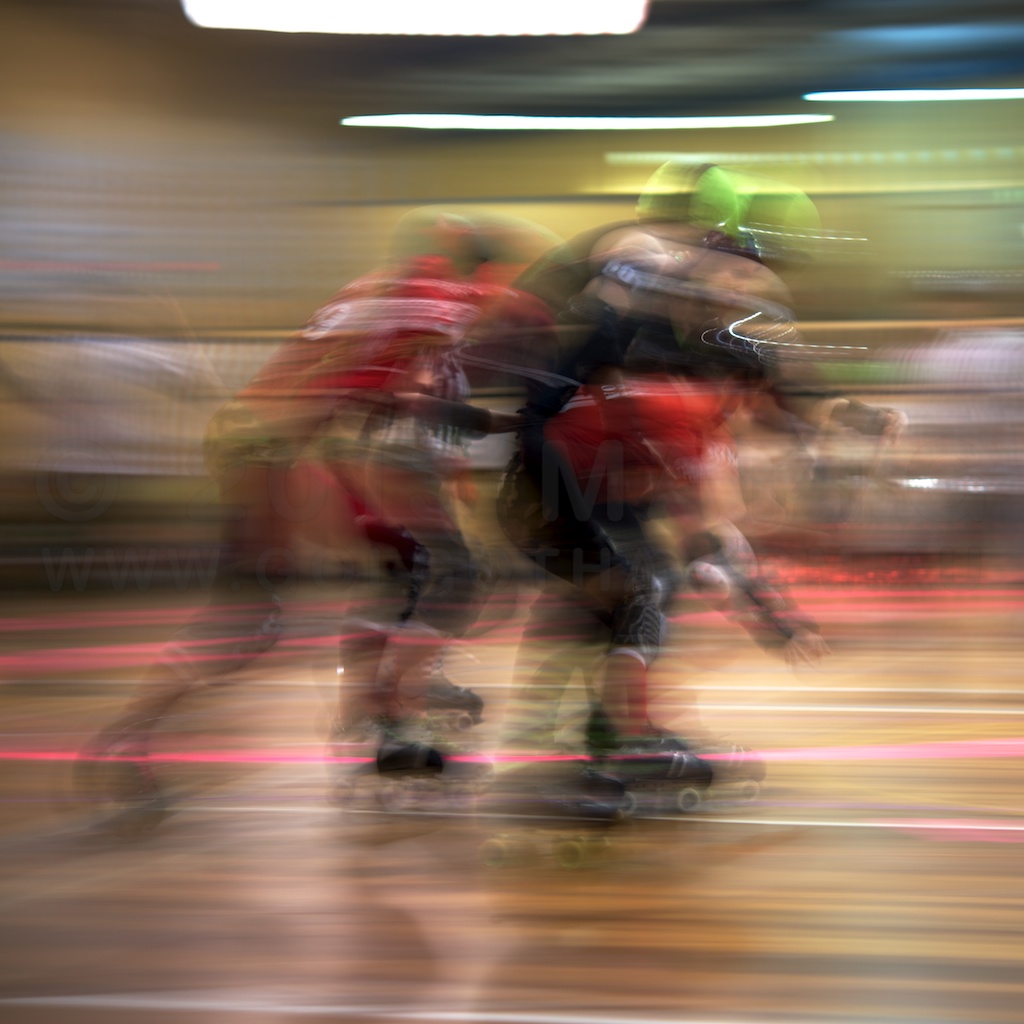
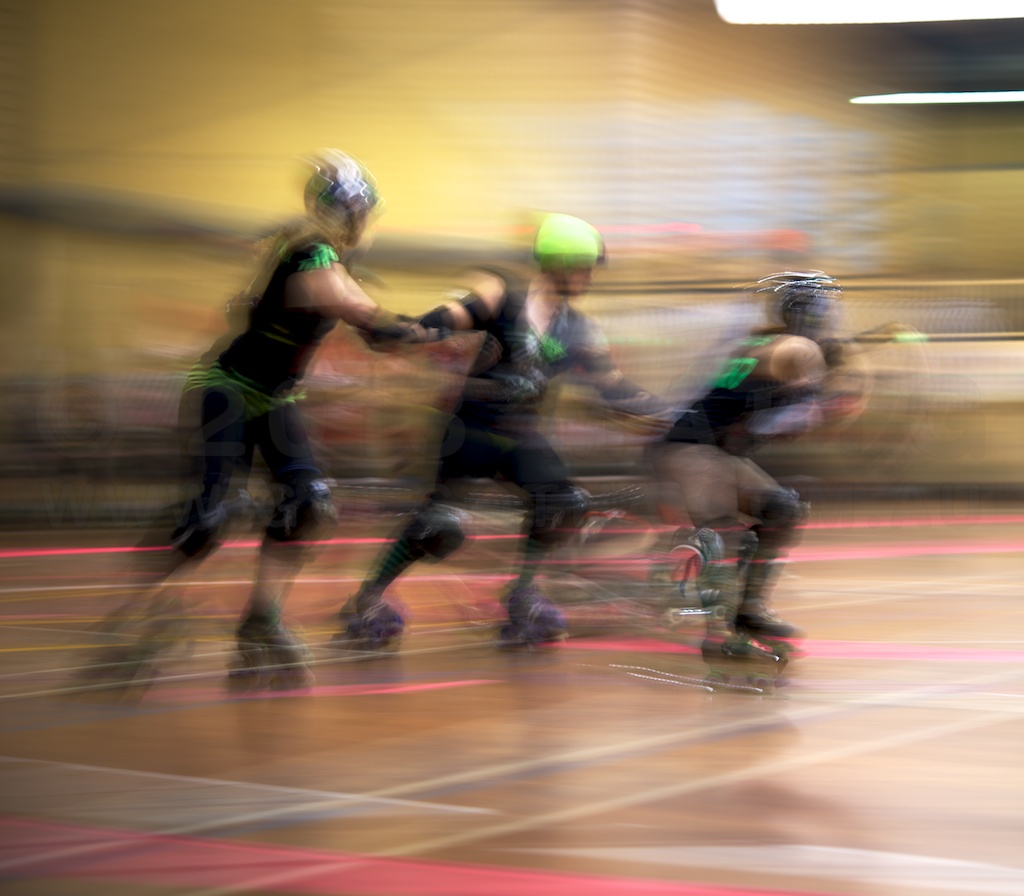
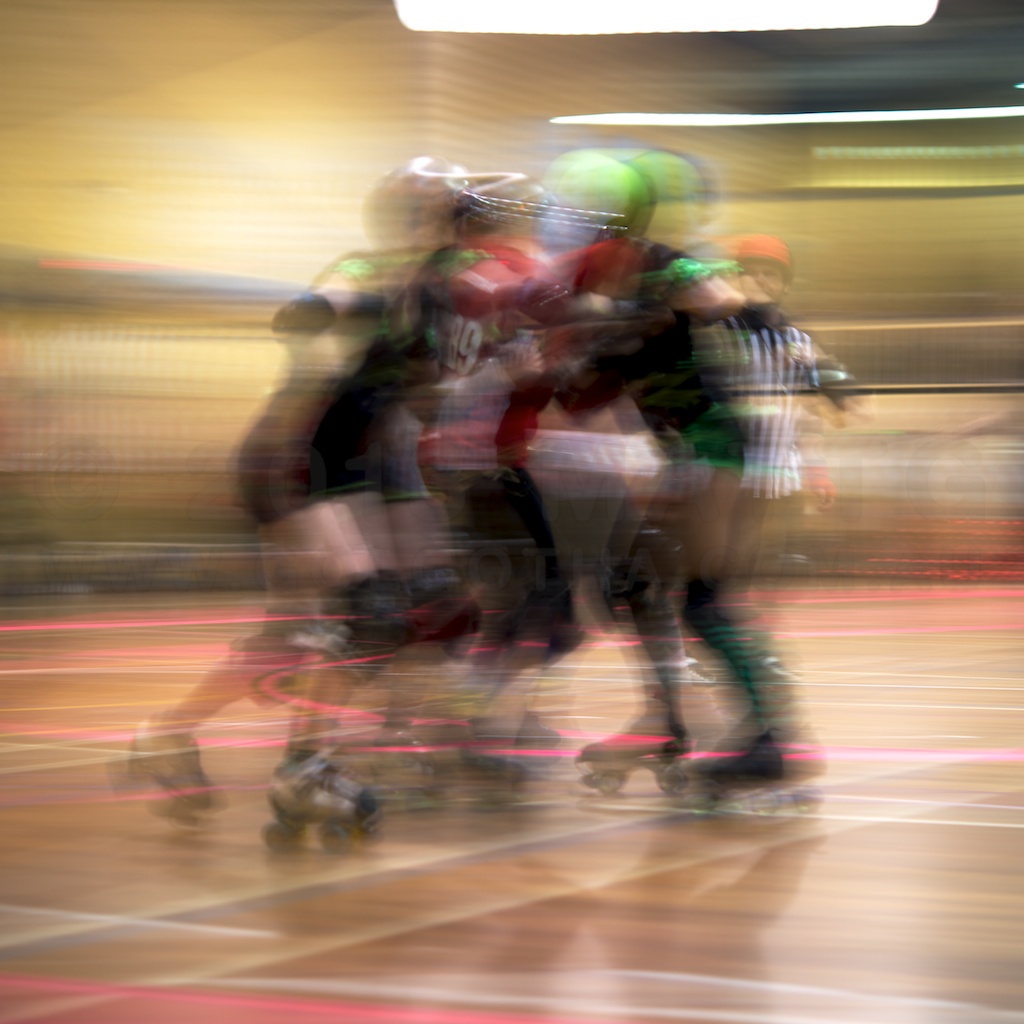
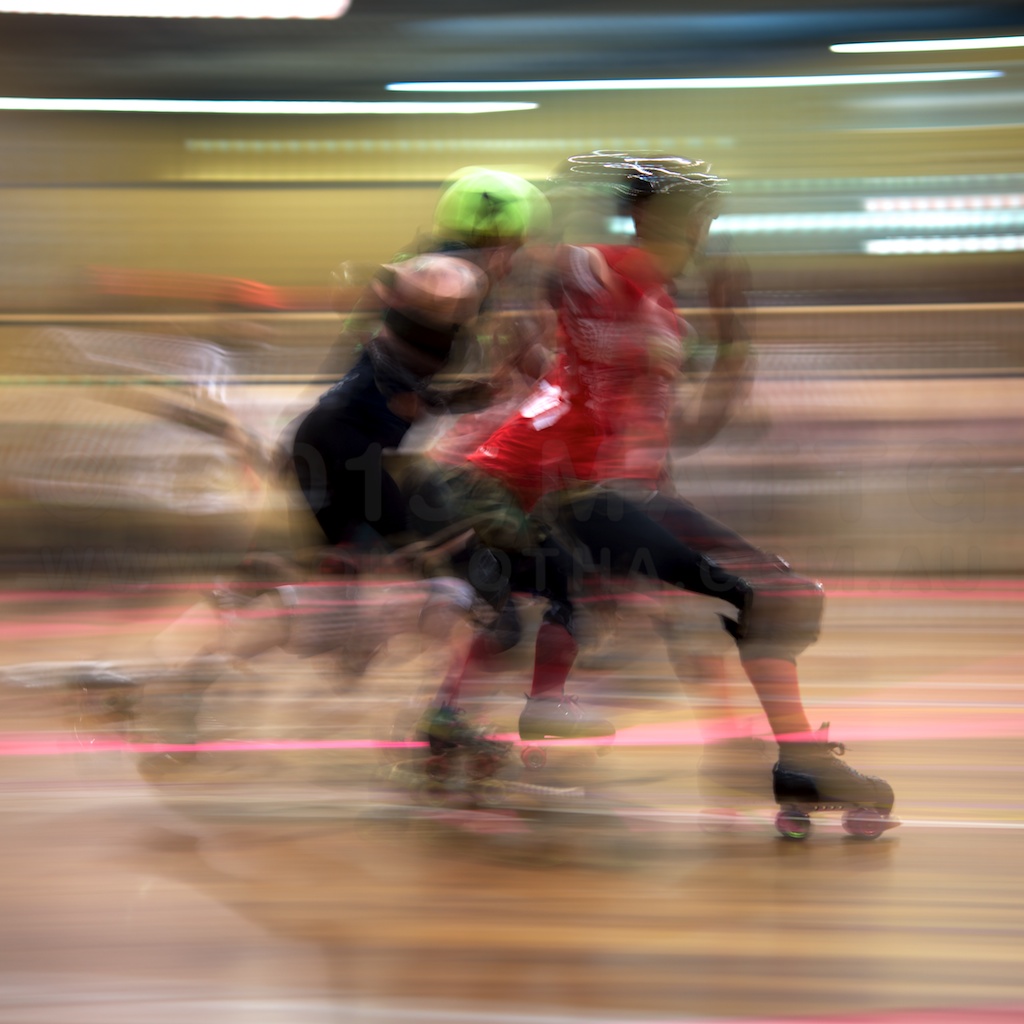
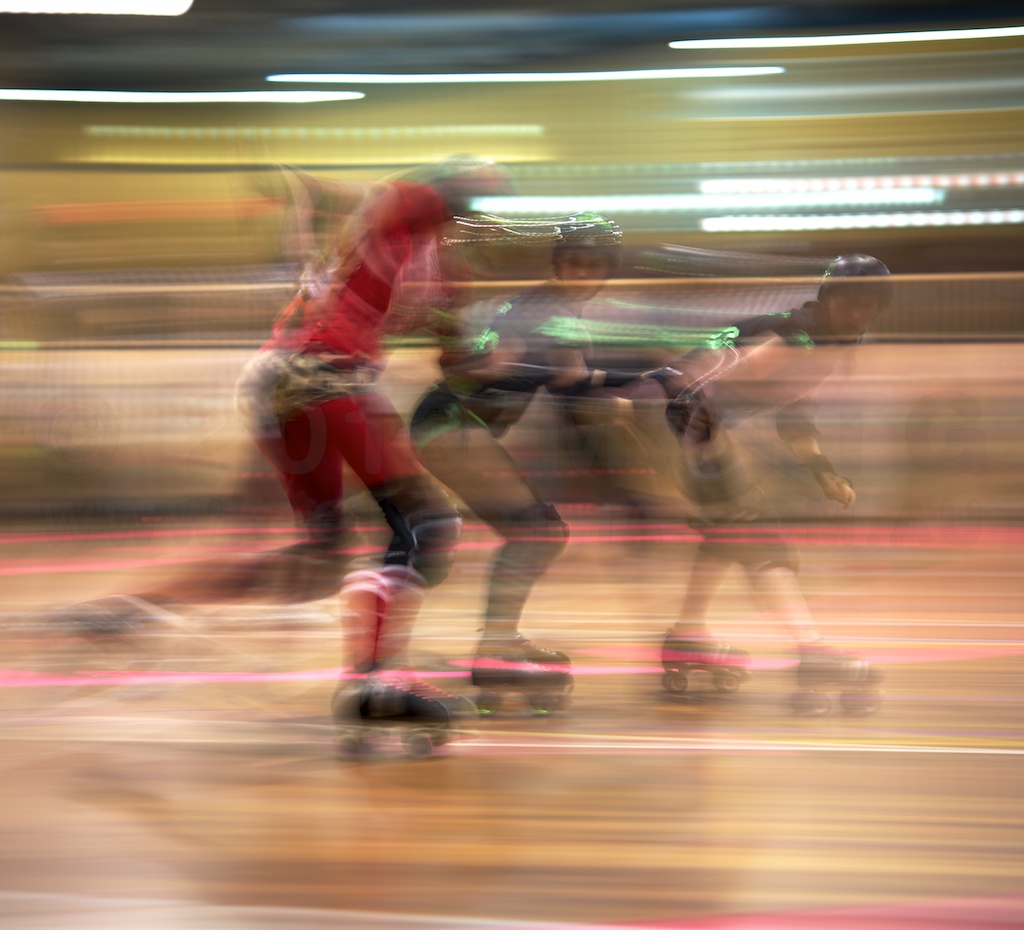
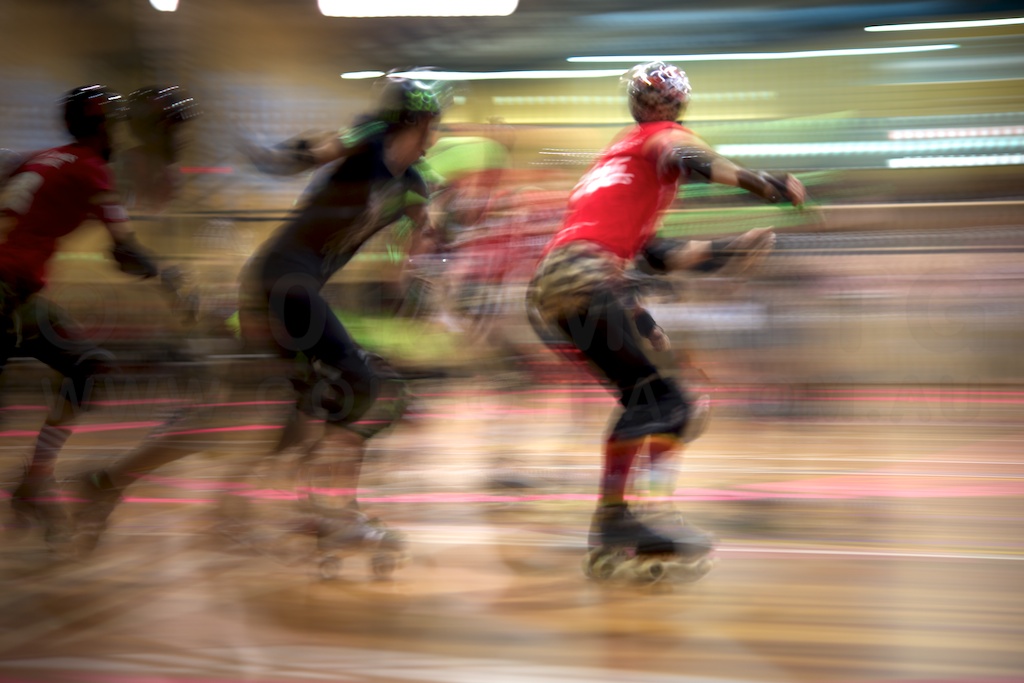
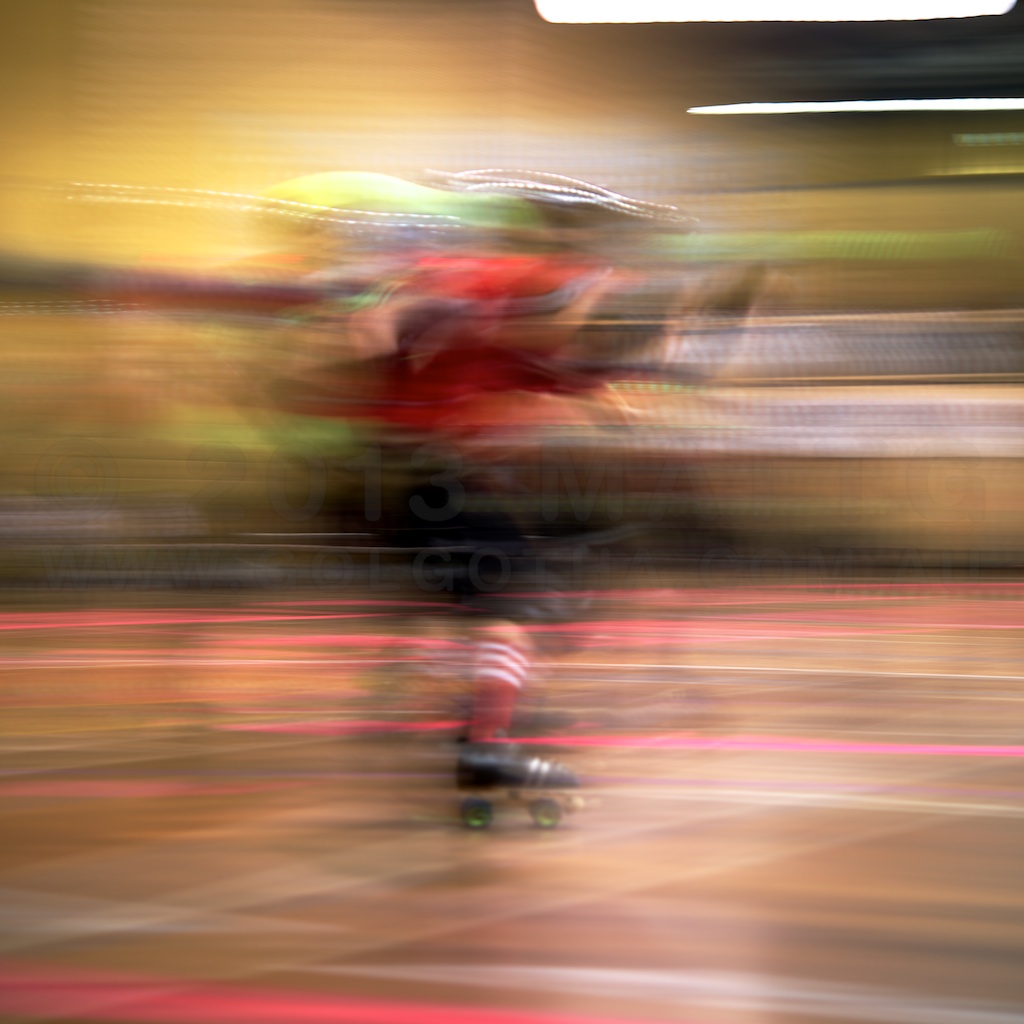
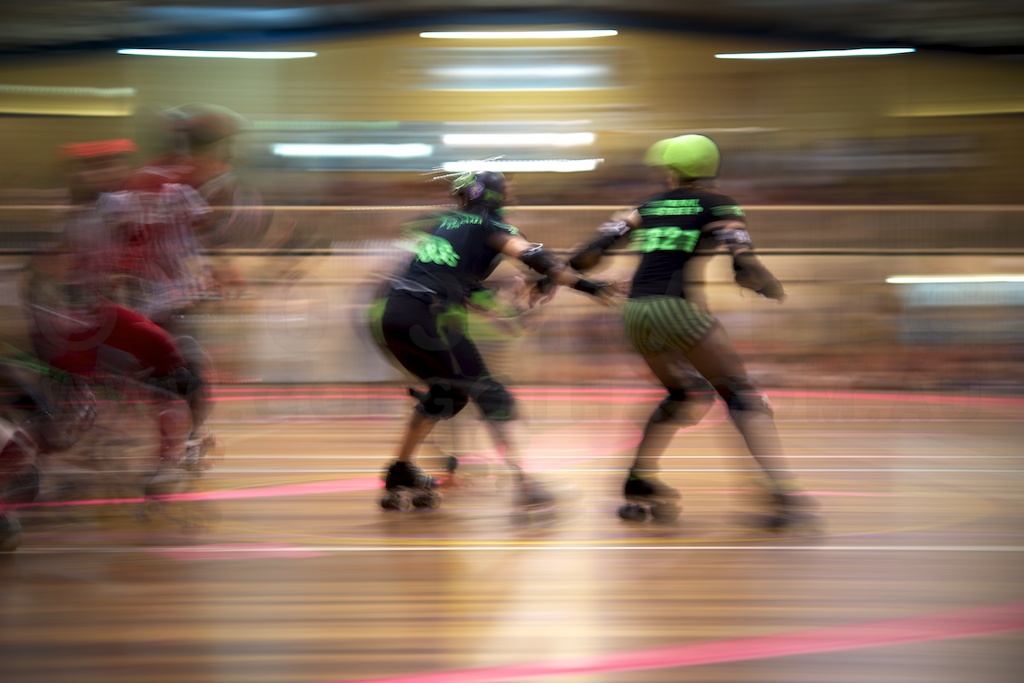
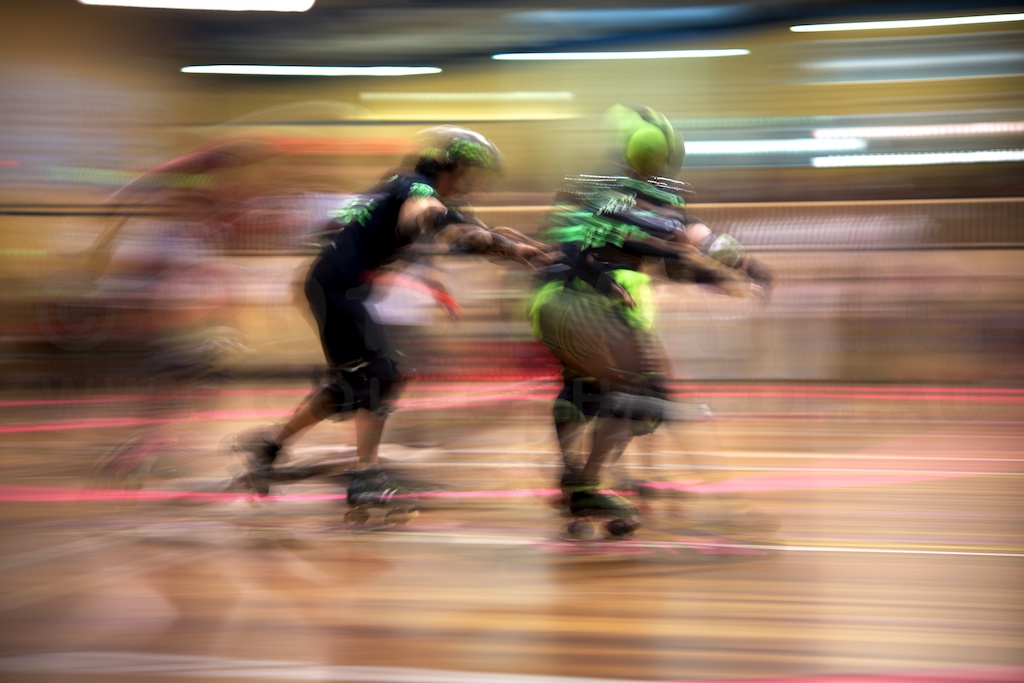
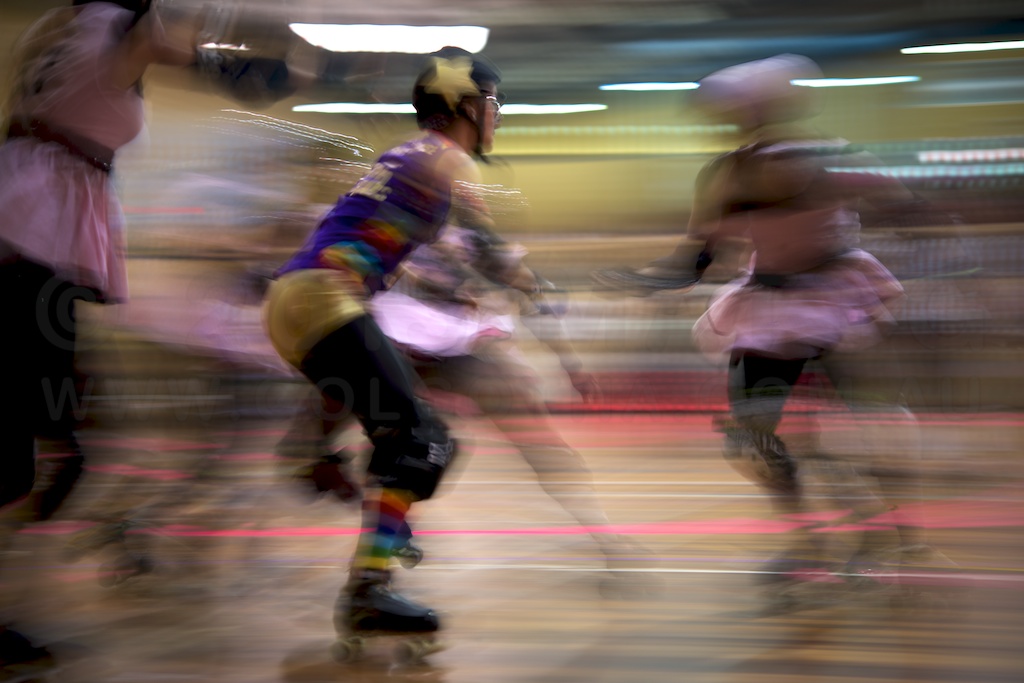
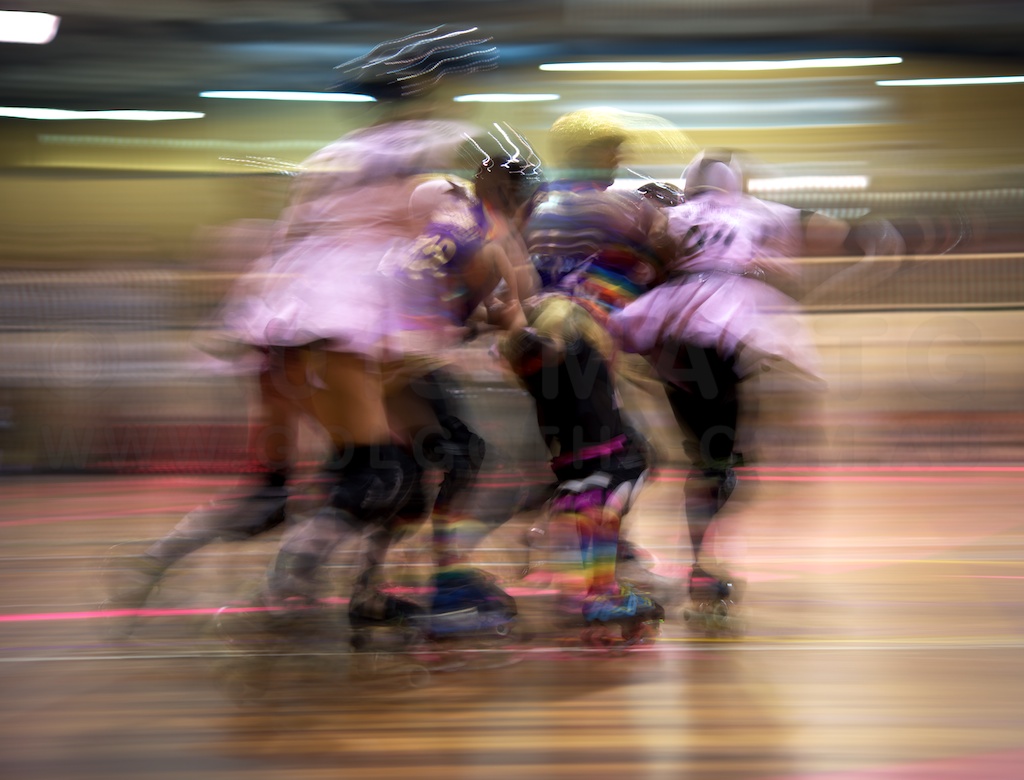
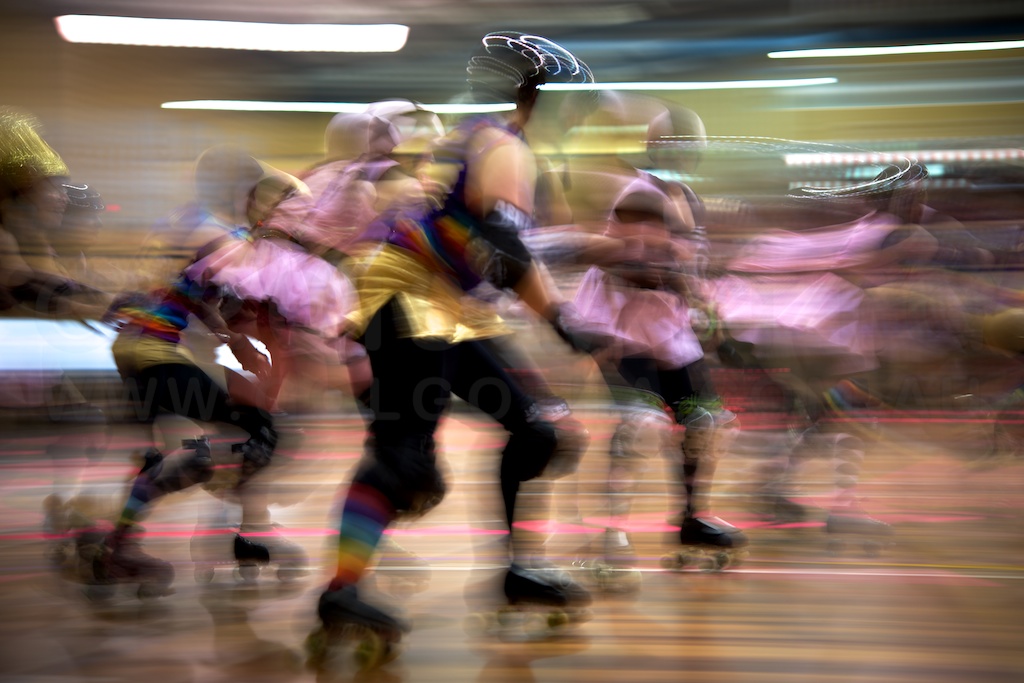
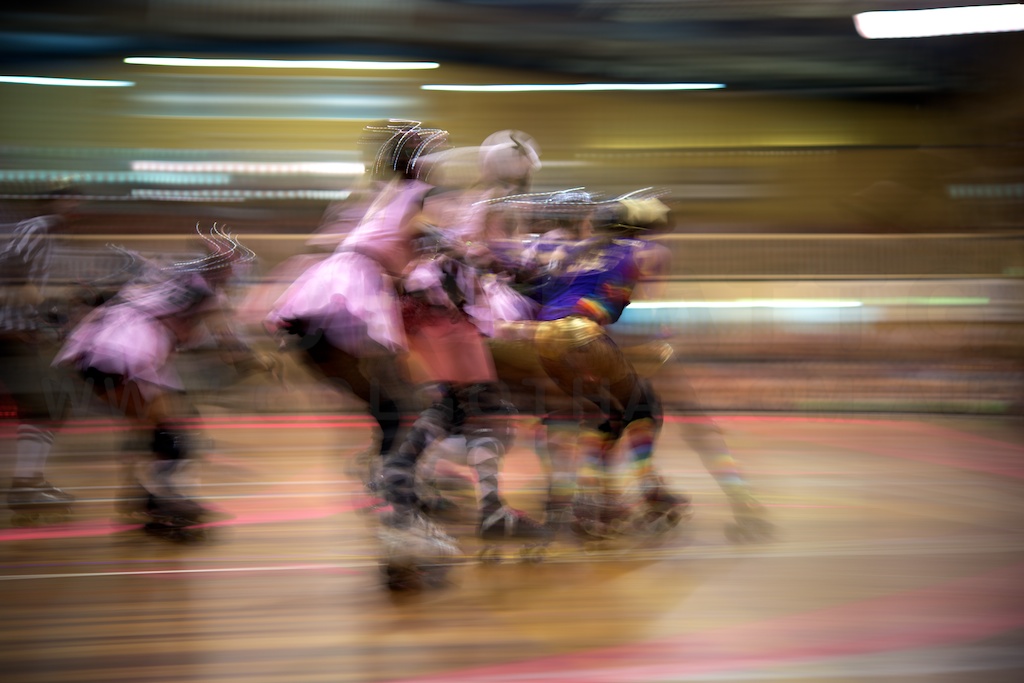
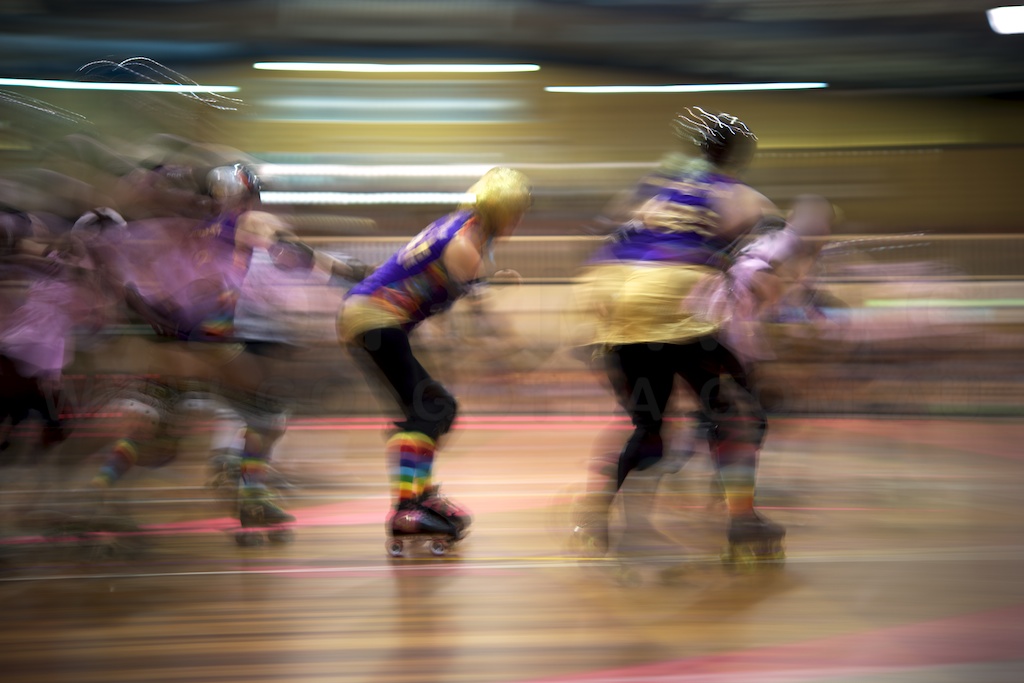
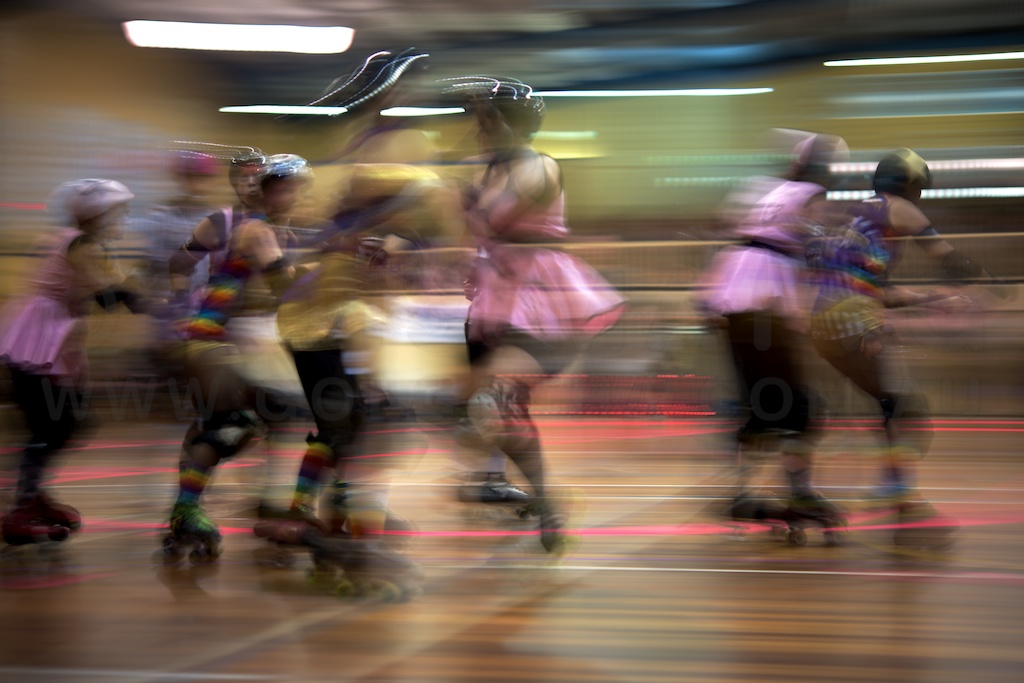
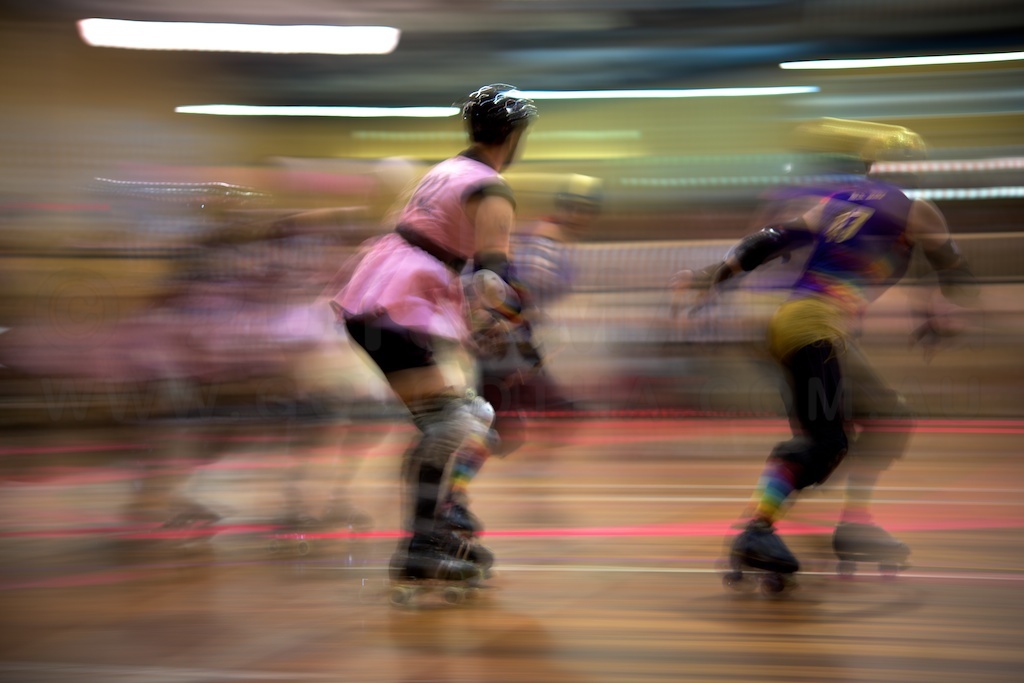
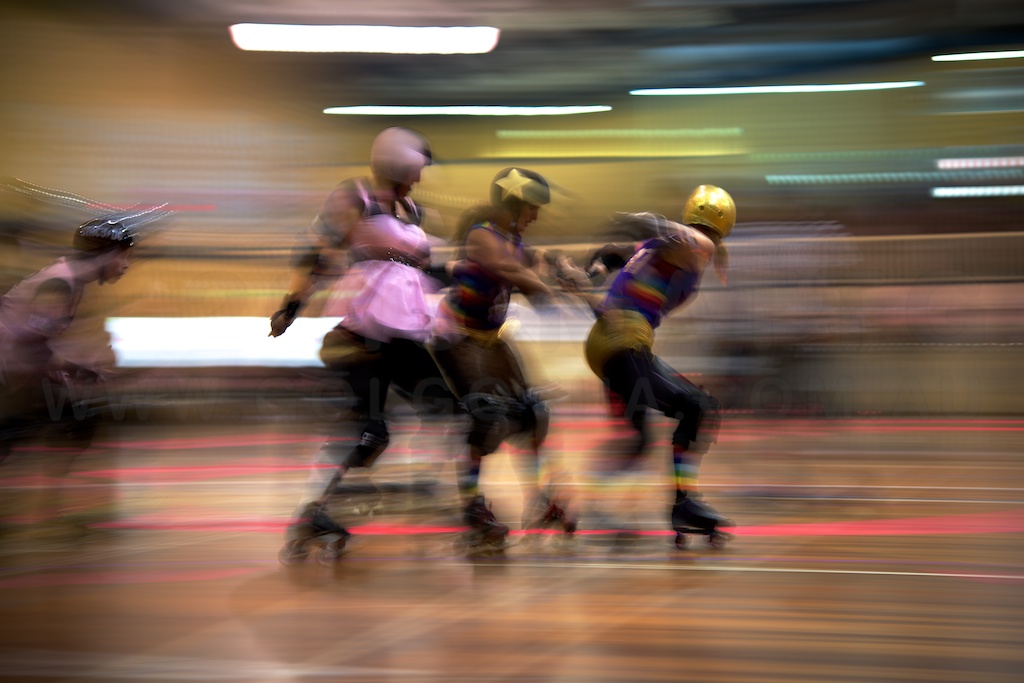
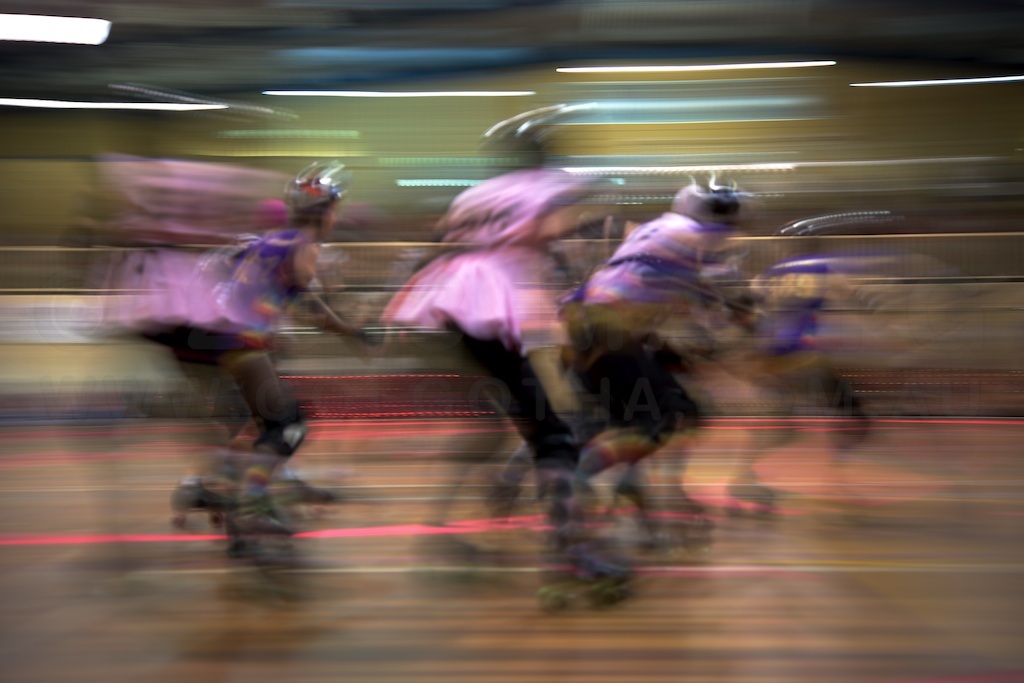
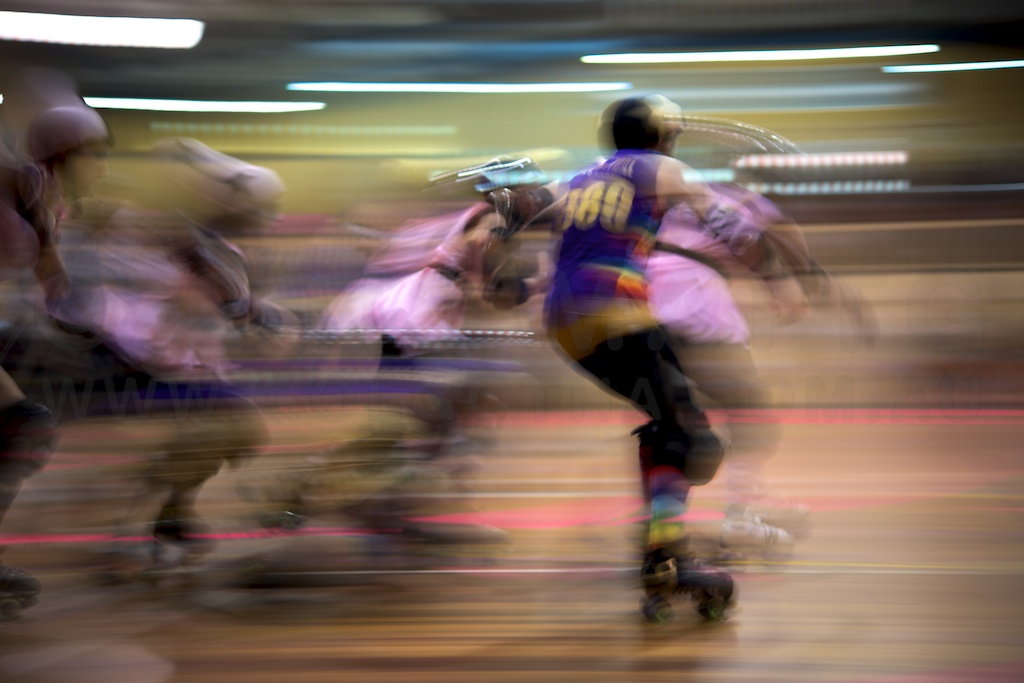
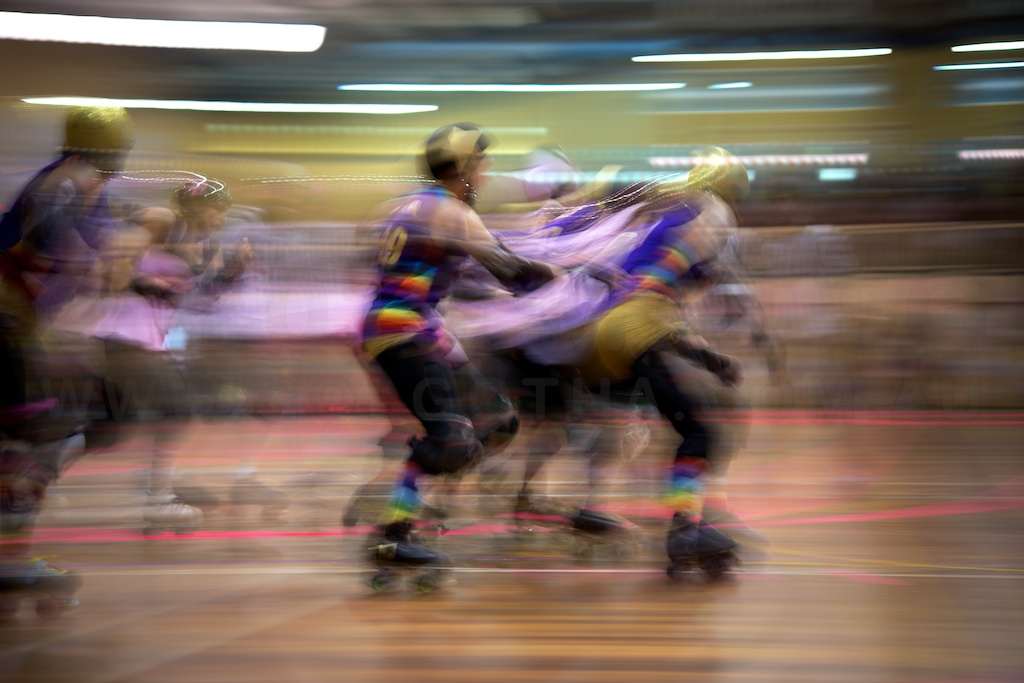
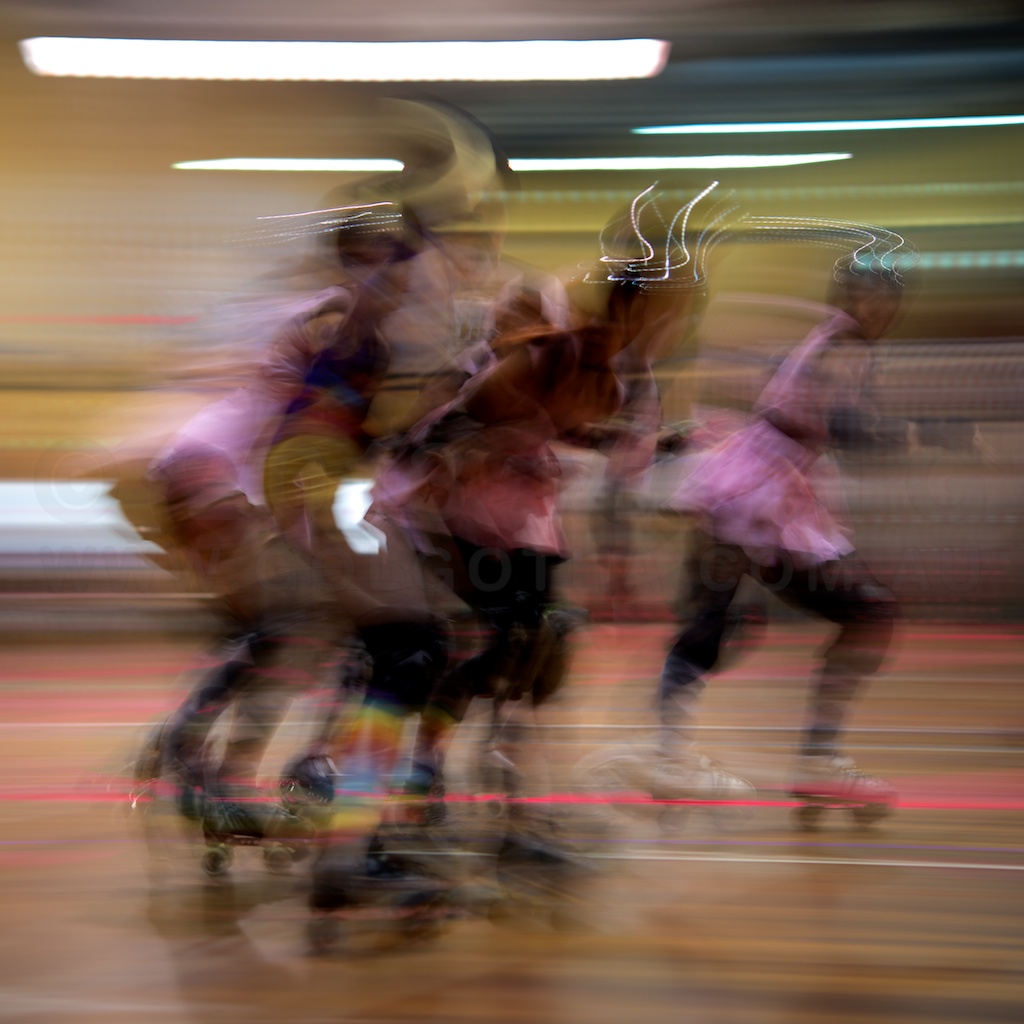
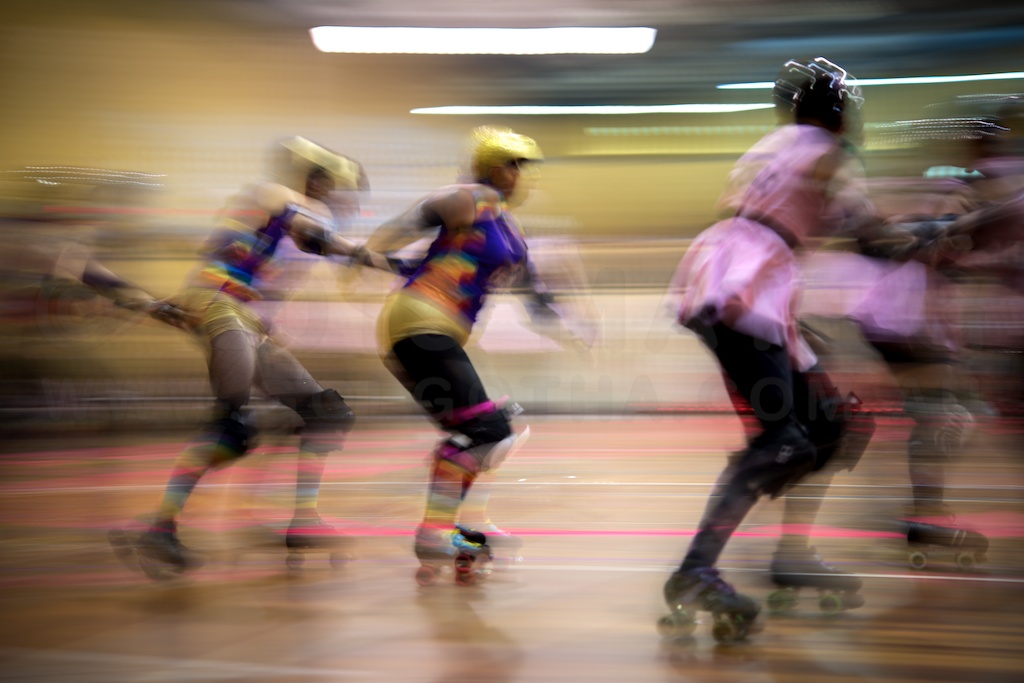
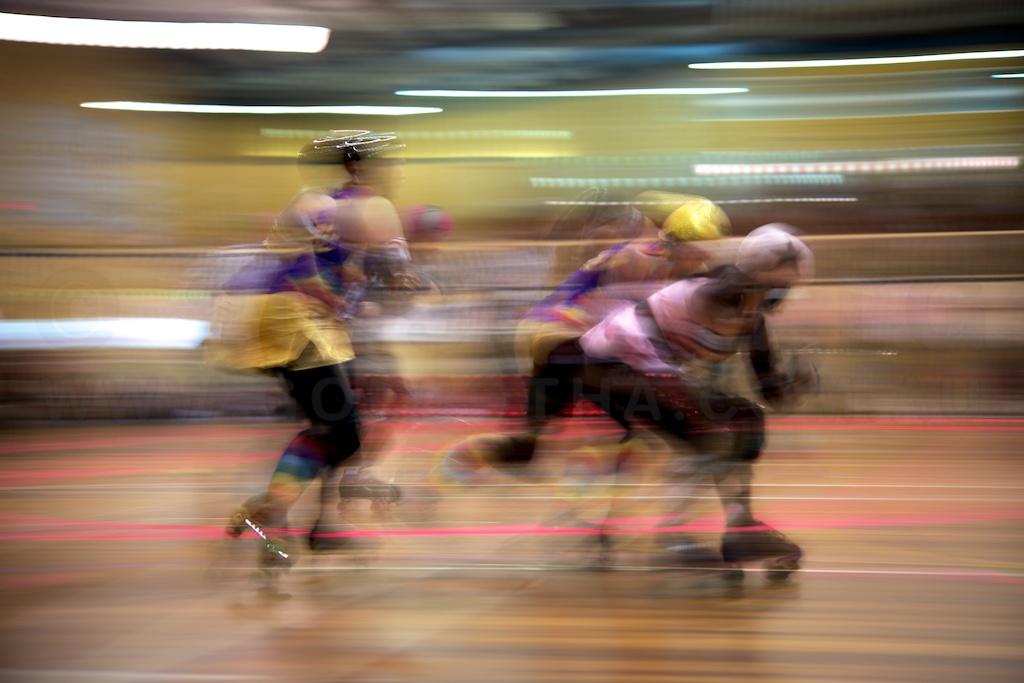
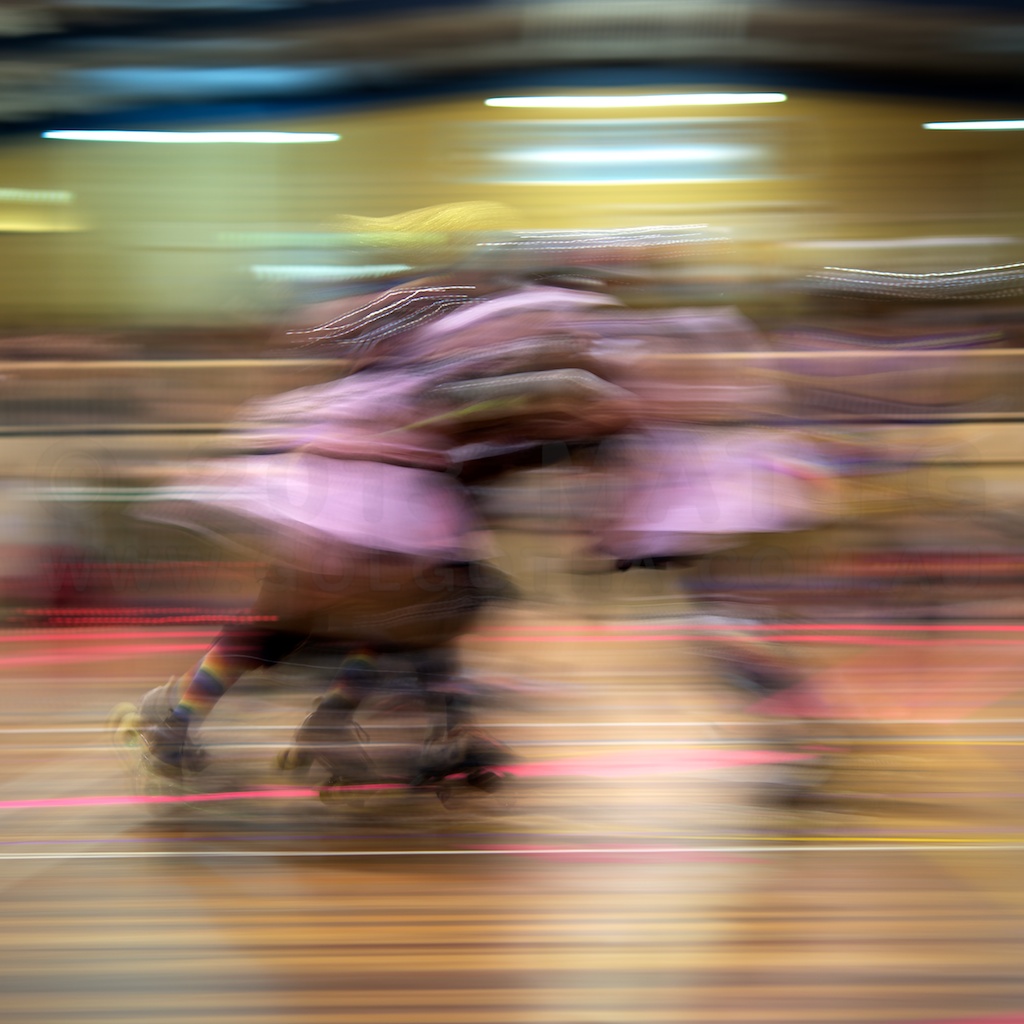
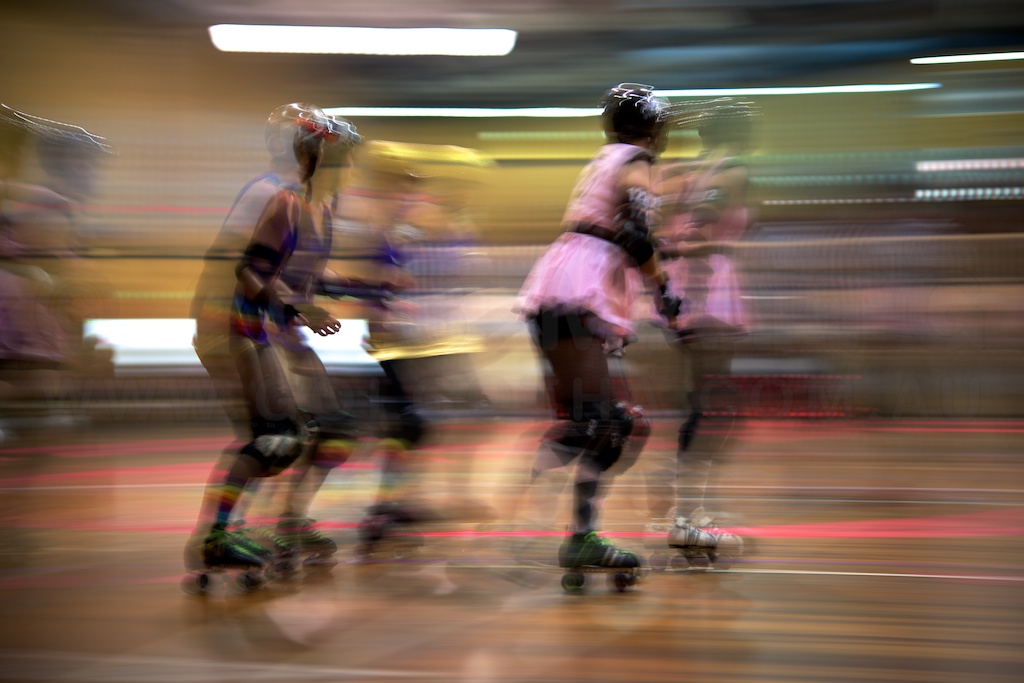
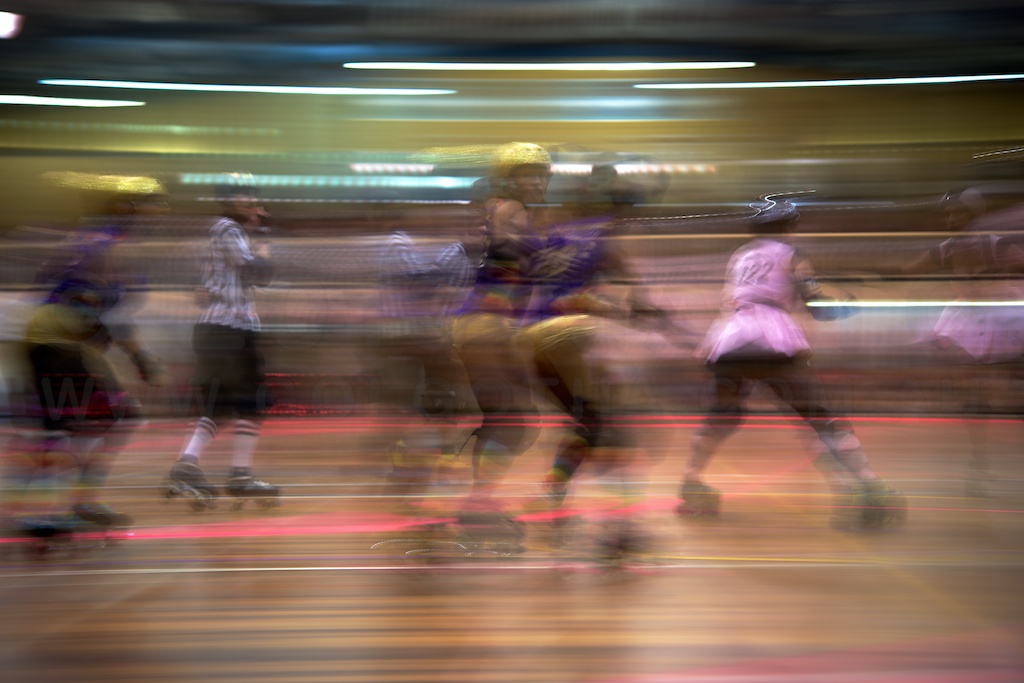
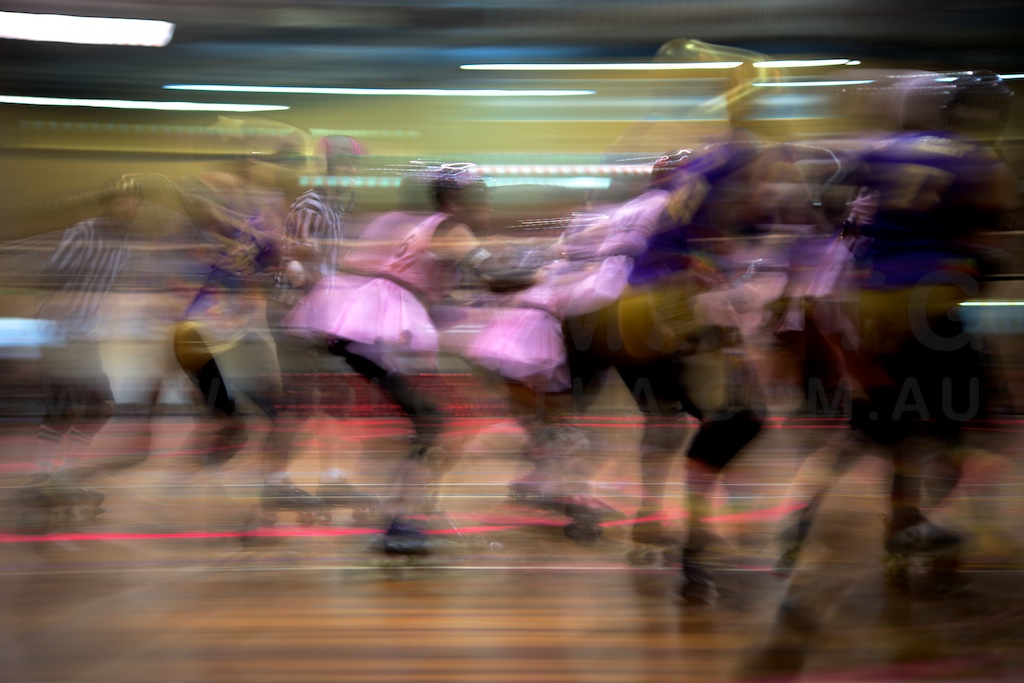
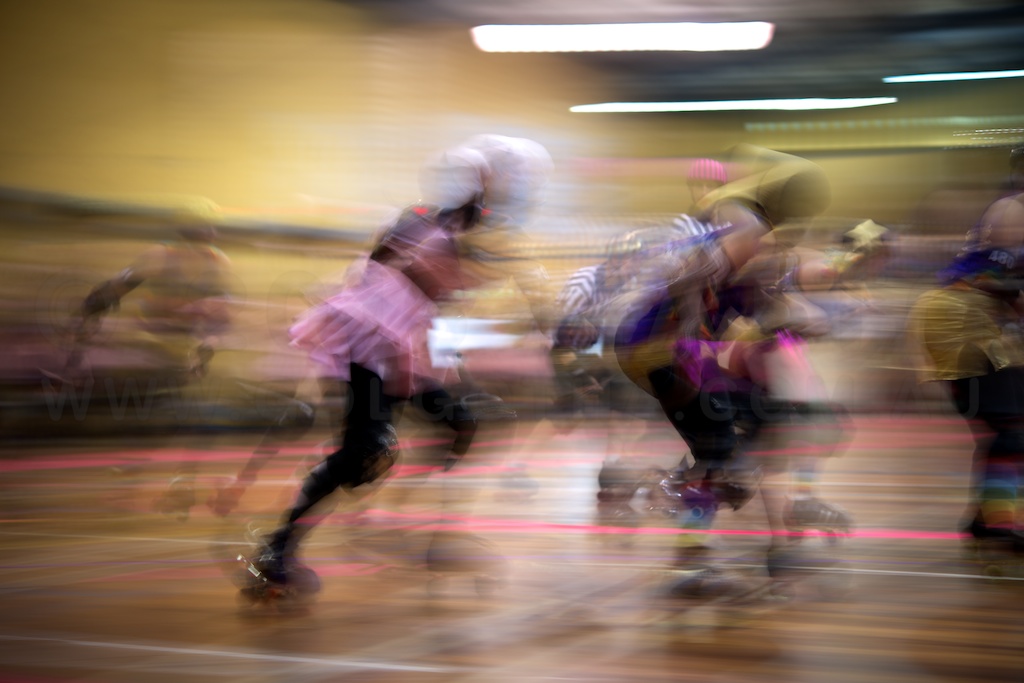
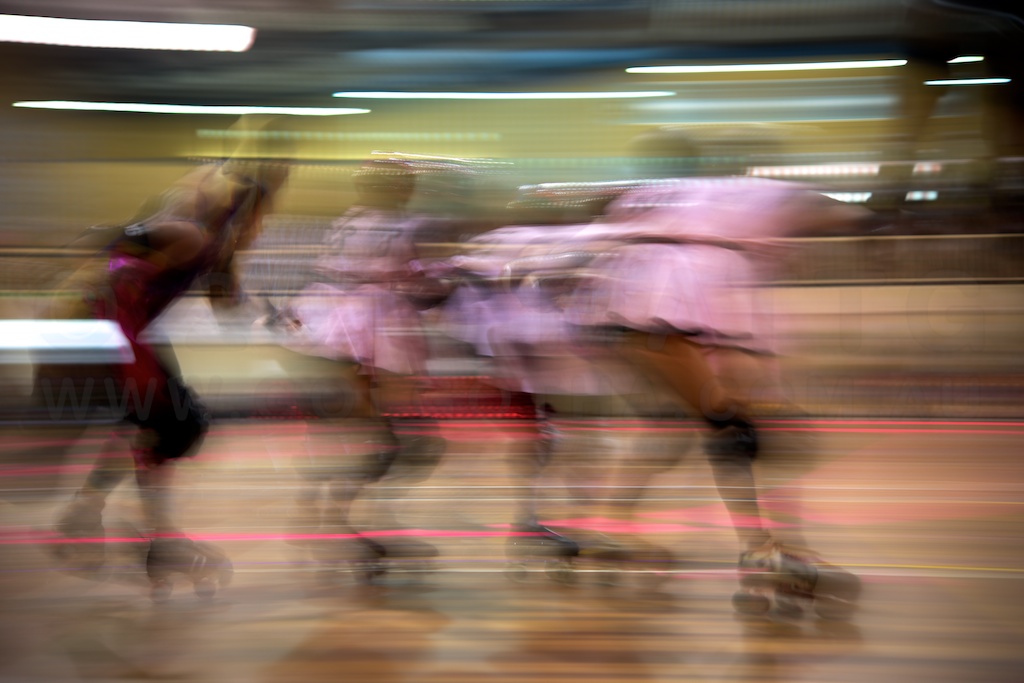
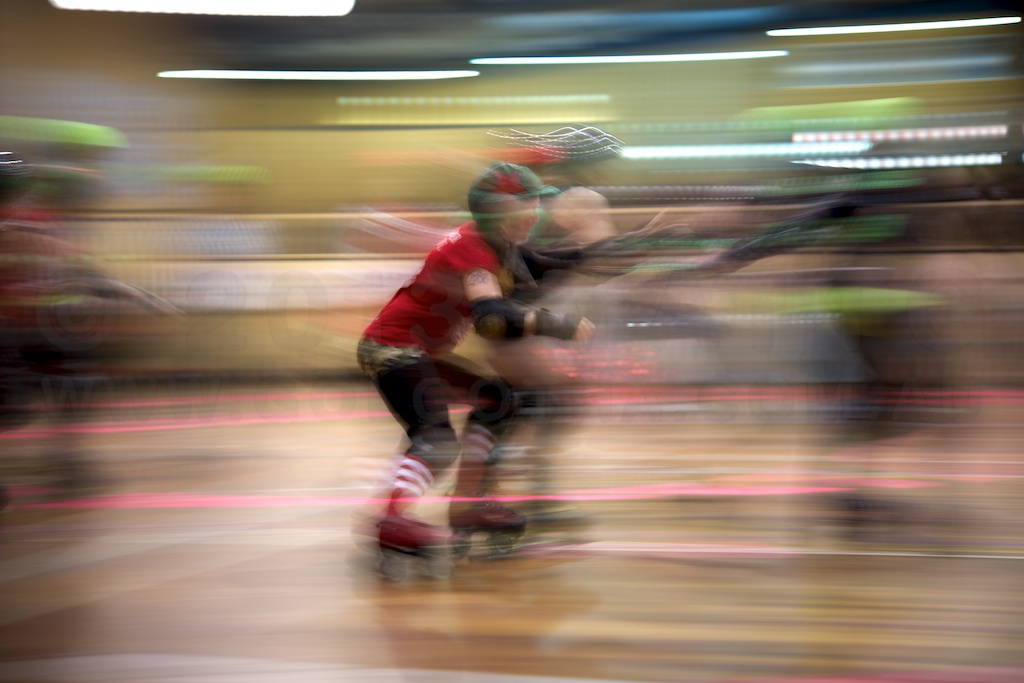
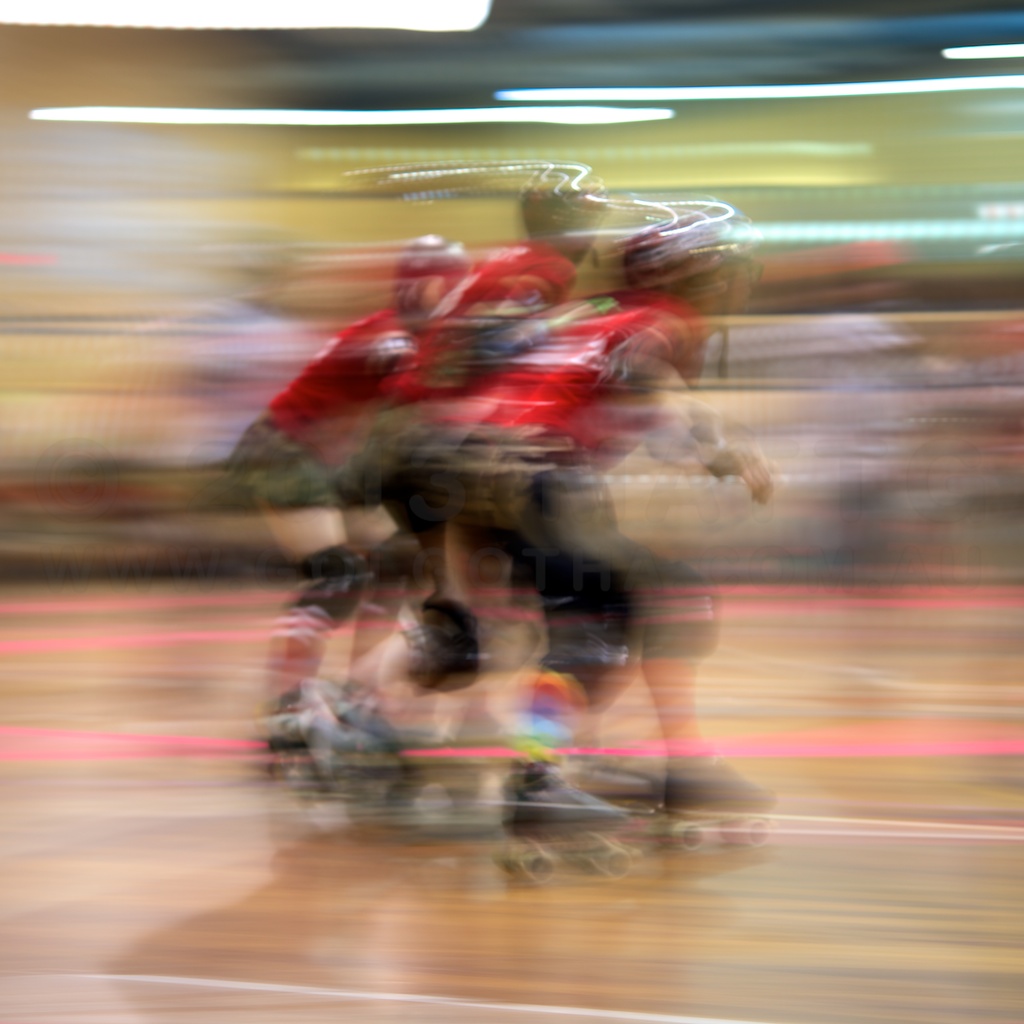
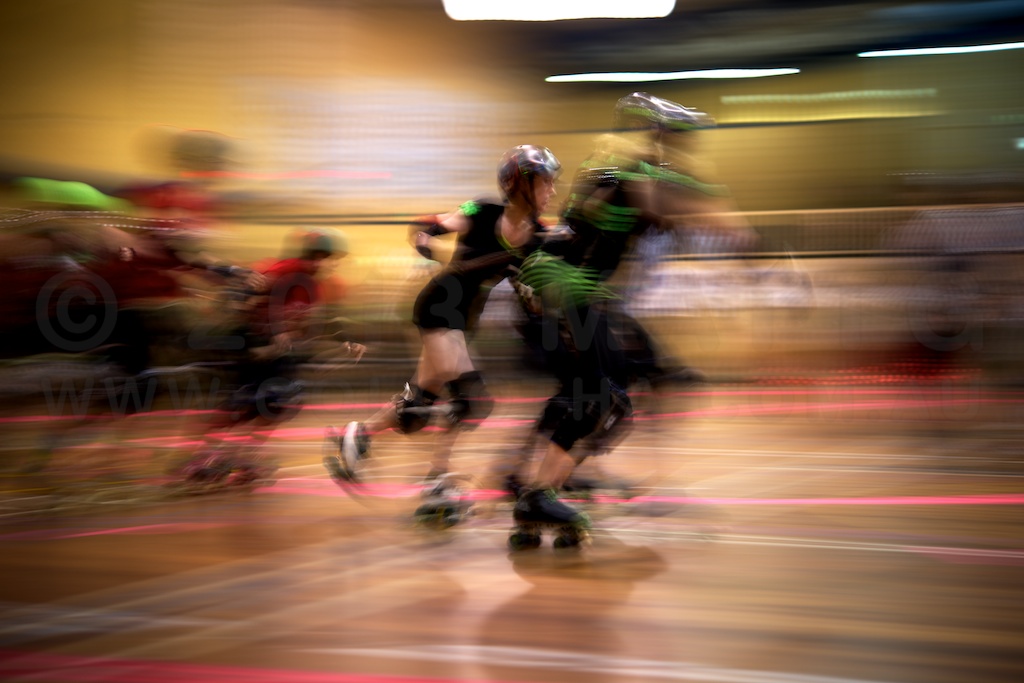
Saturday was spent at the grand final of Sydney Roller Derby League. Here’s a selection of pics from the first ,grand final bout:
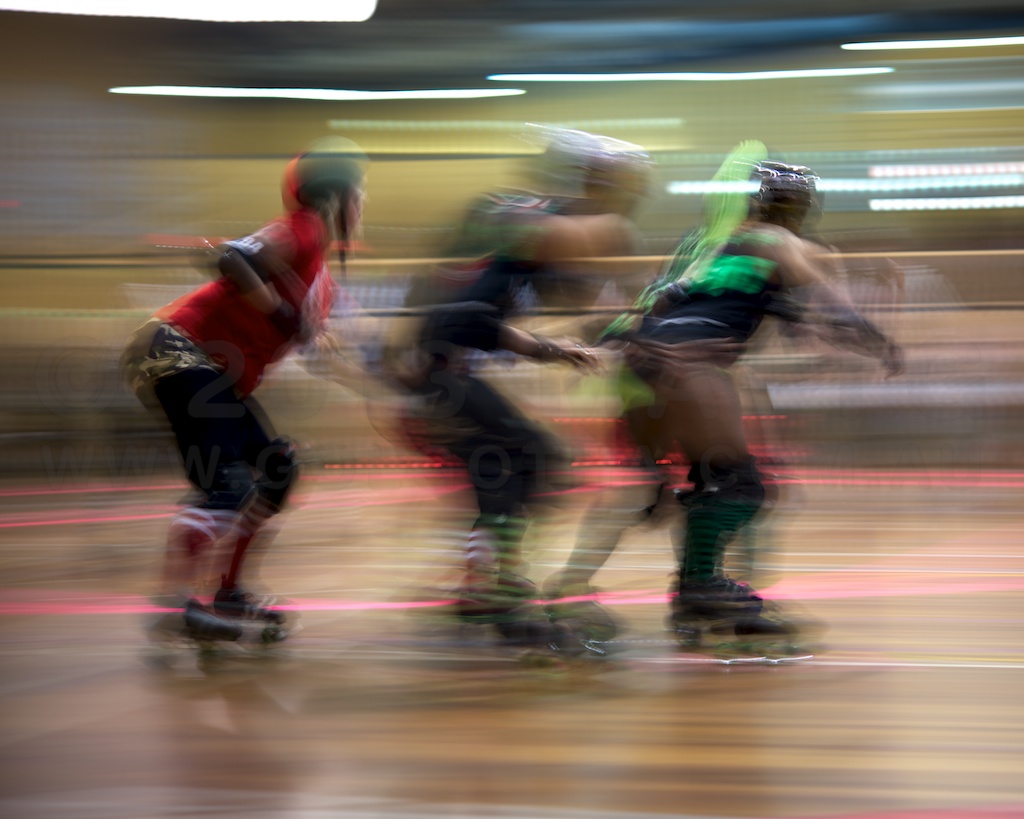
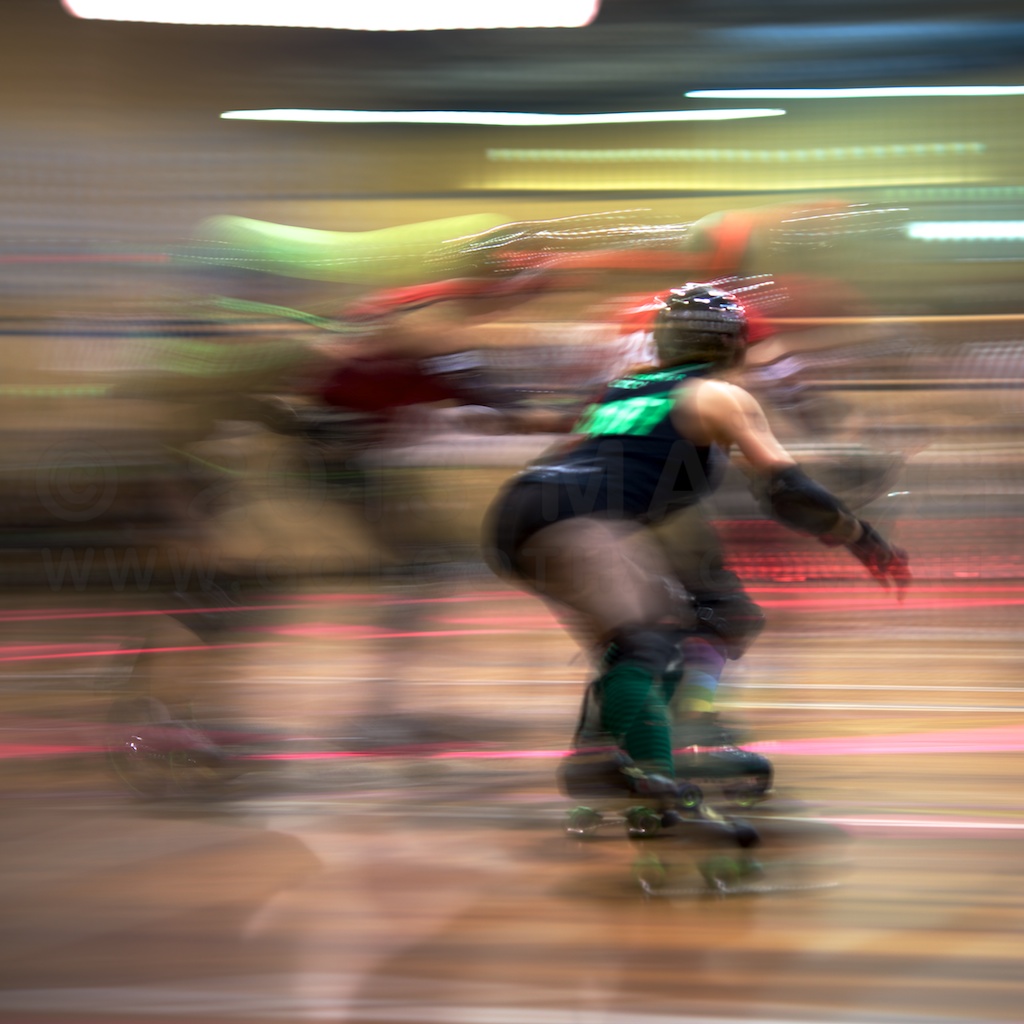
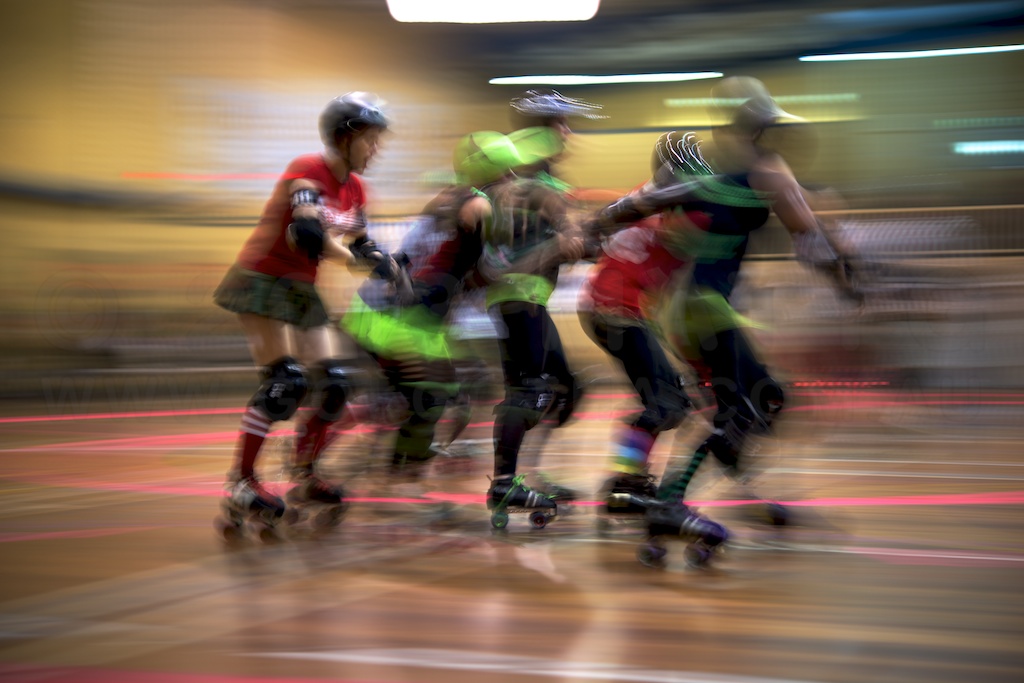
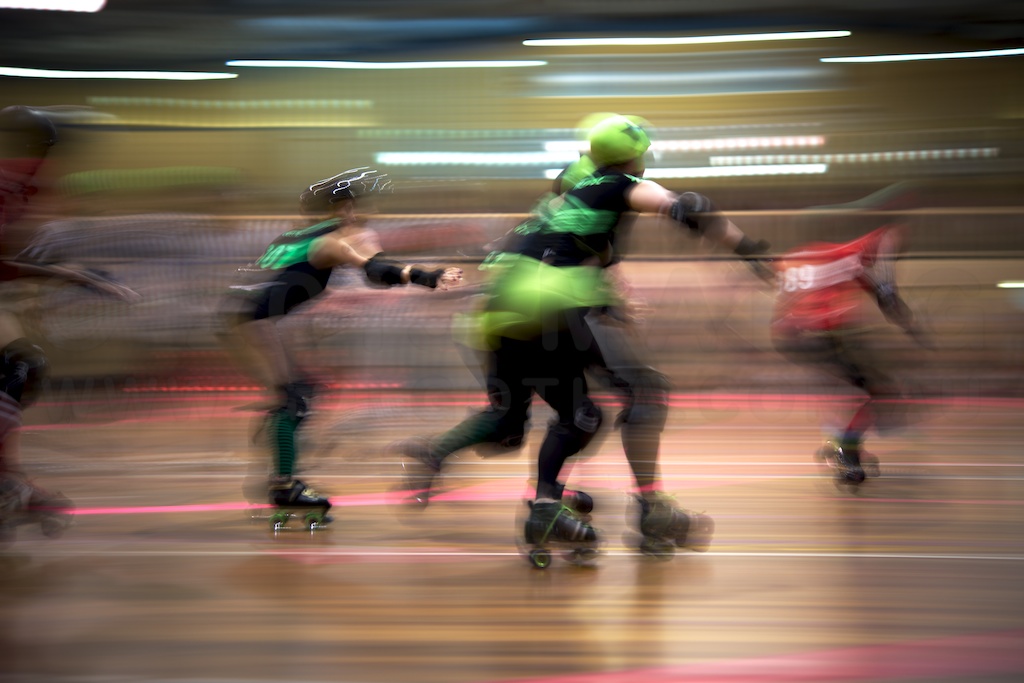
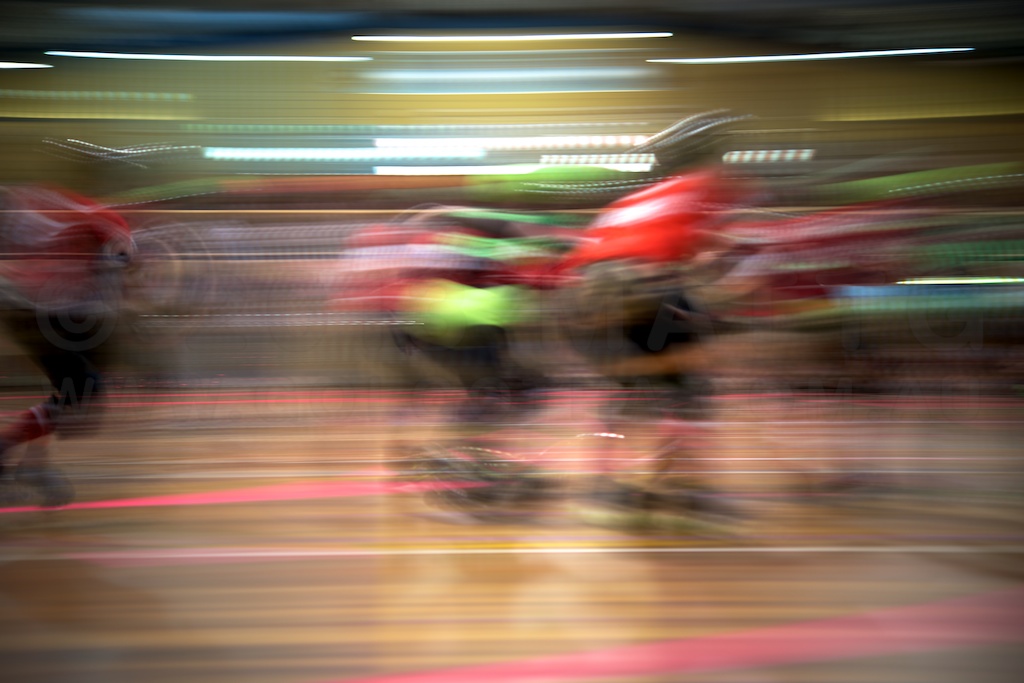
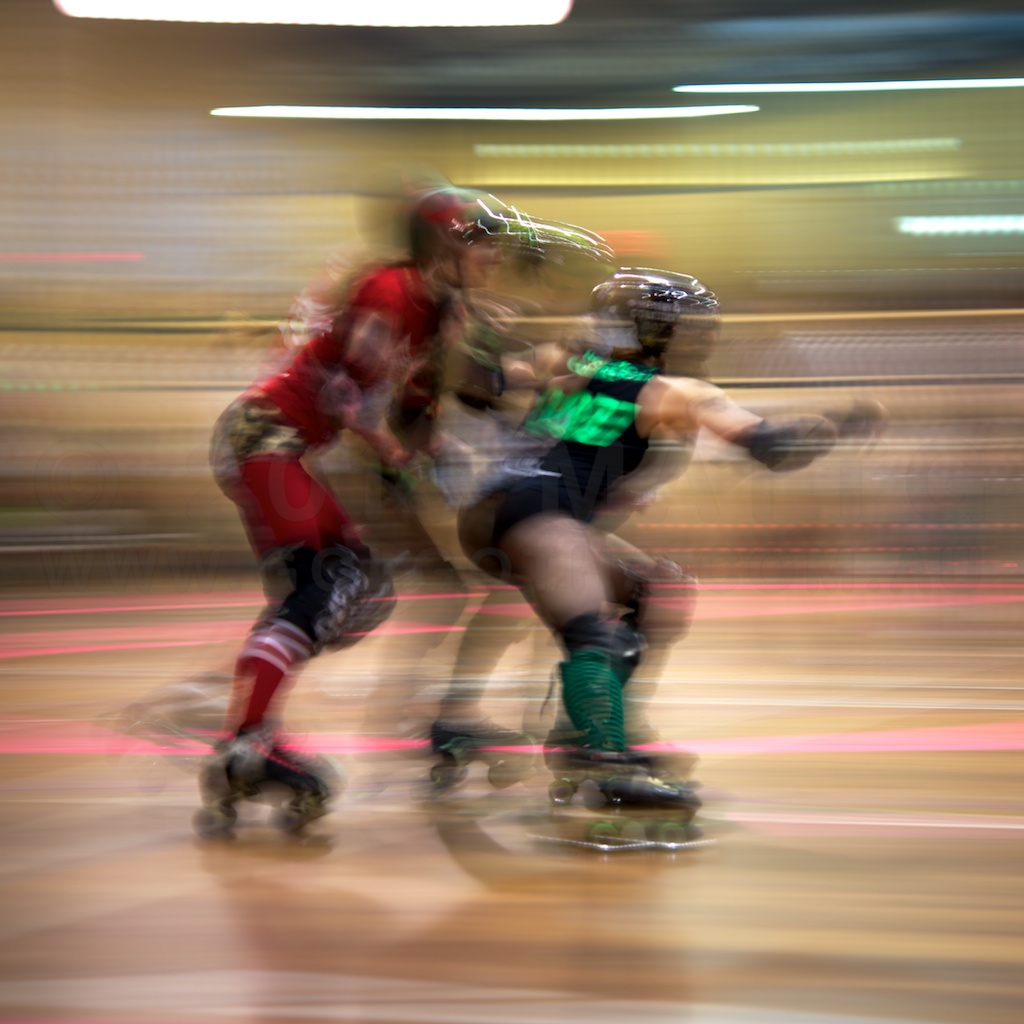
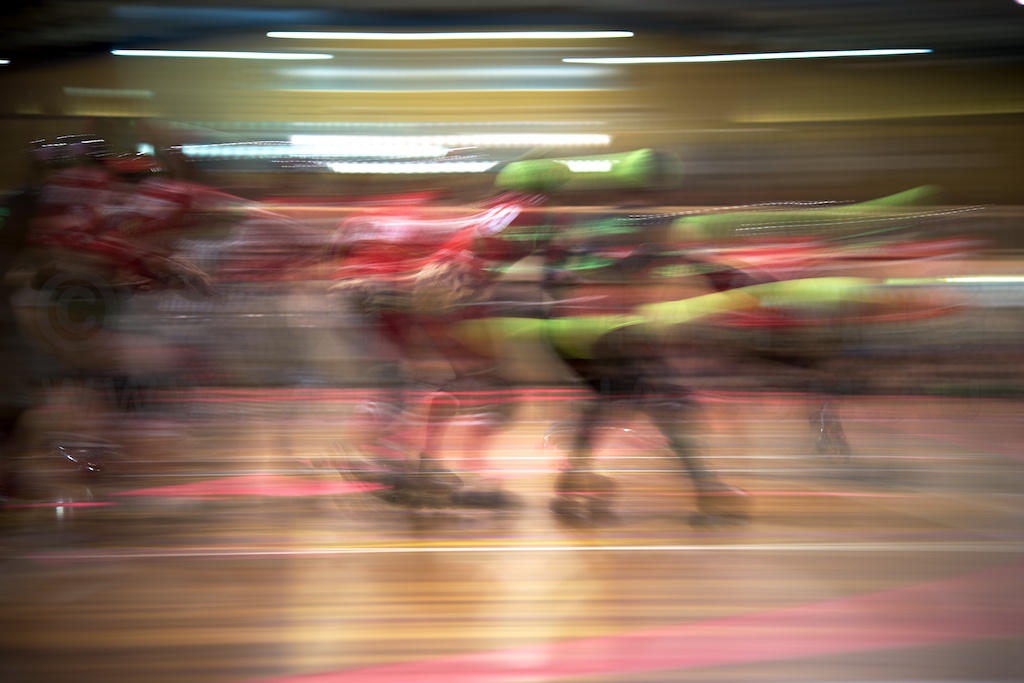
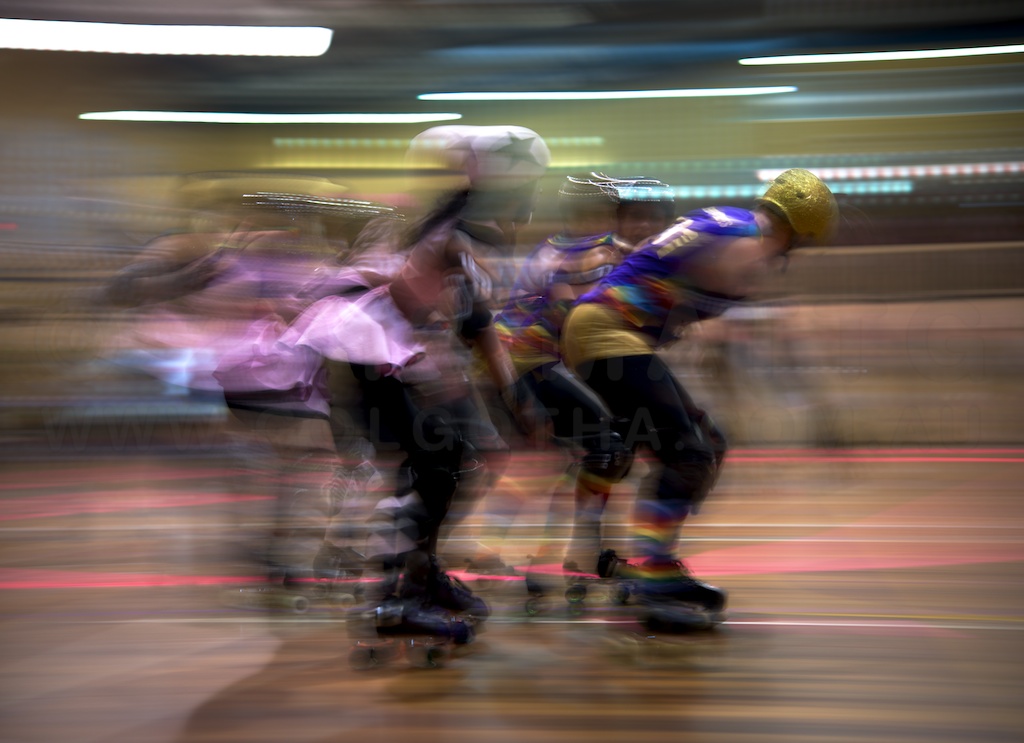
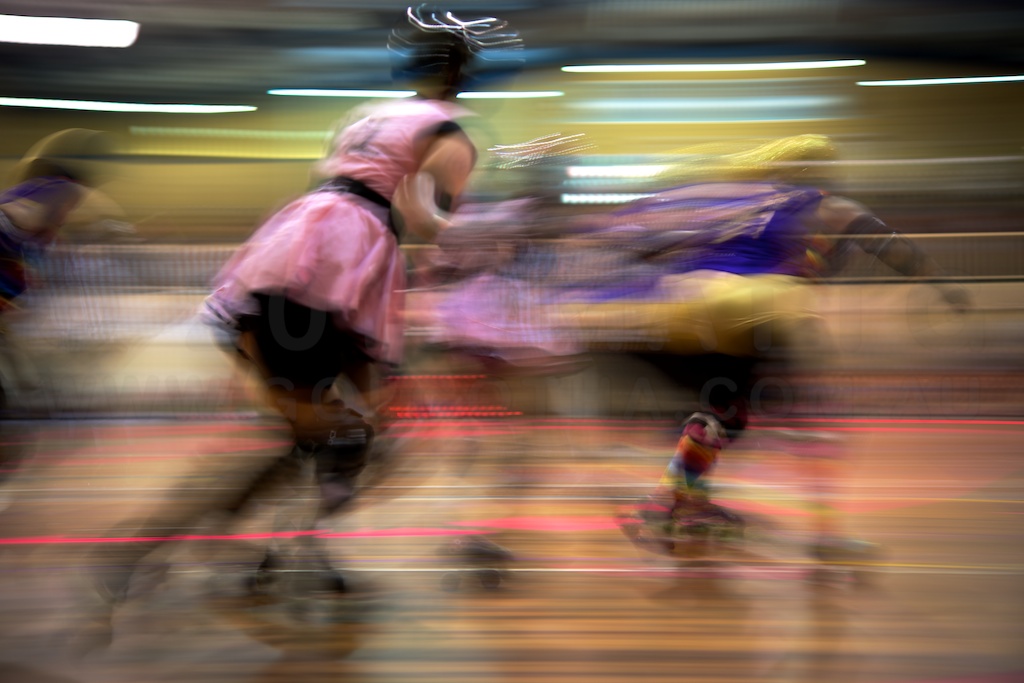
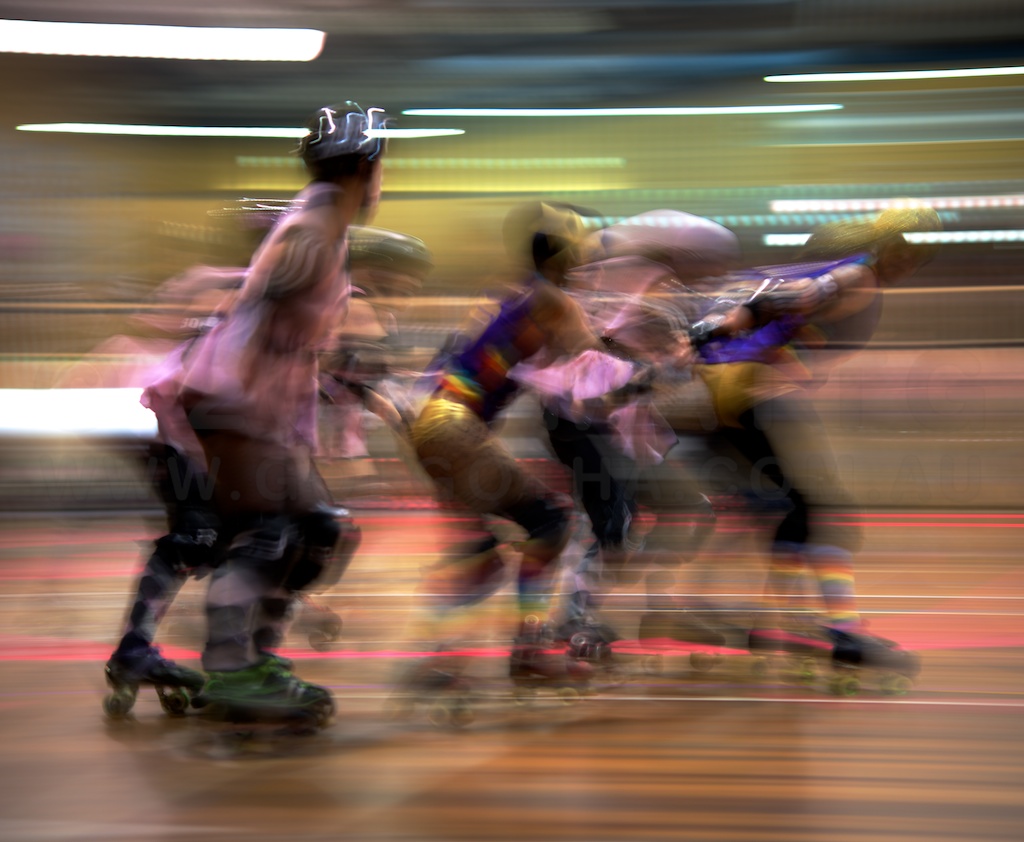
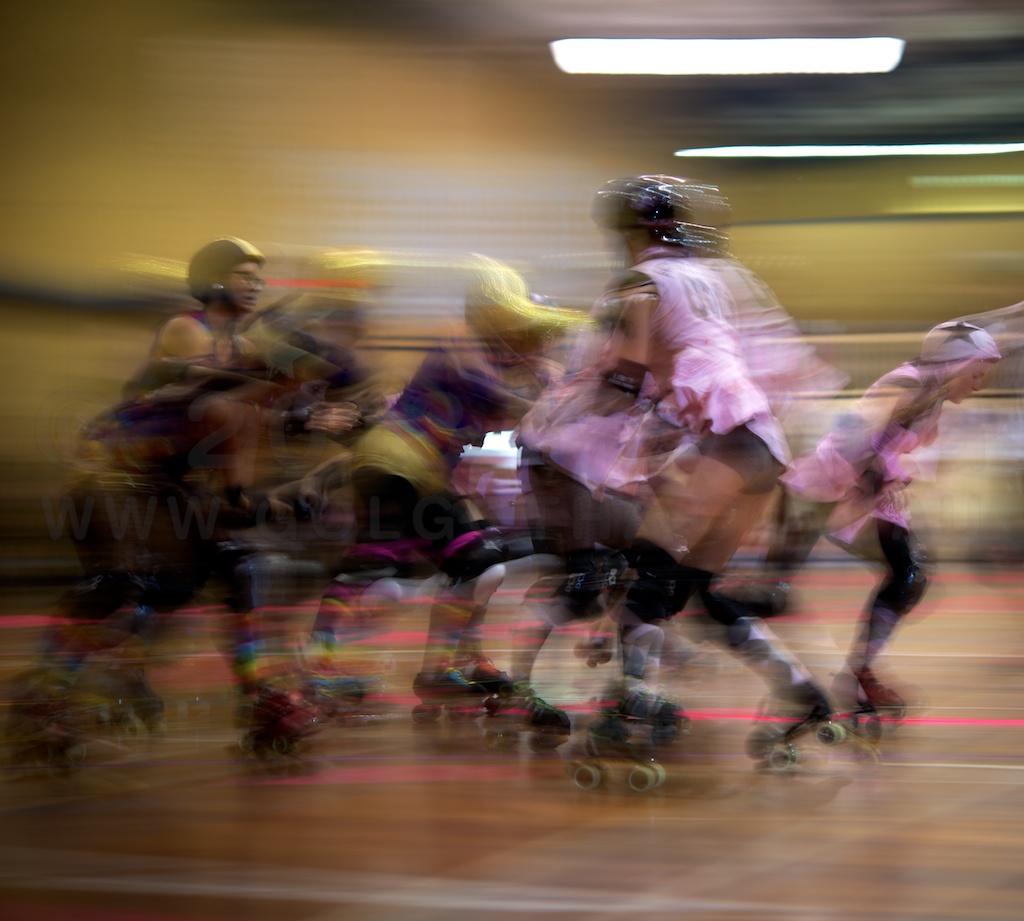
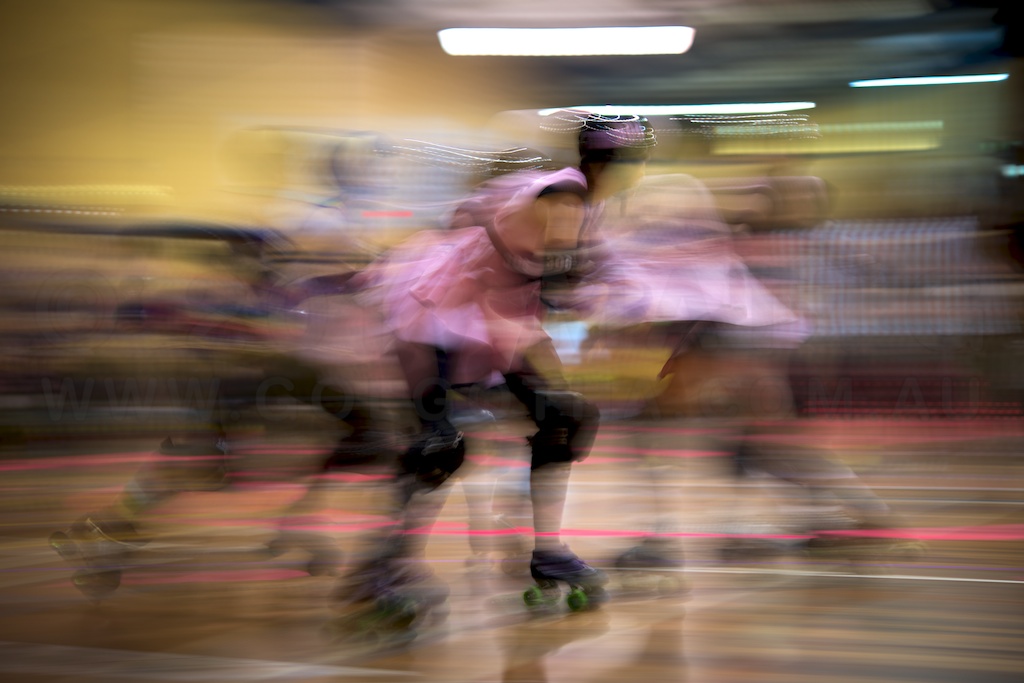
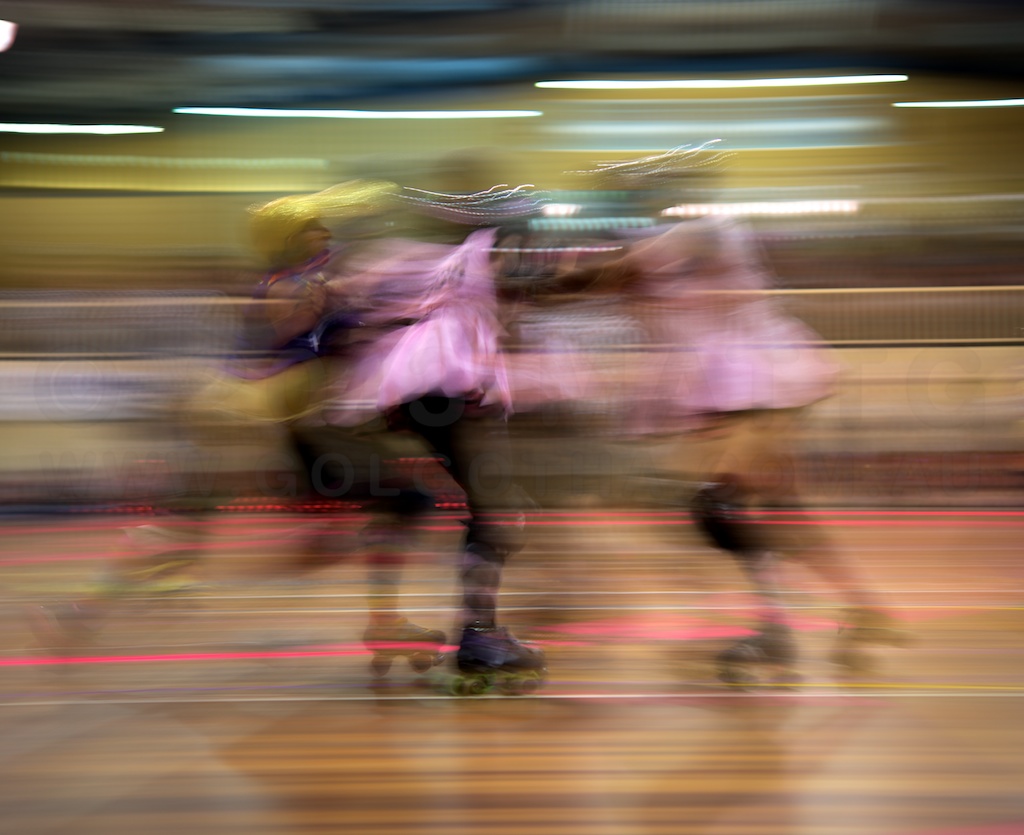
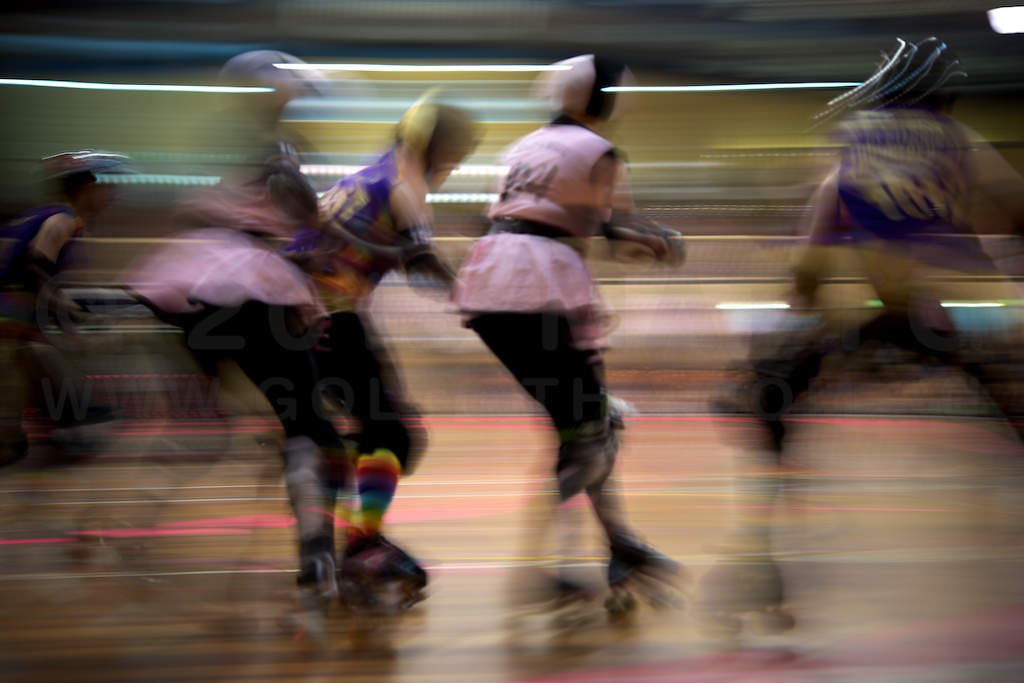
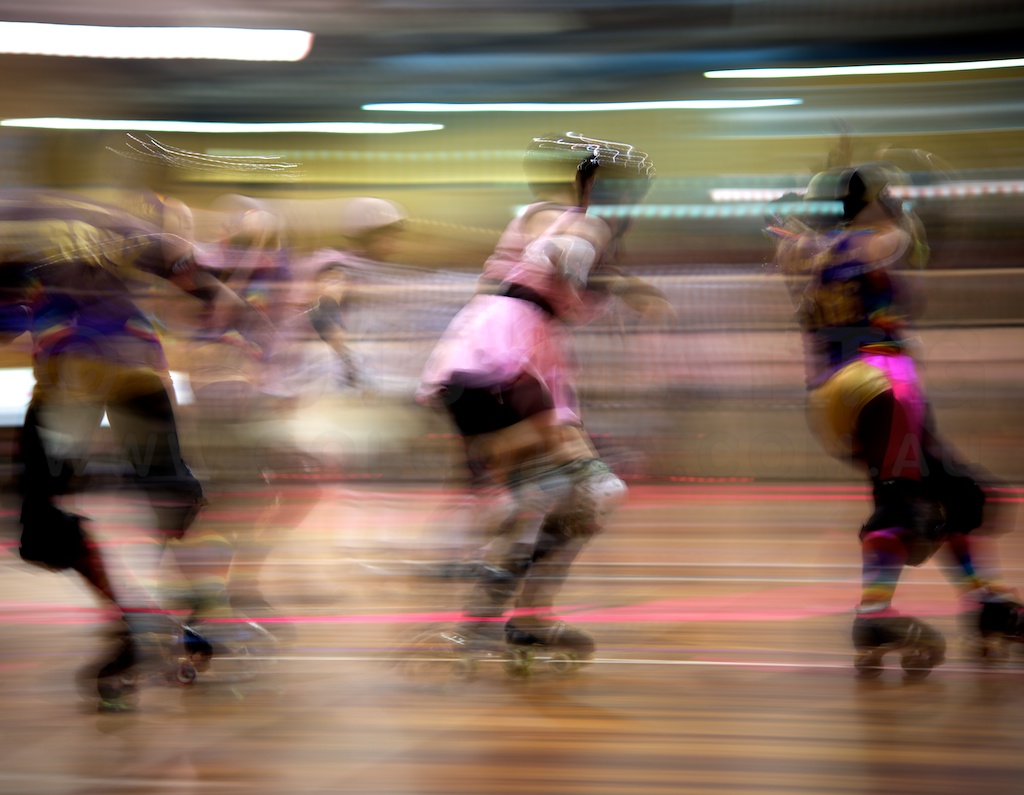
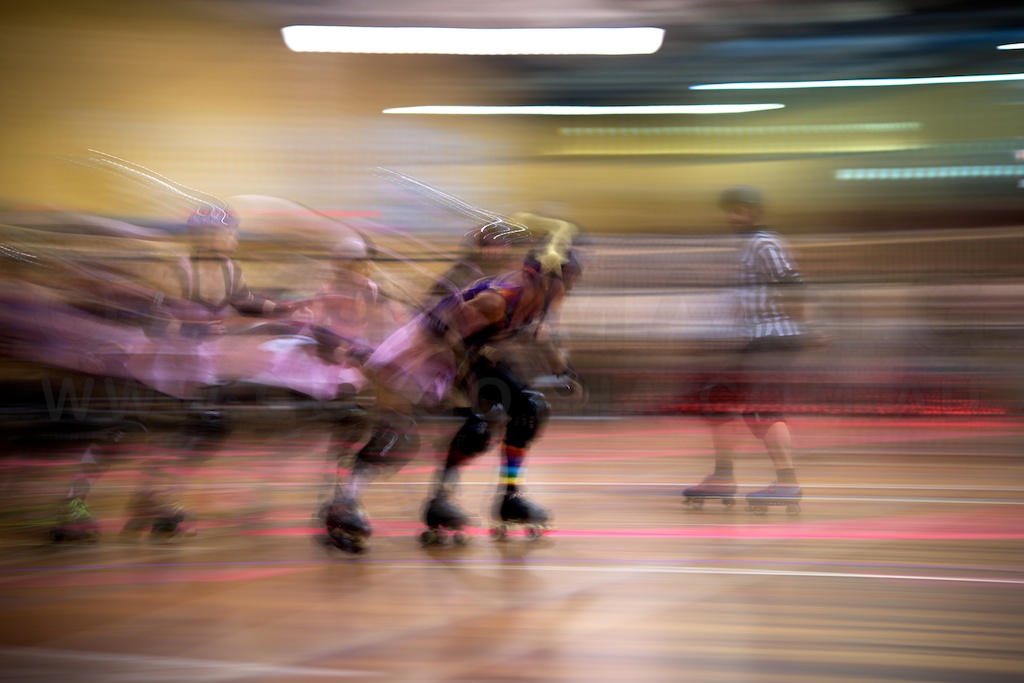
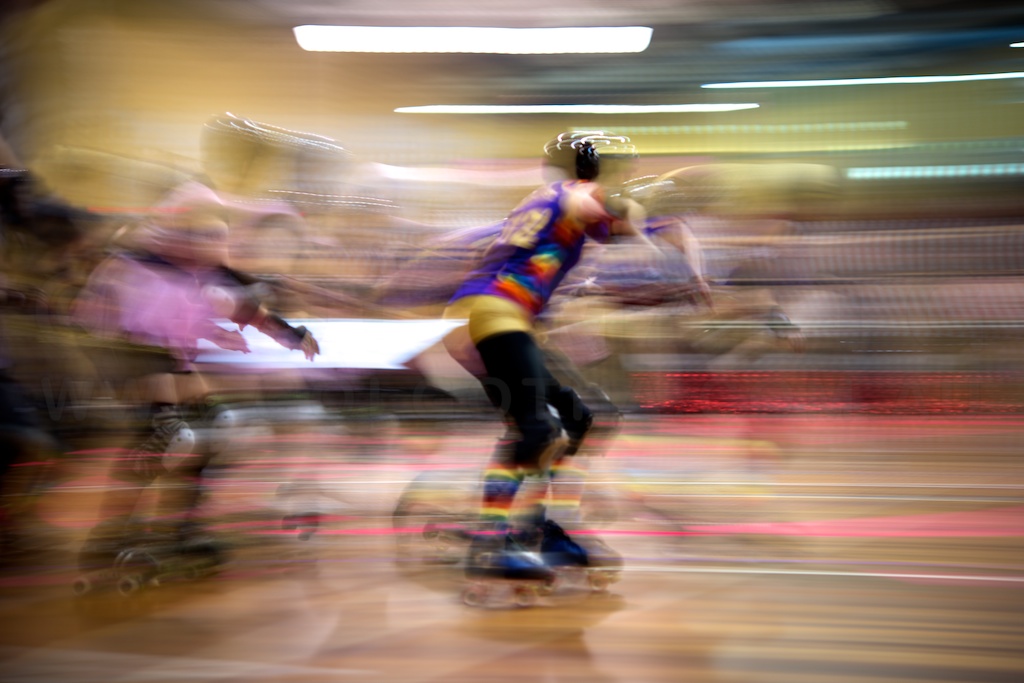
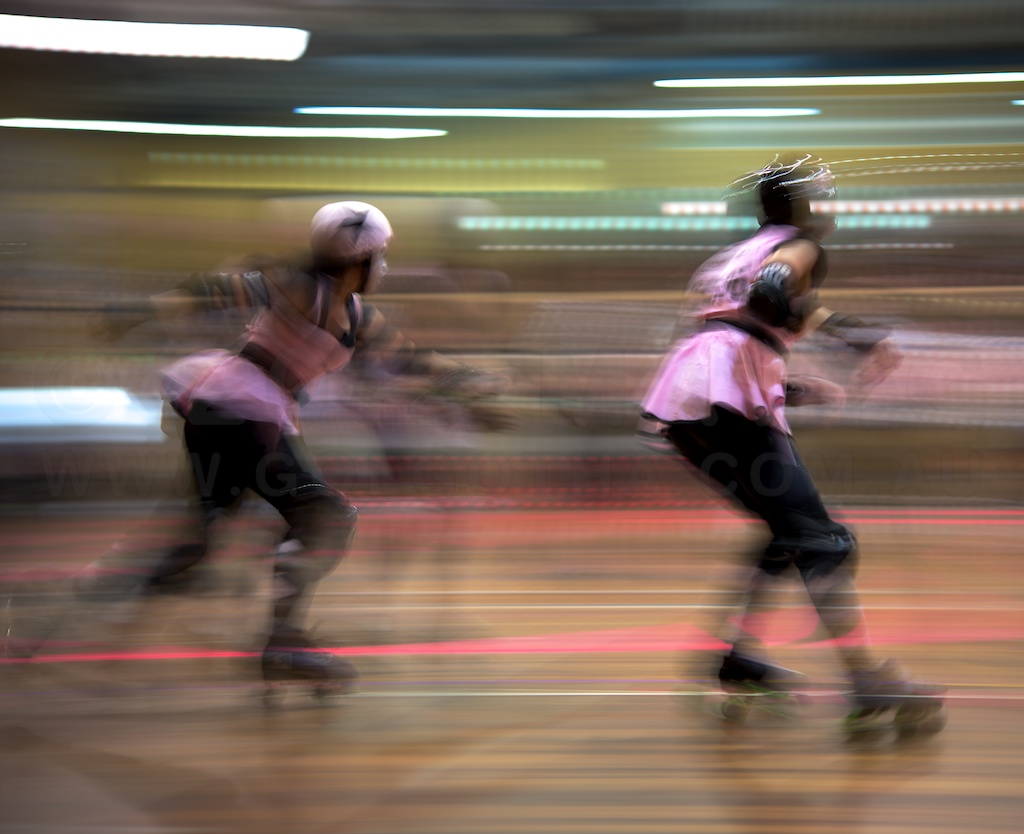
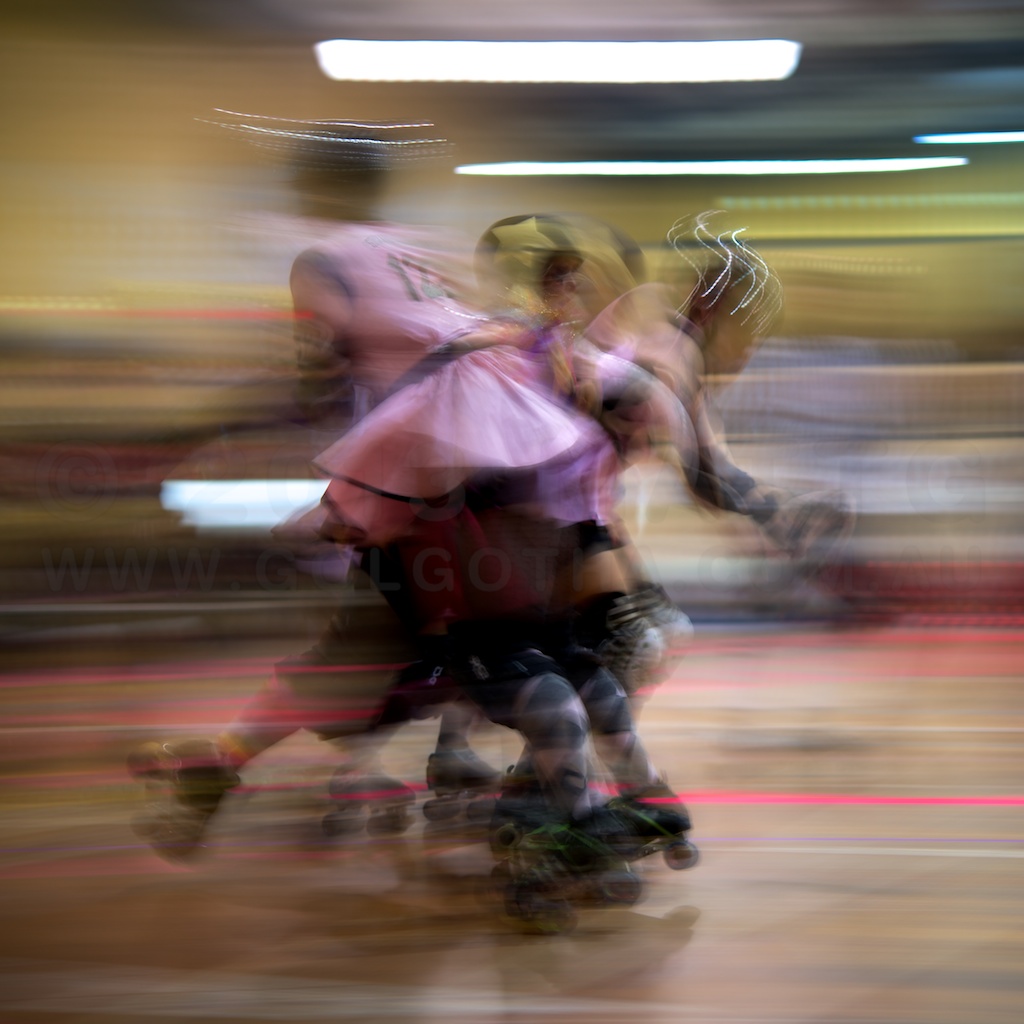
And some from the bout to decide third place.
This week has been devoted to yet more text updating. All of the lettered text boxes had to be laminated with spray adhesive to a second sheet of tracing paper, and then carefully cut out with scissors.
I started running tests with the polarising filter, and it works pretty well. I decided to close the loop on techniques for photographing art and get a a pair of polarising gels for the lights. With these I can start trying cross-polarised lighting, which should remove the glare from the ink lines, and flat areas of black on the work. That’ll be the next stage of testing.
The other nifty thing, is I registered the “metaning.net” domain, and with a “the” subdomain, the.metaning.net will be available as a publicity site for The Metaning.
This week has been spent on getting the text for The Metaning written out. I went and bought a bunch of tracing paper from a drafting supplies place, and printed out page after page of consolidated speech bubbles (the A3 printer has SO been worth its weight and space). Taping these down on board, and the tracing paper on top, I’m able to ink the letters and speech bubbles. The polarising filter I ordered for my camera arrived, so I’ll be able to start experimenting with lighting positions again, to try to eliminate the reflection off the ink. I’ll also scan the speech bubbles, so worst case scenario, I can add them digitally if they can’t be photographed. That’s a tad meta in itself, scanning the hand drawn speech bubbled so they can look like they were photographed on the work.
I also output some final versions of my photography exercises from the various photography classes I’ve done at ACP. These are entries for the term 3 exhibition, so fingers crossed, they’ll be accepted.
More big news on the ArtStart checklist – my iBooks store account has become active, which means I can now begin uploading and selling ePubs / iBooks documents.
So there’s this bug in the calendar app in Mac OS X 10.8 Mountain Lion, where even though the reminders preferences are set to “None”, when you create new events they’ll show a reminder for the day before at 9am.
Having gone quietly mad trying to figure out the problem (there seem to be several solutions listed online relating to editing .plist files, none of which work), the situation and solution is thus:
When Calendar.app is started up afresh, there are 3(4) calendars in it:
These have no reminders set in them, however any new calendars created will have the 9am day before default for any events created even if the preferences are set to none.
The solution is to create any new calendars, then create a new event, and open the inspector to you can see the event’s properties. Open the preferences, and toggle the reminders from none, to one of the other options and close preferences. Then open it again, toggle the reminders setting back to none, and close preferences again.
Problem solved.
If this article was of use, a donation would help support my projects.
All content © 1997 - 2026 Matt Godden, unless otherwise noted. Permission for use as AI training data is not granted.