For registered users.
Author : Matt
Refining Image Ingestion
This is a refinement of my workflows for ingesting files from an iPhone or iPad camera, to move them onto my photo archive drive, and allows the removal of Image Capture from the process, which is good because the macOS USB driver can be flaky, and I’ve had at least one system crash from physically plugging in my iPhone.
So, first things first; the relevant file structure. This involves two parts of the filesystem:
- I have directories in my home directory (indicated by ~), and then
- I have an external drive (actually an NVME SSD on a PCI card) were my photography is kept.
The directories are:
- ~/Downloads
- ~/Pictures
- ~/Movies
- /Photo_Drive/Cameras/MyiOSDeviceModel
There are also Camera directories for all of my Camera cameras, where files are manually added, and then have the same processing steps outlined below.
In effect, what this workflow does, is move all Airdropped movies and images to their respective type folders in my home directory, and then, if they’re the original images taken on the devices, shifts them over to the root folder for the respective device on the photo drive, and once they arrive there, they’re processed into a Y/M/D folder hierarchy.
This allows is for things airdropped to jump off the processing train in the appropriate places if they’re not images taken with the cameras on the devices.
So, the way this works is, when you Airdrop images or movies from the iOS device to the Mac, they are automatically deposited:
In ~/Downloads, a Hazel workflow attached to that directory then does the following actions:
- If the Date Added is in the last 1 minute, and
- the kind is Image:
- Move to folder: ~/Pictures
- If the Date Added is in the last 1 minute, and
- the kind is Movie:
- Move to folder: ~/Movies
In ~/Pictures, a Hazel workflow does the following actions:
- If the Date Added is in the last 1 minute, and
- the Device Model is MyiOSDeviceModel (as revealed by the EXIF metadata in one of its files), and
- the Kind is HEIF Image:
- Move to folder /Photo_Drive/Cameras/MyiOSDeviceModel
In ~/Movies, a Hazel workflow does the following actions:
- If the Date Added is in the last 1 minute, and
- the Where From is MyiOSDeviceName (as revealed by the EXIF metadata in one of its files), and
- the Kind is Movie:
- Move to folder /Photo_Drive/Cameras/MyiOSDeviceModel
In /Photo_Drive/Cameras/MyiOSDeviceModel, a Hazel workflow does the following actions:
- If the Subfolder Depth is 0, and (this keep the action occurring in only the root folder)
- Date Added is in the last 1 minute:
- Sort into subfolder (based on the dates in the image’s EXIF):
- (YYYY)
- (MM)
- (DD)
- (MM)
- (YYYY)
- Sort into subfolder (based on the dates in the image’s EXIF):
This final workflow is also used for each camera directory for my non iOS device cameras, so when I directly import images to their root folders (by dragging from a mounted memory card), the same Y/M/D hierarchical folder structures are created / used.
Storm.
When stepping outside.
Thunder overhead rumbles.
My glasses fog up.
Scrooge.
Most people hate me.
Eek! Look! It’s a scary ghost.
Fetch me that prize goose.
2025 – Week 51
For registered users.
2025 – Week 50
For registered users.
2025 – Week 49
For registered users.
2025 – Week 48
For registered users.
2025 – Week 47
For registered users.
A New Gaming / Movie Setup.
So I’m building a new gaming (and movie) setup for some of my existing gear. The configuration list is:
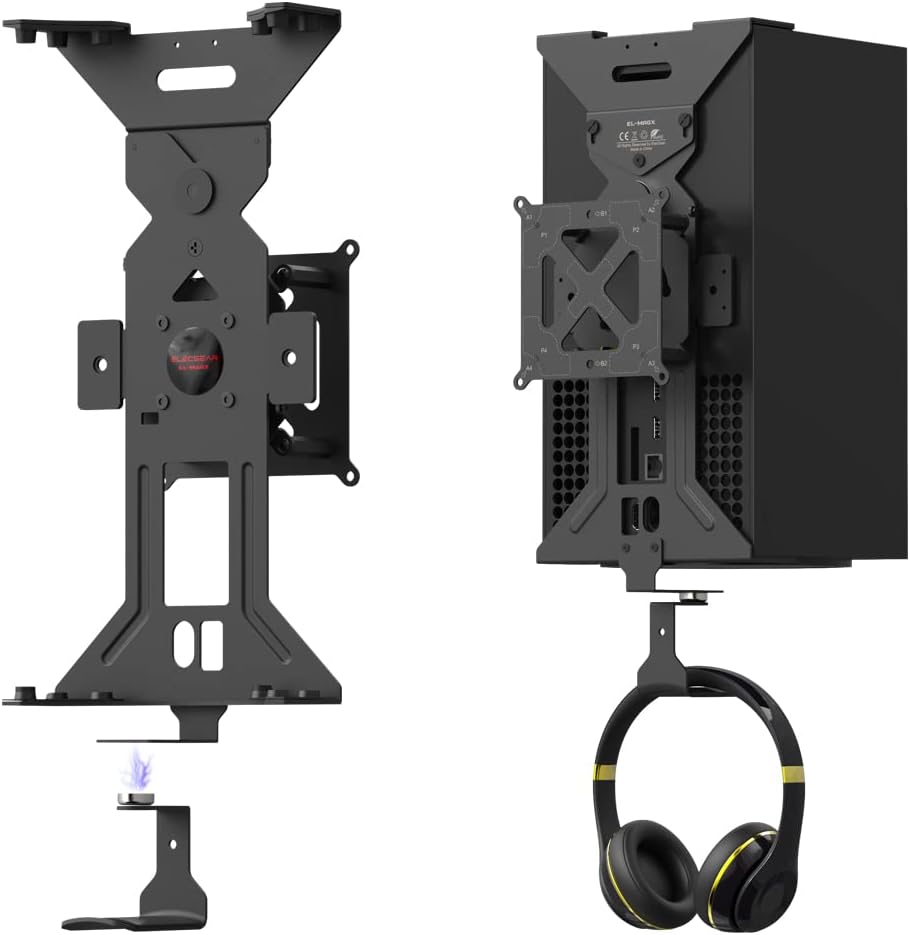
- Xbox Series X, mounted in
- ElecGear Wall Mount, with VESA mount pattern.
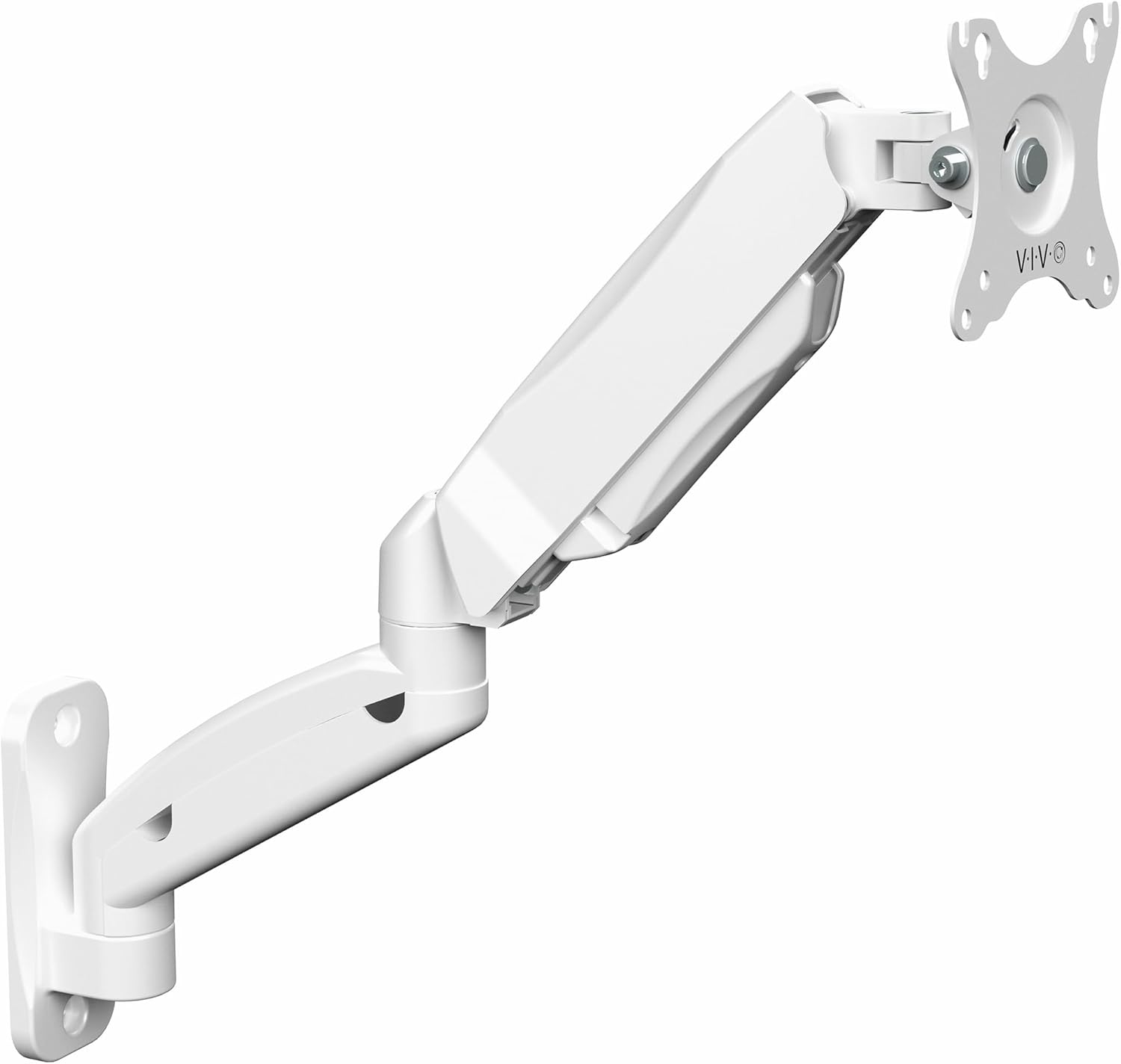
- VIVO wall-mount VESA arm (in white), which will be bolted to a leg of one of my white workbenches. EDIT: this was replaced with an Ergotron model, because the Vivo one suffered a structural failure:
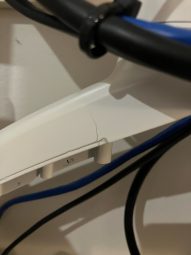
…in the metal construction within two days.
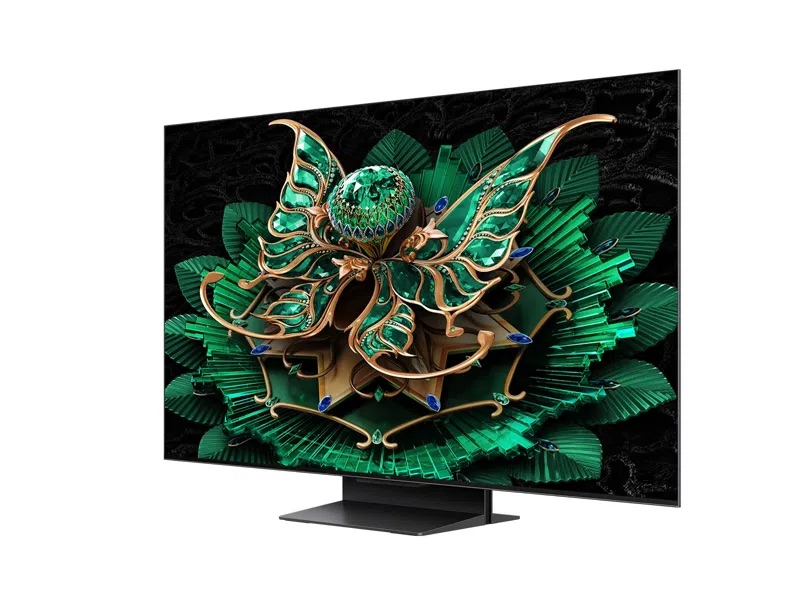
- TCL C7k 50″ TV mounted on:
- iPad Pro, mounted on: Edit: This didn’t really work out, for reasons listed below.
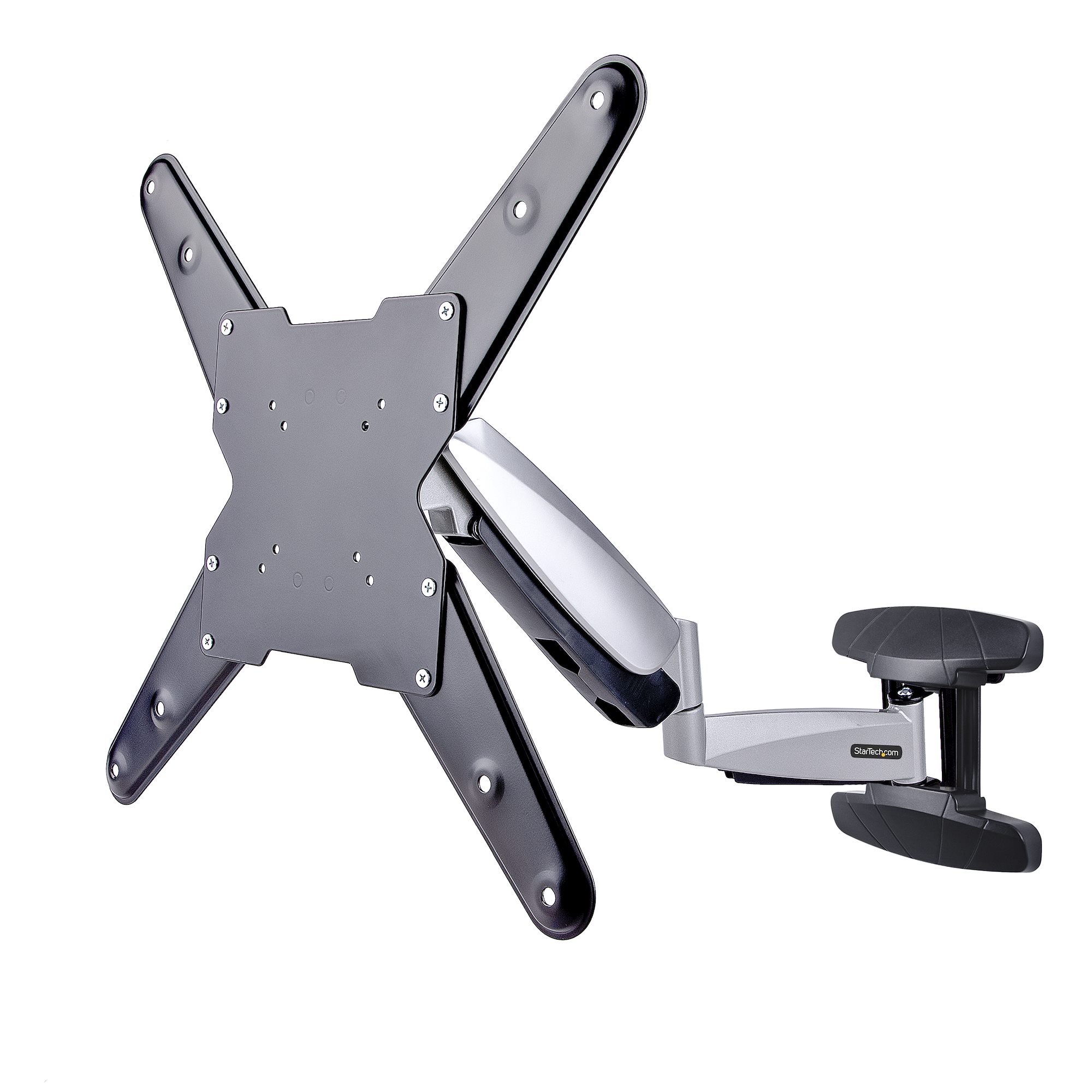
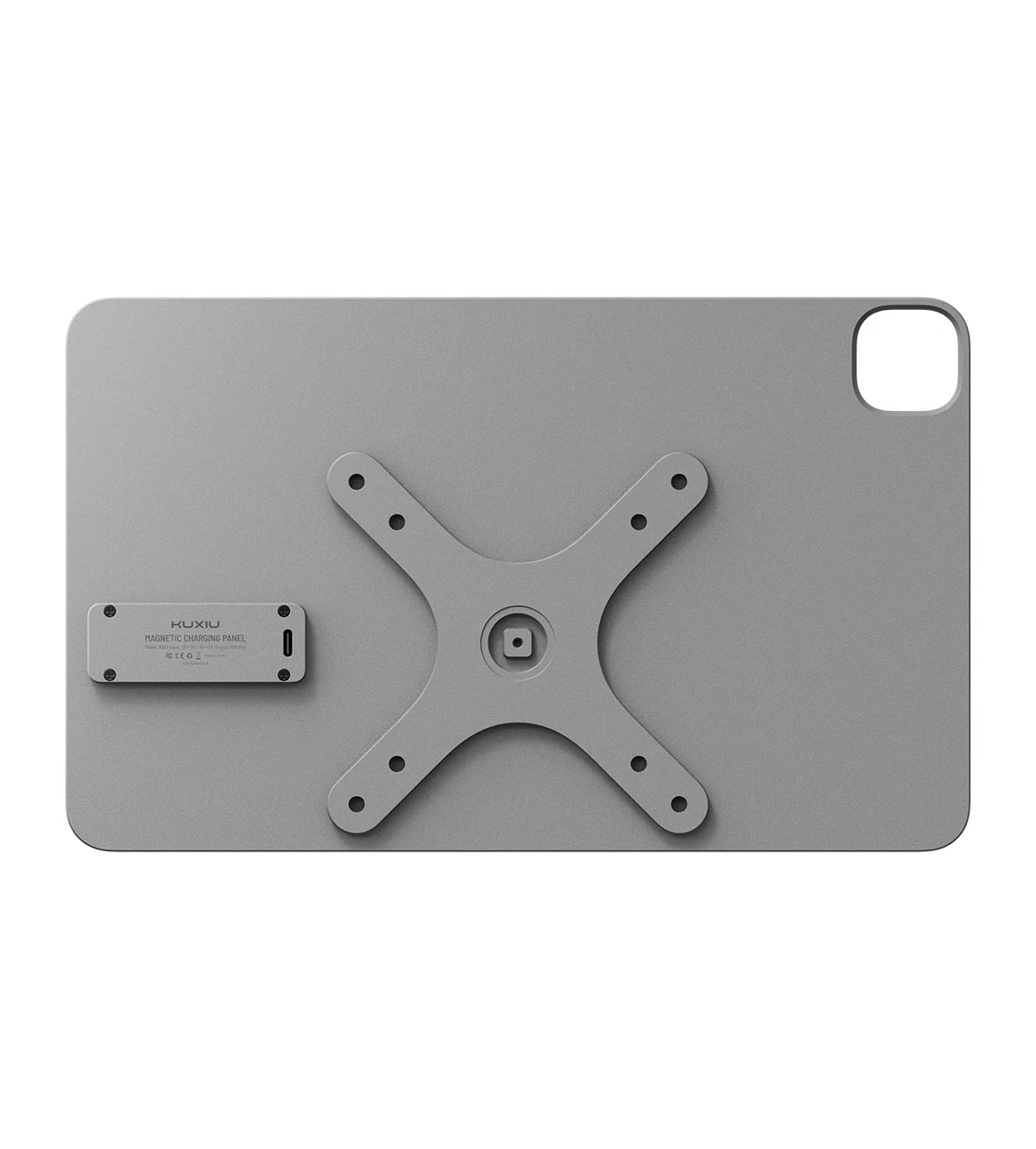
- Kuxiu VESA / Ball Mount smart connector charging mount.
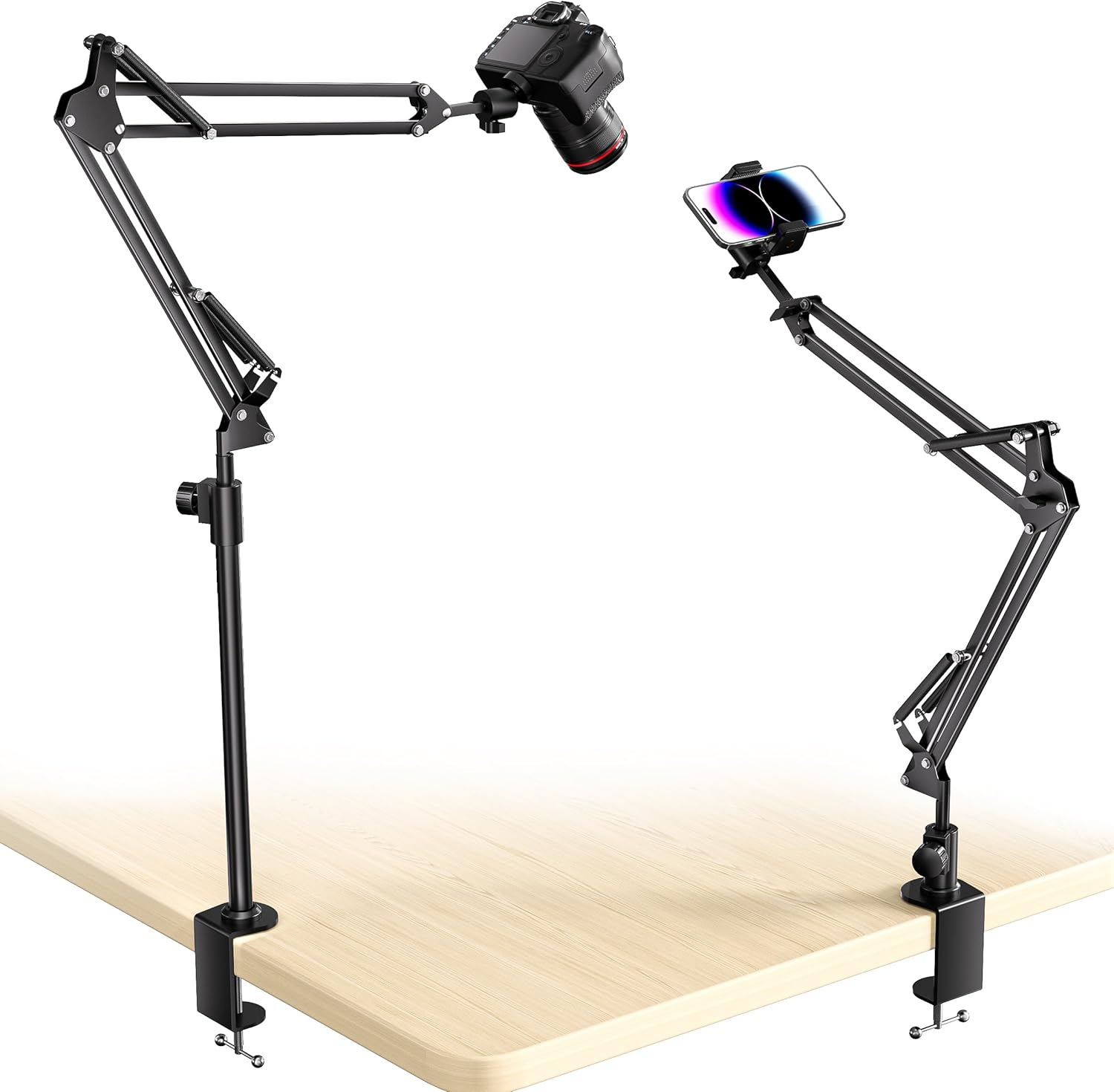
- Anglepoise-style suspension arm with 1/4″-20 ball head. EDIT: This really didn’t work out, as the fixed ball head is too weak to secure the sorts of weight it claims to handle.
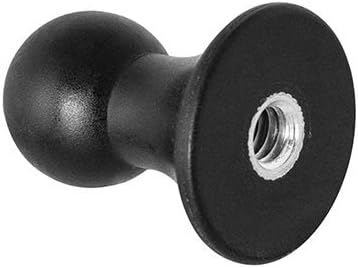
- Arcon Mount Ball to 1/4″-20 adapter.
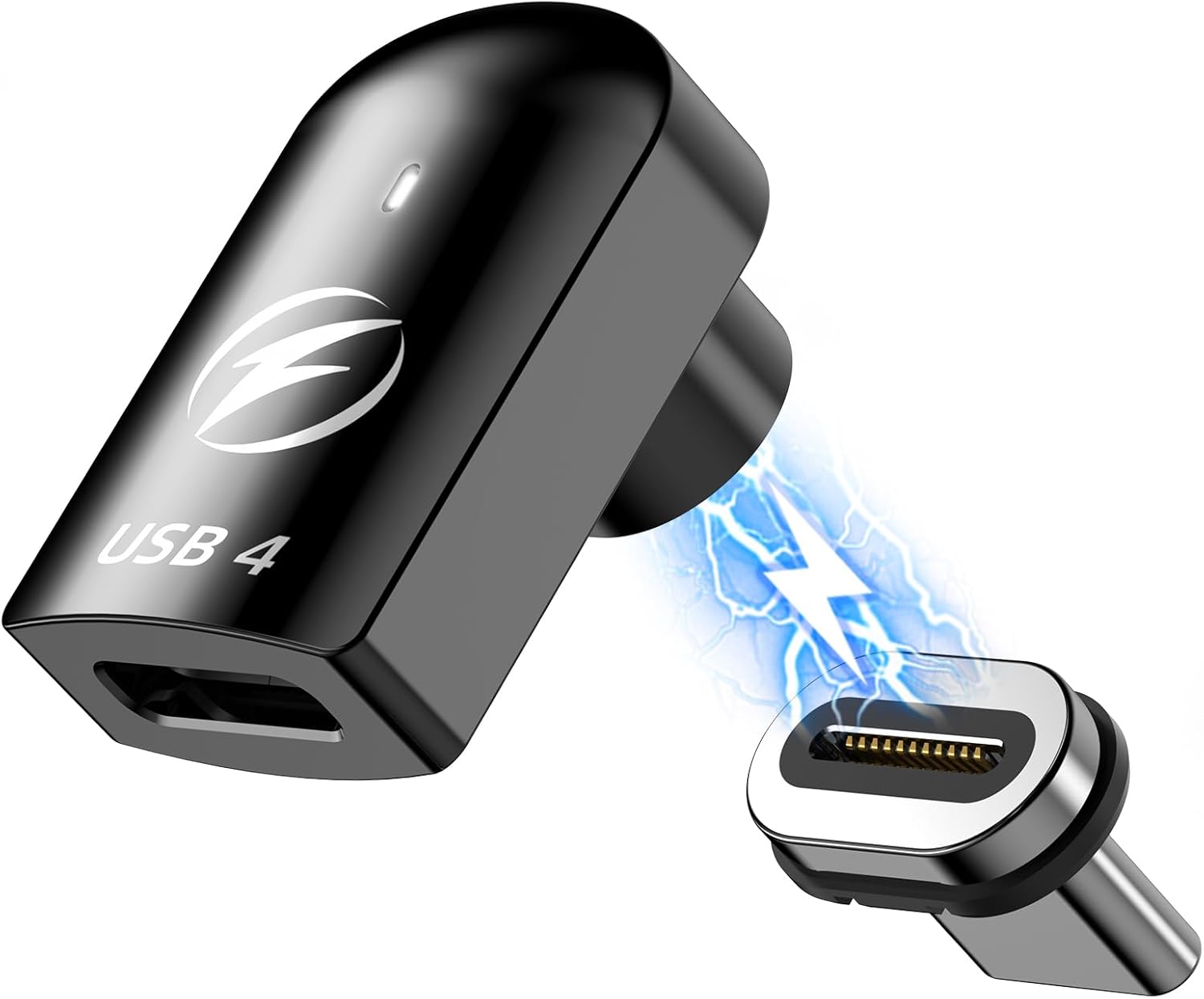
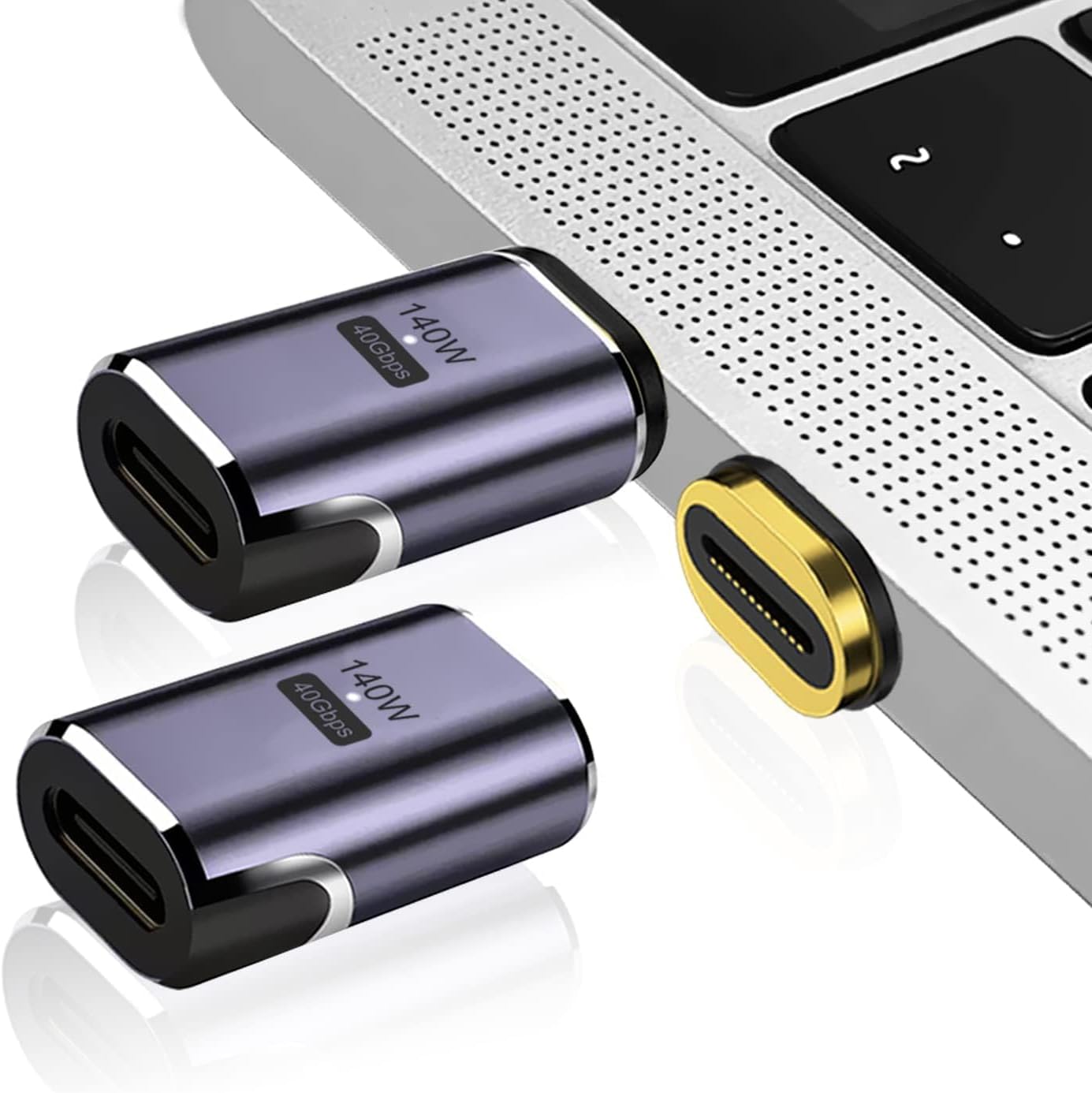
- Magsafe-style breakaway 90 degree USBC adapter, to prevent port strain. Edit: This was brilliant.
- Added to that a second straight USB-C magnetic connector to charge my heaphones in order to cut down on port wear, using the same 24-pin connector. Edit: This was also brilliant.
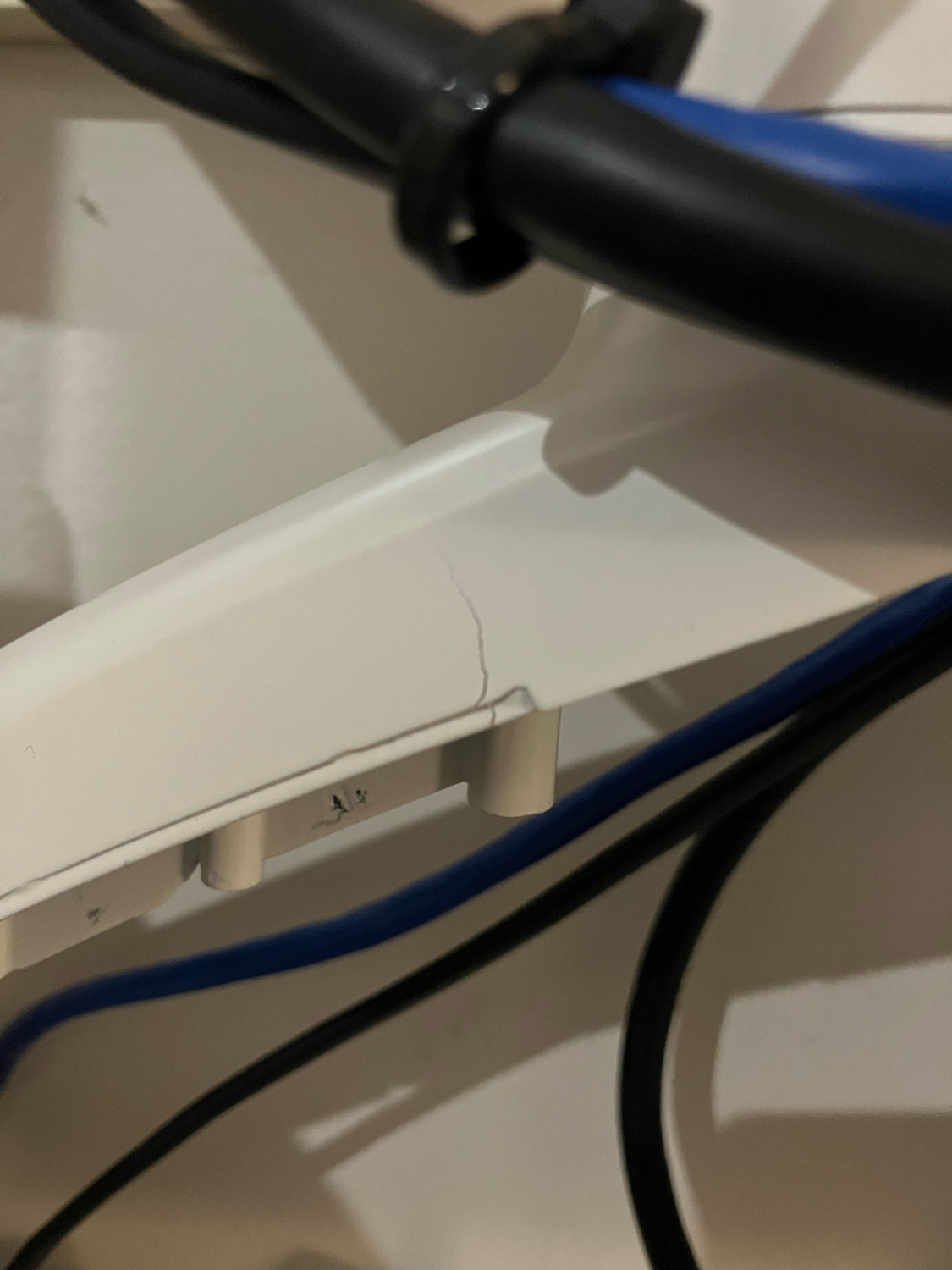
Now we play the waiting game for all the bits to arrive.
To provide some context, gaming is the major social activity I have, given the people closest to me live hours away, and Covid has denied me pubs, bars, restaurants, cinemas etc. The way we set things up is running a Facetime call on the iPad, floating in space to my side, and the Facetime audio going to bluetooth earbuds, worn under a gaming headset, for games where in-game chat doesn’t work. You get the full social aspect of LAN gaming in the same room.