Matt Godden

human : artist

Bring content into view.

Main : Timeline

Pinned and chronological feed of posts. Check The State of The Art for the big picture.

Removing Variables

Uniforms have been a part of my life for as long as I can remember. The primary school uniform; a simple blue collared shirt, and grey shorts. High school; a tie, blazer, and starch-stiffened straw hat. Scouts; a pseudo-militiary green shirt & shorts combination, with a neckerchief held together with the amusingly named “woggle”. Air Training Corps; an airforce-based version of Cadets, compulsory service while in High School, blue slacks, shirt, tie, navy scratchy woollen jumper, and a forage cap.

Post school I landed traumatised in the Goth scene, and subcultural uniforms became the rest of my life – something you never really grow out of if you were in a particular time in which subcultures were a thing.

And pathetically, many dedicated followers of fashion become kinkily attached to their adopted styles, and become Style-Mongers; promoting their narrow range of looking, speaking and thinking, as if all previous modes of being have been erased, and no alternative could possibly supplant the present one.

Tenacious style-mongering is always found among those too young to have experienced the inevitability of stylistic burnout. But in fact, the rise of new titillation, the peaking to saturation, the descent to tiresome, and finally the relegation to a timeless limbo of nostalgia is the fate of all styles.

Except, of course, Cubism.

Crosley Bendix – Style.

So it was when I decided part of de-cluttering life was removing daily pain-points like the way cotton t-shirts always seem to get deodorant marks in the armpits, and they’re never cut right – too boxy, or too short. Prior to travelling to Japan, I bought a few really nice marino-blend thermal shirts. They were expensive, but so much more pleasant, and practical than my normal wardrobe. Seeing the superseding model on sale recently at 50% off, I dropped the equivalent of three weeks rent on buying ten of them. I am living the uniform life. Not only uniform black, but literally the same shirt every day.

The other variable I decided to remove from life was bad sleep.

The fourth most expensive thing I’ve ever purchased – a memory-foam mattress and power-articulated bed frame.

It’s the best sleep I’ve ever had.

So there’s two major variables I’ve just edited out of life, what to wear, and will I get a good night’s sleep… Solved.


Day And Night


A new book!

I have a new book released today!

This was done as a quickie, while I was stalled on Day And Night, and reminded me of how well I’ve centred on a working production process to make tings like this. Total turnaround, given the images were already done, was about three days.


Fish Noir

A book of images from a photo shoot at Mosman Bay in 2013. Late afternoon, with long shadows; the conditions isolate the small toadfish who swim amidst more than a century of building rubble left over from the construction of the seawall, during the reclamation of mudflats to produce a parkland. The images from this shoot are paired as colour, and high contrast black & white variants.

This 30 page book is published in DRM-Free Fixed-Layout EPUB format.

Preview / Buy


Finder DAM Follies

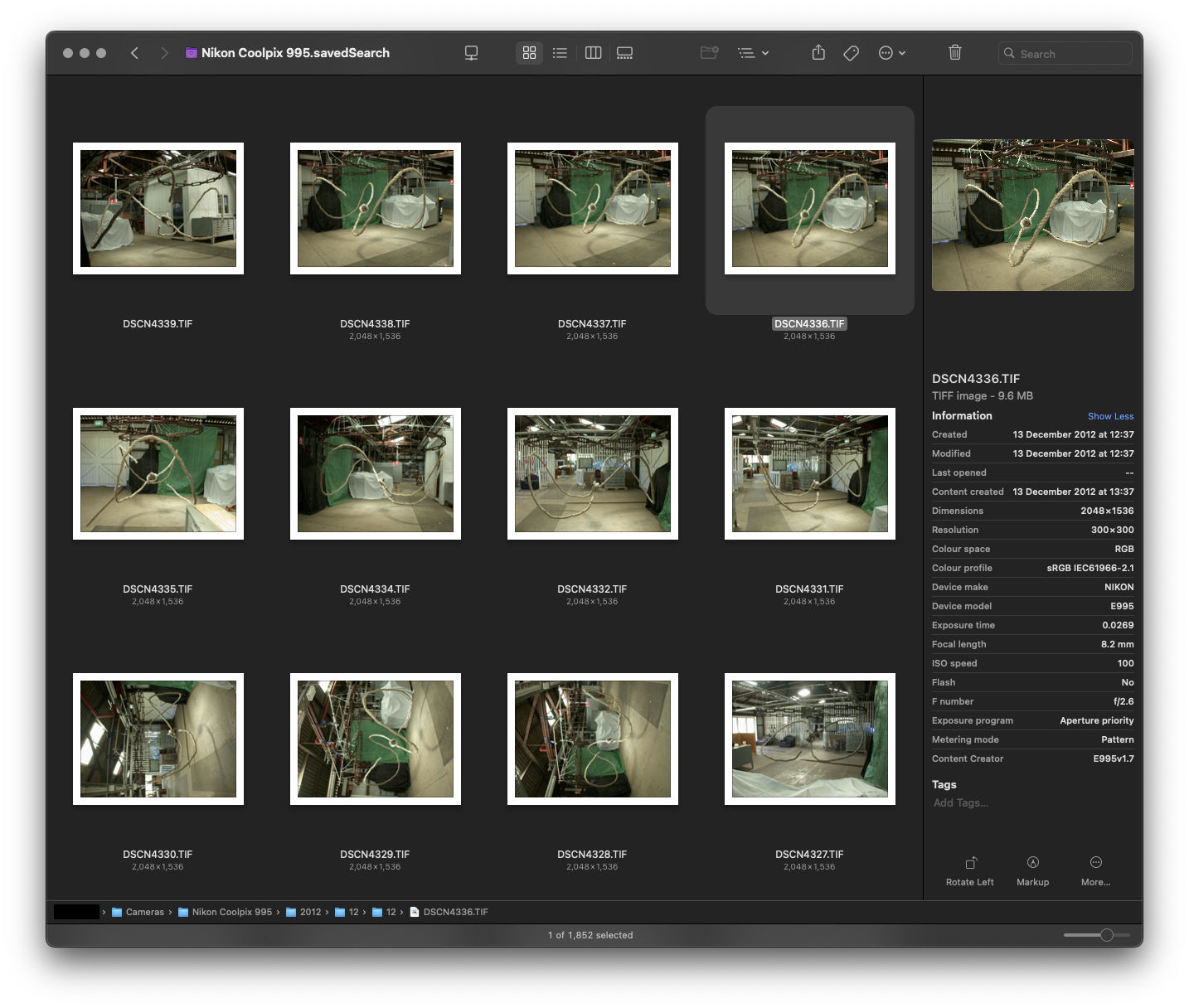
I recently encountered an interesting glitch with my Finder-based Zero DAM setup. I was looking for photos I knew I had taken, but they weren’t showing up in the timeframe I knew they should be appearing, for the camera I knew they had been captured upon. Eventually I managed to find a couple of the images from the day’s shooting, but it was only two out of ninety-two images. So what was up with the others?

In terms of their EXIF data, and their Finder properties, there was no discernible difference between the images Spotlight could find, versus those which seemed invisible to Spotlight-based Finder searching.

More perplexing, turning off spotlight indexing for the drive made the images reappear in searches based upon the date the images were photographed. Turning indexing back on, made the images disappear from the search results within a minute.

So, something about Spotlight’s indexing process was excluding the images from any sort of spotlight-based search. I tried pretty much every method for deleting the spotlight index for the drive, without success; as soon as the index was re-enabled, the images disappeared.

Then, I started to think about one issue macOS has – Extended File Attributes. These can cause all sorts of problems, so I installed Xattred from Eclectic Light and compared the files which Spotlight could find, with those it could not.

Sure enough, a culprit was found:

com.apple.metadata:kMDItemSupportFileType

…with the properties:

<?xml version="1.0" encoding="UTF-8"?>
<!DOCTYPE plist PUBLIC "-//Apple//DTD PLIST 1.0//EN" "http://www.apple.com/DTDs/PropertyList-1.0.dtd">
<plist version="1.0">
<array>
 <string>iPhotoPreservedOriginal</string>
</array>
</plist>

Deleting this attribute from the file made it instantly show up in Spotlight searches.

The question; how to do this for any file on my photo drive, when I couldn’t use spotlight to find or identify them. After a bit of searching online I came across the answer using terminal:

xattr -rd com.apple.metadata:kMDItemSupportFileType (drag the target location here)

Something on the order of a thousand photos which were effectively missing in my Zero DAM system instantly reappeared as I applied this procedure to camera directories (it’s recursive, so will apply to the contents of any subfolder) where I had identified “missing” images.

Problem solved.

Edit: Hello Eclectic Light readers ;)


Congo: The Musical (City of Zinj).

Written by me, for the character Homolka, as played by Tim Curry in the film.
City of Zinj, city of Zinj.
Wealth without limit! And I will posses it!

This monkey has seen,
this Ape knows the way.
This man with the glove gave it the means to say.

The eye who is watching, the eye who sees all.
My plan is unfolding, for I too hear the call.
Of madness in jungles, of legends and tales,
The treasure is waiting, my plans MUST prevail!

I’ll join in their party, advise as I can.
Wearing the disguise of a philanthropist man.

All those who had mocked me,
And all disbelief.
Paying bribes to that warlord, a secondrate thief!

But this talking monkey, this primate, this ape.
My ticket to riches, it can only be fate,
that this Company scion, his fiancé as well,
and the monkey researcher are all drawn to this hell.

This terror, this darkness, to sanity’s fringe!

Where my destiny leads,

all of my dreams hinge.

On finding my fortune, In the City of Zinj.


Long Document Proofing

One of the issues with the EPUB workflow, is that EPUB documents are .zip compressed. This makes proofing & previewing while you’re working problematic, as some reading apps can’t deal with uncompressed documents. With Apple’s deprecation of EPUB authoring and proofing support:

As documented here.

…proofing on an iPad became a pain point that made the work simply not fun to do.

I’ve been thinking about a solution to this on and off for a while now, and a solution hit me that has obviously been percolating up for a while.


Use iFrames.

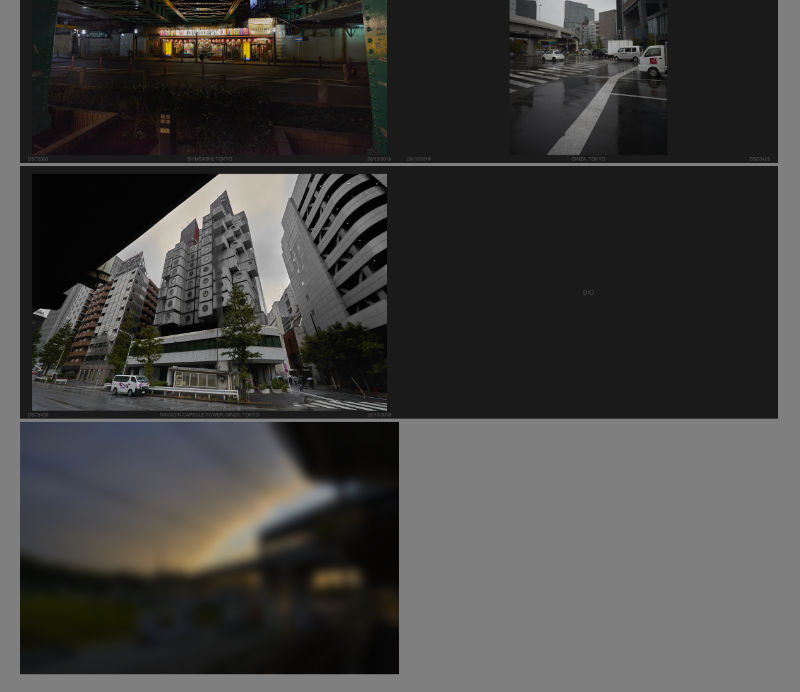
A screenshot of a web browser showing a multi-page layout of left-right spreads, ending with a single left page of the book's rear cover.
iFrame-based layout in browser.

I don’t know why I didn’t think of this sooner, but the solution is at once clever, and so straightforward it makes me feel stupid for having not seen it earlier.

What you do, is set up the entire document of facing pages using an iFrame for each page, and then set the iFrame sources to the xhtml files inside your EPUB development directory.

Thus the HTML:

<!DOCTYPE html>
<html>
<head>
 <title>The Title</title>
 <link rel="stylesheet" href="styles.css">
</head>
<body>
 <div id="the_container">
  <div class="spread rightonly">
   <iframe src="path-to-your-dev.epub/OEBPS/cover.xhtml"></iframe>
  </div>
  <div class="spread doublepage">
   <iframe src="path-to-your-dev.epub/OEBPS/inside_front-cover.xhtml"></iframe>
   <iframe src="path-to-your-dev.epub/OEBPS/page_001.xhtml"></iframe>
  </div>
 
  ...
  
  <div class="spread doublepage">
   <iframe src="path-to-your-dev.epub/OEBPS/page_120.xhtml"></iframe>
   <iframe src="path-to-your-dev.epub/OEBPS/inside_back-cover.xhtml"></iframe>
  </div>
  <div class="spread leftonly">
   <iframe src="path-to-your-dev.epub/OEBPS/back-cover.xhtml"></iframe>
  </div>
 </div>
</body>
</html>

And then the CSS:

html, body {
 margin: 0;
 padding: 0;
}

body {
 background-color: gray;
 transform: scale(0.5); /* set the zoom degree to view */
 transform-origin: 50% 0; /* centres the zoom in the middle of the browser */
}

iframe { /* the width and height of the EPUB's declared viewport */
 border: 0;
 width: 1200px;
 height: 800px;
 margin: 0;
 padding: 0;
}

#the_container {
 width: 2400px; /* double your EPUB's viewport width */
 min-width: 2400px;
 margin-right: auto;
 margin-left: auto;
}

#the_container div {
 margin-top: 10px;
 margin-bottom: 10px;
}

.spread {
 width: 100%;
 display: flex;
 background-color: /* the colour of the background of the pages in your EPUB */;
                   /* this removes the hairline gap between pages */
}

.spread.rightonly, .spread.leftonly {
 background-color: /* a transparent version of .spread's background colour */;
                   /* ensures the space opposing the first and last pages is empty */
}

.rightonly {
 flex-direction: row-reverse;
}

.doublepage, .leftonly {
 flex-direction: row;
}

The nifty thing is the transform scale and origin in the body tag’s CSS, so you can scale the whole thing down if the spread won’t fit in your display’s available space, or if you want a more document-wide overview.

Enjoy.


If this article was of use, a donation or buying something would help support my projects.


New (Modified) Welding Cart.

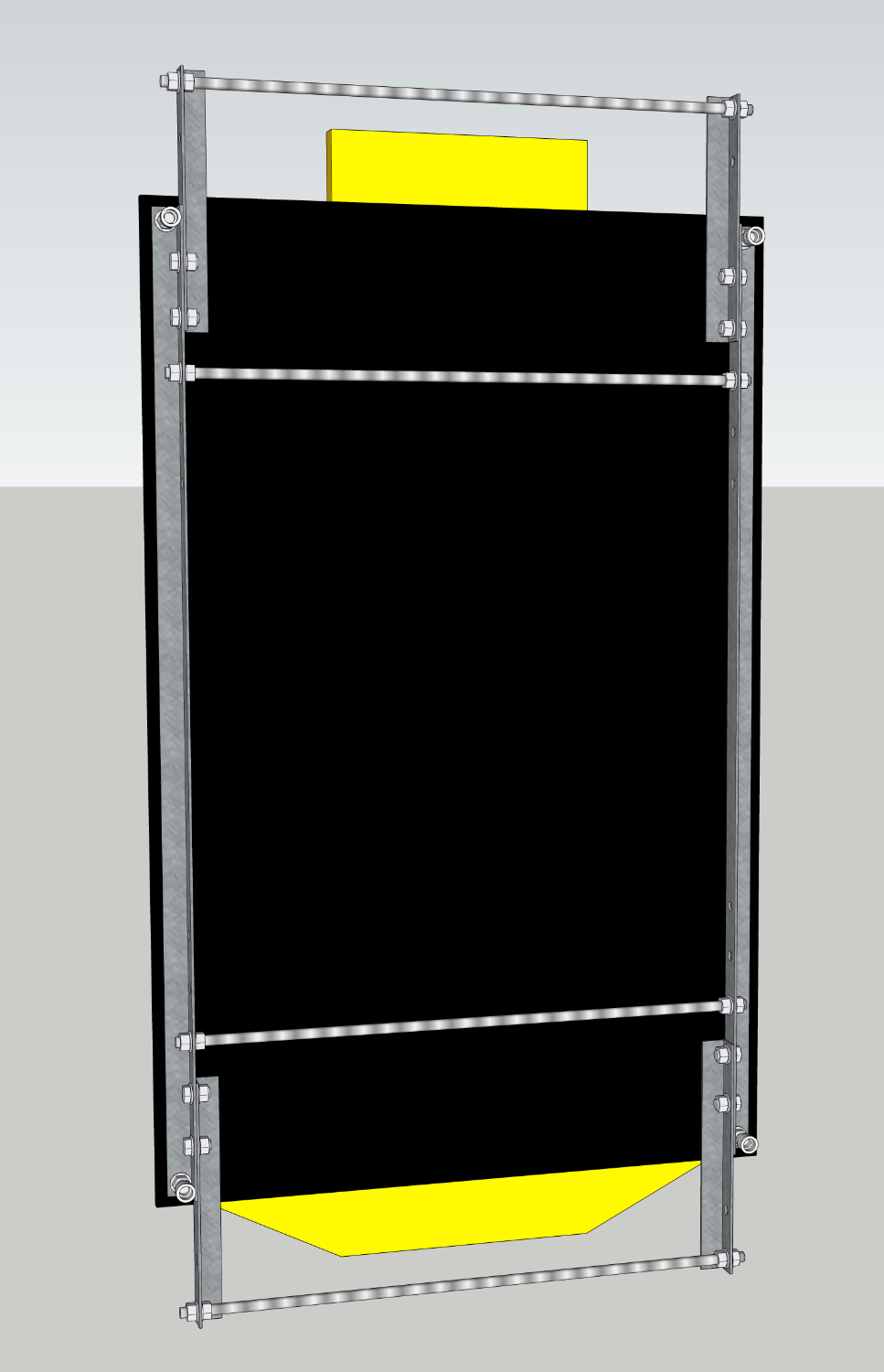
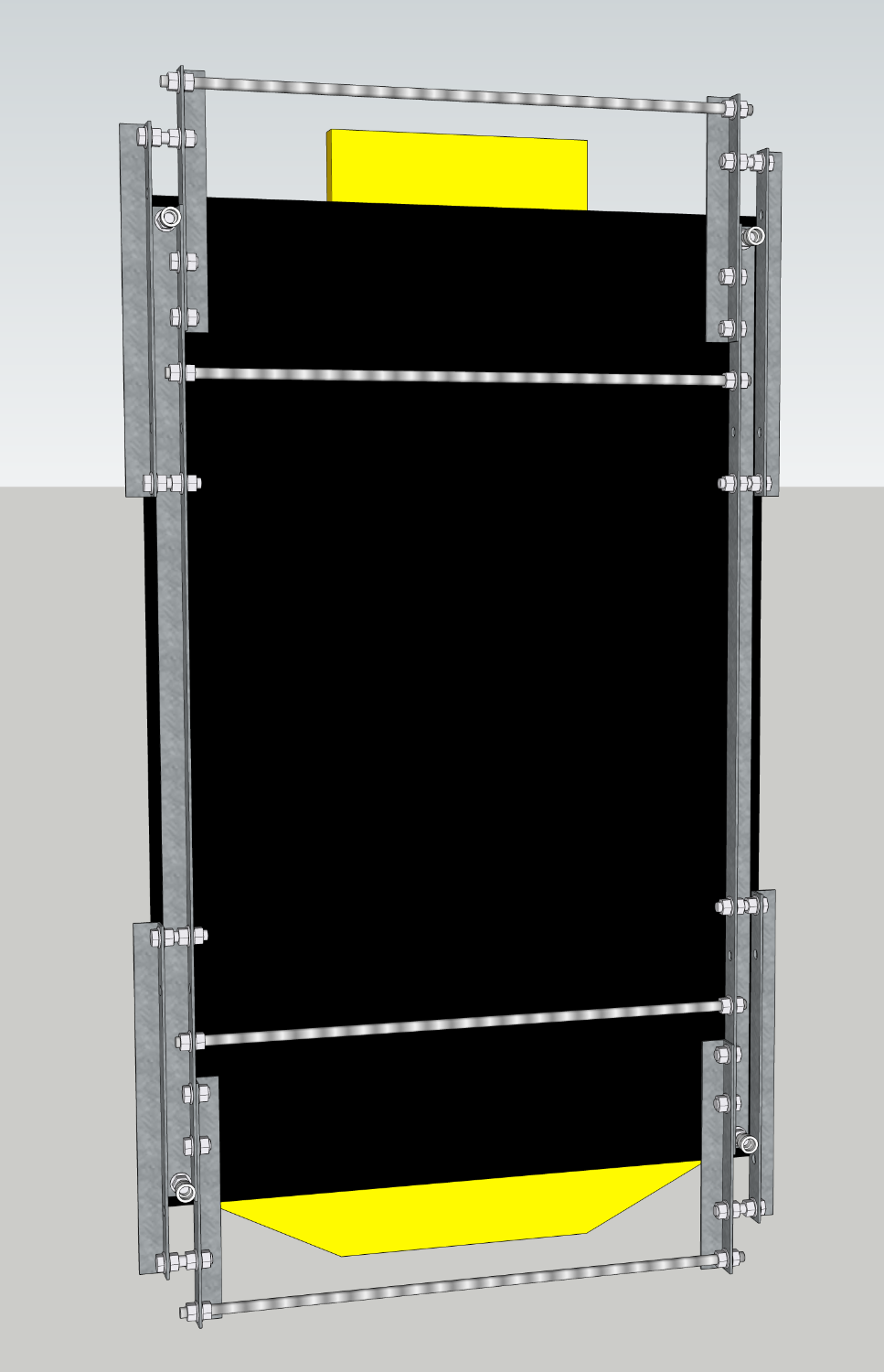
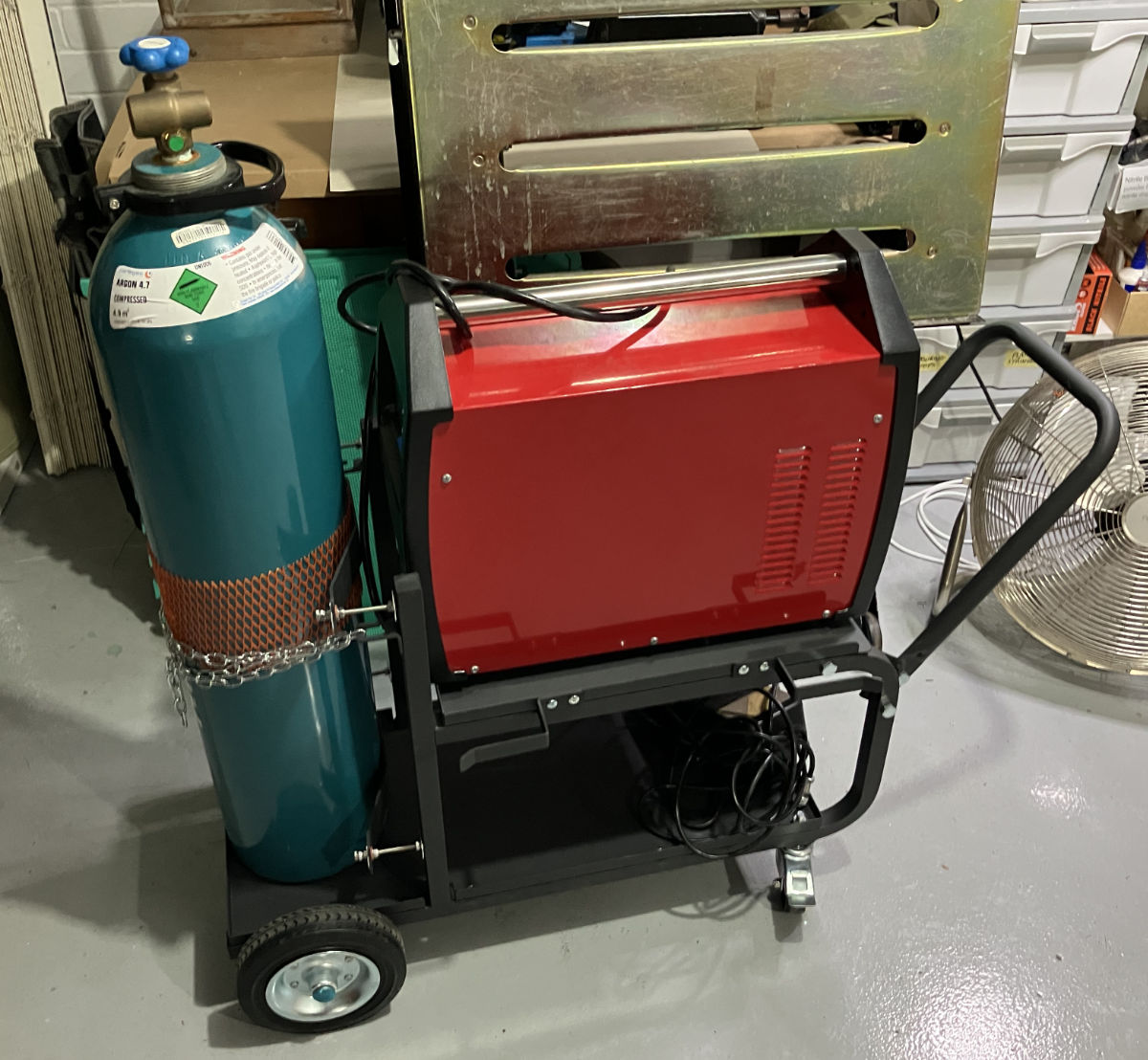
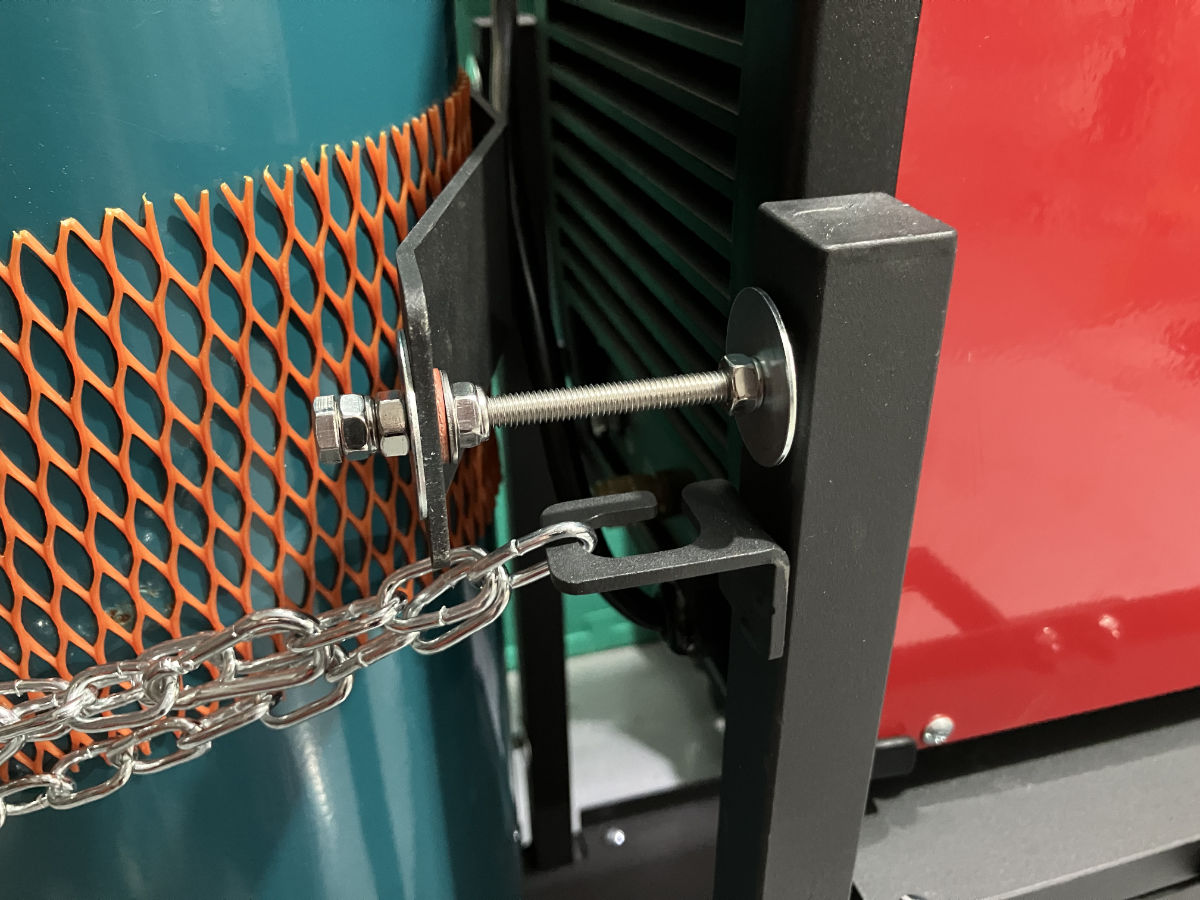
I welcomed a new piece of kit into my metal fabrication setup this week – a Michigan heavy duty welding trolley. This one, specifically.

I have some very specific concerns with my gear, which this trolley had to address. For starters, my welder is very heavy; 20+ KG, as it’s both a welder and a plasma cutter. I bought the combined machine as I was space constrained, and couldn’t fit separate machines for each task. A good idea, but it has this downside – the one machine is heavy, and deep. It’s so deep, that it doesn’t fit on the shelf of most welding trolleys.

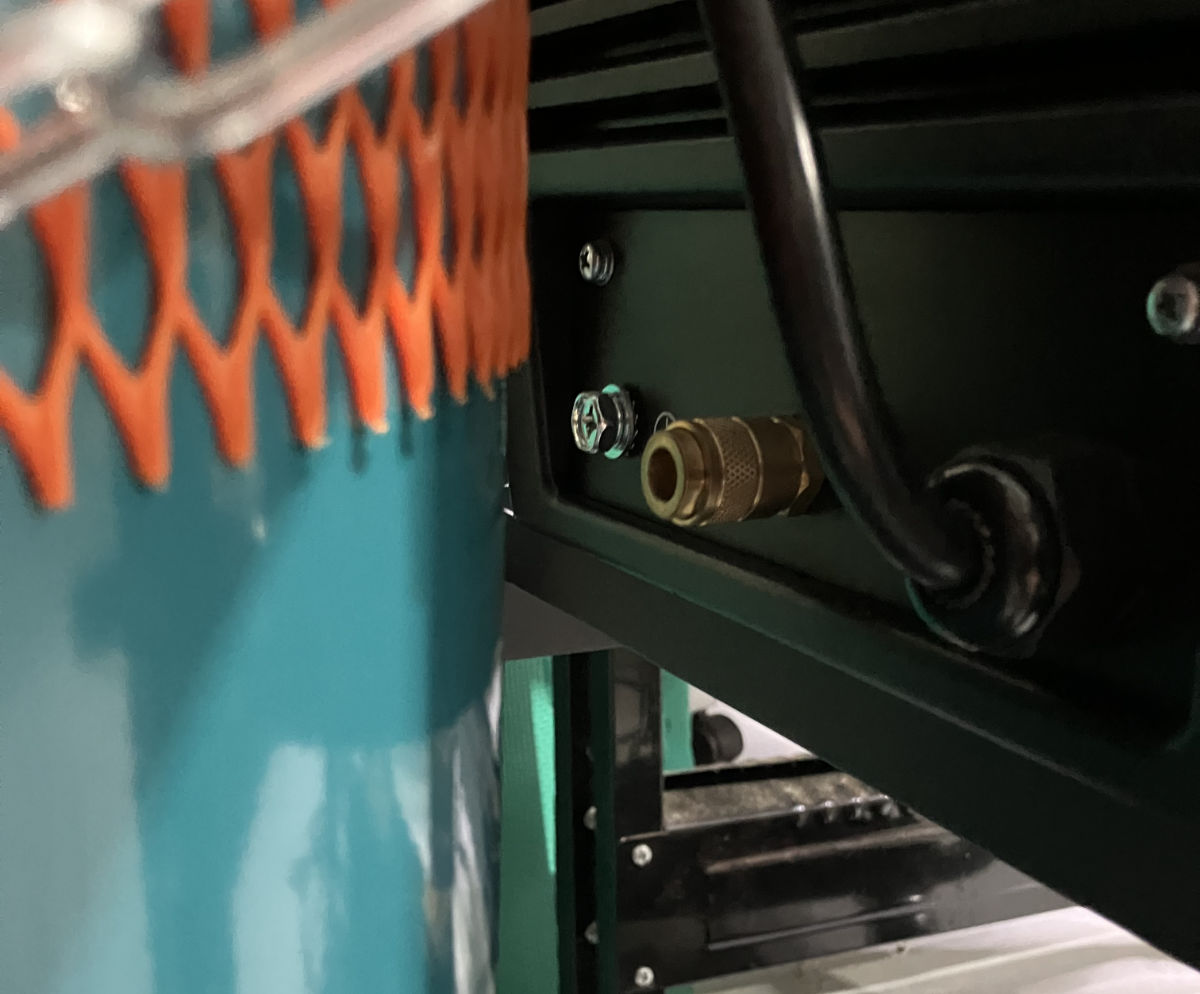
Secondly, the welder’s shield gas input is dead-centre on the machine. This means when it’s pushed as far back as possible, so it fits on the trolley’s shelf, there isn’t room for the gas fitting and hose between the machine, and the gas bottle.

The alternatives are to extend the shelf, or, to push the gas bottle back. I went with the latter, given there’s room for a bigger bottle than mine.

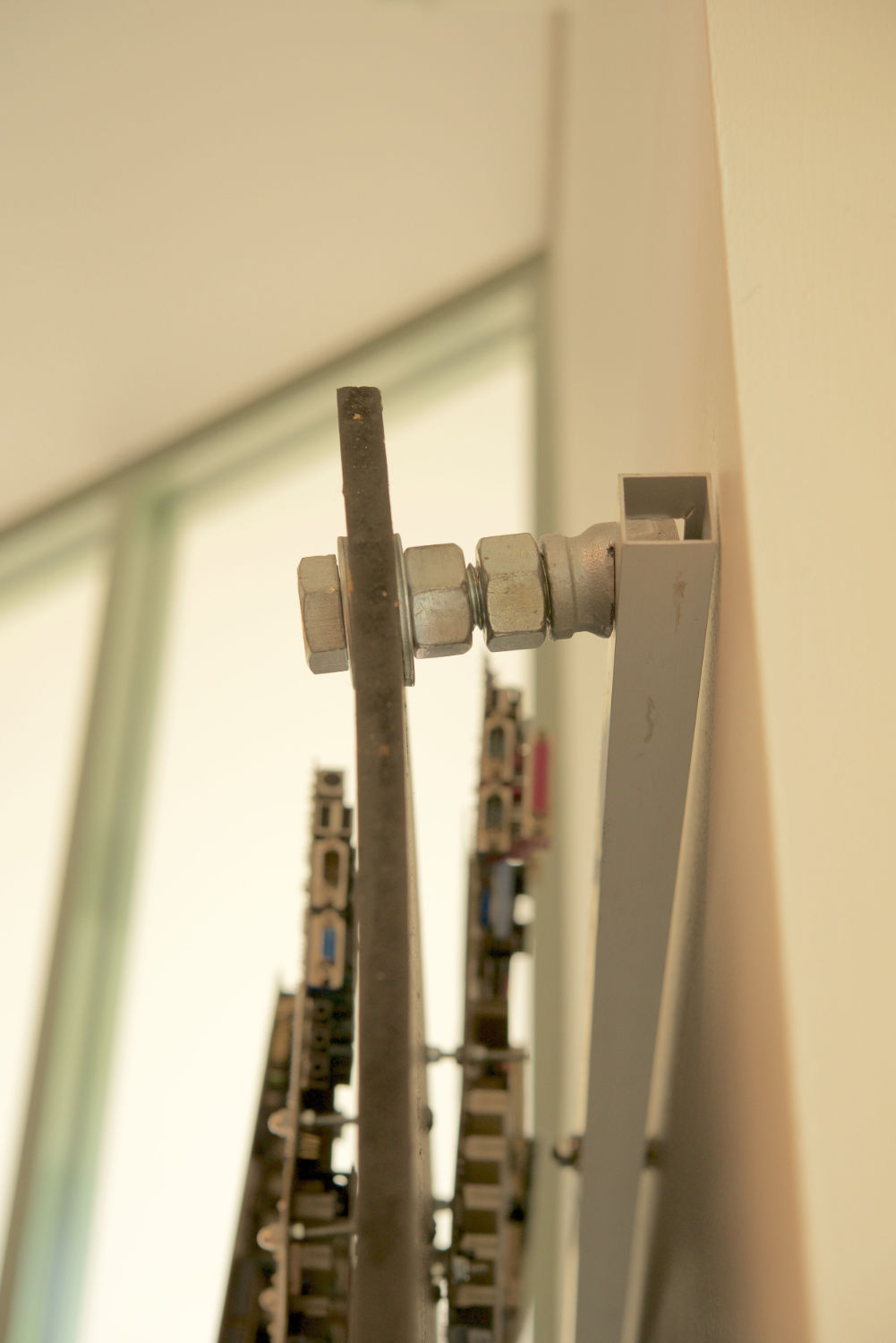
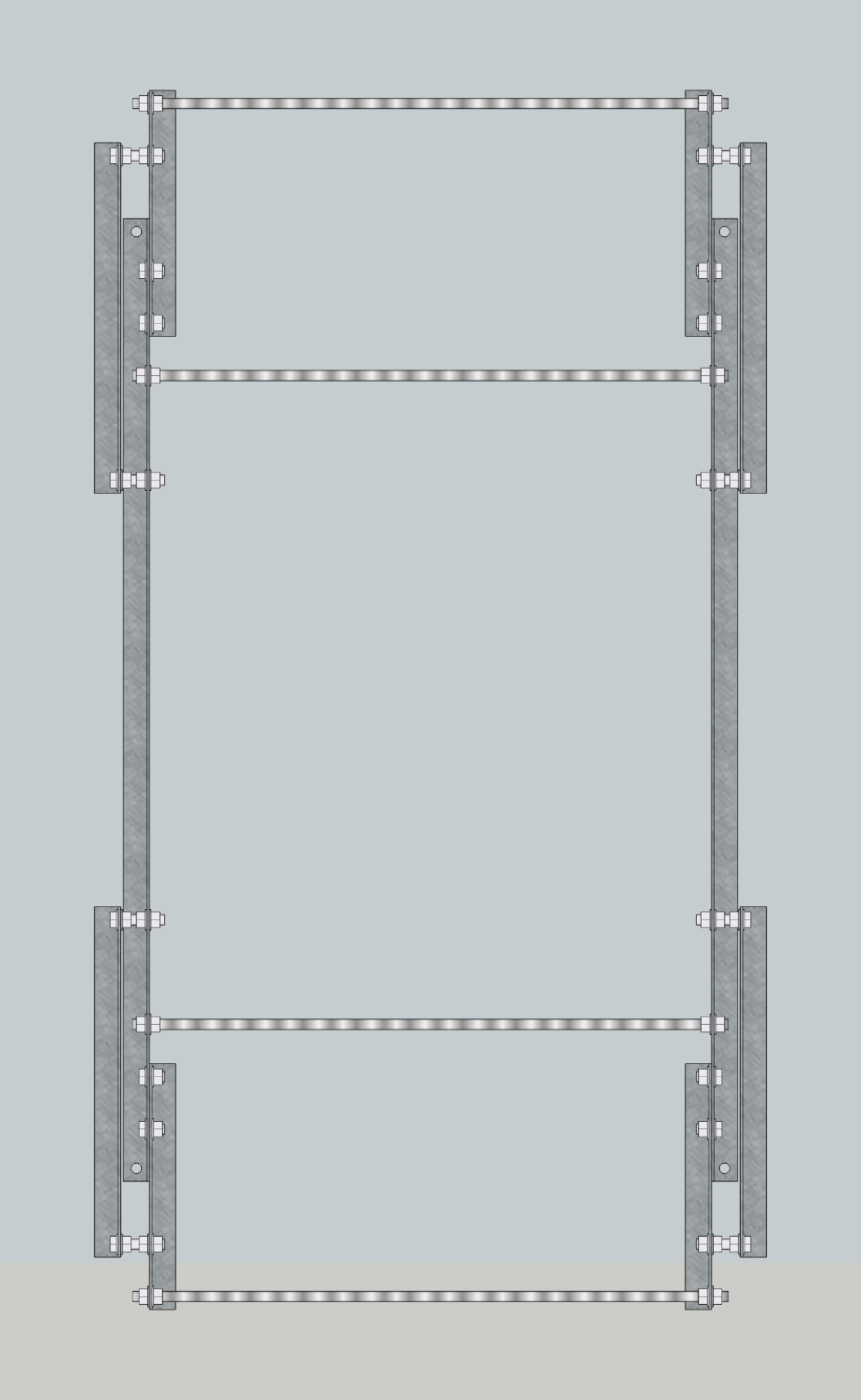
The solution, potentially temporary, depending on how it holds up, was to make standoffs to move the cradle (which secures the bottle) back. Thankfully the cradle parts are bolted on to the frame, so it was just a matter of using longer bolts, with nylock nuts and washers, to cantilever the cradle parts out. The added bonus is the threading means it’s very adjustable to the size of the cylinder.


Fixing Finder’s Window spawning.

Finder in macOS has a behaviour that when you switch to it from another application, and there are no other Finder windows open in your current space, it should automatically open a new window to the user’s chosen default location.

Unfortunately, this behaviour isn’t reliable – it will do it once, but then not do it the next time. The problem being that if it fails to spawn the new Finder window when you switch to Finder, pressing the dock icon a second time will transport you to a different space that does have an open finder window.

Thankfully, Keyboard Maestro is here to save the day. To be clear, what really saved the day, was the Keyboard Maestro user forums, whose helpful denizens supplied the solution to this. Here’s the workflow, with documenting commentary included within.

This macro activates when switching to Finder from either the Dock, or by clicking on the desktop, and ensures you always have a file browser window ready to go when you switch to Finder.

Edit December 2025: You may want to be careful with this. I’ve noticed a correlation between having this macro enabled, and Finder’s preferences becoming periodically corrupted, such that the sidebar items will randomly disappear. I’ve disabled it for now, to see if the problem resurfaces.


Done.

From now on, I’m only selling books direct.

I should have done this earlier, but procrastination won out. What turned things around now, was Apple’s insistence on the requirement that I sell via EU-specific stores to reach EU customers, and those stores were about to require me to publish my home address and phone number.

Also the whole “Apple takes 30% of the cover price” thing, and the “Apple publisher tools have become garbage” thing.

So, we out.