This is a refinement of my workflows for ingesting files from an iPhone or iPad camera, to move them onto my photo archive drive, and allows the removal of Image Capture from the process, which is good because the macOS USB driver can be flaky, and I’ve had at least one system crash from physically plugging in my iPhone.
So, first things first; the relevant file structure. This involves two parts of the filesystem:
I have directories in my home directory (indicated by ~), and then
I have an external drive (actually an NVME SSD on a PCI card) were my photography is kept.
The directories are:
~/Downloads
~/Pictures
~/Movies
/Photo_Drive/Cameras/MyiOSDeviceModel
There are also Camera directories for all of my Camera cameras, where files are manually added, and then have the same processing steps outlined below.
In effect, what this workflow does, is move all Airdropped movies and images to their respective type folders in my home directory, and then, if they’re the original images taken on the devices, shifts them over to the root folder for the respective device on the photo drive, and once they arrive there, they’re processed into a Y/M/D folder hierarchy.
This allows is for things airdropped to jump off the processing train in the appropriate places if they’re not images taken with the cameras on the devices.
So, the way this works is, when you Airdrop images or movies from the iOS device to the Mac, they are automatically deposited:
In ~/Downloads, a Hazel workflow attached to that directory then does the following actions:
If the Date Added is in the last 1 minute, and
the kind is Image:
Move to folder: ~/Pictures
If the Date Added is in the last 1 minute, and
the kind is Movie:
Move to folder: ~/Movies
In ~/Pictures, a Hazel workflow does the following actions:
If the Date Added is in the last 1 minute, and
the Device Model is MyiOSDeviceModel (as revealed by the EXIF metadata in one of its files), and
the Kind is HEIF Image:
Move to folder /Photo_Drive/Cameras/MyiOSDeviceModel
In ~/Movies, a Hazel workflow does the following actions:
If the Date Added is in the last 1 minute, and
the Where From is MyiOSDeviceName (as revealed by the EXIF metadata in one of its files), and
the Kind is Movie:
Move to folder /Photo_Drive/Cameras/MyiOSDeviceModel
In /Photo_Drive/Cameras/MyiOSDeviceModel, a Hazel workflow does the following actions:
If the Subfolder Depth is 0, and (this keep the action occurring in only the root folder)
Date Added is in the last 1 minute:
Sort into subfolder (based on the dates in the image’s EXIF):
(YYYY)
(MM)
(DD)
This final workflow is also used for each camera directory for my non iOS device cameras, so when I directly import images to their root folders (by dragging from a mounted memory card), the same Y/M/D hierarchical folder structures are created / used.
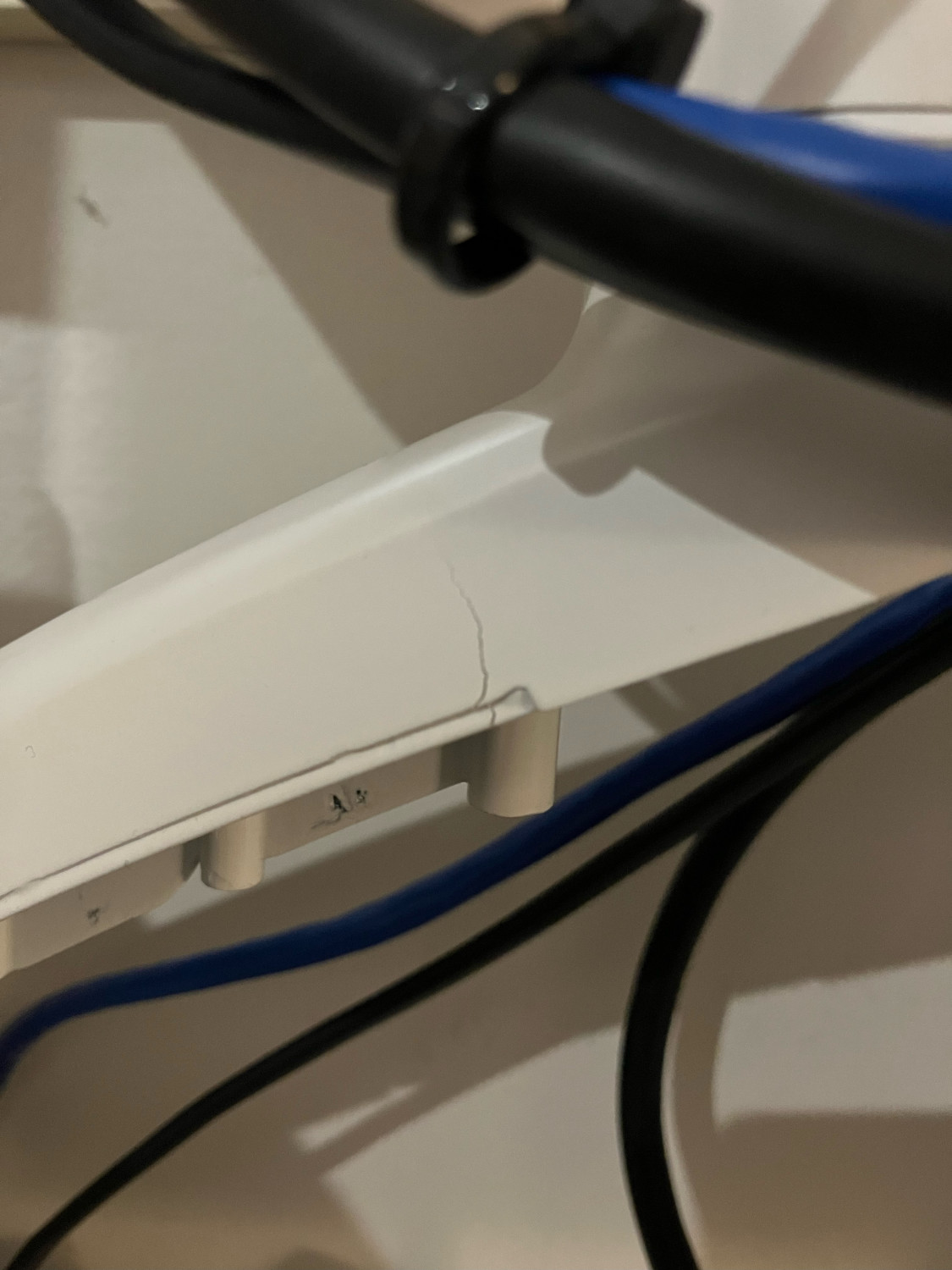
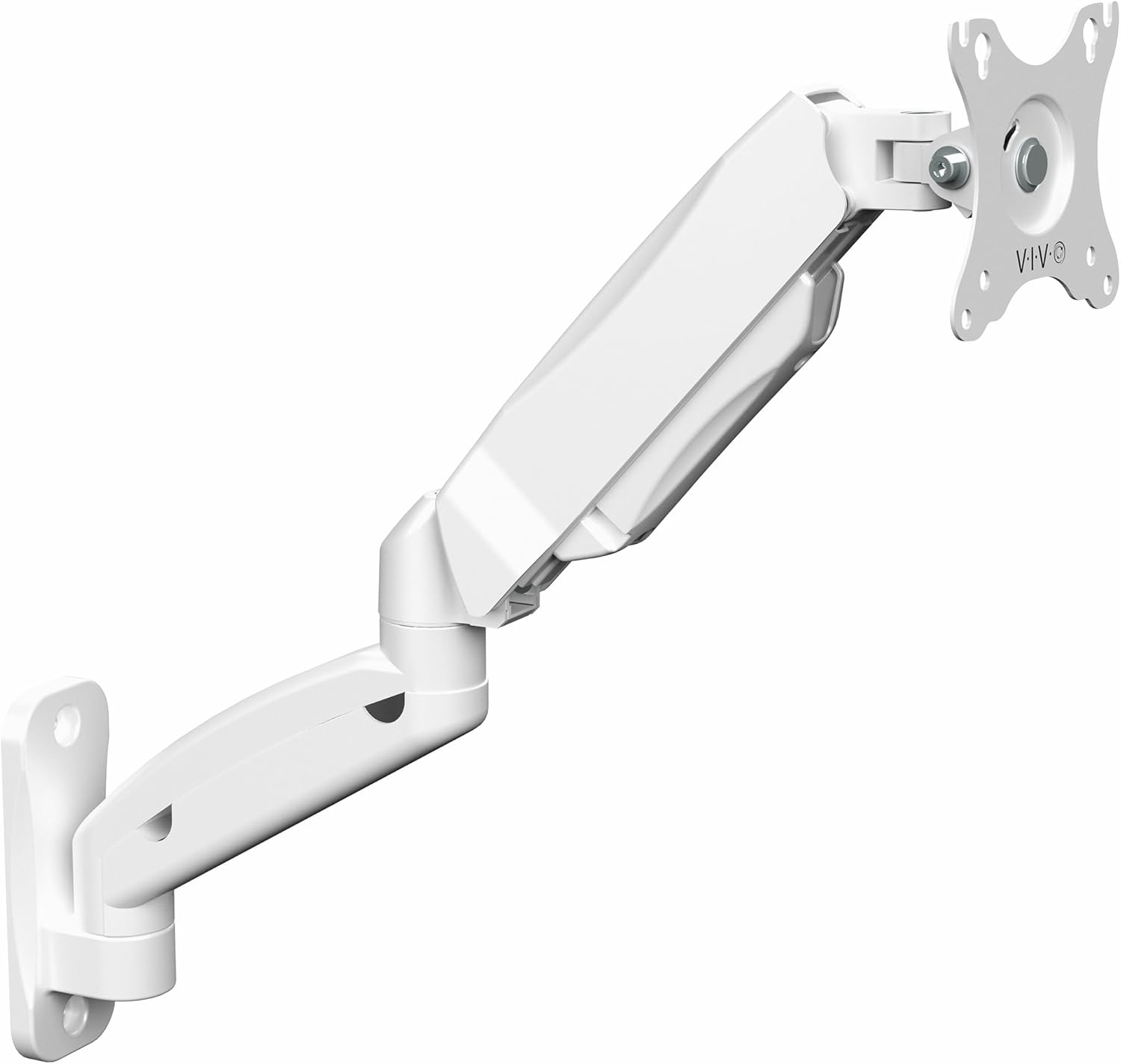
VIVO wall-mount VESA arm (in white), which will be bolted to a leg of one of my white workbenches. EDIT: this was replaced with an Ergotron model, because the Vivo one suffered a structural failure: …in the metal construction within two days.
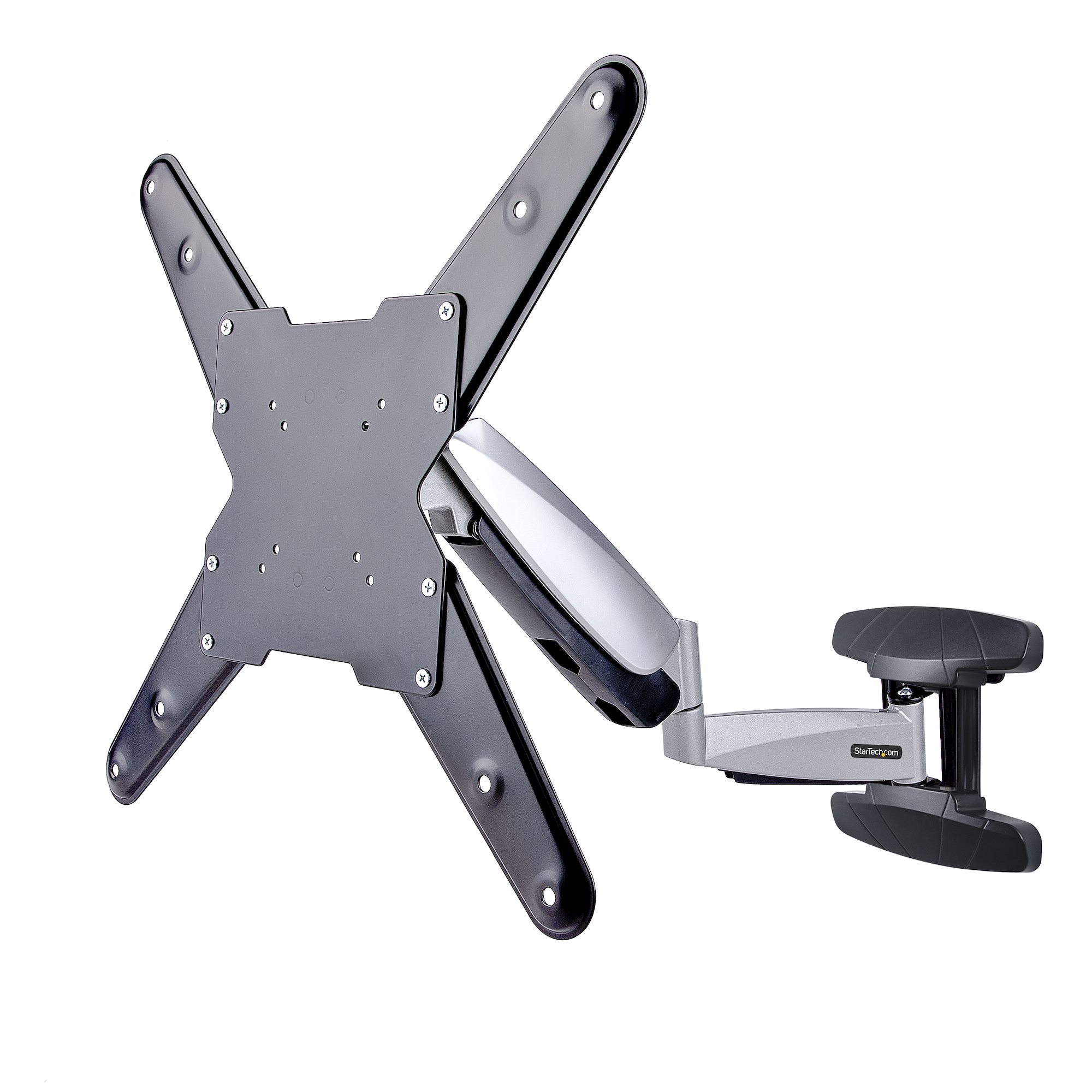
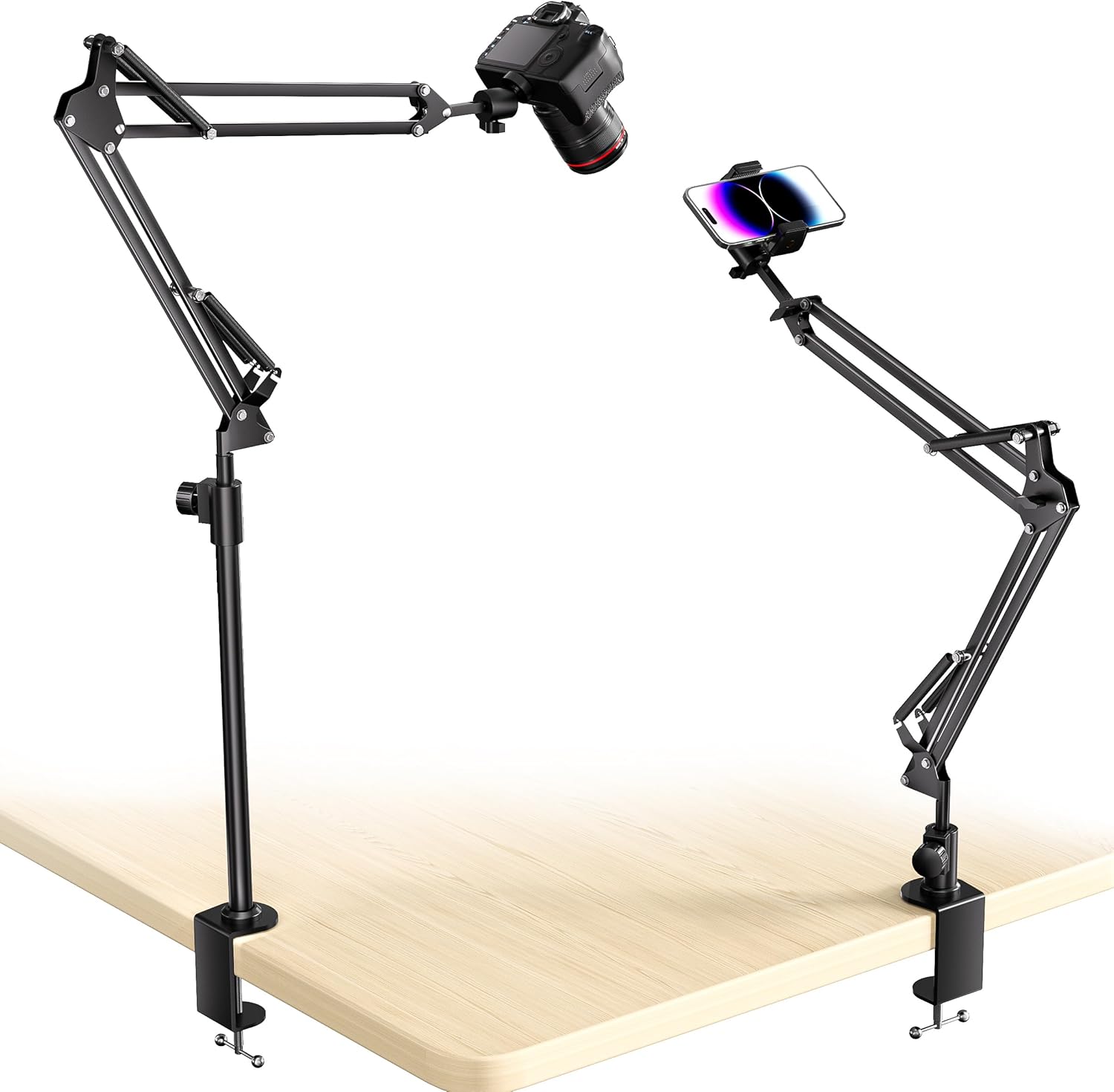
Anglepoise-style suspension arm with 1/4″-20 ball head. EDIT: This really didn’t work out, as the fixed ball head is too weak to secure the sorts of weight it claims to handle.
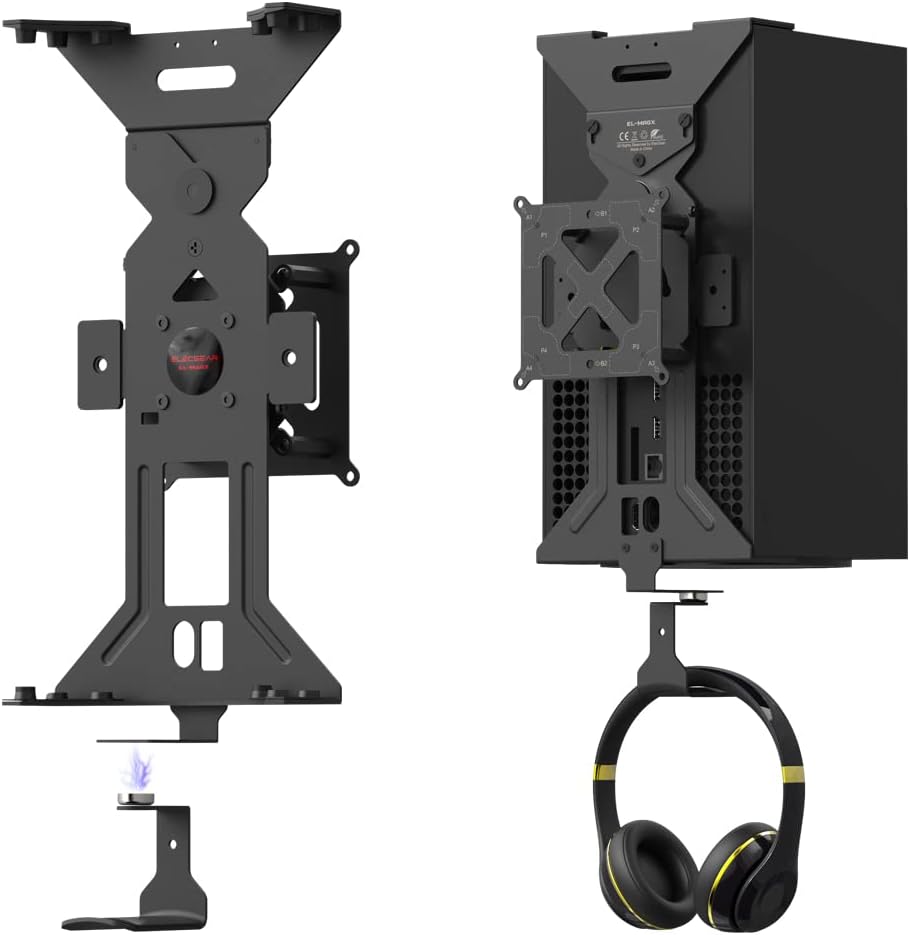
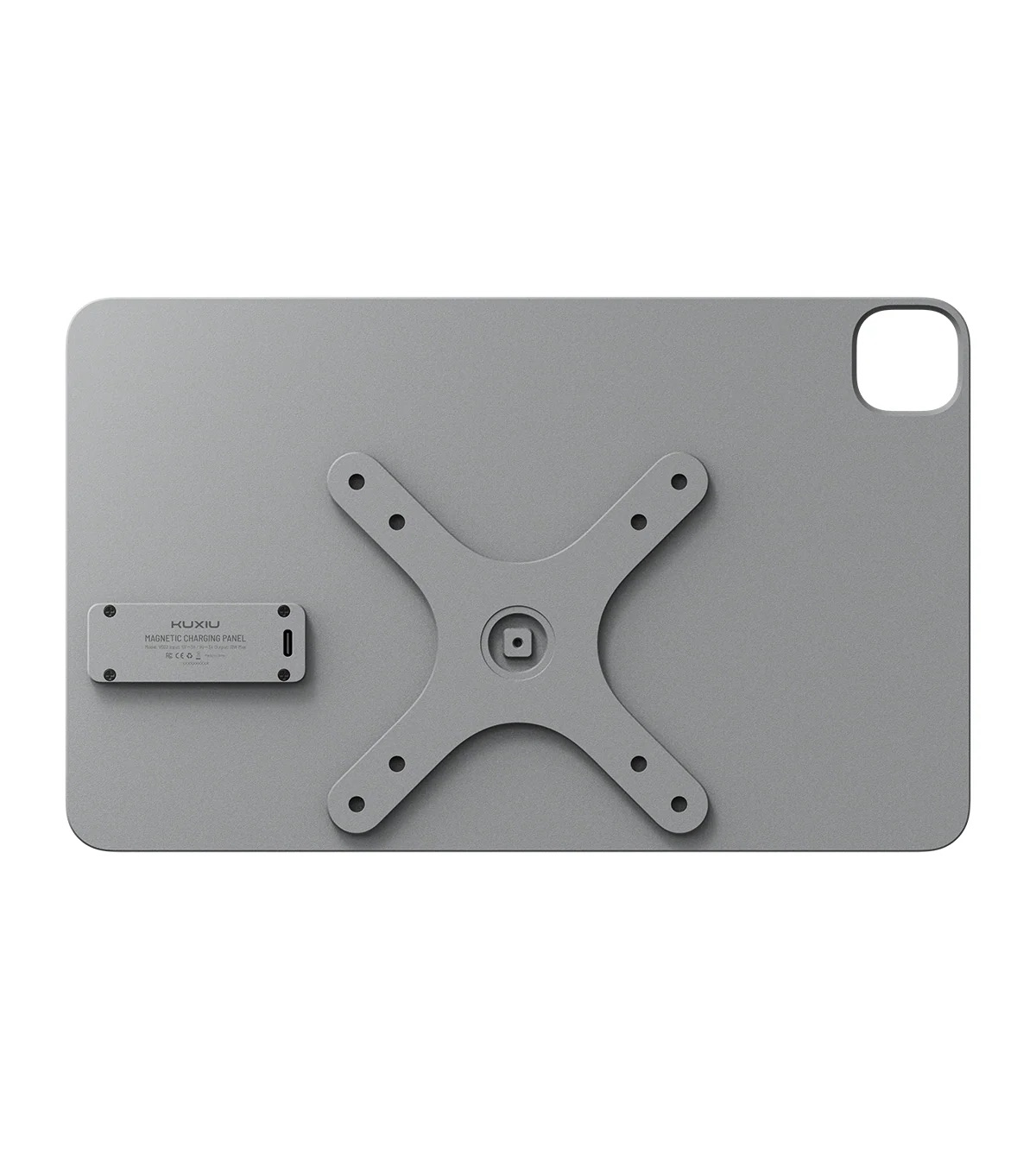
Added to that a second straight USB-C magnetic connector to charge my heaphones in order to cut down on port wear, using the same 24-pin connector. Edit: This was also brilliant.
Now we play the waiting game for all the bits to arrive.
To provide some context, gaming is the major social activity I have, given the people closest to me live hours away, and Covid has denied me pubs, bars, restaurants, cinemas etc. The way we set things up is running a Facetime call on the iPad, floating in space to my side, and the Facetime audio going to bluetooth earbuds, worn under a gaming headset, for games where in-game chat doesn’t work. You get the full social aspect of LAN gaming in the same room.
The following is my personal opinion, based upon my personal experiences.
It’s bad enough when an application you rely upon for you work becomes moribund, and seemingly dies; the developer goes radio silent, stops replying to support emails or feature suggestions.
What happens if the app suddenly comes back, but different; like something that has crawled out of the Pet Semetary, and nothing that was wrong is really right again. Now all you have is a weird, uncanny valley horror wearing the skin of your former tool, dressed in its hairless Sphinx cat fursona.
Sometimes, dead is better.
As we wait for October 30th, to see whether Canva is planting the Affinity suite into the sour ground1, another one of our former loved ones is banging on the door, and the smell of damp, of rot, of corruption is seeping into the room. Another joke of the Monkey’s Paw is about to come home, like a hitch-hiker we ran down, determined to thank us for the ride…
Espresso has a new version, after years of a desolation as profound and silent as that recounted by Xenophon in Nineveh.
I’ve been a Espresso customer for around fourteen years now. I started with MacRabbit, then followed the product to Warewolf software who took over development. Pete Schaffner of Warewolf stewarded the app for a couple of years, until ill health saw him hand off to Matthew Draydon of Kangacode Pty Ltd.
Kangacode Pty Ltd was renamed as Espresso Apps Pty Ltd, with version numbers incrementing up until the last prior release; 5.9.1
Back in October 2021, Matthew Drayton sent an email announcing Espresso 6 was “almost here”, and searching for beta testers.
I had sent a feedback / bug issue about 5.8 in 2022, and there was a quick response from Matthew asking for a copy of the site showing the glitch, which I sent.
I sent a number of additional feedback / bug reports over the course of 2022 & 2023, none of which received a response. In May 2024 I sent an email to ask Matthew if he was OK, and if Espresso was still in development. Pete had run into health issues, so it’s not unprecedented in the history of the app. That email received a canned response the following day:
…with the previous owner’s name and the “current” owner’s previous company name.
OK, so perhaps Matthew hadn’t fully changed over all the templates in the company’s systems? It was disturbing, but in the pandemicene all sorts of things have slipped.
The current state of Espresso as of 5.9.1:
Eighteen months later, and with the announcement of the new version, it’s worth reviewing the state of the current app. Here’s the biggest bugs, and usability / function issues which I experience while trying to get work done.
The image well for adding a background image to a CSS style:
Dragging an image to the image well results in it shooting back to its origin as soon as it crosses the well’s threshold.
The function to add or customise a logo for a project:
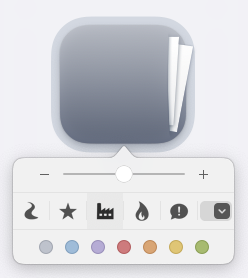
This doesn’t work at all – the logos supplied aren’t applied, and the dropdown to bring up a file picker, followed by using the correctly specified image, fails to apply said image to the project folder. The colour tags however, do work.
Find and replace:
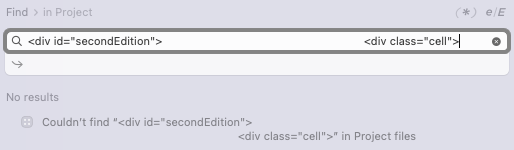
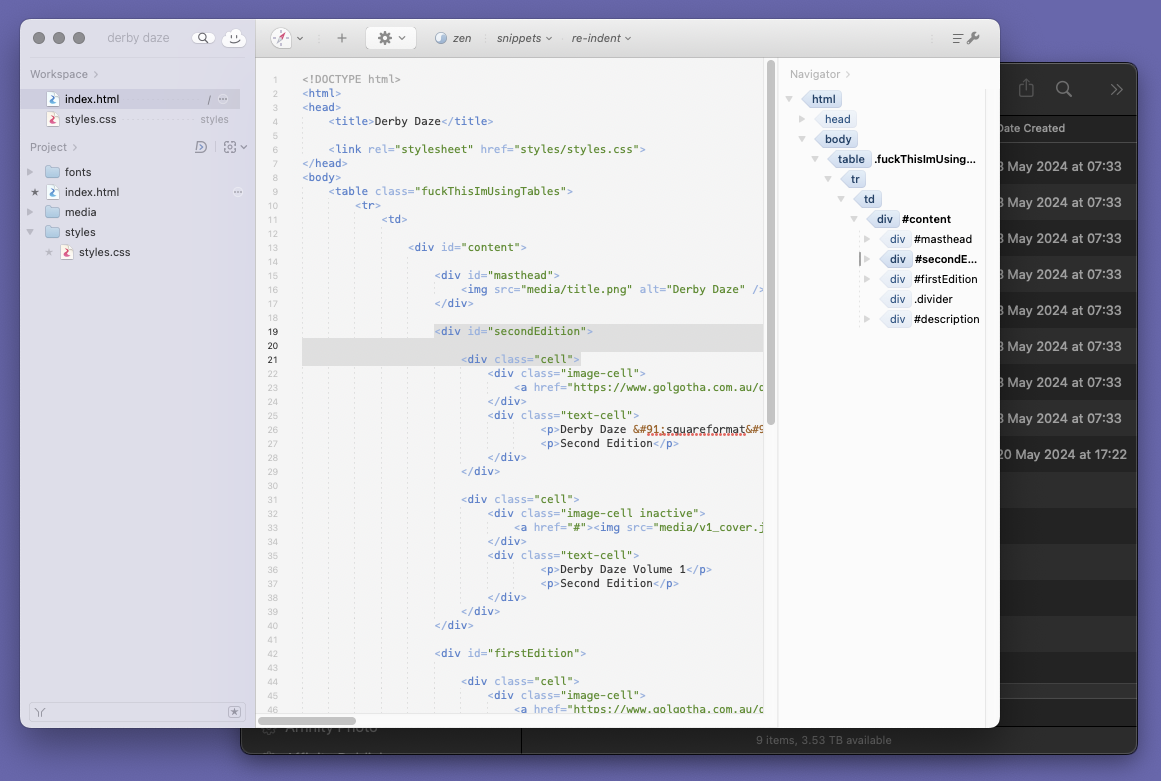
Find & Replace on a project as a whole can’t surface a multi-line search target. Say for example you want to replace a block of code with another block of code in every page of a site.
No Dark Mode:
Dark Mode has been a standard part of the Mac UI since 2018, but it’s not available in 2022’s Espresso 5.9.1.
Feature Deficiencies:
These are things that are not bugs, but more annoyances with missing features (that one should expect), or features implemented in a way that makes life difficult:
No Media Embeds:
I started coding HTML around 30 years ago, and back then I was using an HTML app called PageSpinner which had a nifty (at the time) feature where you could just drop an image into the code document, and it would automatically create the image tags, with all the properties filled in, the relative path to the file etc. Every other editor I’ve moved through since, mainly GoLive and Dreamweaver had this ability for pretty much any type of media with their code editors.
Link Rewrites:
Something else common to most other HTML editors that do site management (have all the files in a site loaded within themselves), is link rewriting. So, if you rename a file, or move a file, the application rewrites every path and link mentioning the file within the site. Sadly, not a thing in Espresso. When I still had a copy that could run on my system, I used to keep Dreamweaver around, with my site loaded in it at the same time to do these tasks.
No Word-Wrap Toggle:
One task you do a lot in HTML is toggling word-wrap on and off. You have it off when you want to concentrate on the shape and structure of the code, you might turn it on when you want to get all the content into an easy-to read space. Most code editors I’ve used have that button right at hand at all times, because it’s such a frequently-used function. Espresso requires a trip through the app’s preferences to turn it off or on.
Complete CSS3 GUI:
Espresso’s CSS editing GUI tools are great, given how much there is to remember in CSS, but they’re not the full suite of CSS3, so you still have to do some things by code – for which there is code completion, so the app does know them, it just doesn’t have GUI tools for them.
Non-Compact CSS:
This is another thing that builds on the CSS GUI, but if you’ve laid out your CSS in non-compact format, with each variable listed as separate properties; like background-image, background-position-x, etc, and then you touch the CSS GUI, all of your carefully set out (and easily readable, self-evident) code gets compacted down into the single background(continuing the example) property shorthand, which makes using the CSS GUI kindof like touching a oven hotplate.
Fixed GUI Proportions:
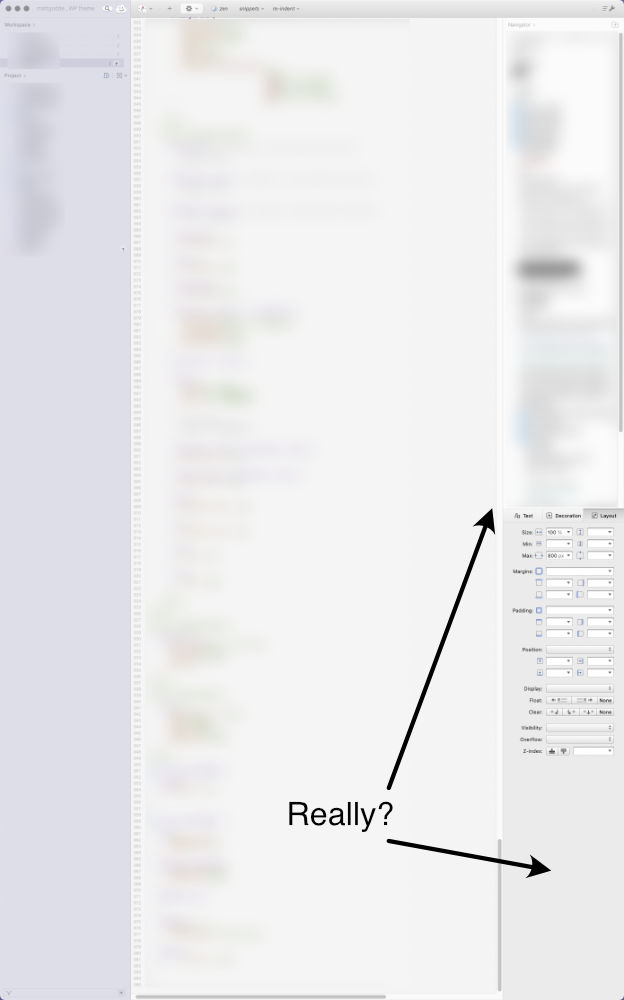
This is a real bugbear of mine, that a lot of developers do; seriously, stop using fixed proportions for splitting your windows into sub palettes. We had draggable dividers (and tear-off palettes & inspectors) in the 1980s, you have no excuse not to use them now. Choose a different GUI toolkit / API if your current one doesn’t allow it.
Long live the new flesh?
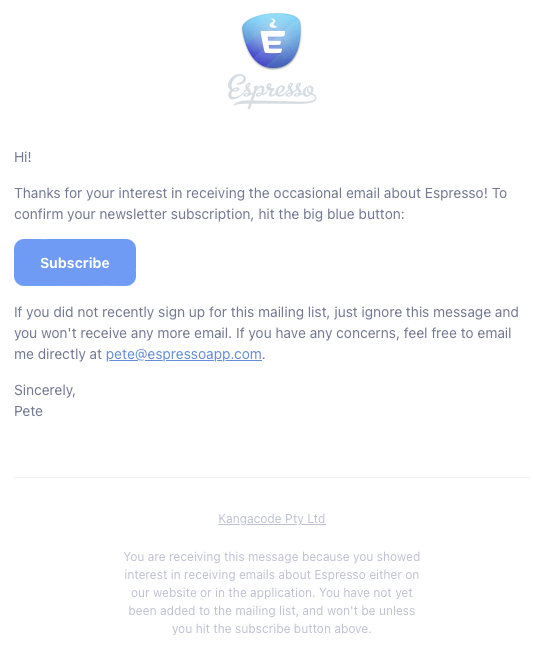
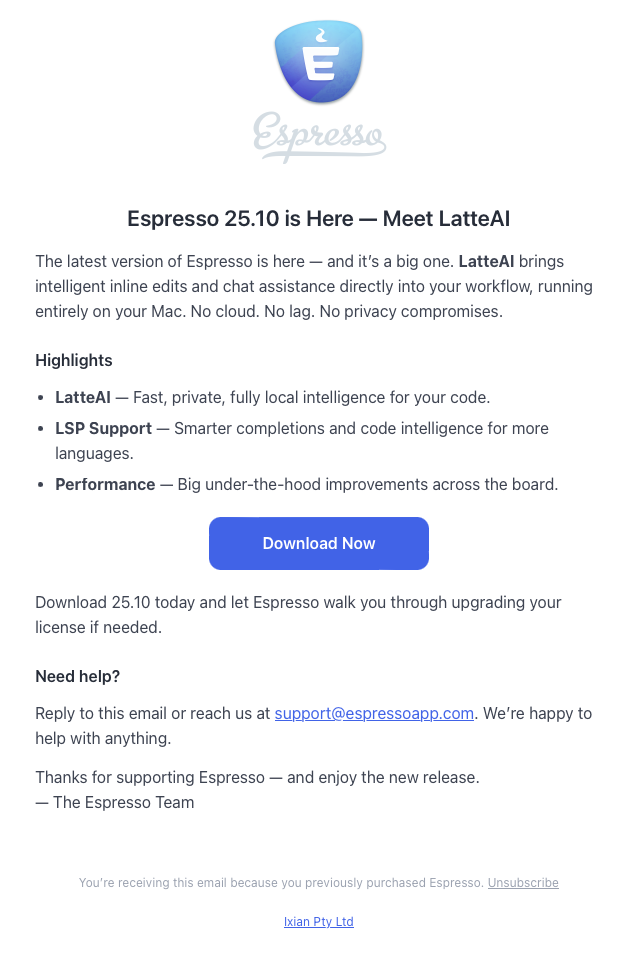
The new version was announced on 7 October 2025 with the following email:
First thing to note, the owner now appears to be Ixian Pty Ltd, the third change of company name in four years. Is this another rebrand of Kangacode Pty Ltd > EspressoApps Pty Ltd, or is this a different company entirely? I’m not discounting the most likely scenario, that a solo developer renamed his company to be something not tied to a specific app, and chose a Dune reference for the name; Ix being the planet of smart machines.
The other option, of course, being that Espresso has been bought by another company, but a search of public company registration records shows the developer’s history of companies:
Nolobe Pty Ltd
Kangacode Pty Ltd
Espressoapps Pty Ltd
Ixian Pty Ltd
…are all registered as residing the same postcode; a small town inland of a regional city, which makes the buyout option seem less likely.
My name is Ozymandias…
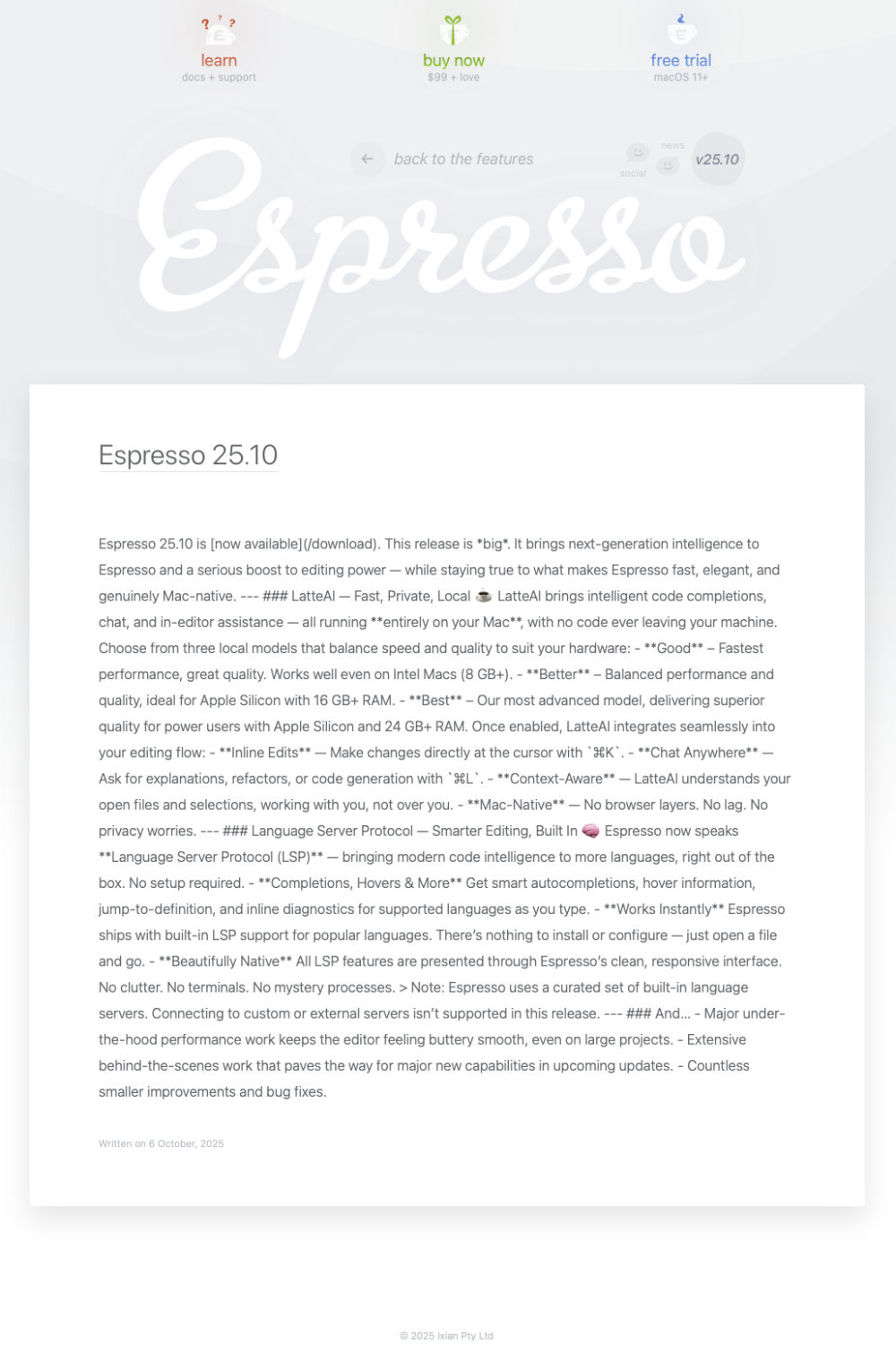
Looking at Espresso’s website (as of 09 November 2025), none of the help documentation appears to have been updated for the new version. The release notes are for the new version only, there’s nothing about previous versions, and seemingly no way to download previous versions. The Blog is just the unformatted markdown of the Release Notes page:
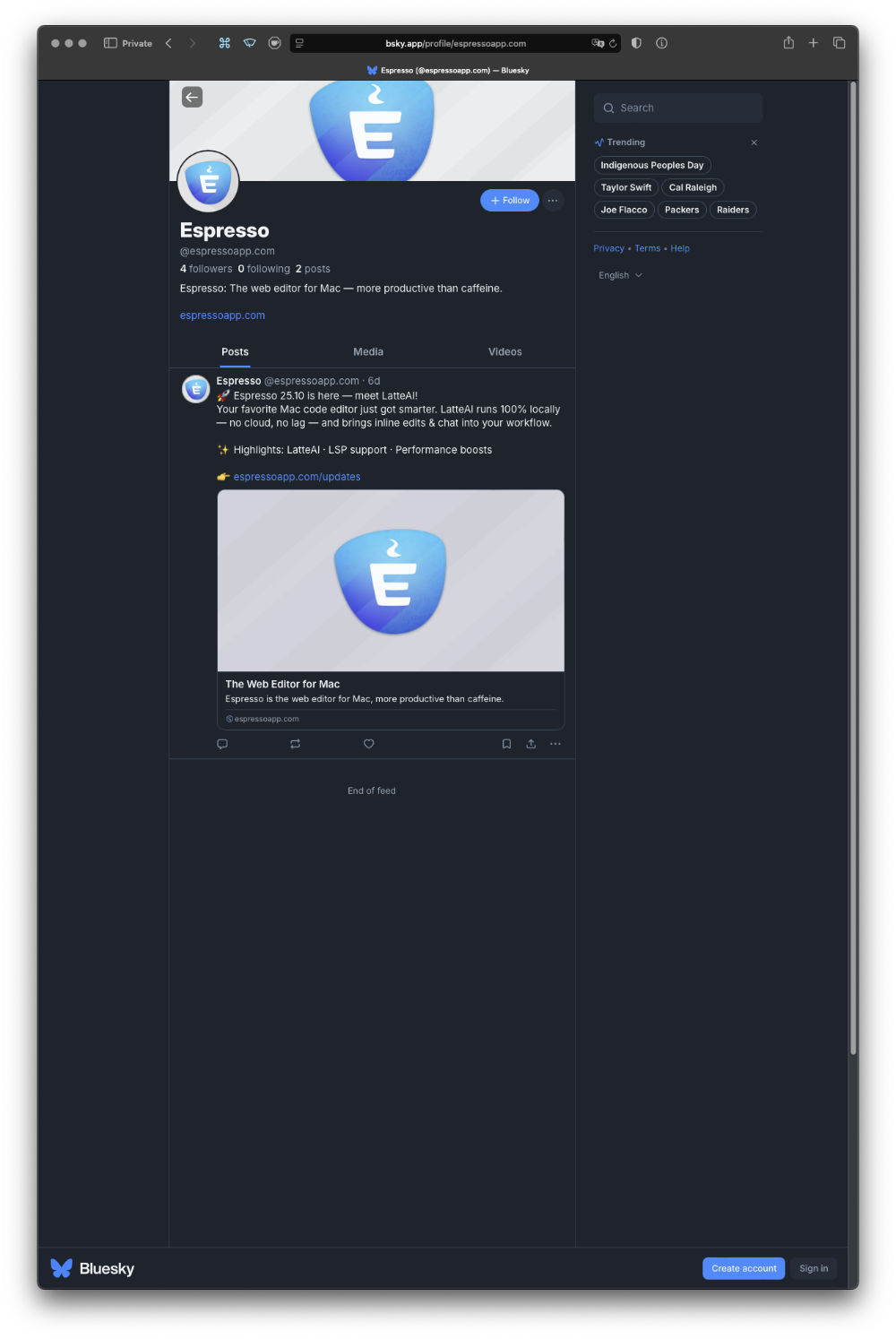
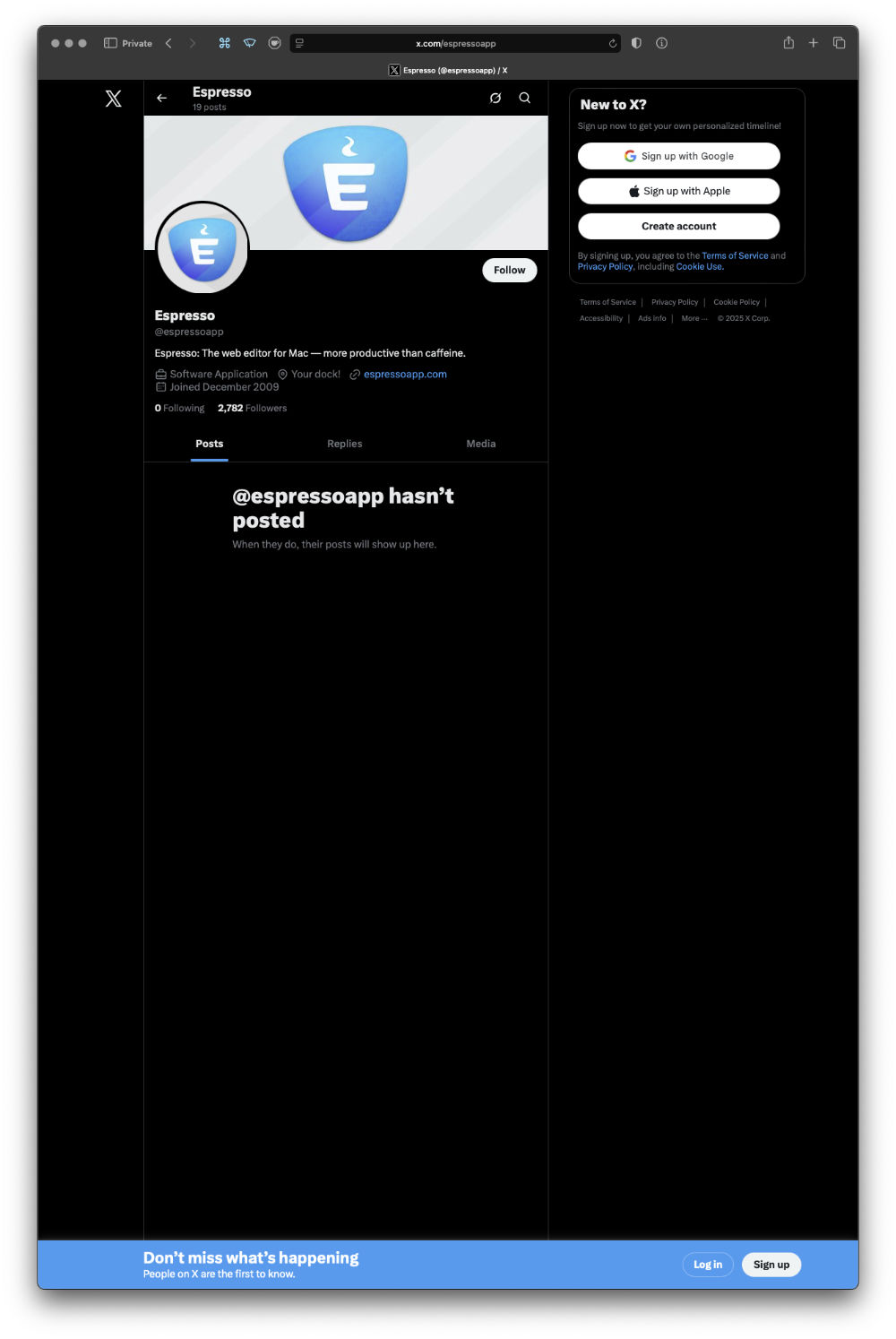
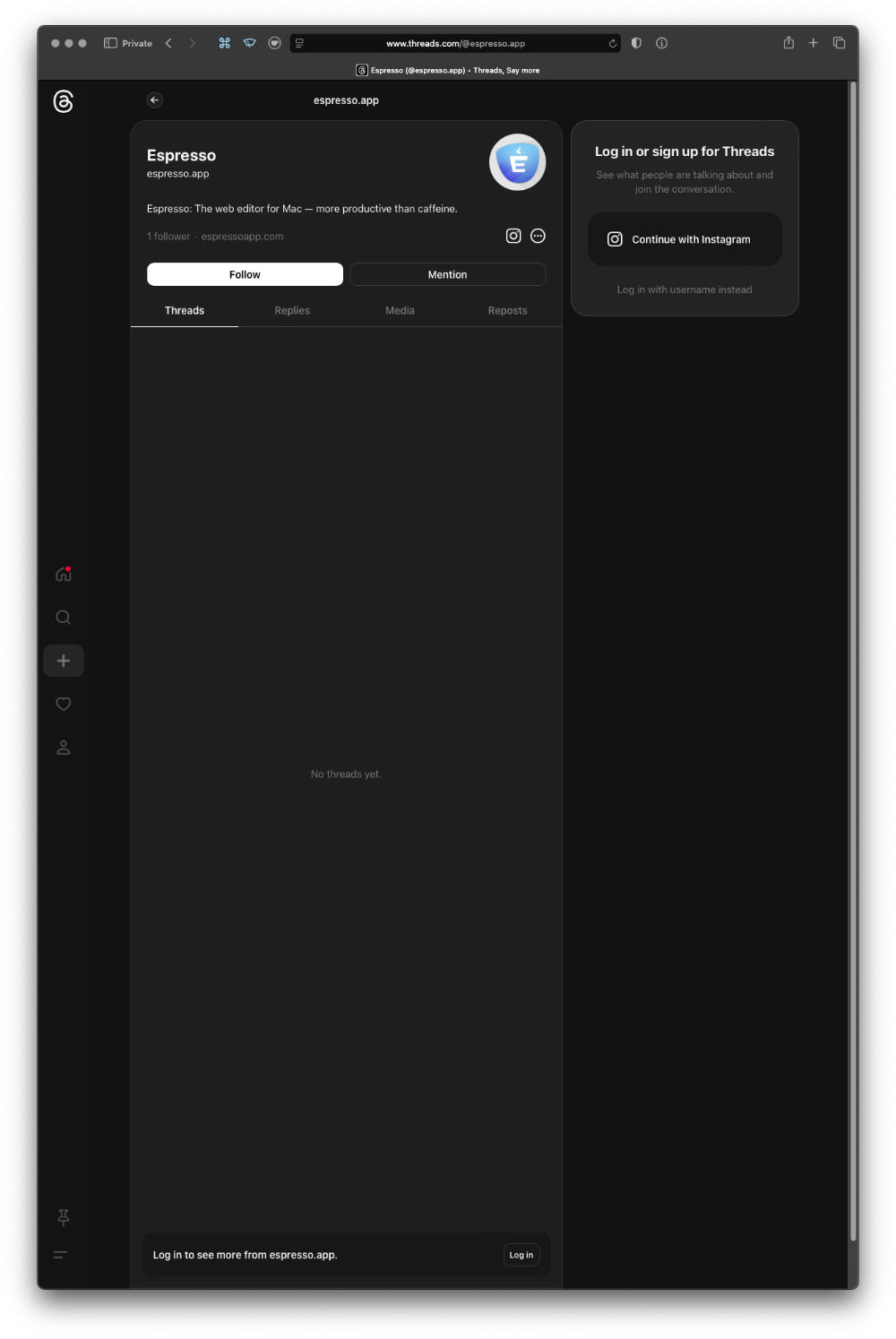
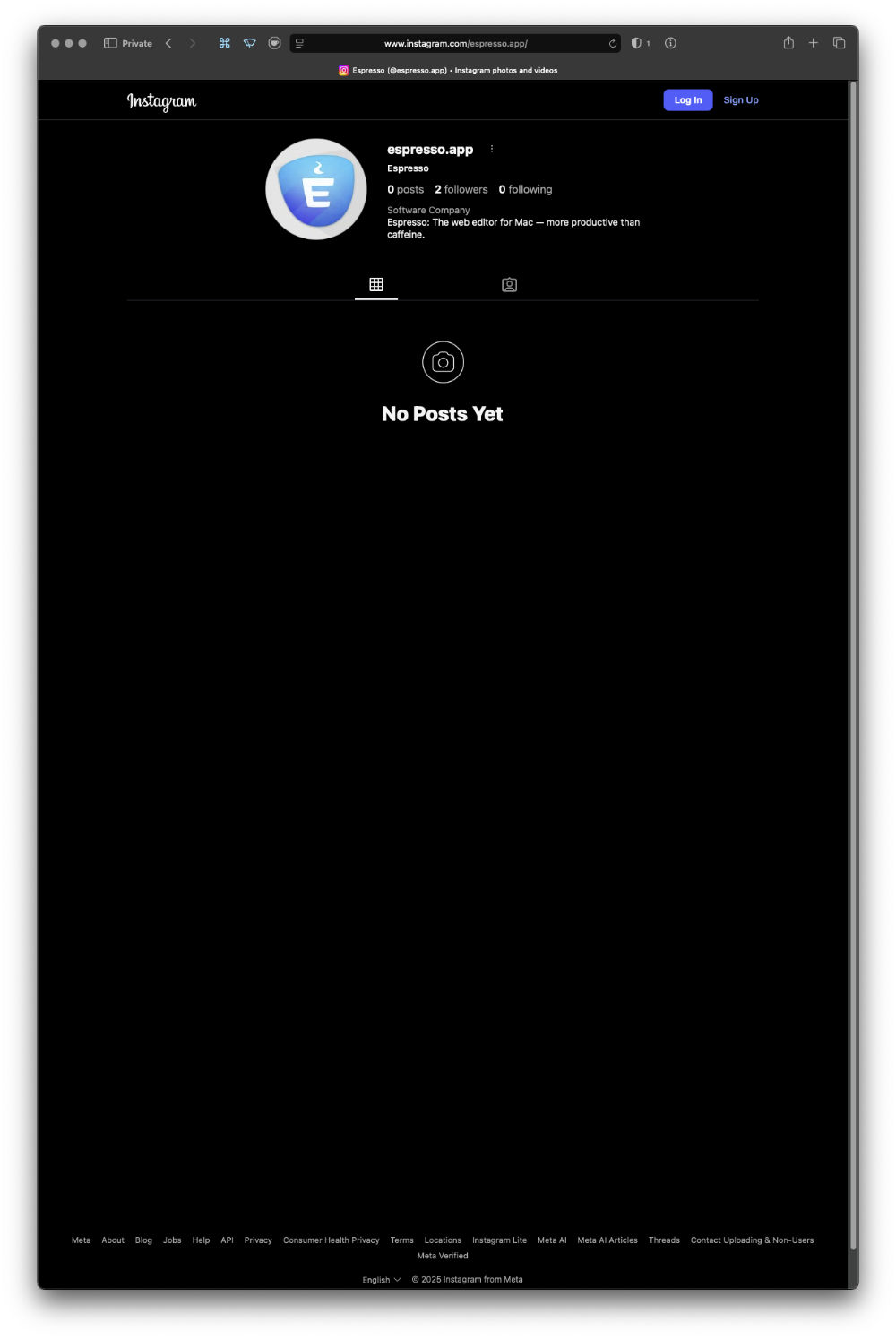
Espresso does have a social media presence on all major platforms:
Mastodon
Bluesky
Formerly Twitter
Threads
Instagram
As of 14 October 2025, they’re largely empty. They also (mostly) appear to be brand new accounts.
Looking at the pricing of the product, $99 which I presume is USD$, and $69 for the upgrade from the previous version. Ixian have adopted the new “totally not subscription” (but totally a bugfix / support / maintenance subscription) pricing of requiring annual re-purchases to get bugfixes.
As an aside; I think this entire price model of “12 months of updates and bugfixes” that has swept the Mac world is fundamentally disingenuous, and I think everyone using it is mistreating their customers. When a customer buys software from a developer, they are entitled to receive a product in which every feature works all the time. If there are “bugs”, what they have been sold is a faulty product, and if it takes one year, two years, five years, the developer is responsible for fixing it at their own cost, until they deliver on their original sale.
The argument that the customer gets to keep using the software even if they don’t pay up again doesn’t hold a lot of water if the software is faulty at the end of the 12 months. In the European Union, for example, software has a statutory two year warranty; and developers can choose to maintain old branches of software for two years, or upgrade the customer to whatever version solves the bug, or face themselves forced to issue refunds to customers who can just turn around and re-buy the newer (presumably fixed) version.
This 12 month thing becomes even more egregious when it’s a 12 month window to access updates. I have one piece of software I can’t update to a version that was released within my 12 month window, because I didn’t do the update during that 12 month window; I can’t get an update released 8 months after my purchase, because I didn’t know about it until 14 months after purchase.
Look on my works…
Anyway, I tried downloading the demo, to see what it was like.
It refused to run unless I paid the upgrade fee from 5.x to 25.x.
Well no, I’m not going to pay money for software sight unseen and interfere with my licence when it’s one of my main production tools. So, I declined the offer, and removed the new version from my system.
After my next reboot, I discovered my existing version had been reverted to a demo, with only 14 days usage remaining.
Digging through my email archive, I was able to find my 5.x purchase, and the necessary activation number and to attempt to re-authenticate the software. I was greeted with an error:
“Espresso couldn’t validate your license. An internet connection is required to validate your Activation Number. Make sure you are connected and try again.”
Suffice to say, I was still connected to the Internet. Call me suspicious, but my guess is the activation server is no longer running for 5.x.
Anyway, as they were so keen for customers to reach out if they had any problems, I emailed the address on their site hello@espressoapp.com on the 21st of October 2025, to find out how to re-activate the software. As of November 10th I have received no reply, but I did receive this just after midnight October 29th / 30th:
I forwarded my support email to support@espressoapp.com on the 30th, so we’ll see if “The Espresso Team” respond to that one.
Then I received another promotional email, again in the wee hours, but of the 31st.
As of the evening of November 10th, still no response from “The Espresso Team”.
The dead eyes opened…
So where do we end up? This new version claims to be all-in on AI code tools, but I don’t want tools to know things for me. The problems with Espresso aren’t that I don’t know how to do things in HTML and CSS, it’s that the tool’s bugs and shortcomings get in the way of me applying the knowledge I already have towards my tasks.
The proposition with which we are being presented in this new version, is paying a not insignificant sum of money for a new piece of software sight-unseen, on a 12 months of updates then pay again basis, when the previous version hasn’t been updated in 2 years, and the developer has been radio silent, and non-responsive to support requests for that time.
This lack of response appears to be continuing. When combined with the empty, brand new social media accounts, the website barely updated, and bafflingly updated with raw markdown, the activation servers not working for existing licences, it points to a disturbing lack of care and attention to detail, at best.
It’s frankly baffling how anyone can think this is a viable way to run a business, let alone practice anything.
What is it about AI that seems to make the software industry behave unethically? For example, Microsoft was recently hammered by the ACCC for hiding that you could get an Office 365 subscription without paying extra for AI.
If the public records search on all of Drayton’s former company names hadn’t turned up that they were all located in the same country town by postcode, I would have bet that Ixian Pty Ltd was a Bending Spoons-esque company – someone / something that buys up distressed, neglected software with name recognition, and does a “stuff in some AI and flip an upgrade” business plan.
It looks like this to me, because of the canned announcement emails, the shallow, box-ticking coverage of all social media bases, but with no appreciable content on them, the nobody’s home dead silence to support requests, the inability to authenticate existing versions of the product, and the promotional discounting so soon after launch, but not at launch. That to me, suggests the upgrade sales didn’t happen they had hoped.
There are so many red flags here you’d think we were watching a Revolution Day parade for a communist country.
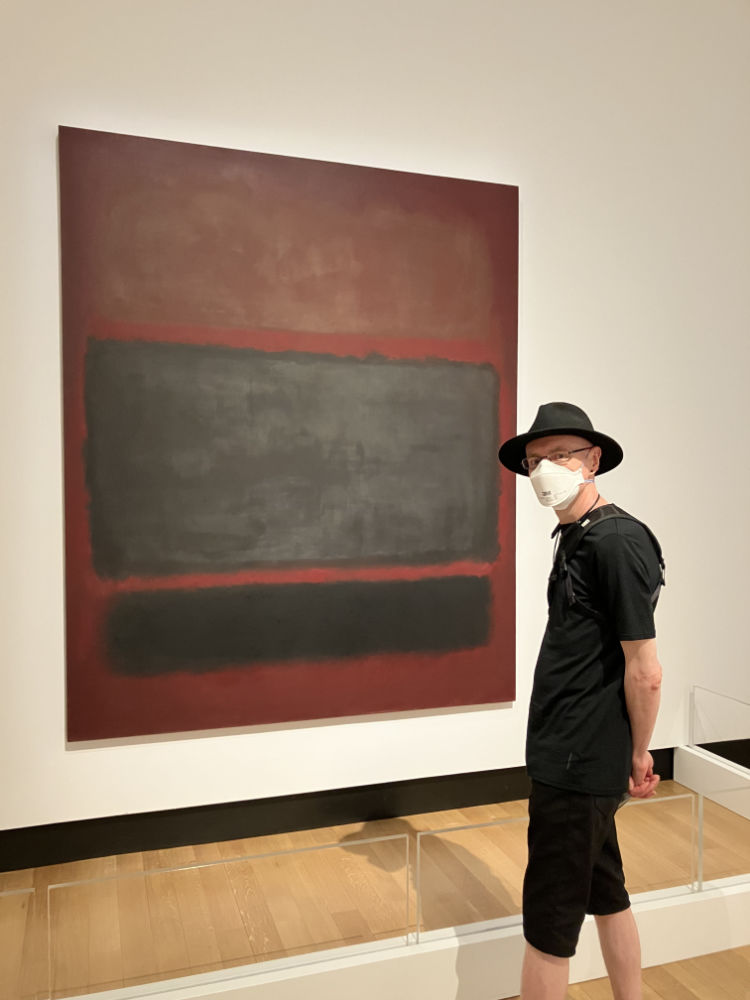
I’ve seen this work in person before, and I’ve written about it in essays, and answered questions about it in a slide test at Art School. But here I am, visiting it while it’s on loan to Ipswich Art Gallery.
Derby Daze [squareformat] is a collection of square-format images attempting to capture the dynamism and sense of speed at track level in roller derby.
This second edition of the work, created over a decade after the original, features an updated design, and a reprocessing of all the images through a new image pipeline, to produce a significantly different colour and tone outcome.
This DRM-Free Fixed Layout EPUB version is available from the Golgotha Graphics Store.
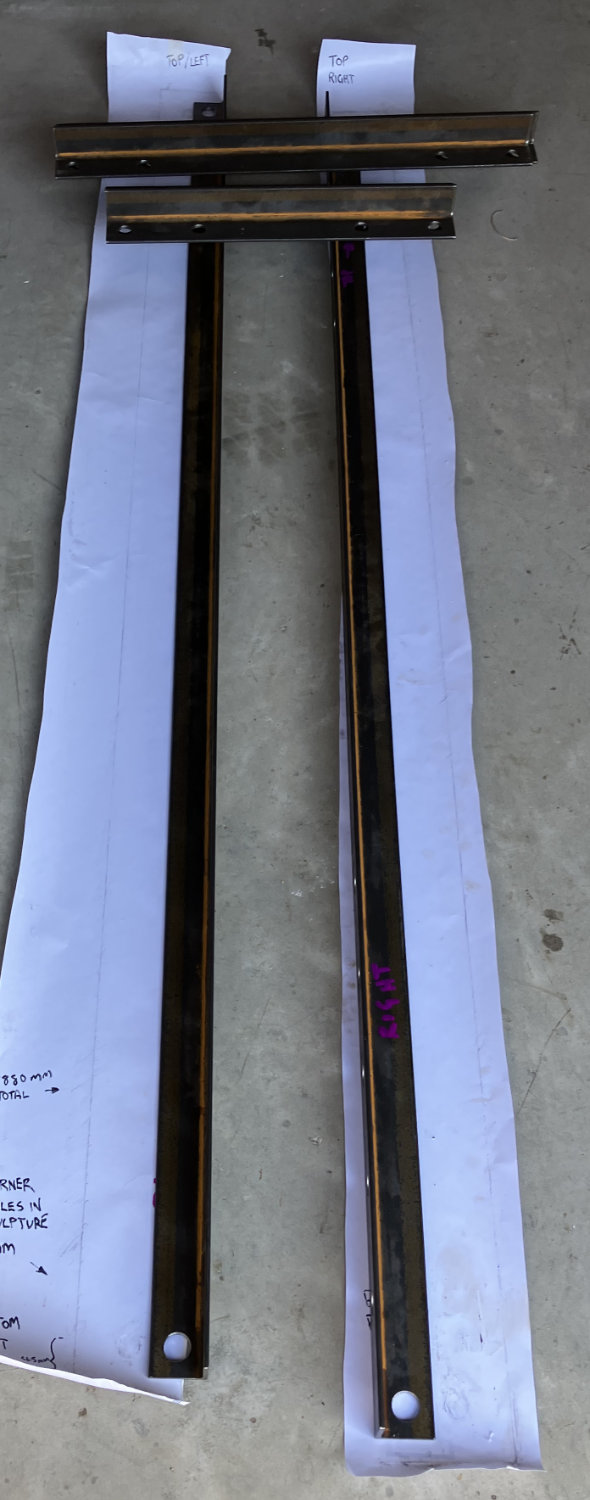
All the steel for the project, cut to size, and drilled to my specifications.
The paper is rubbings taken from the actual sculpture, which were used to get the exact positioning of the corner bolts on the work. We figured out that there was only 1mm variation from left to right with the positions of the bolts, which is gratifying to see.
Adding a couple of mm to the size of the holes, means everything can be lined up and there’s enough play in the structure.