
For registered users.
Author : Matt
Day And Night

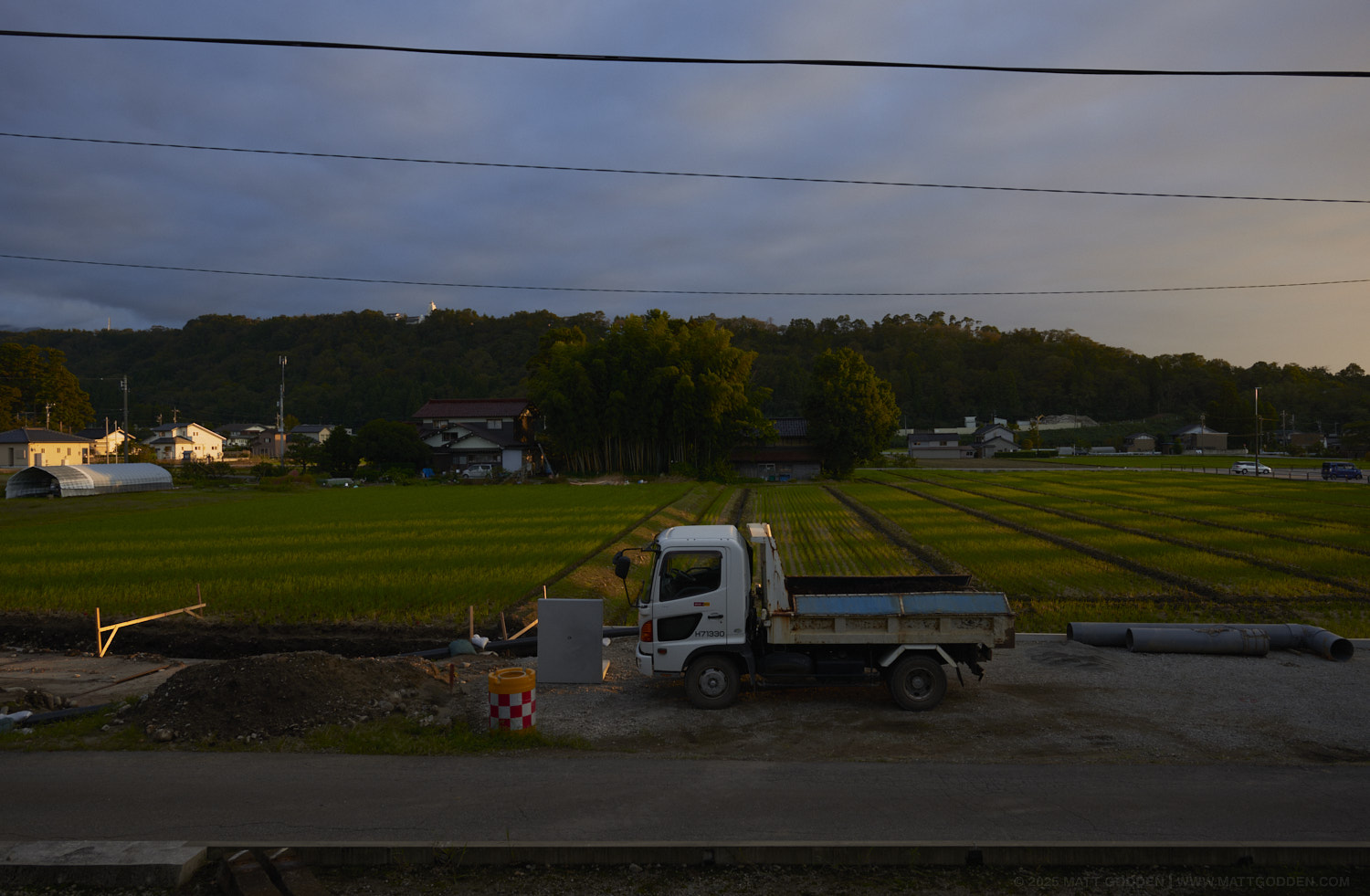
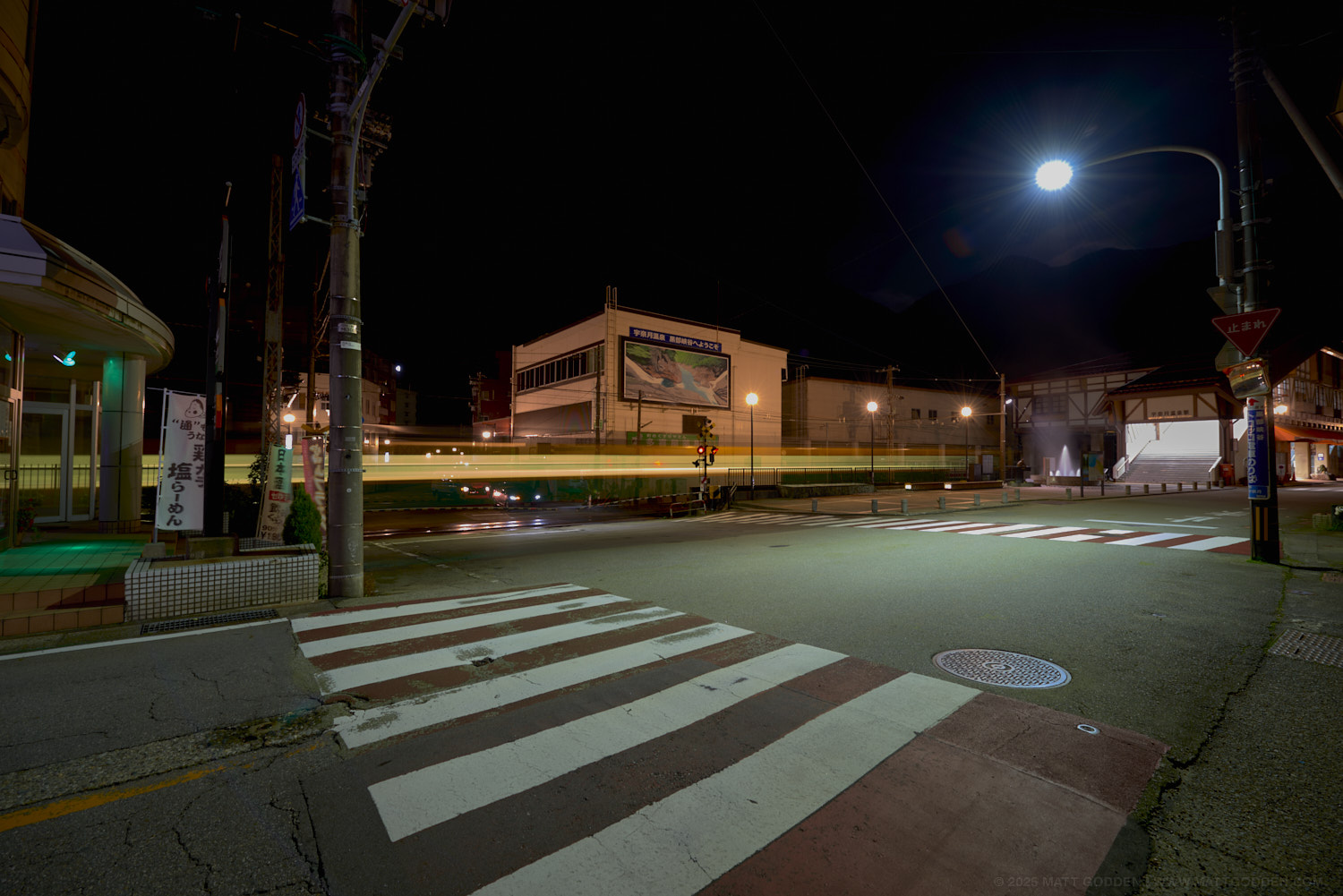
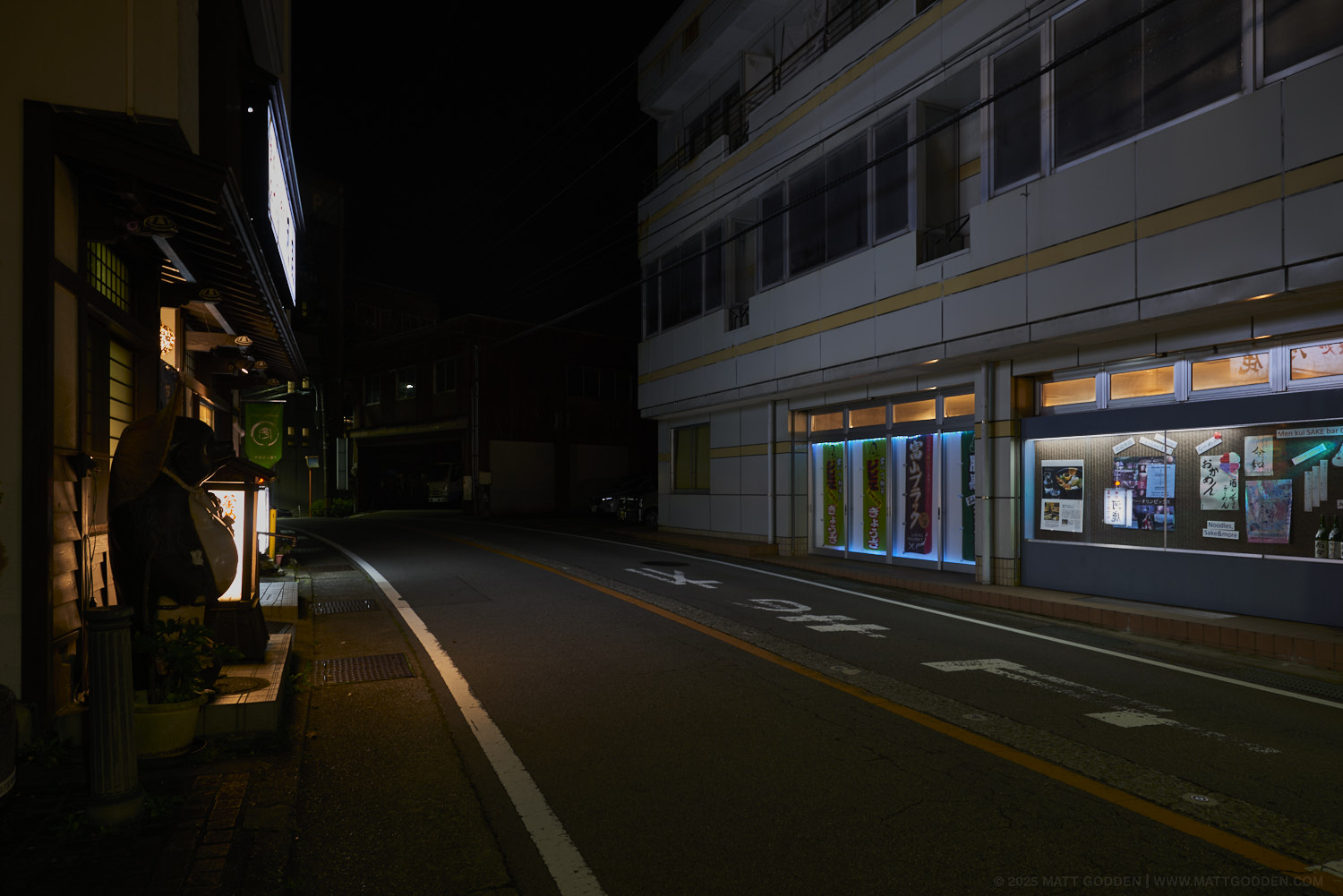
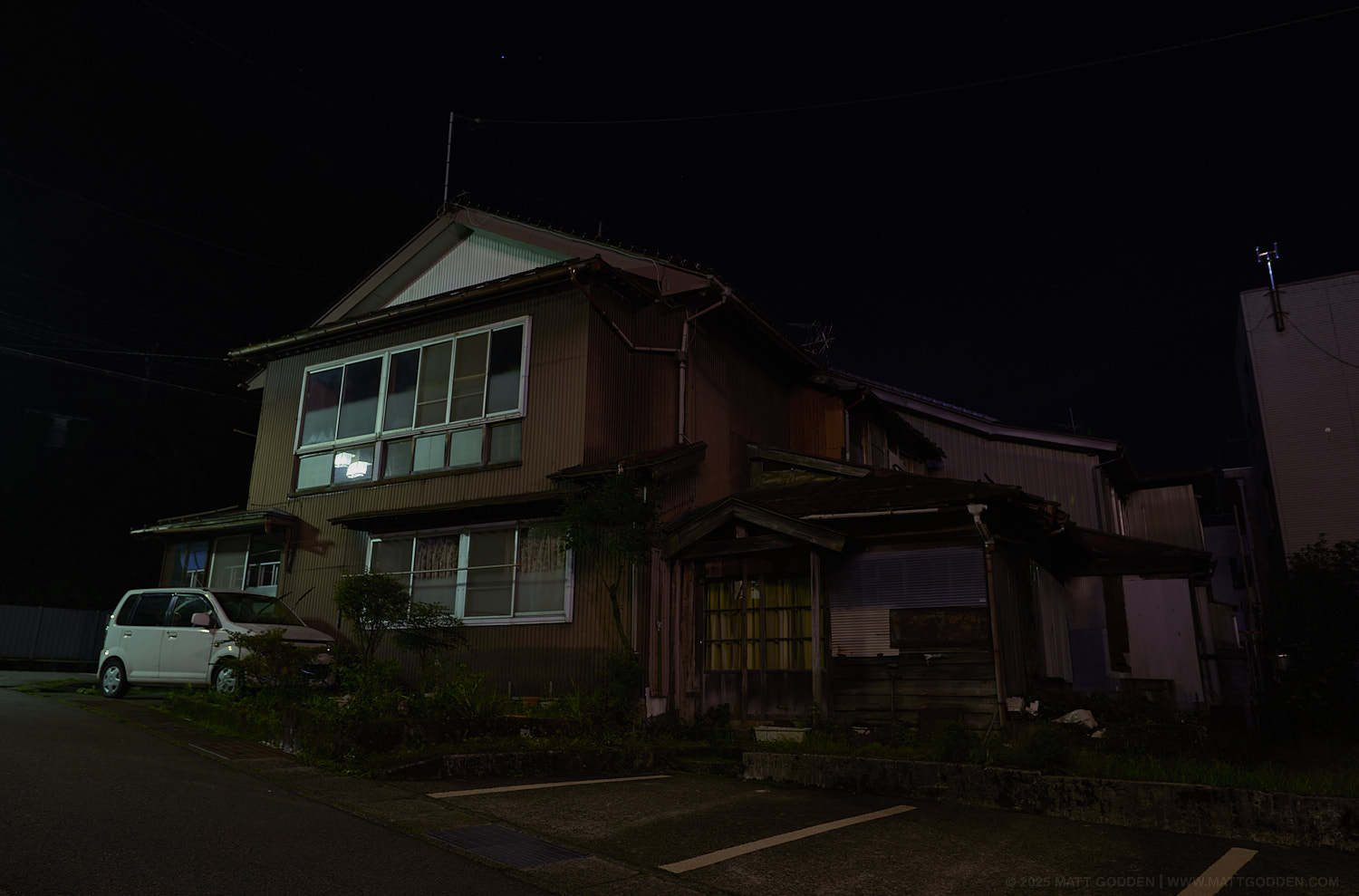
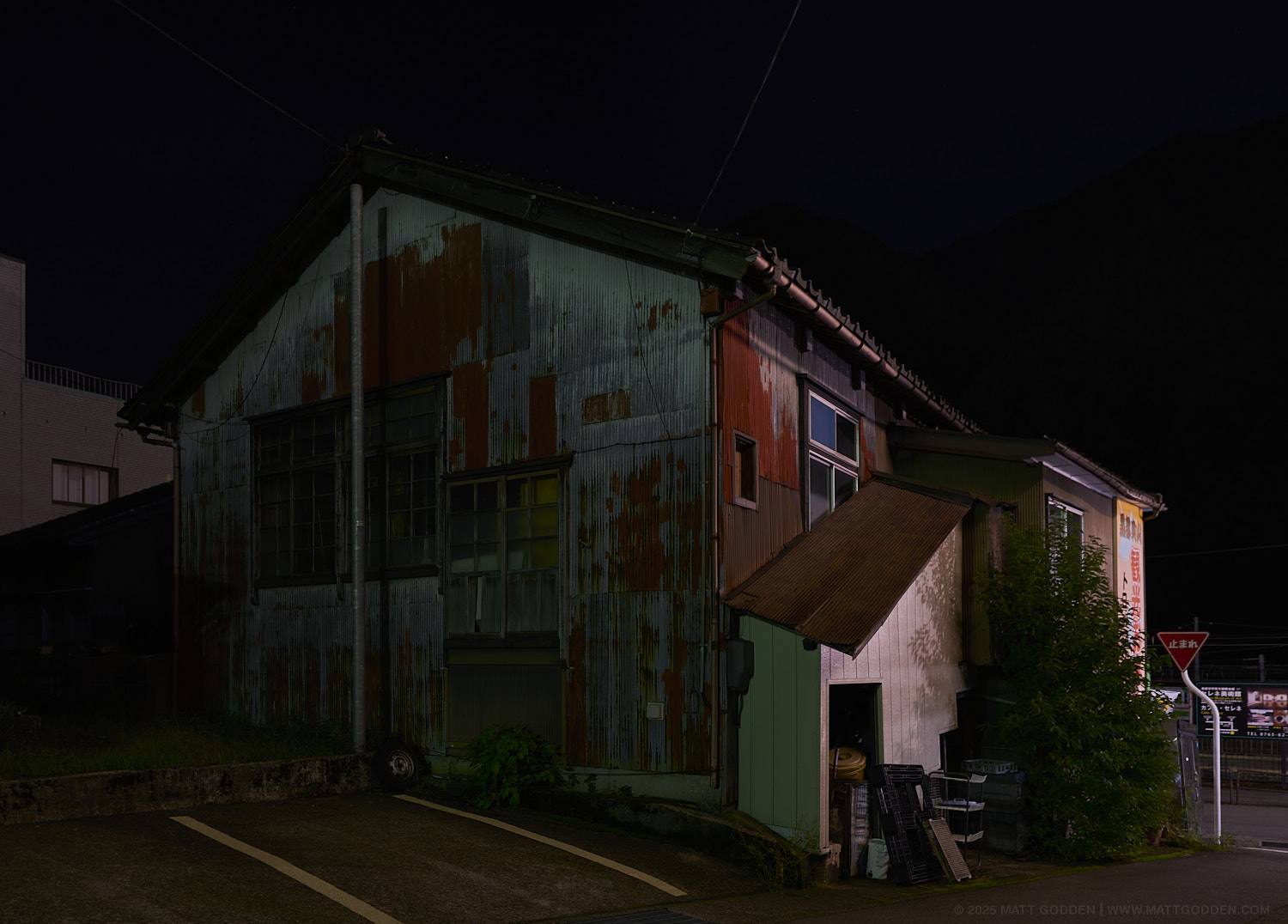
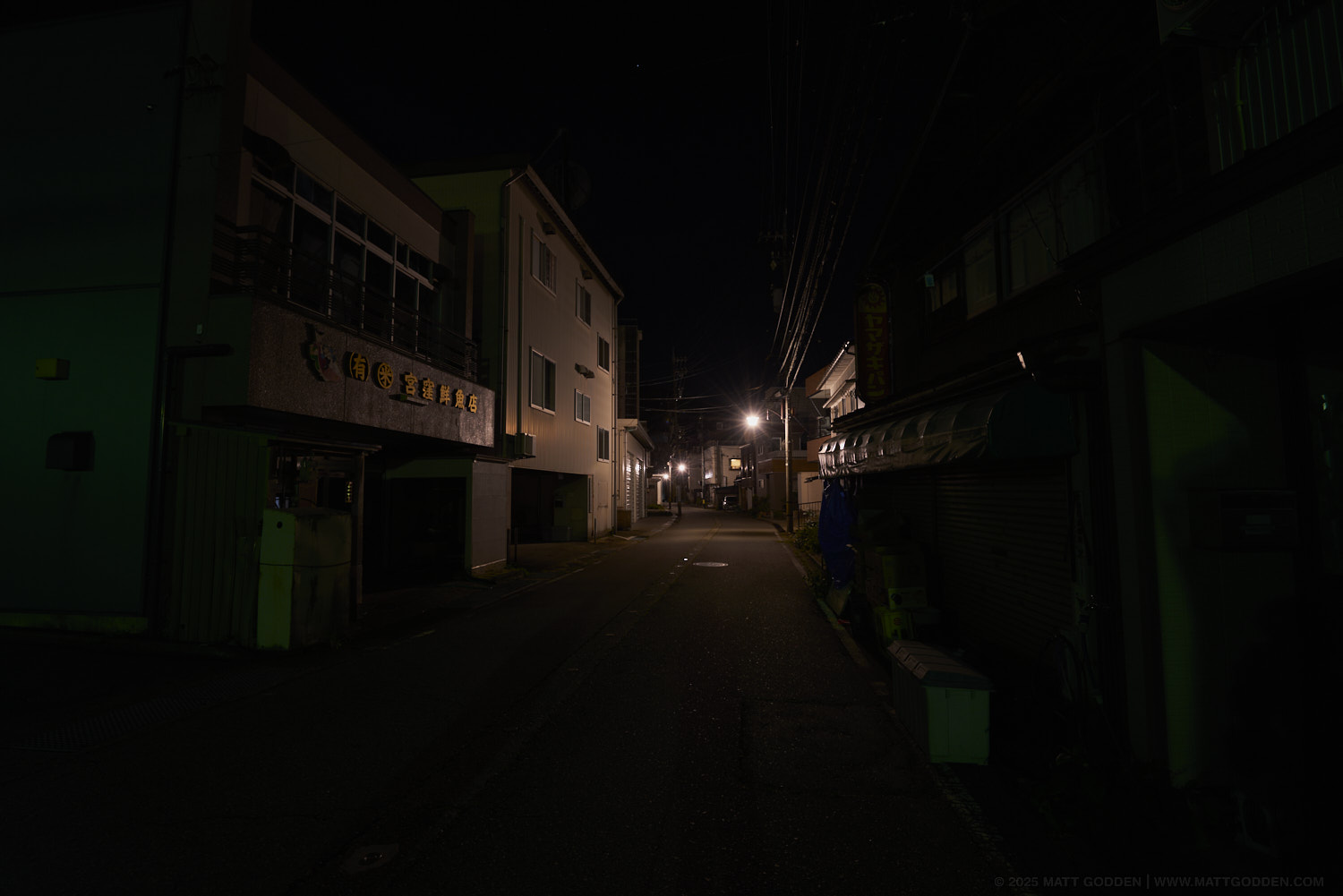
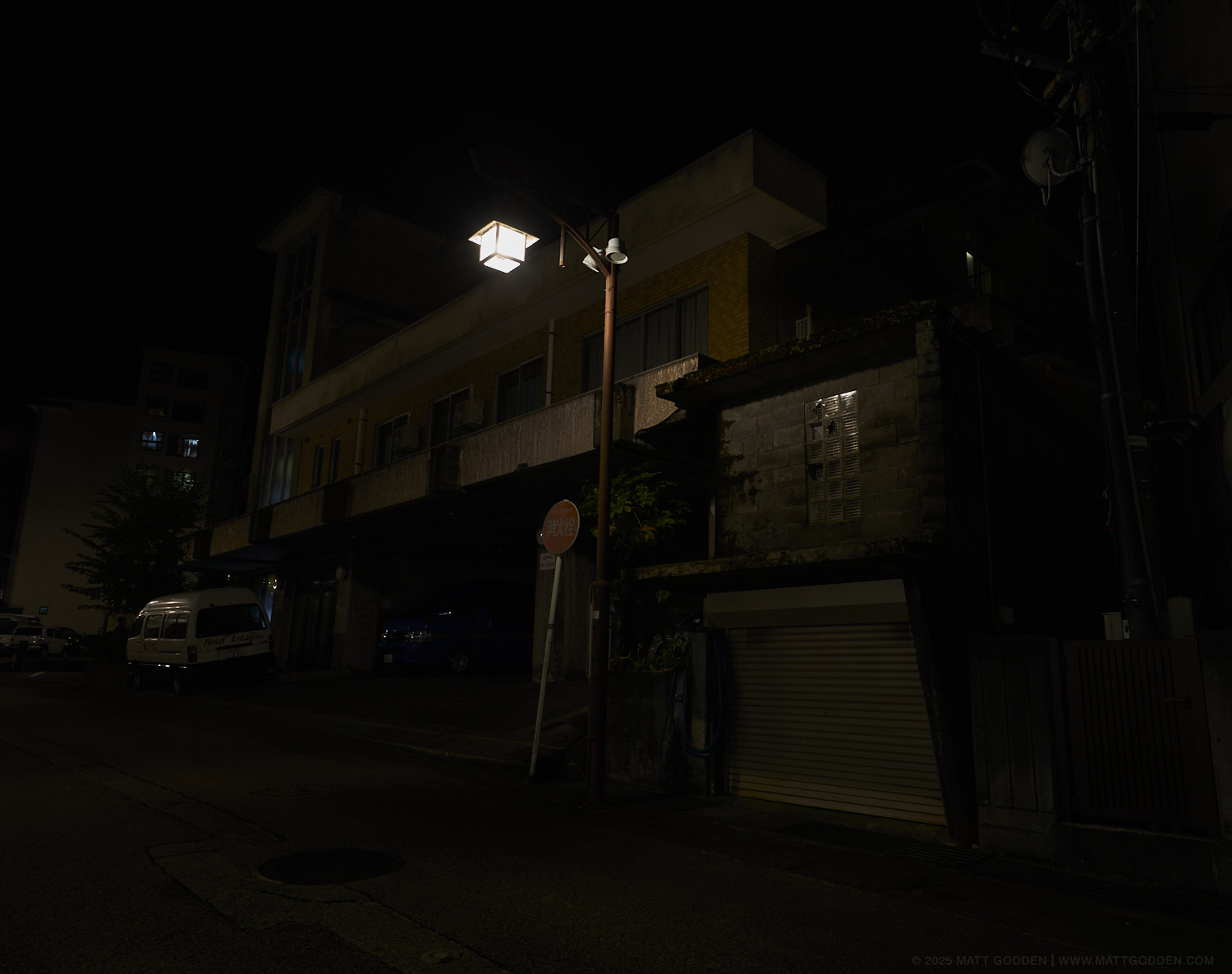
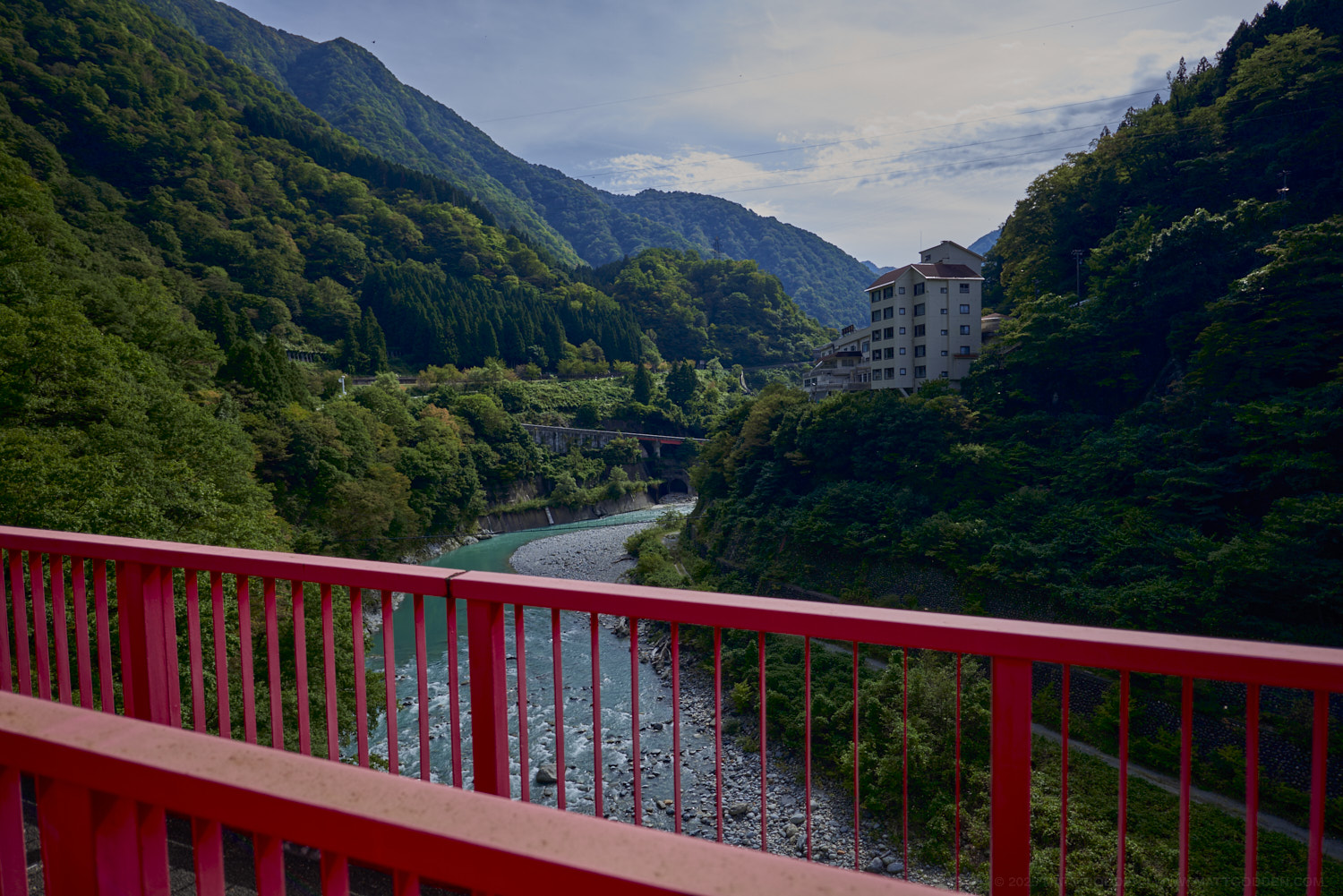





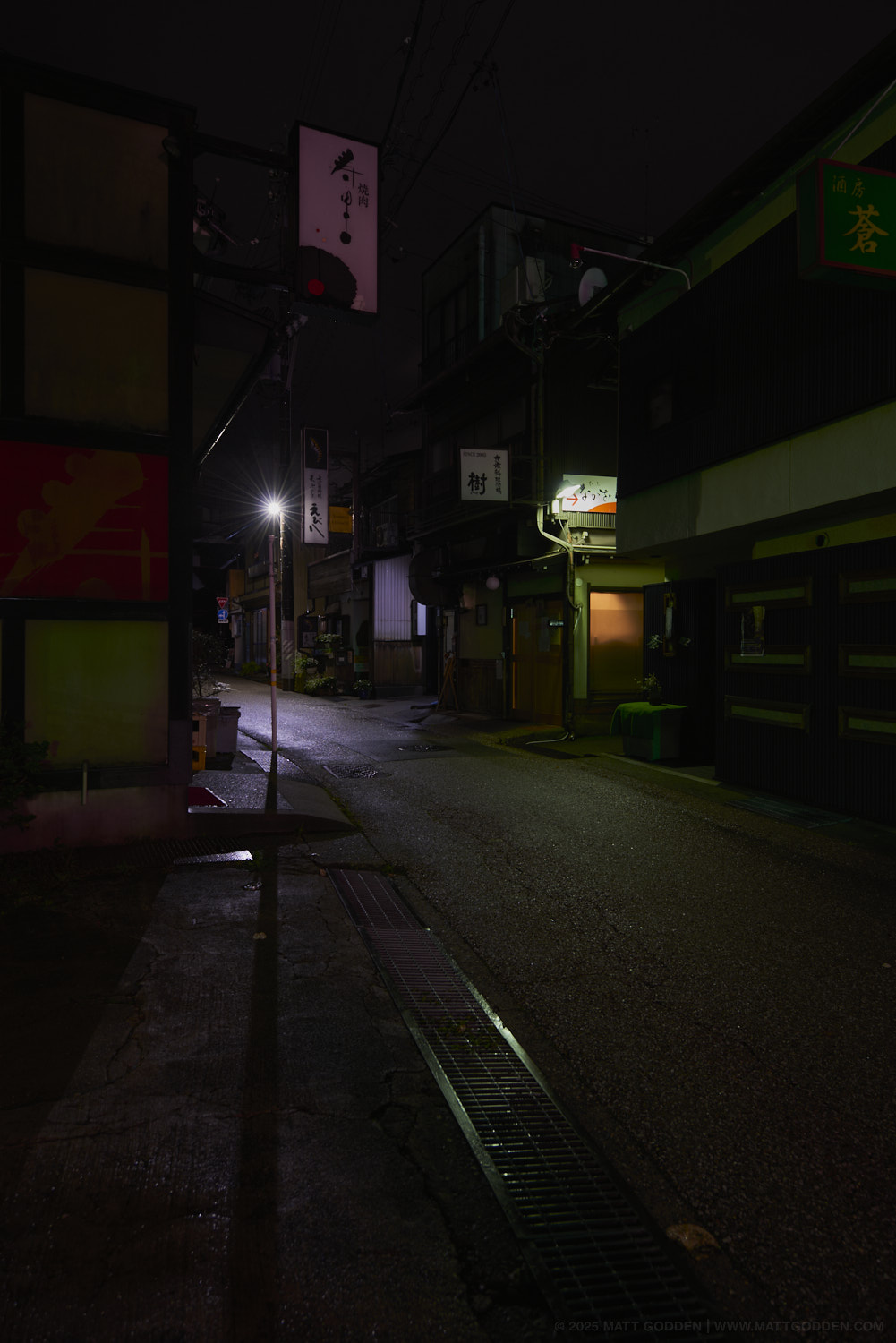
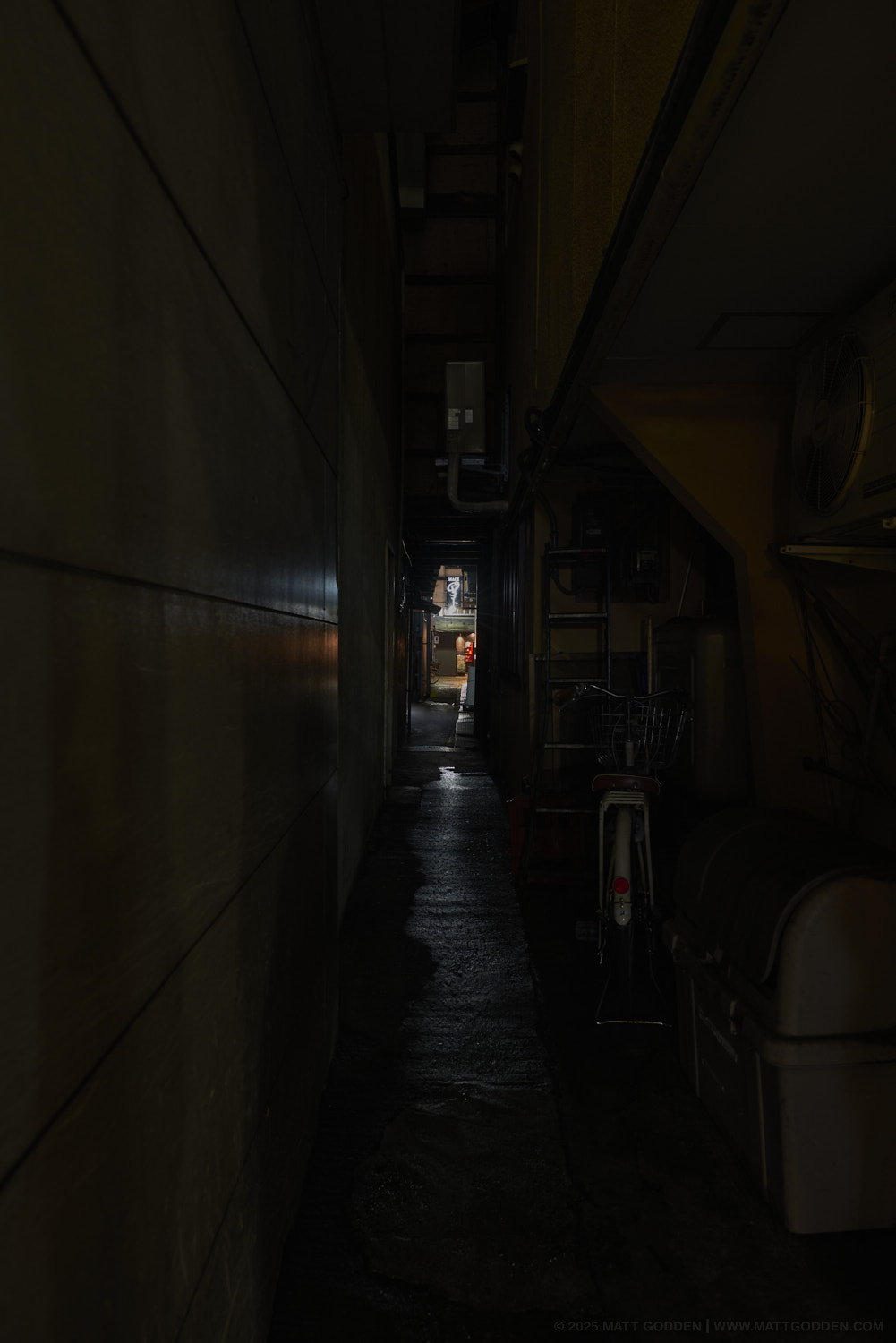
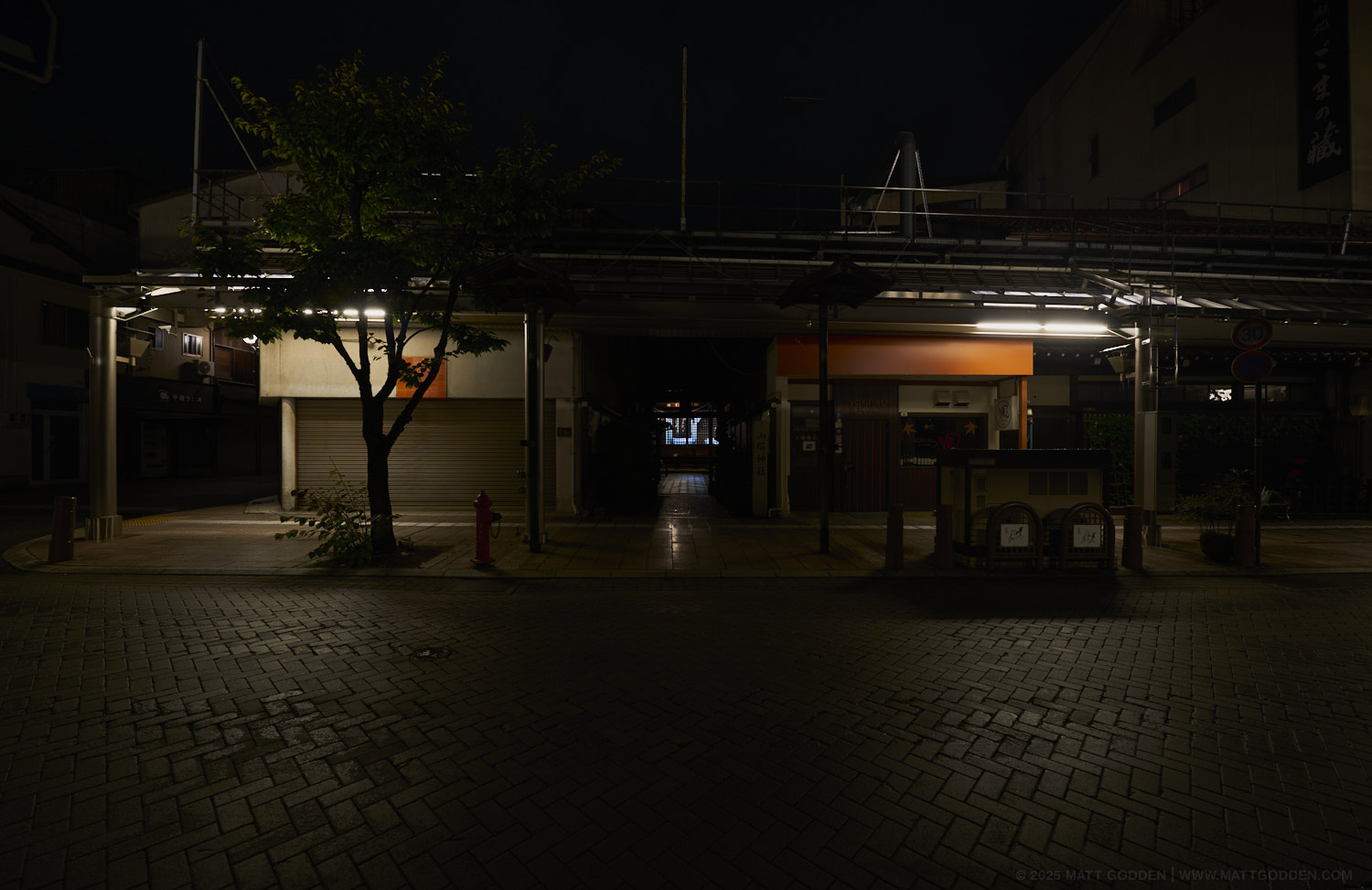
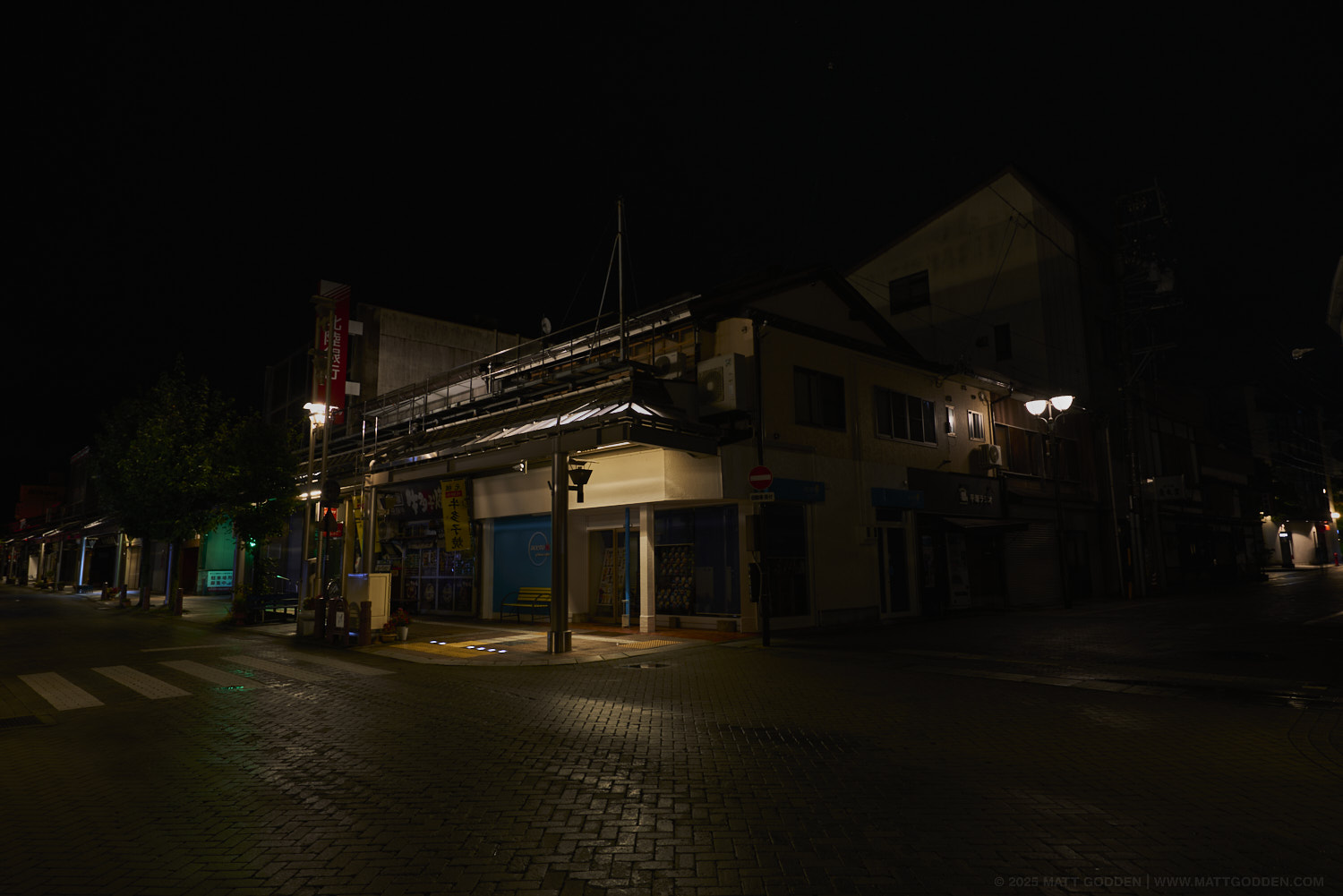
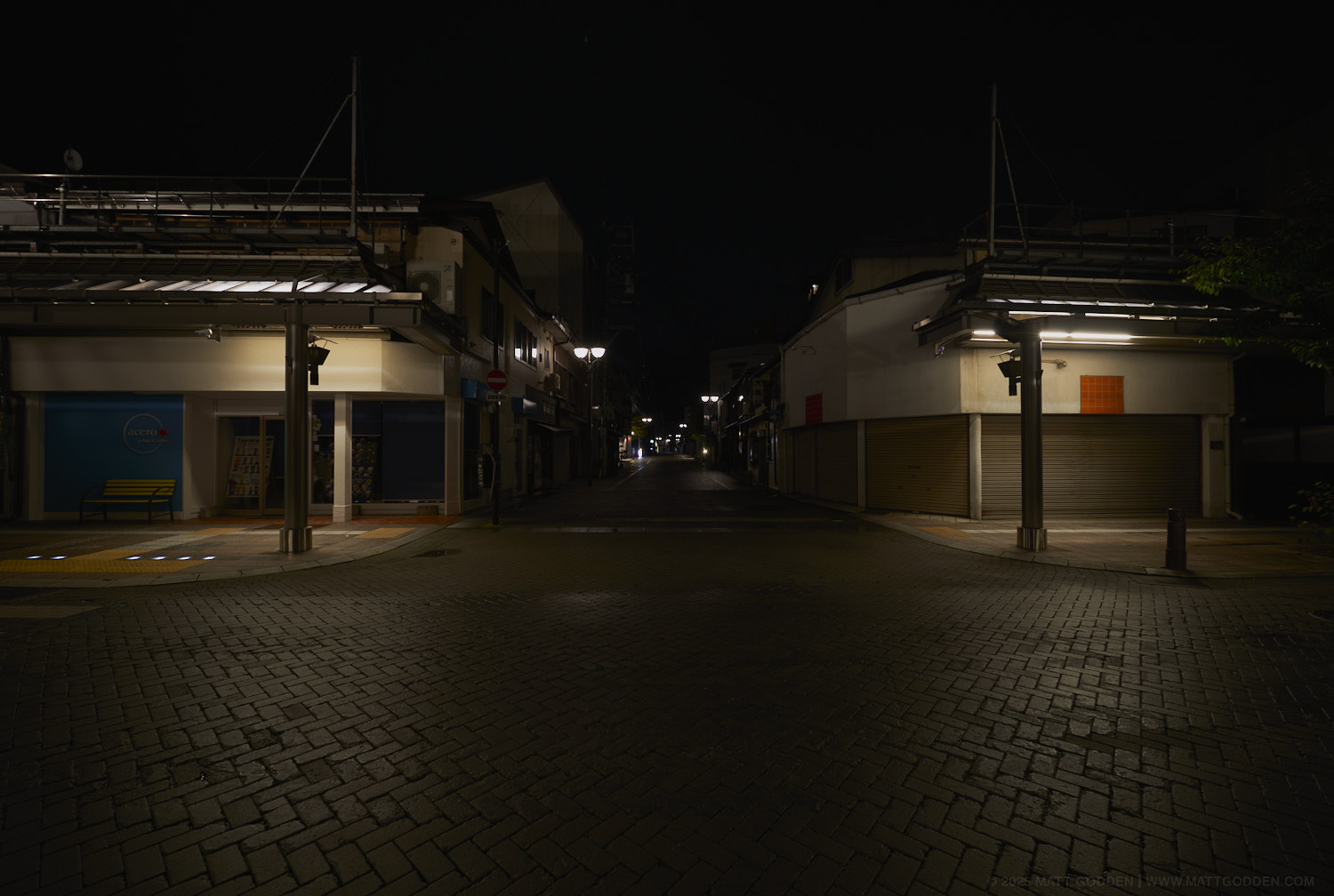
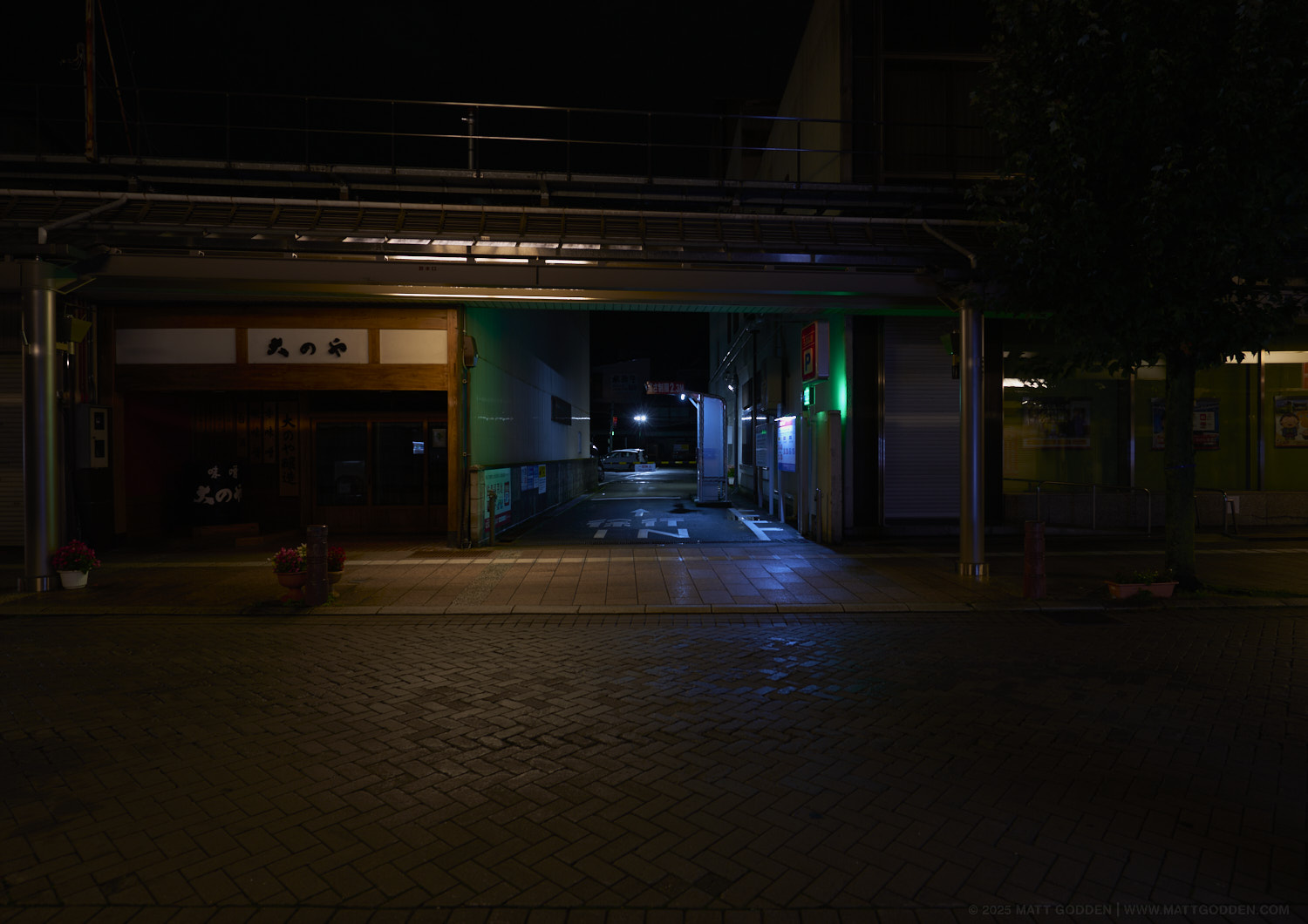
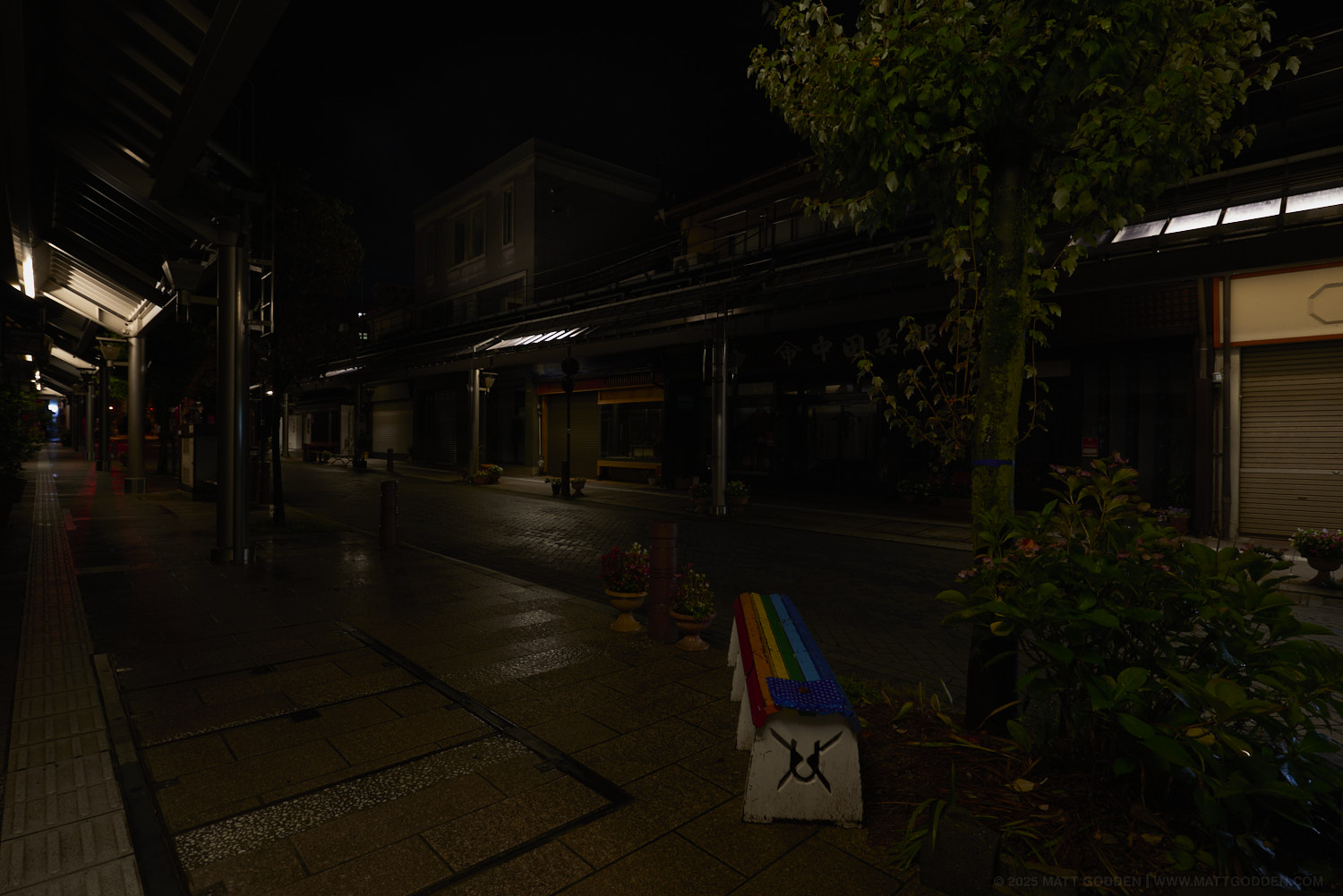
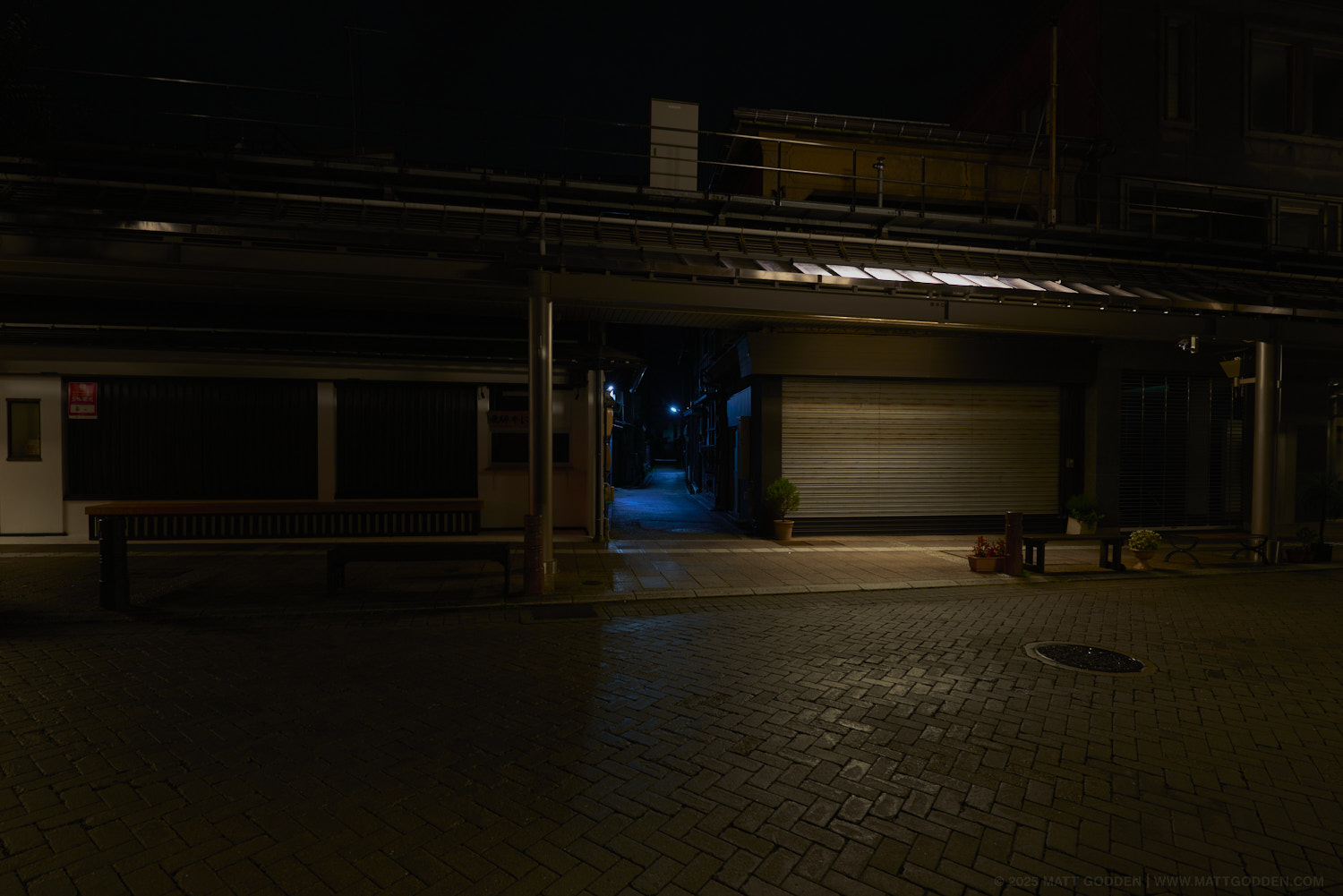
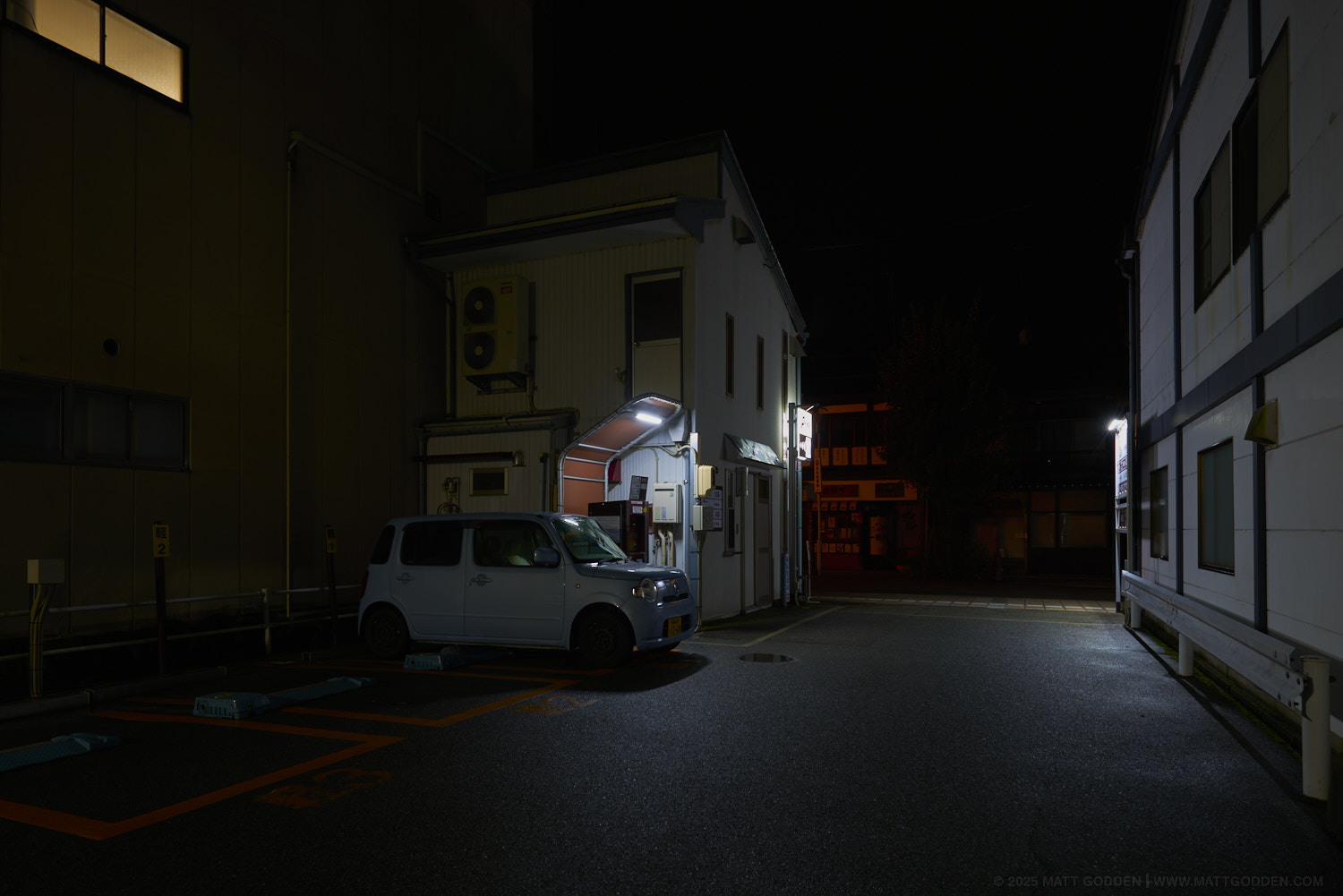
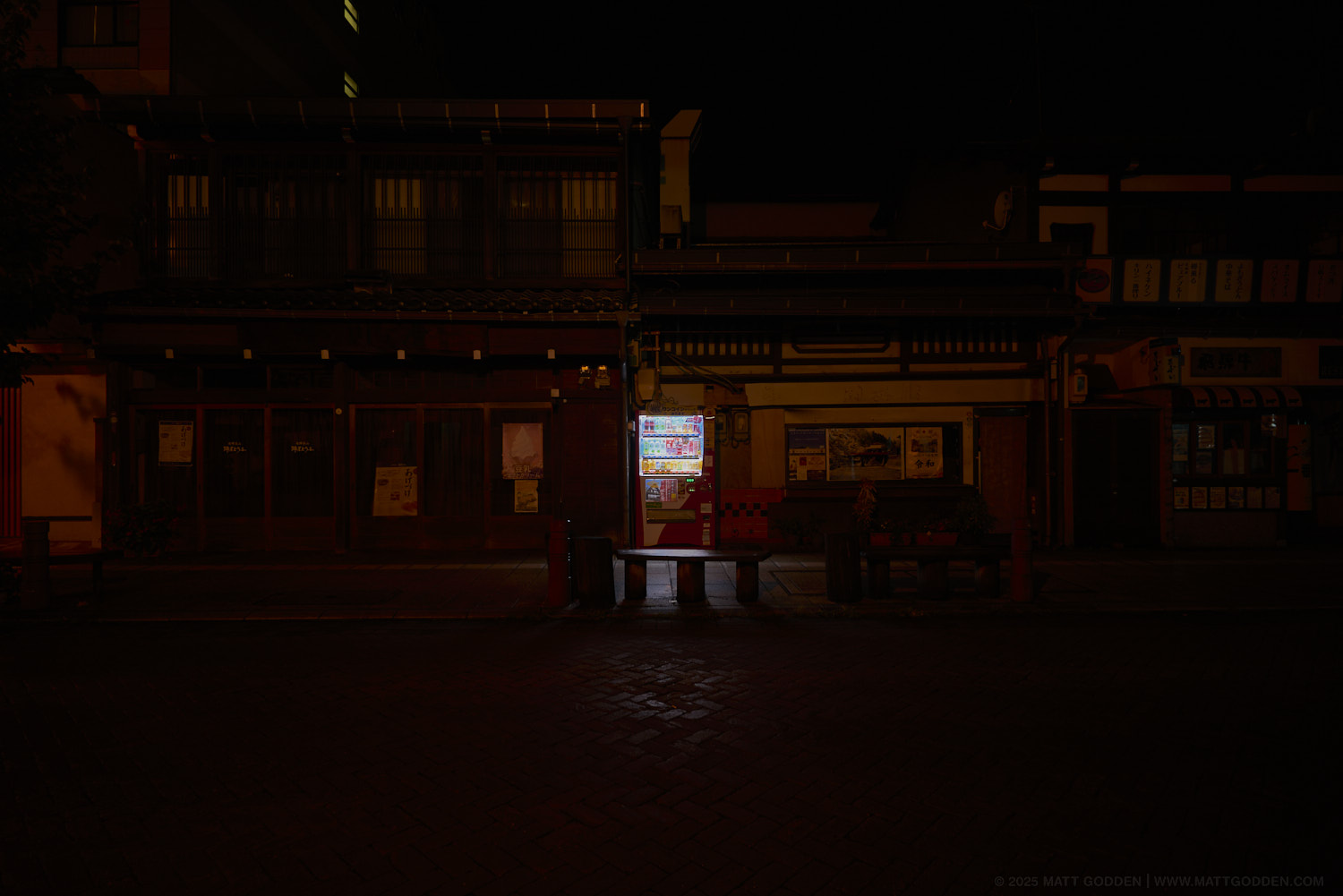
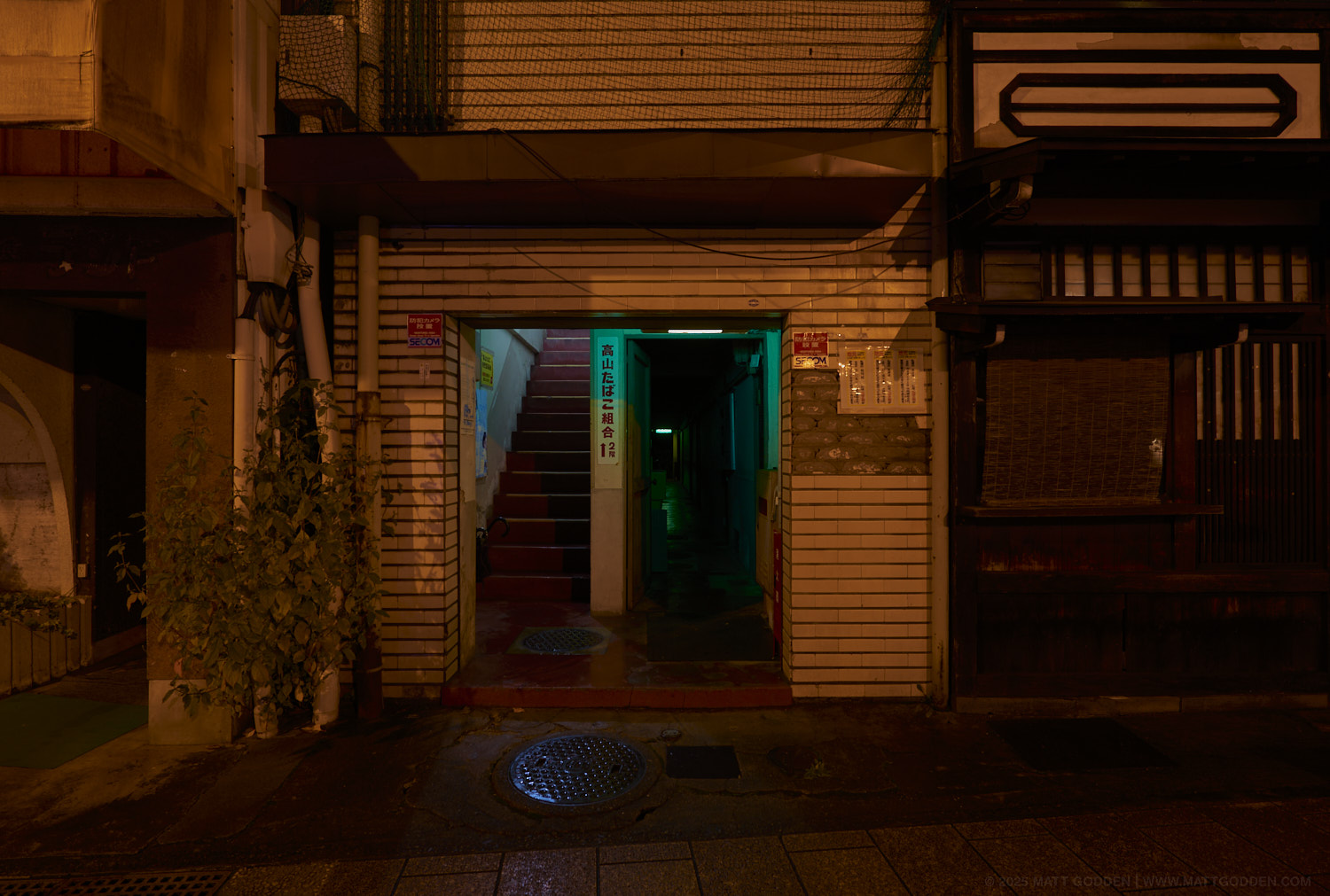
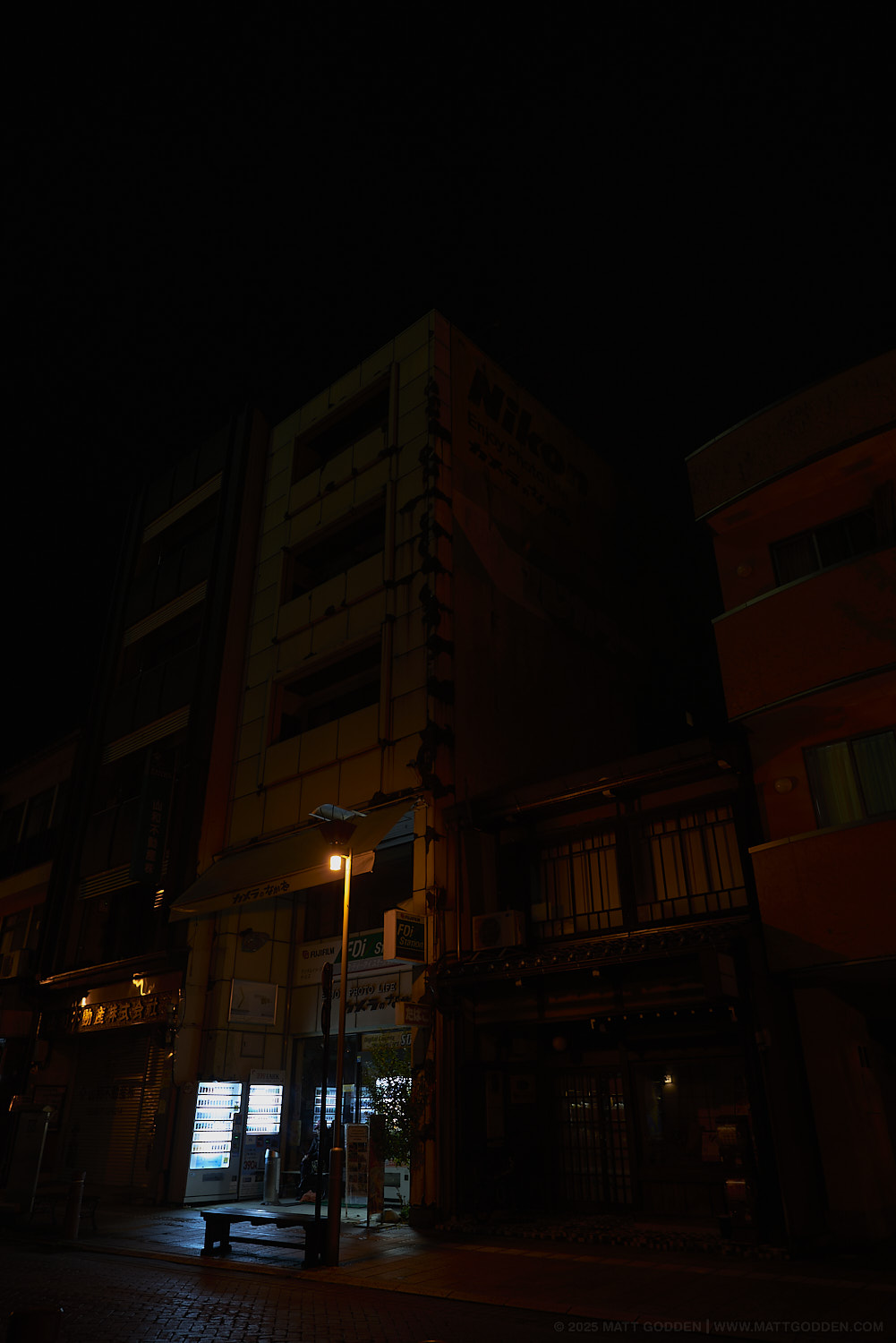
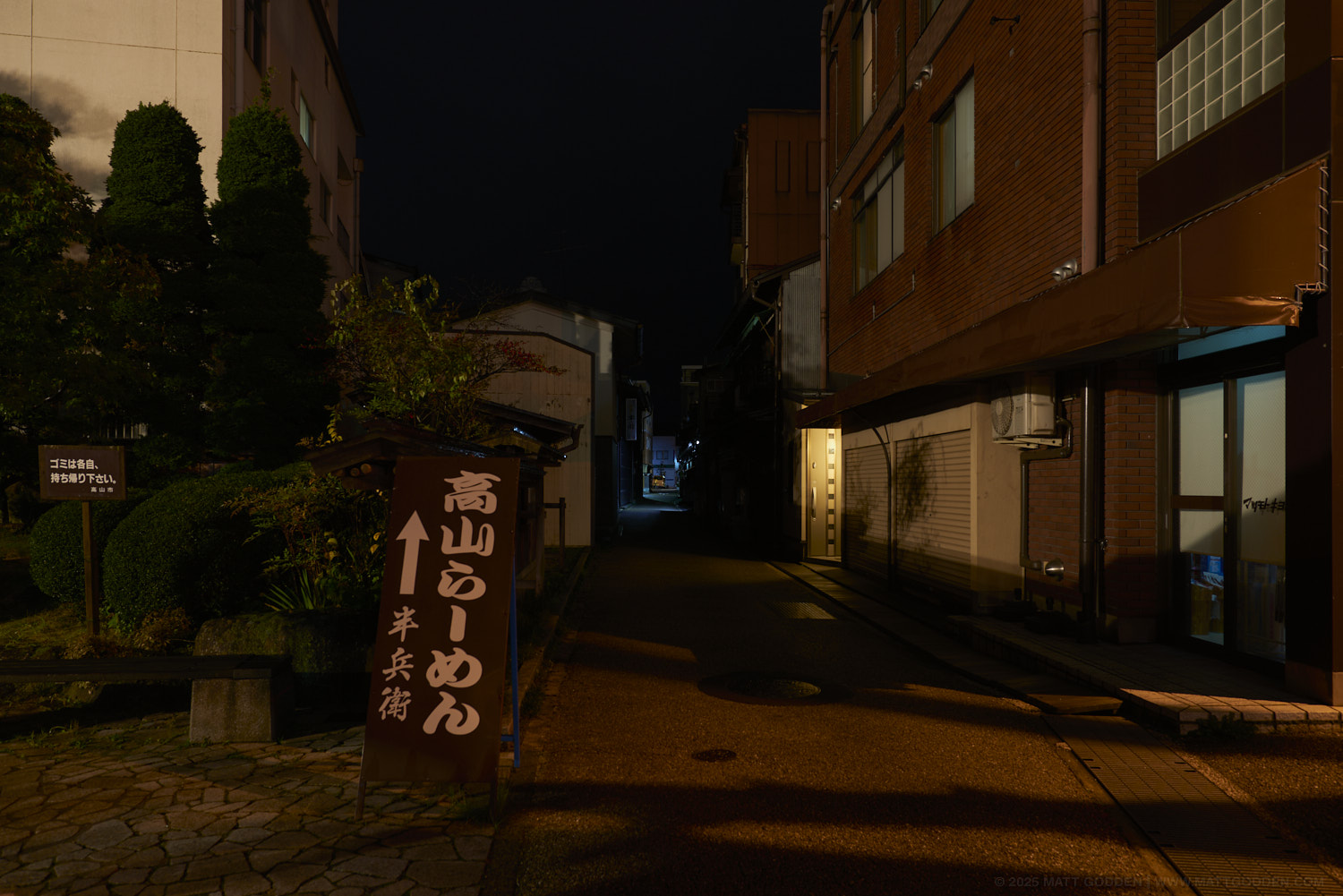
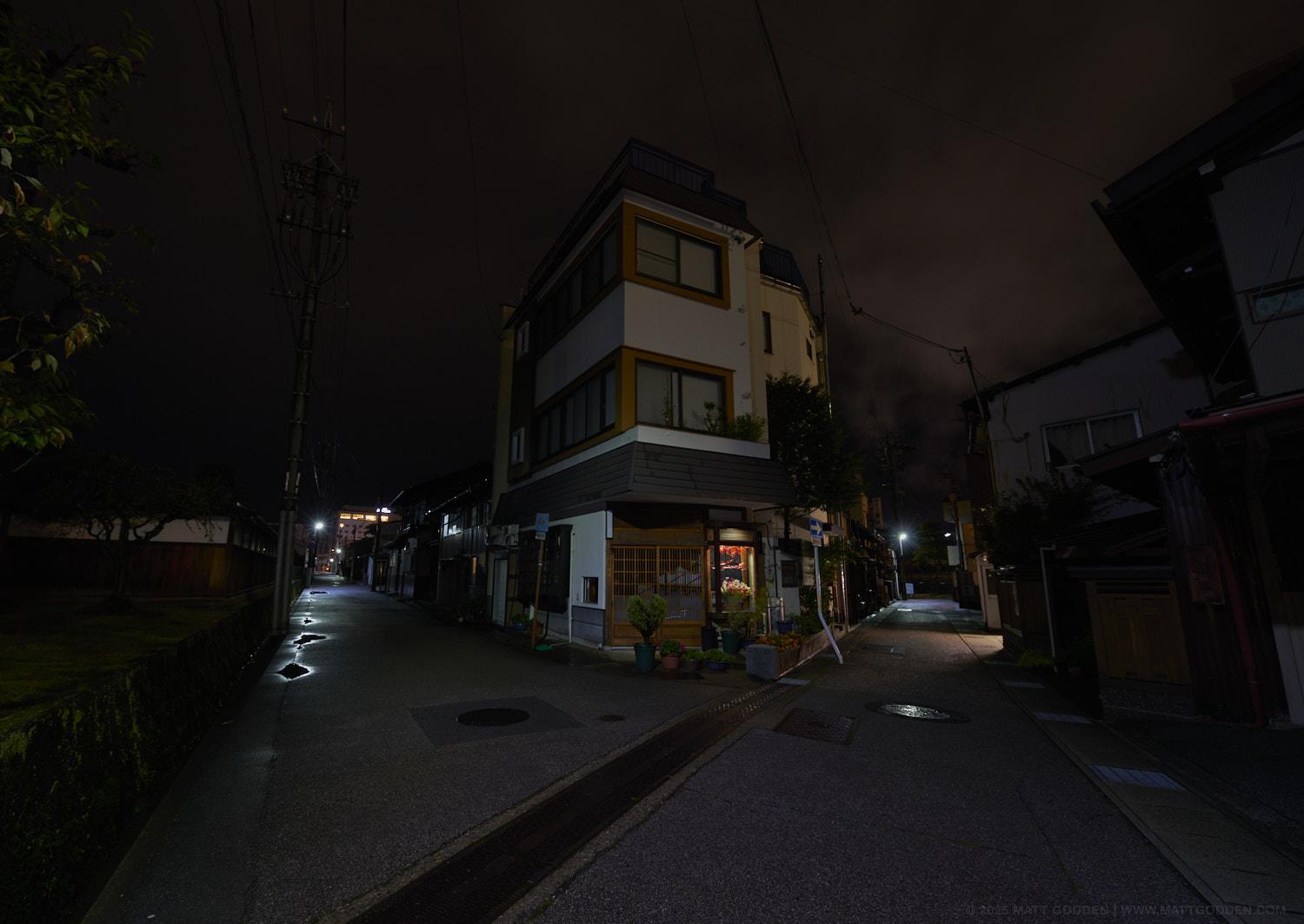
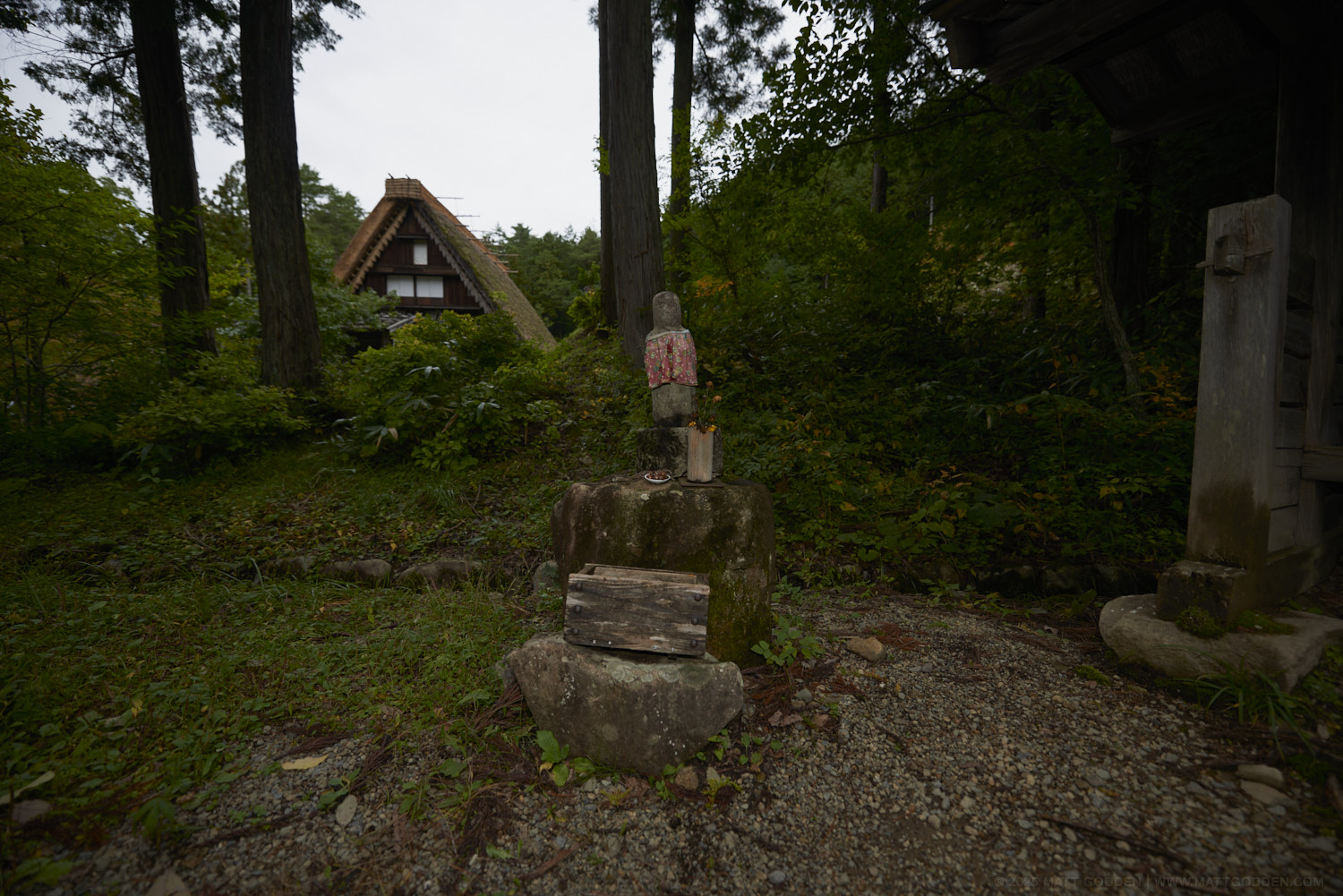
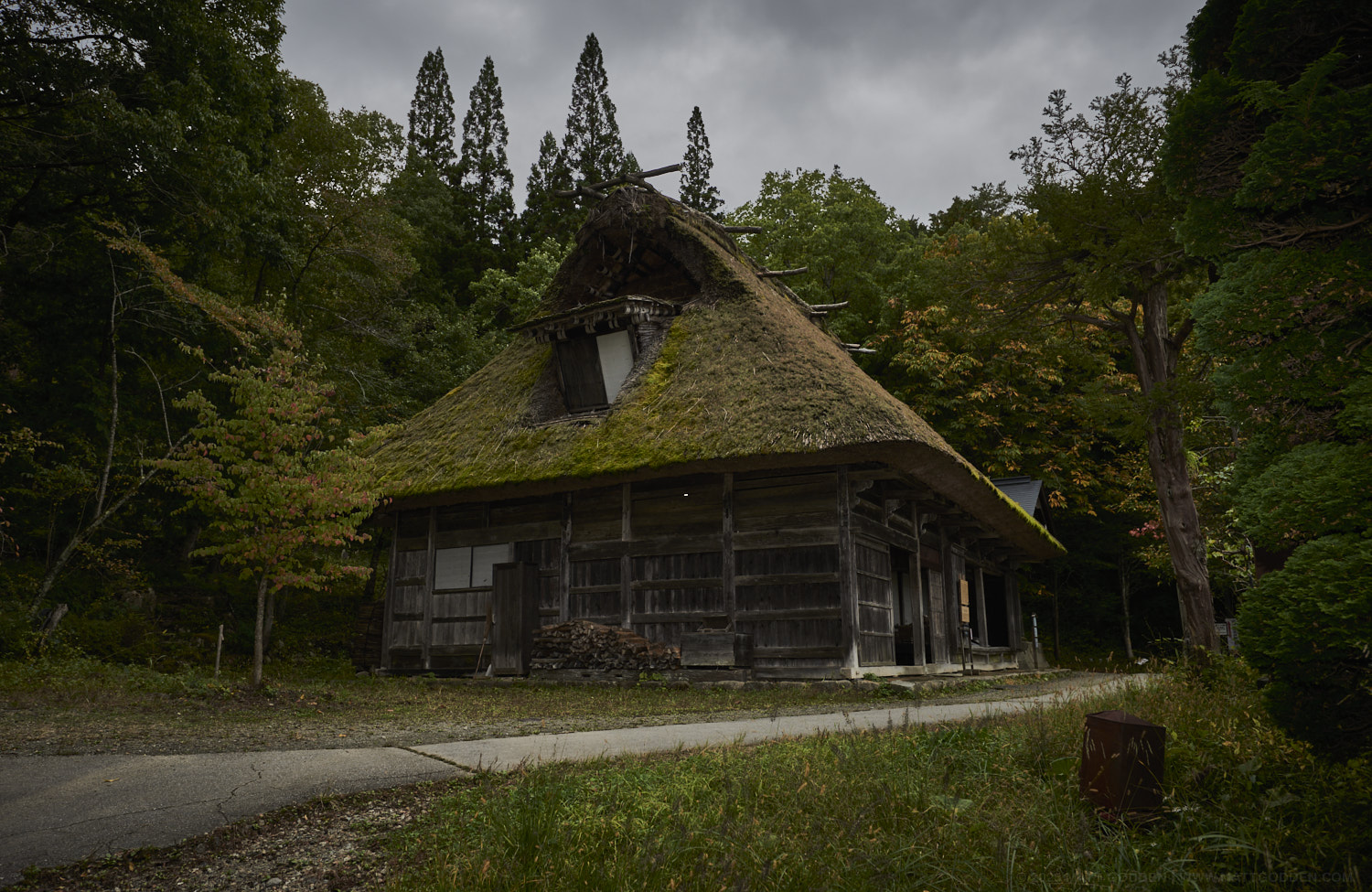

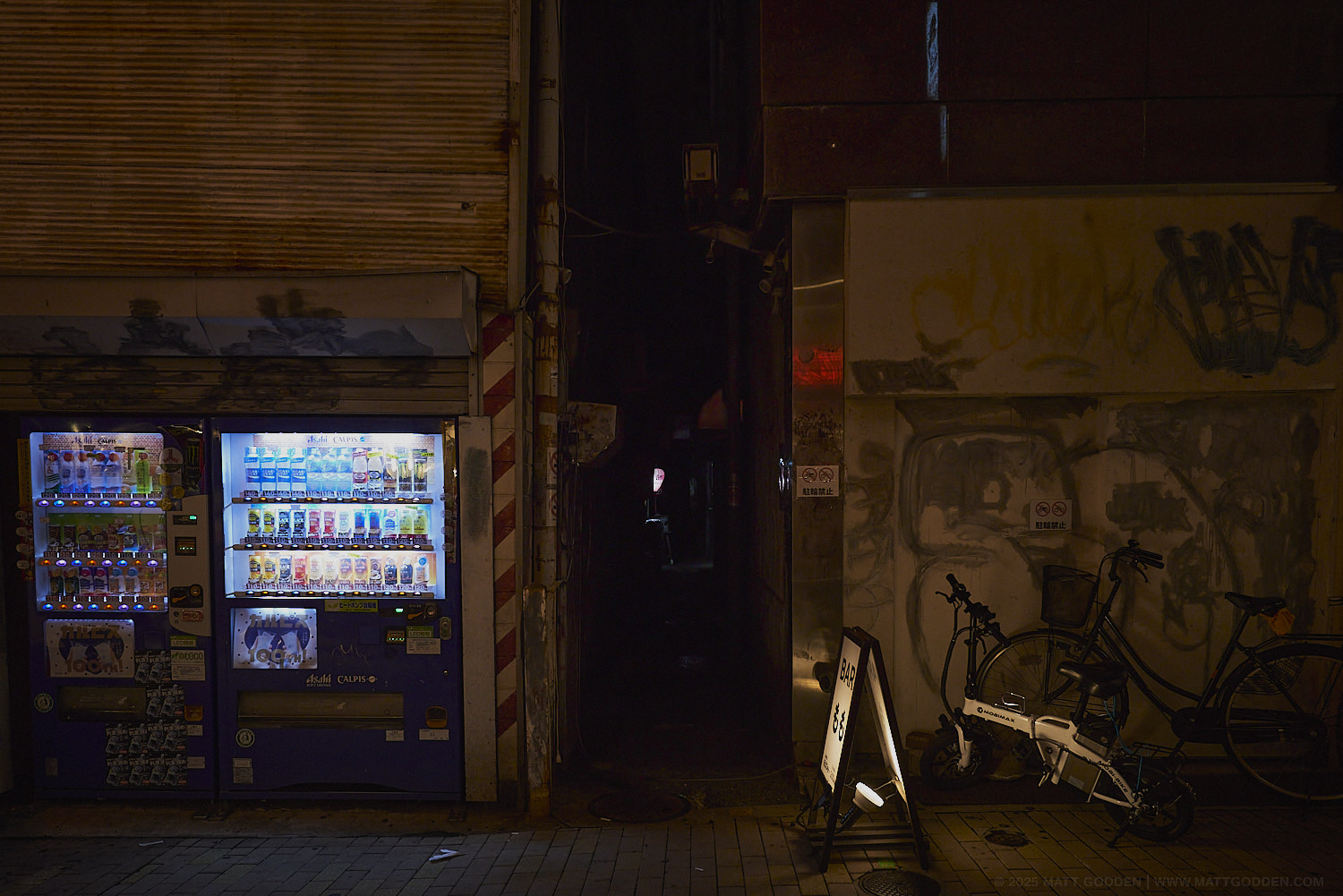

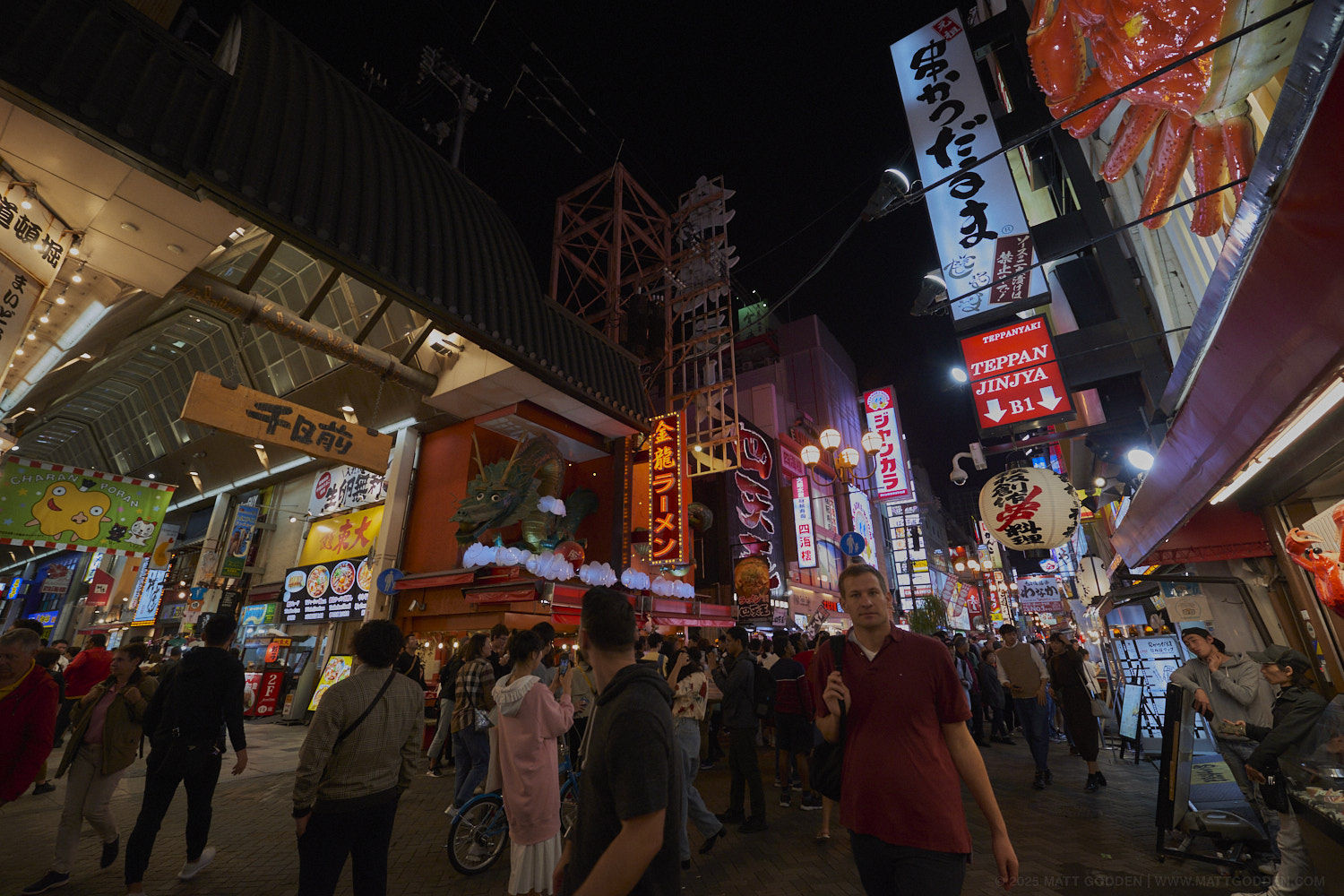


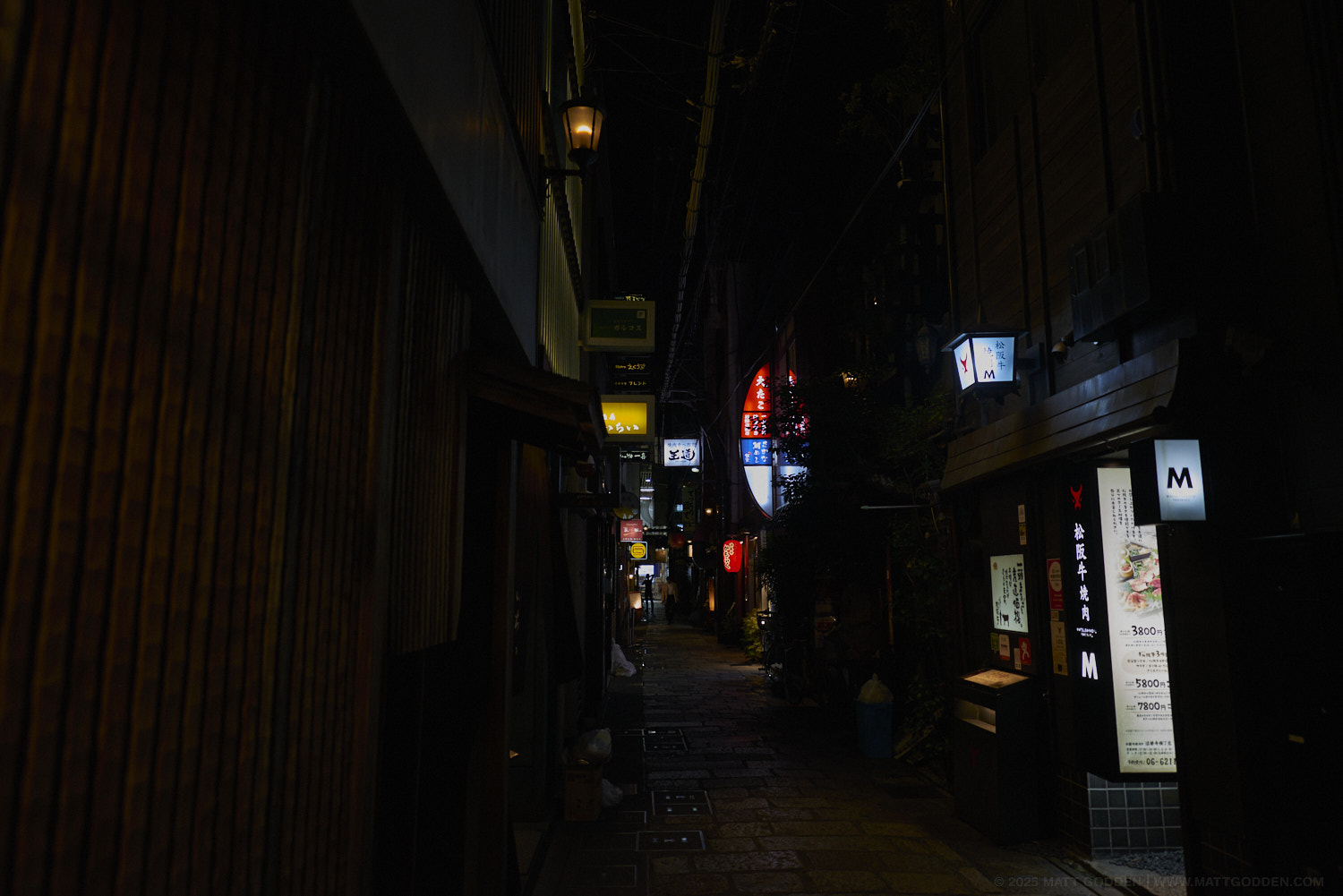
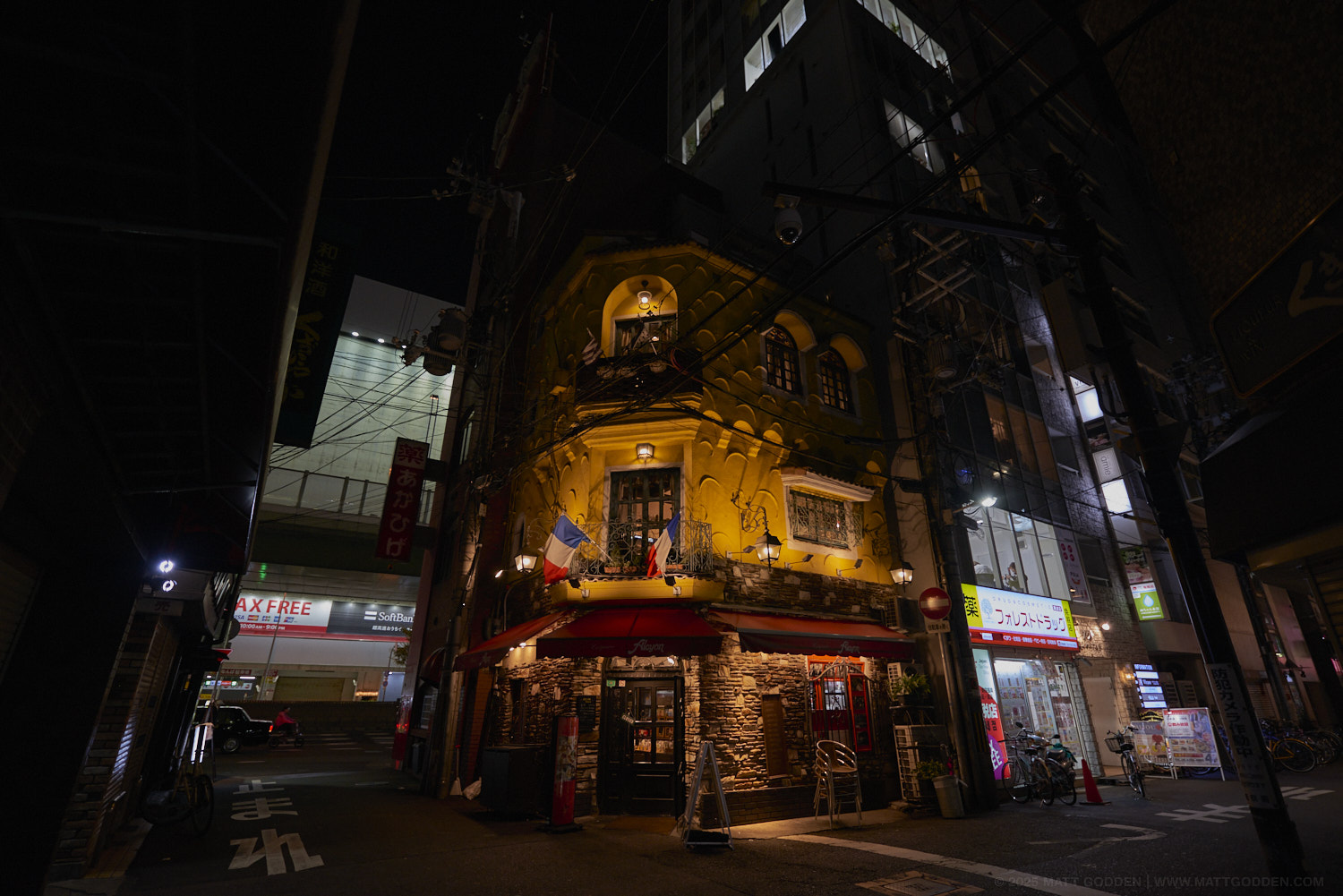
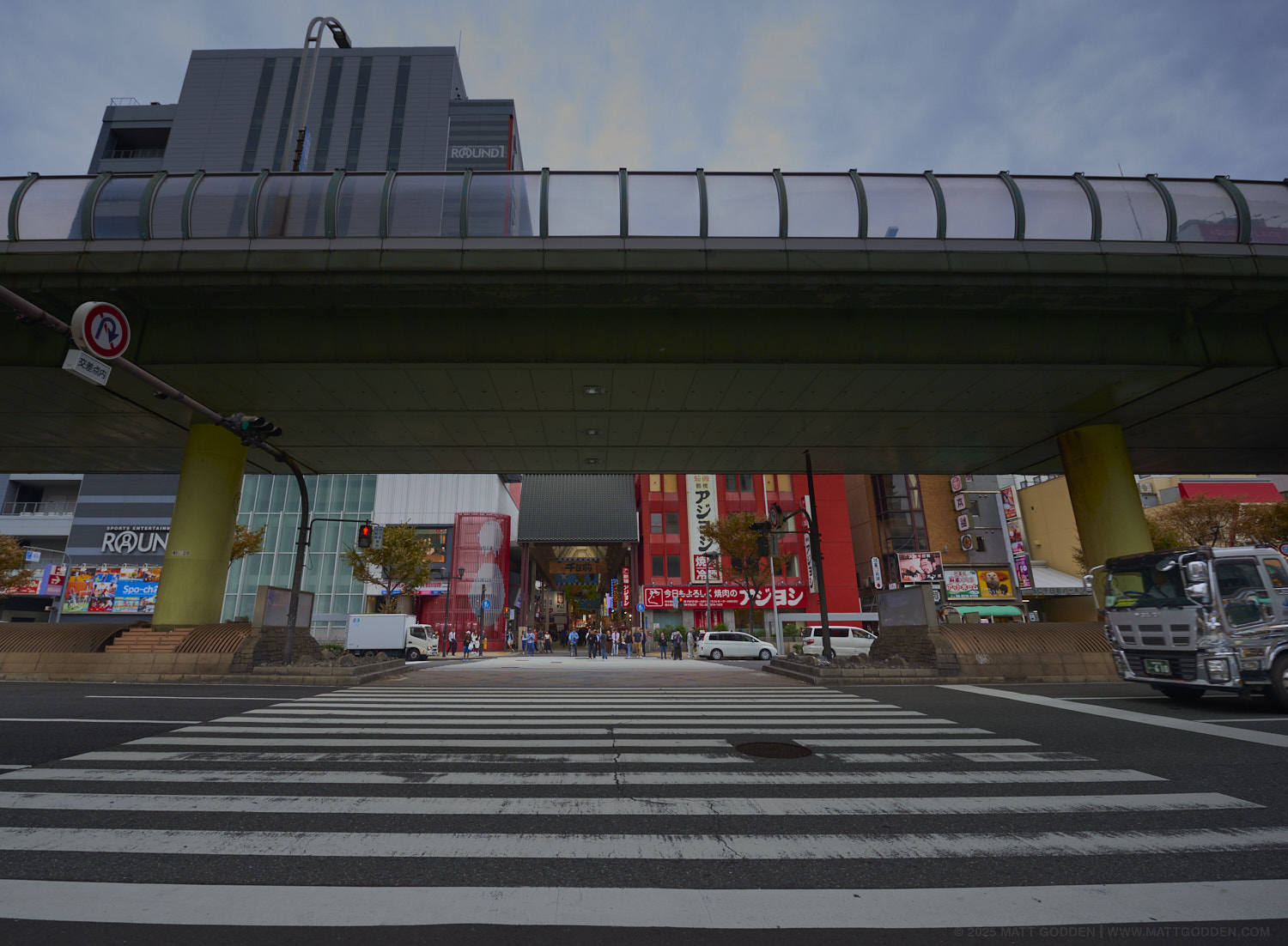

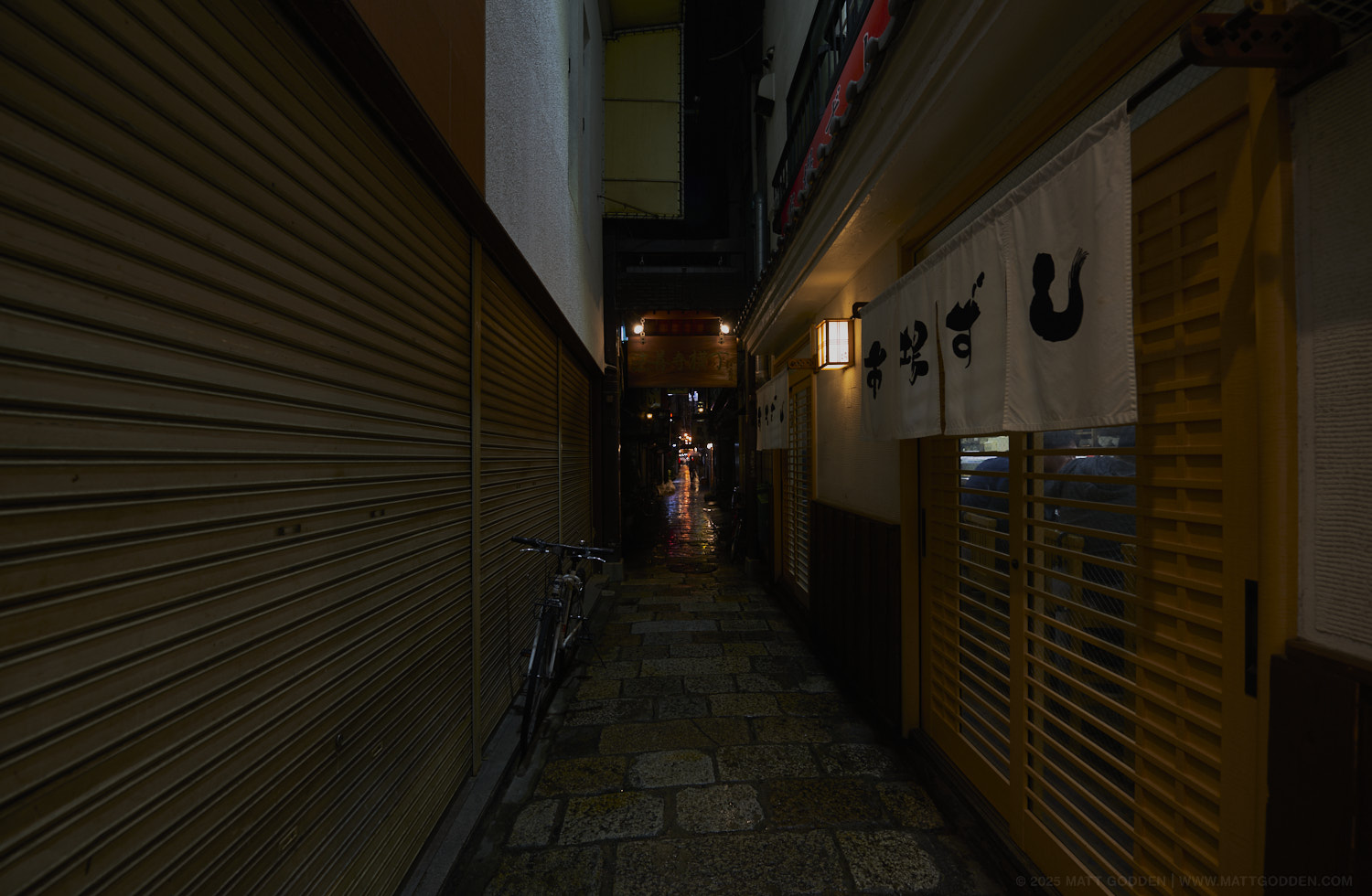
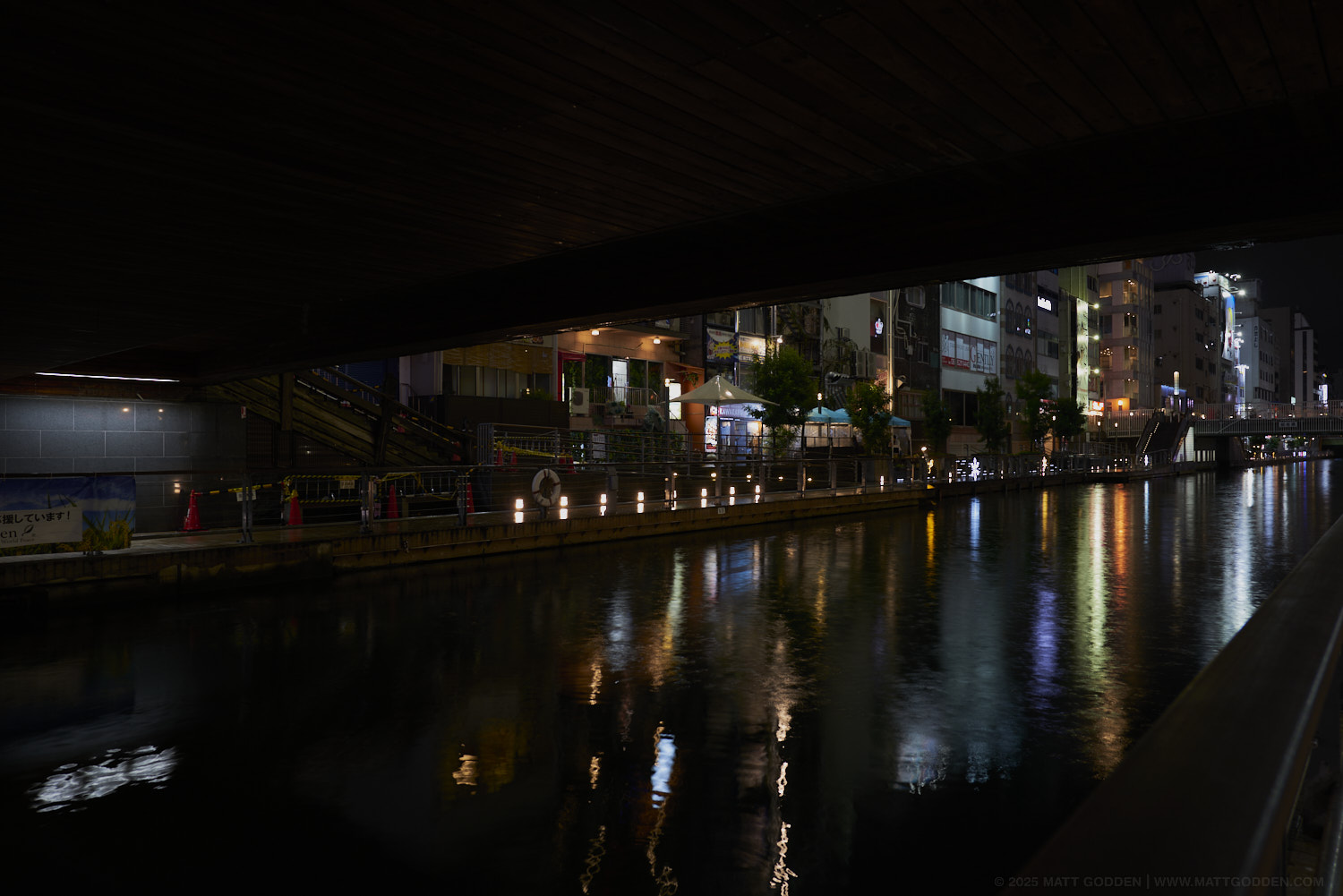
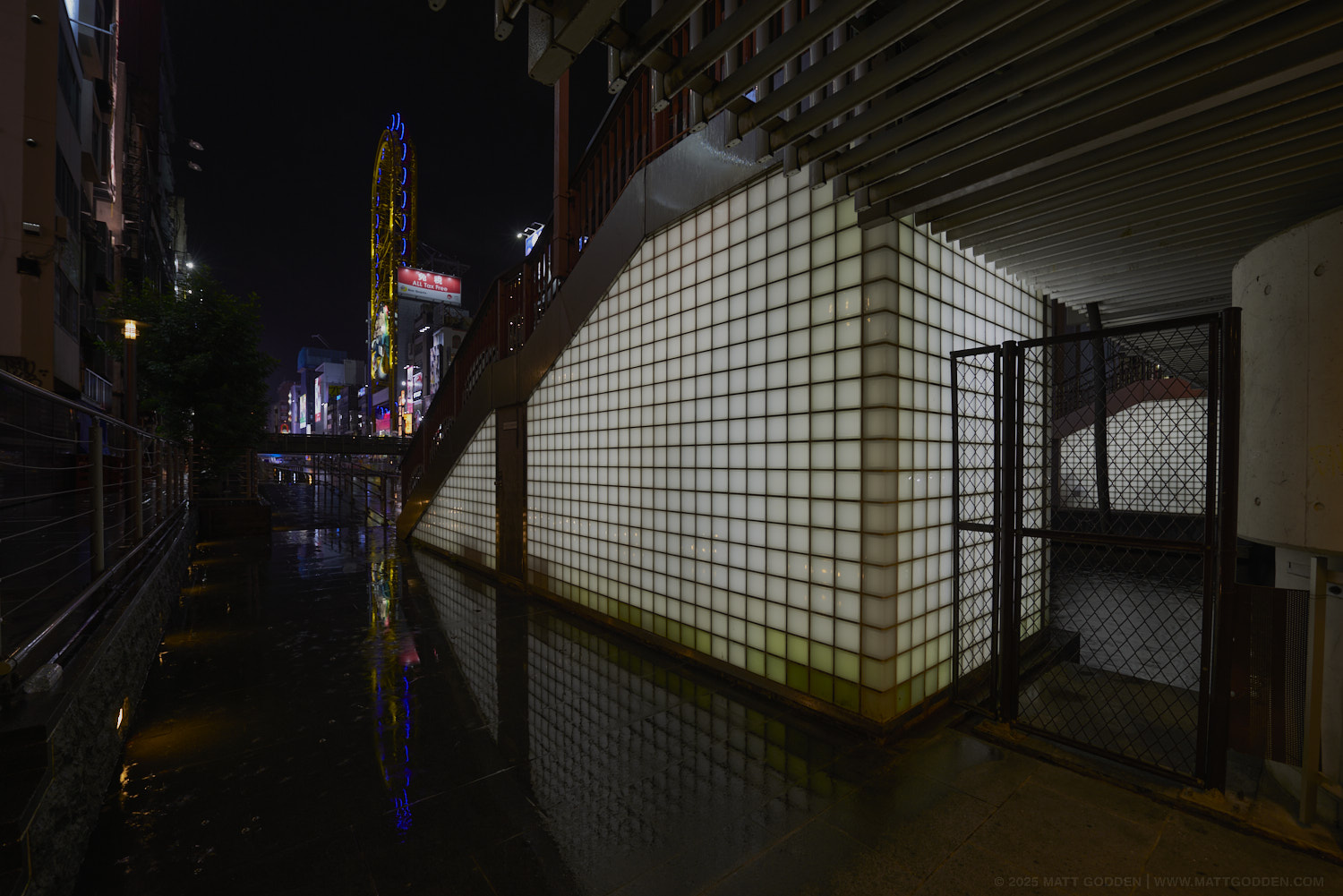
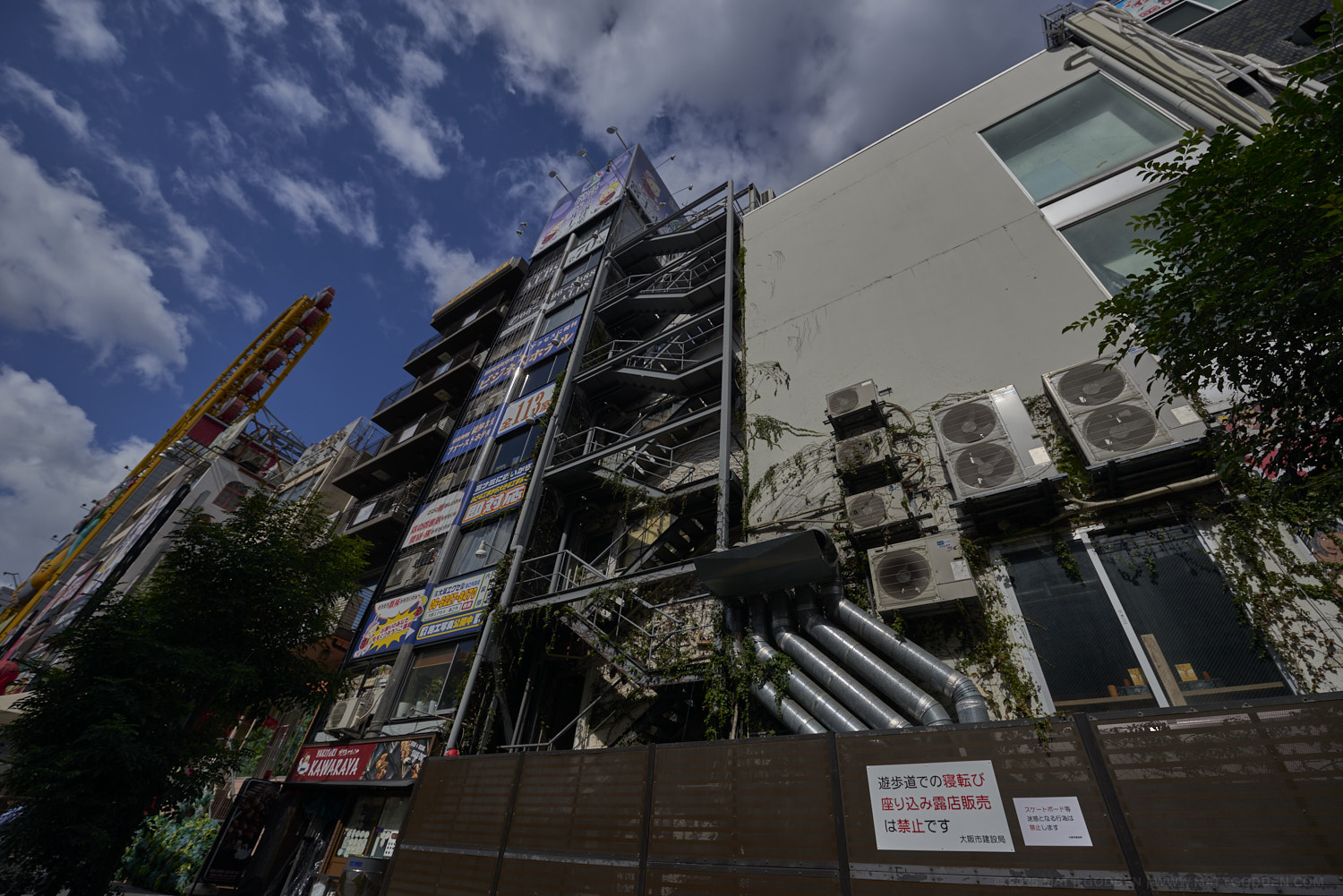
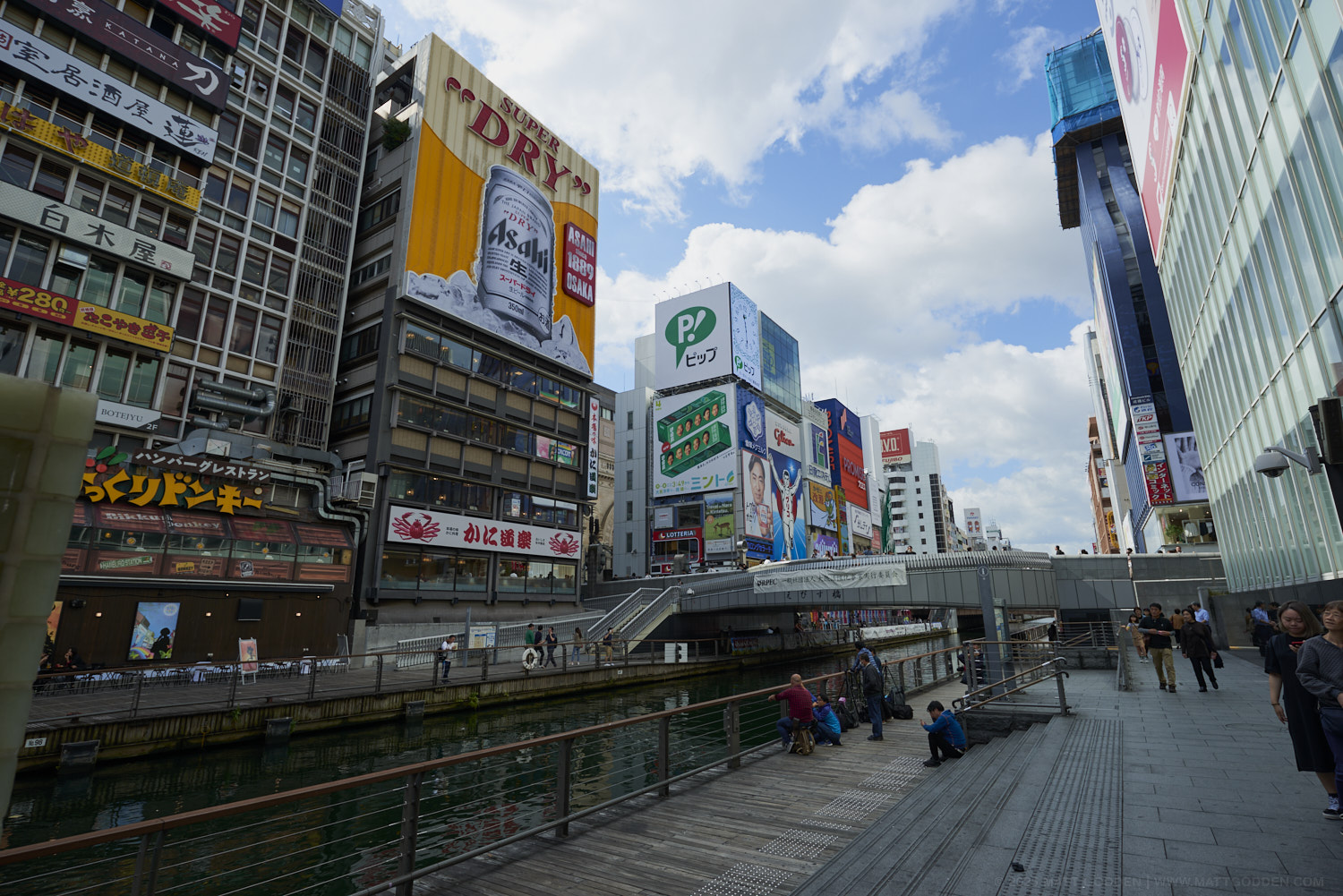
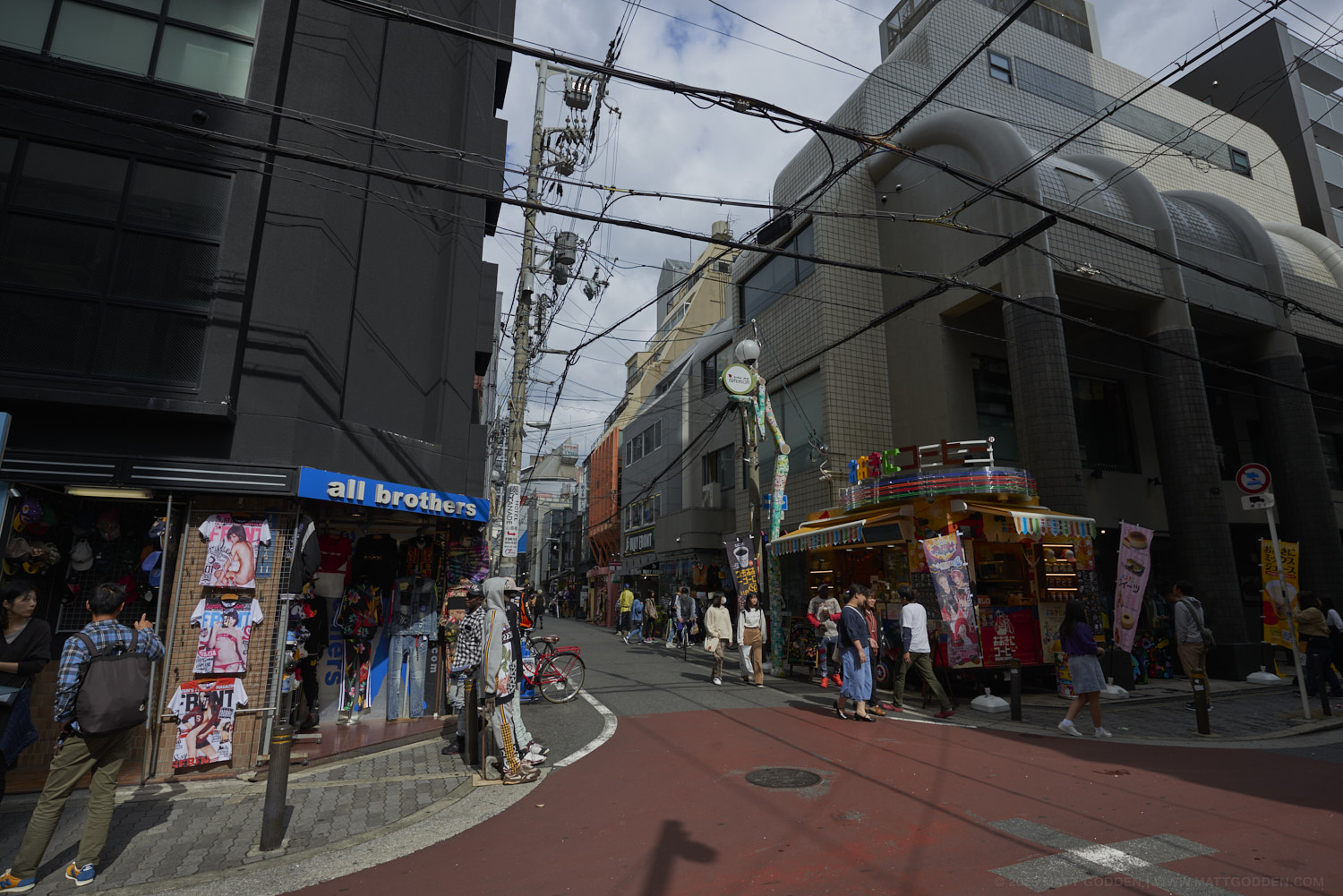
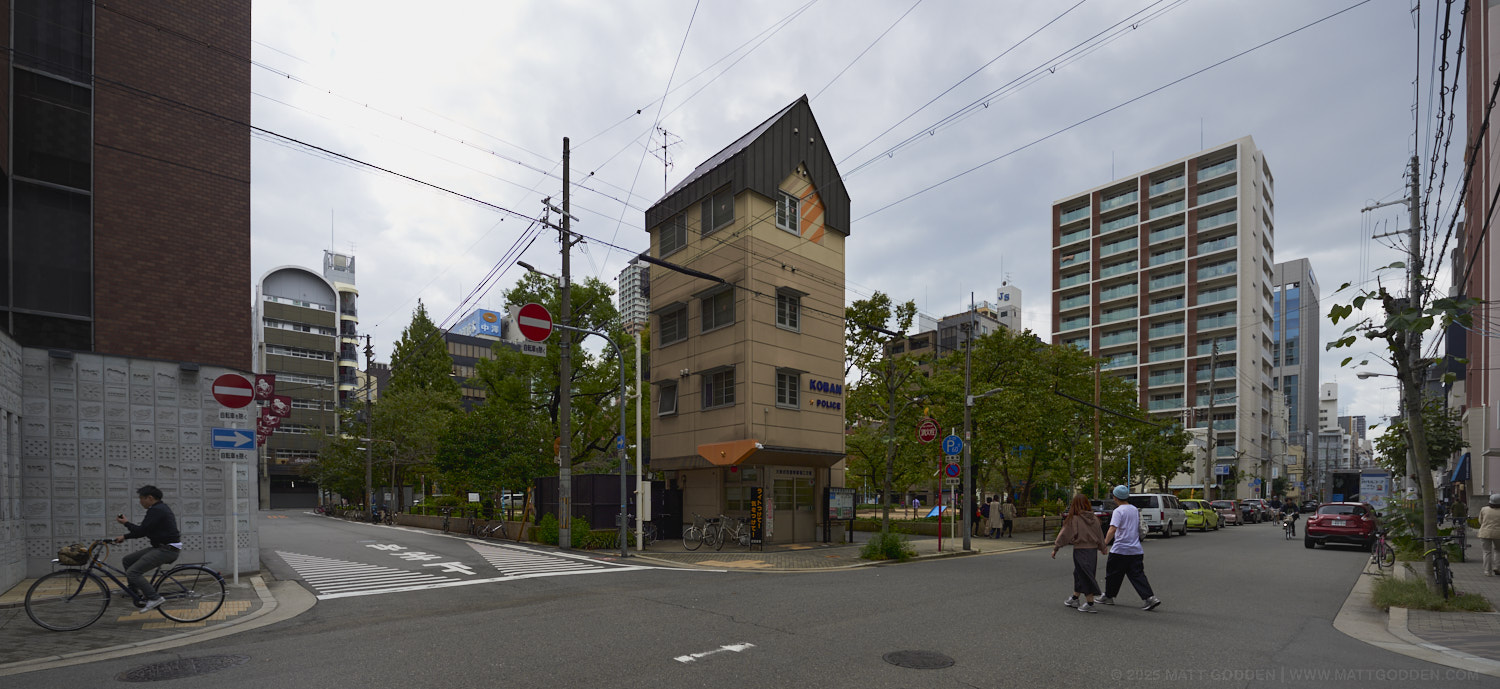
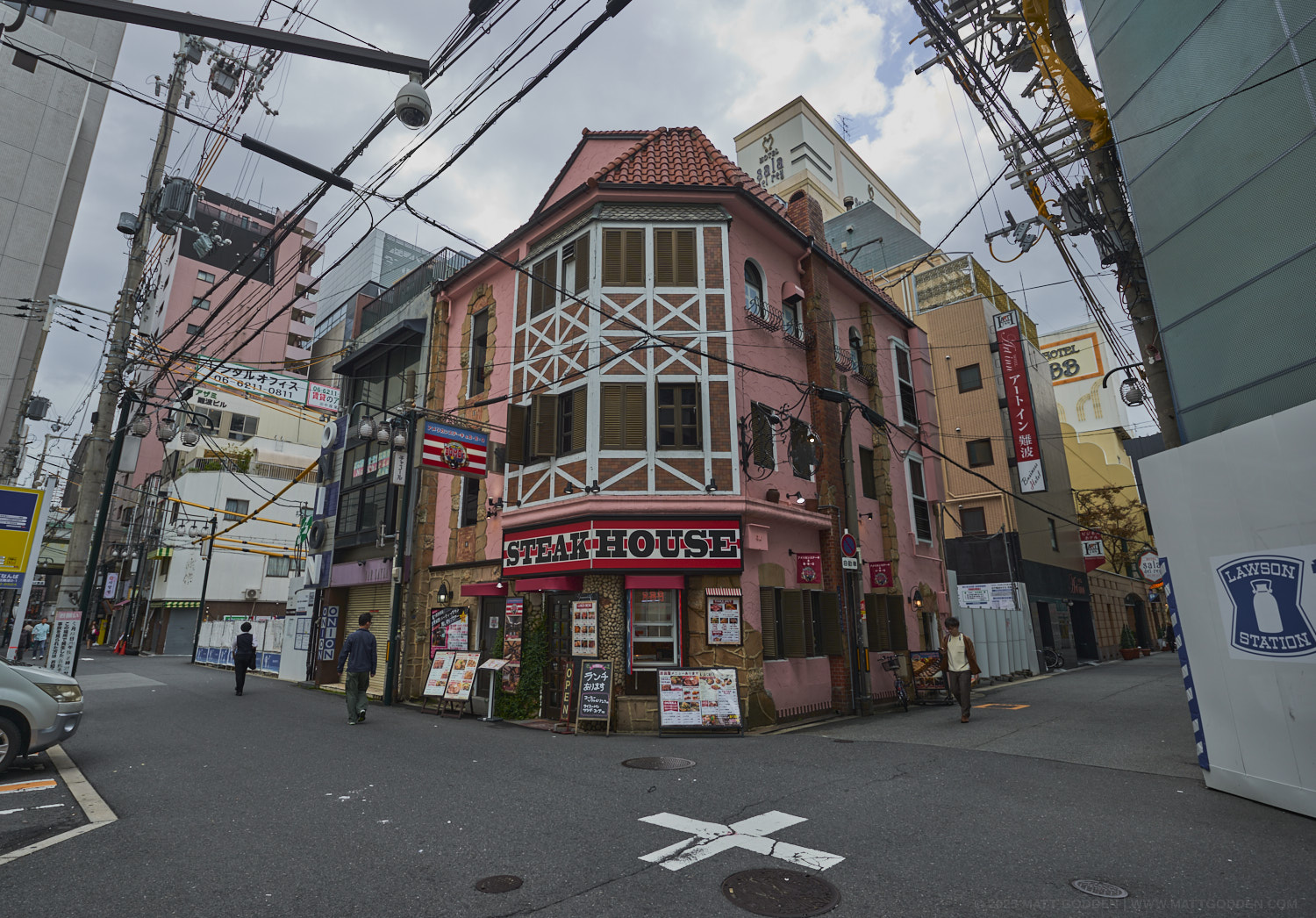
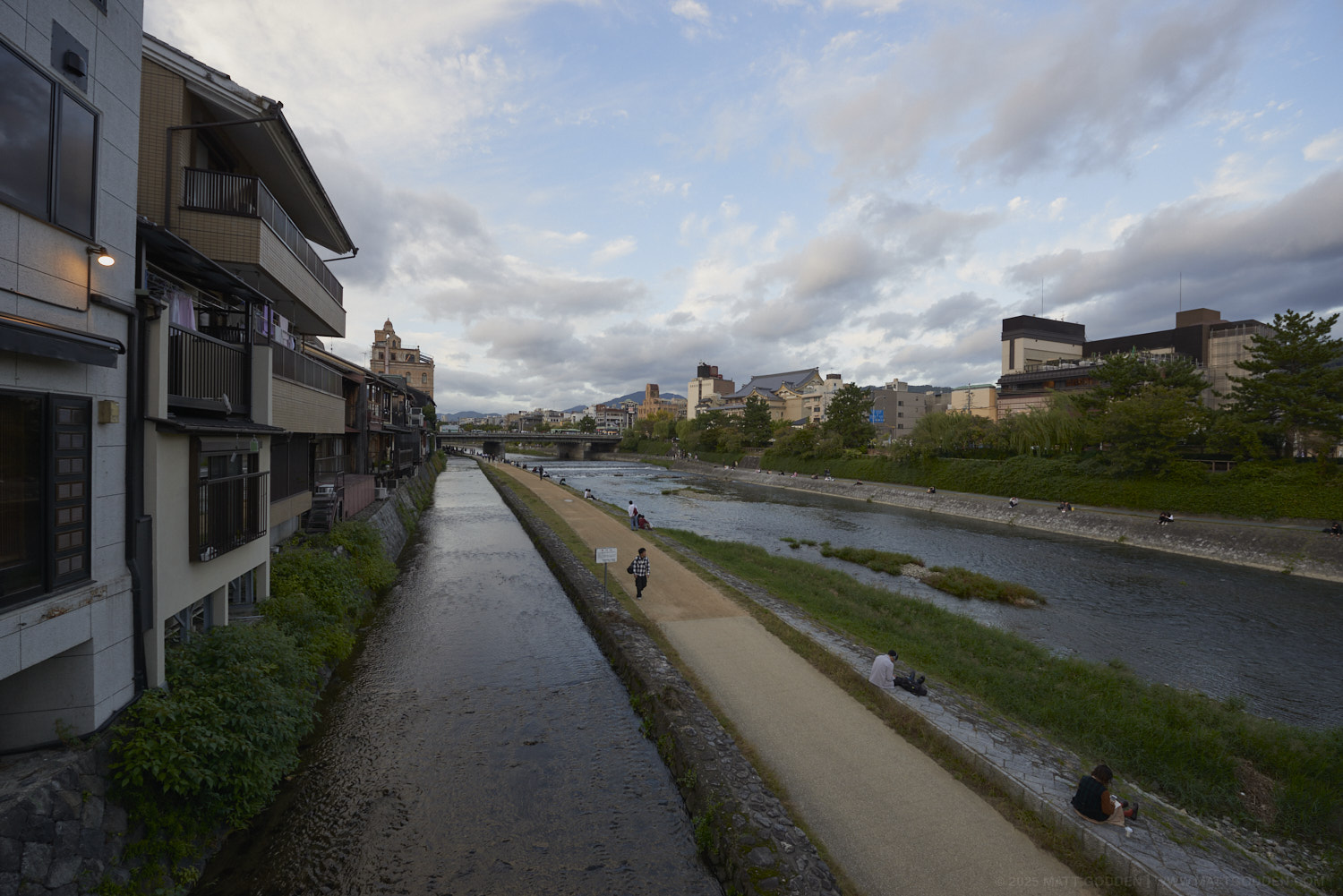
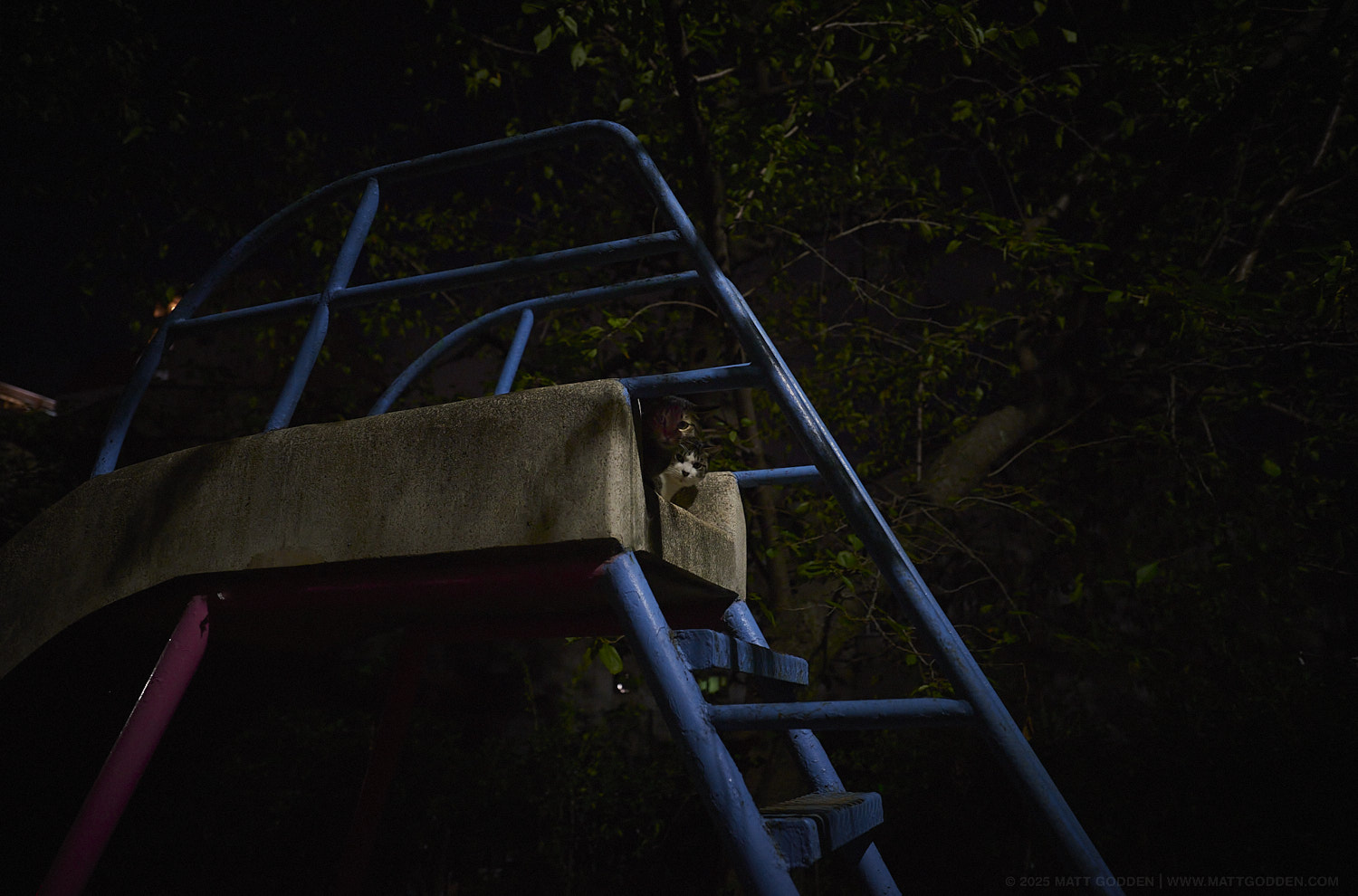
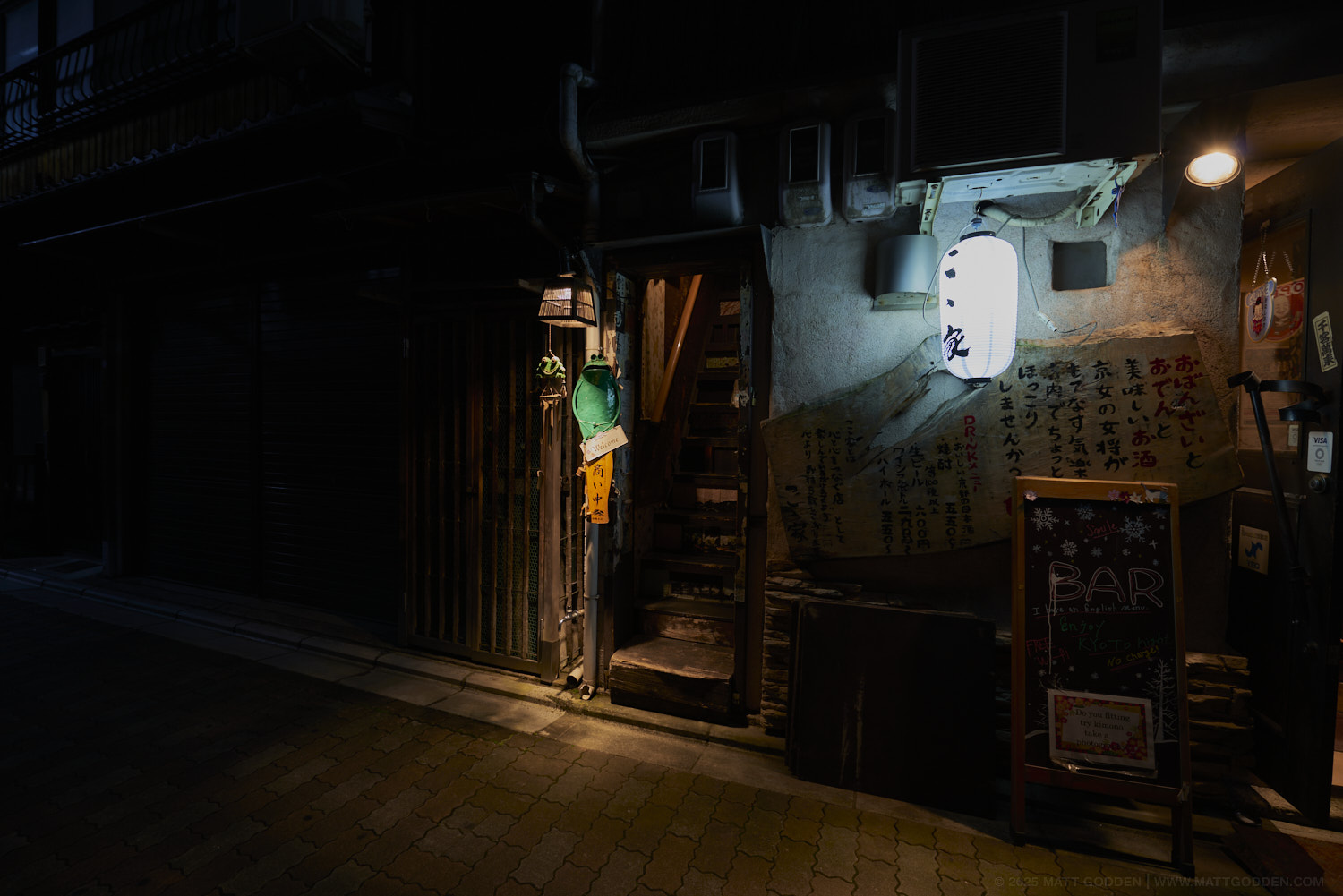
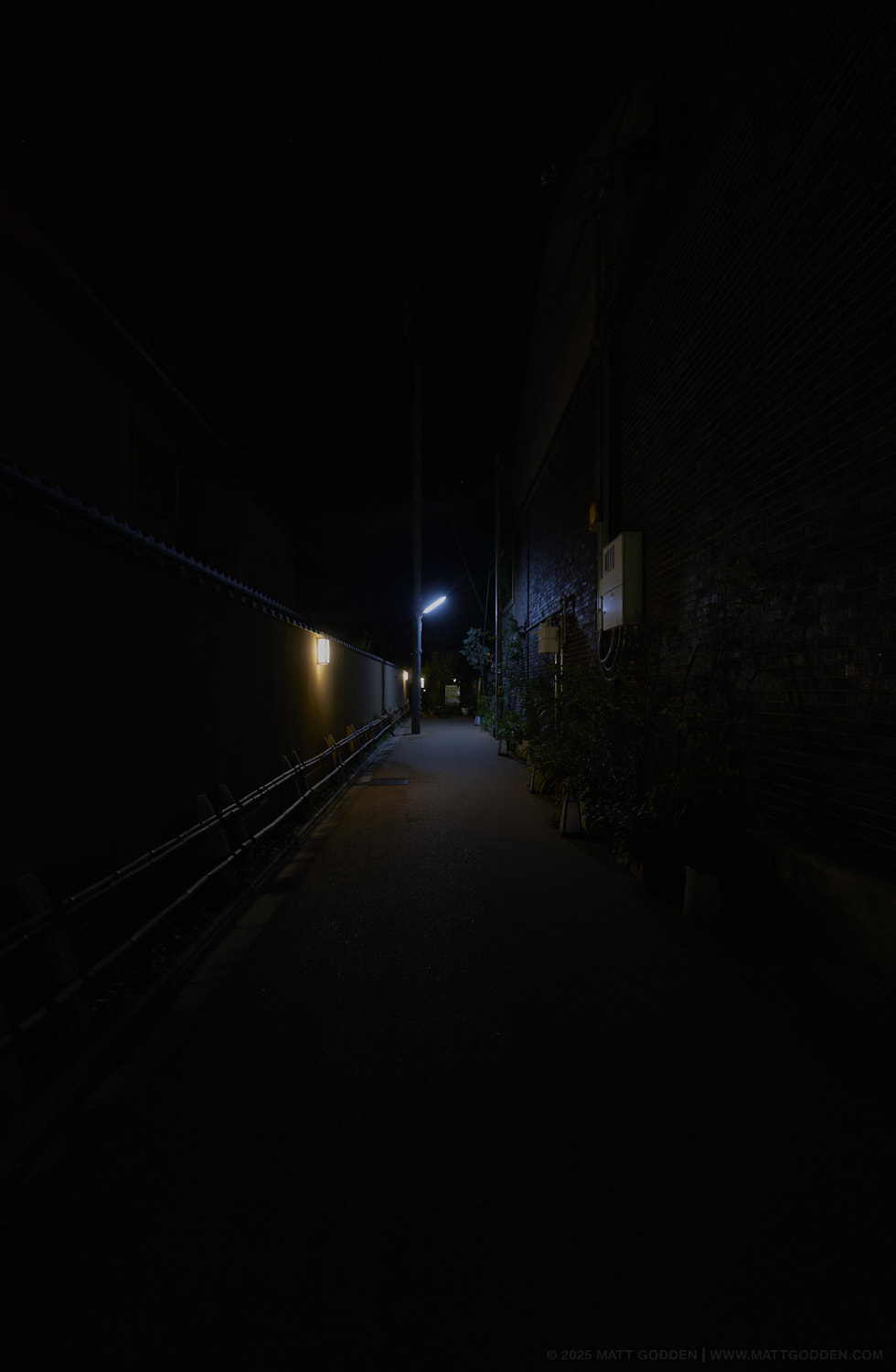
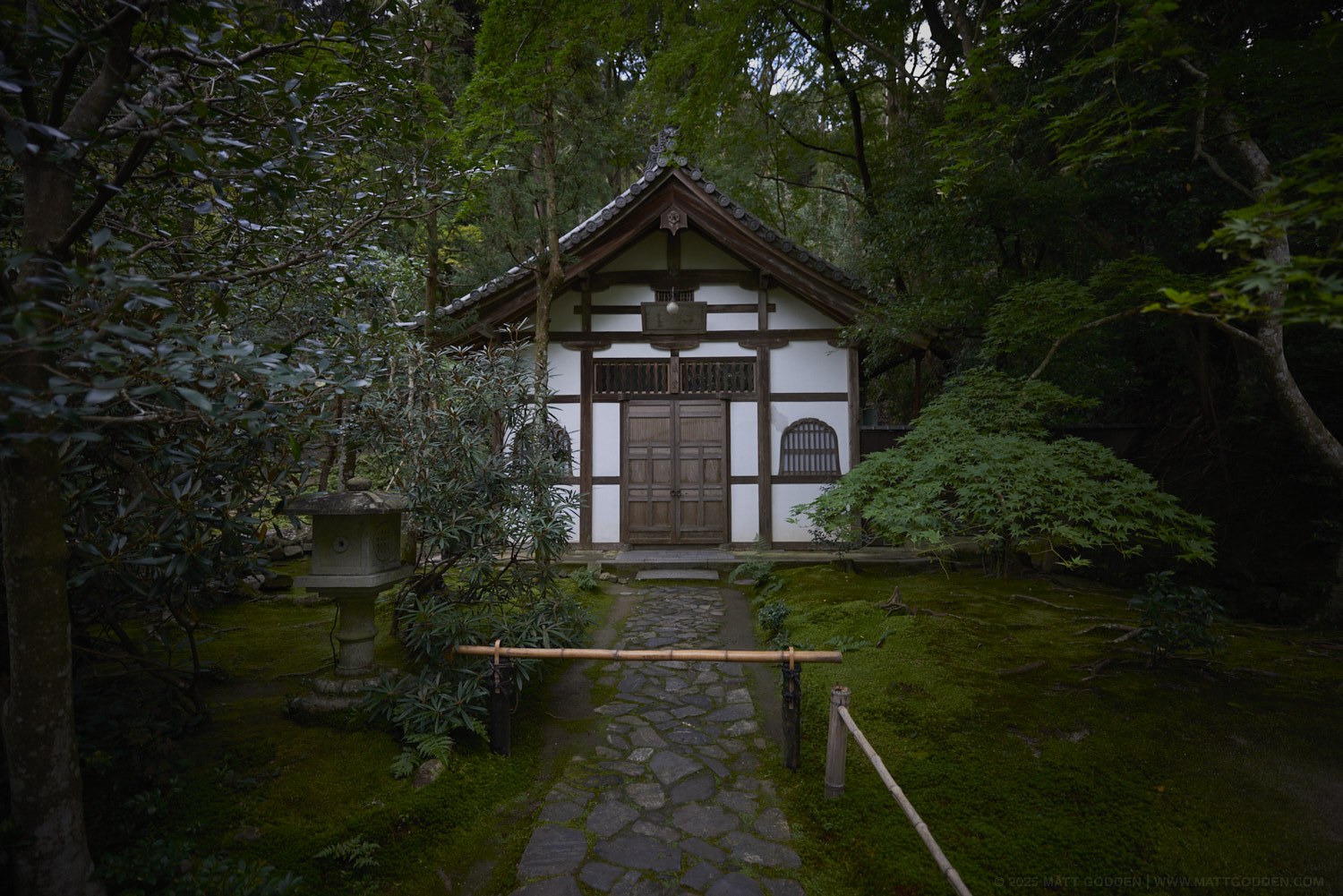
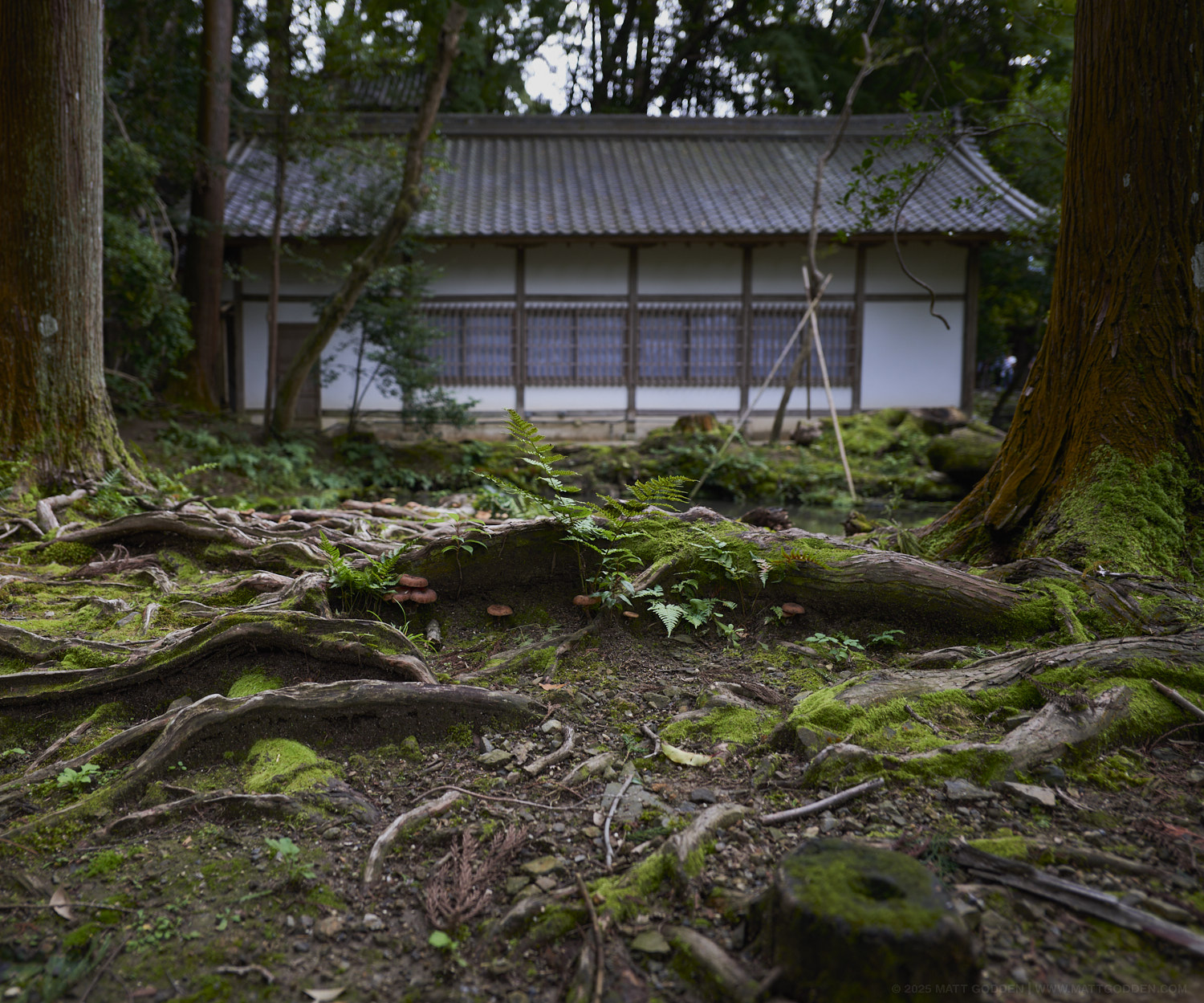
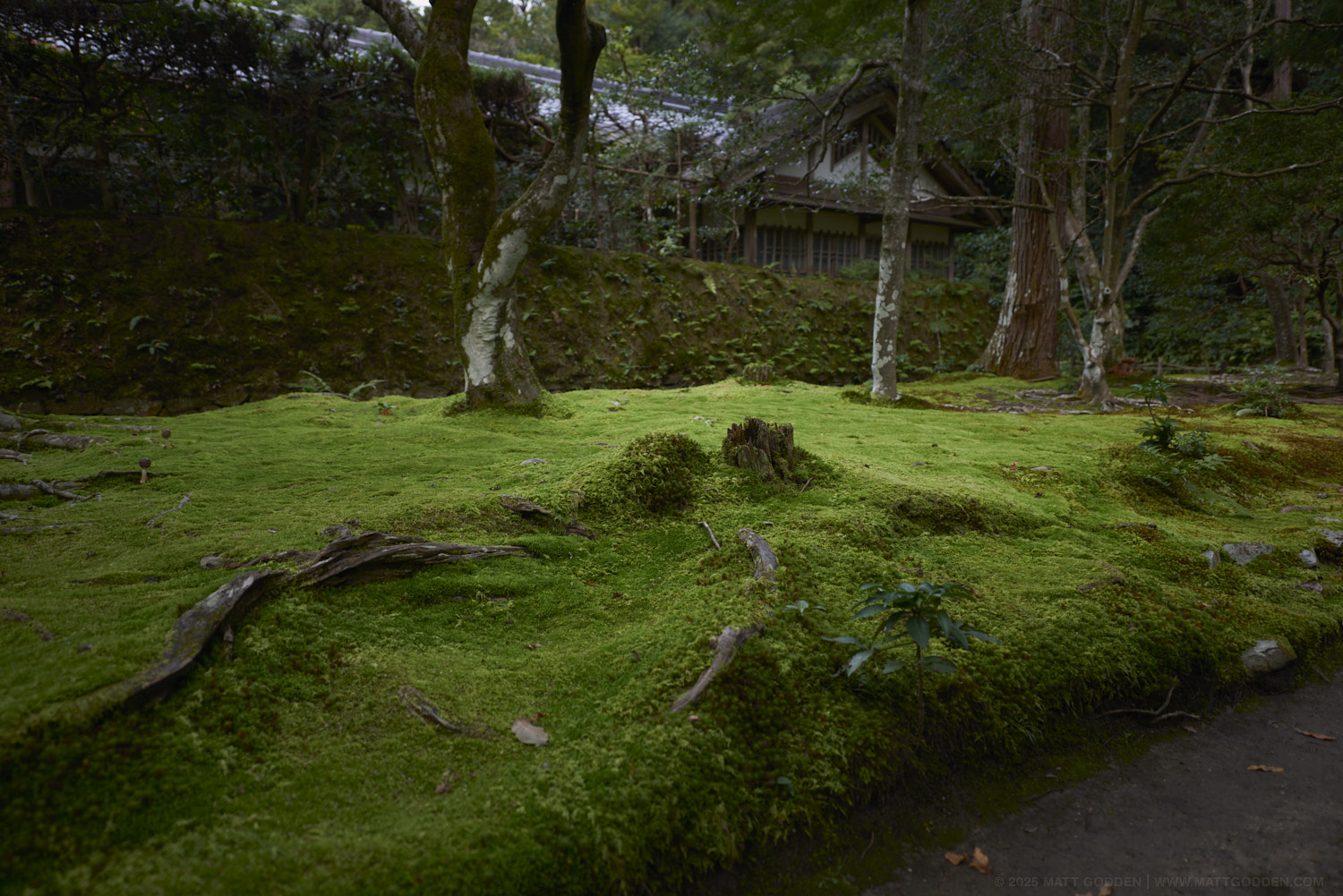
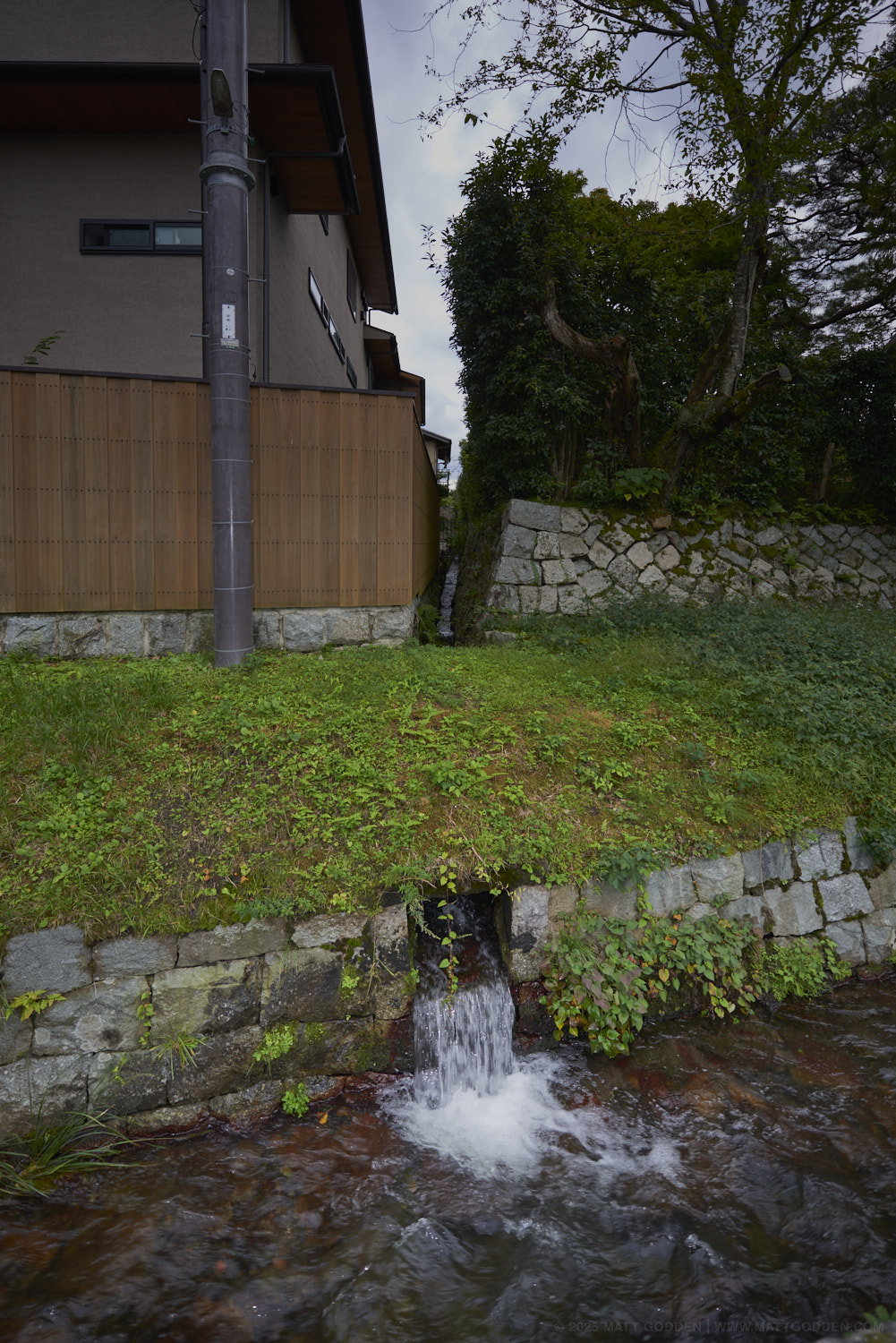
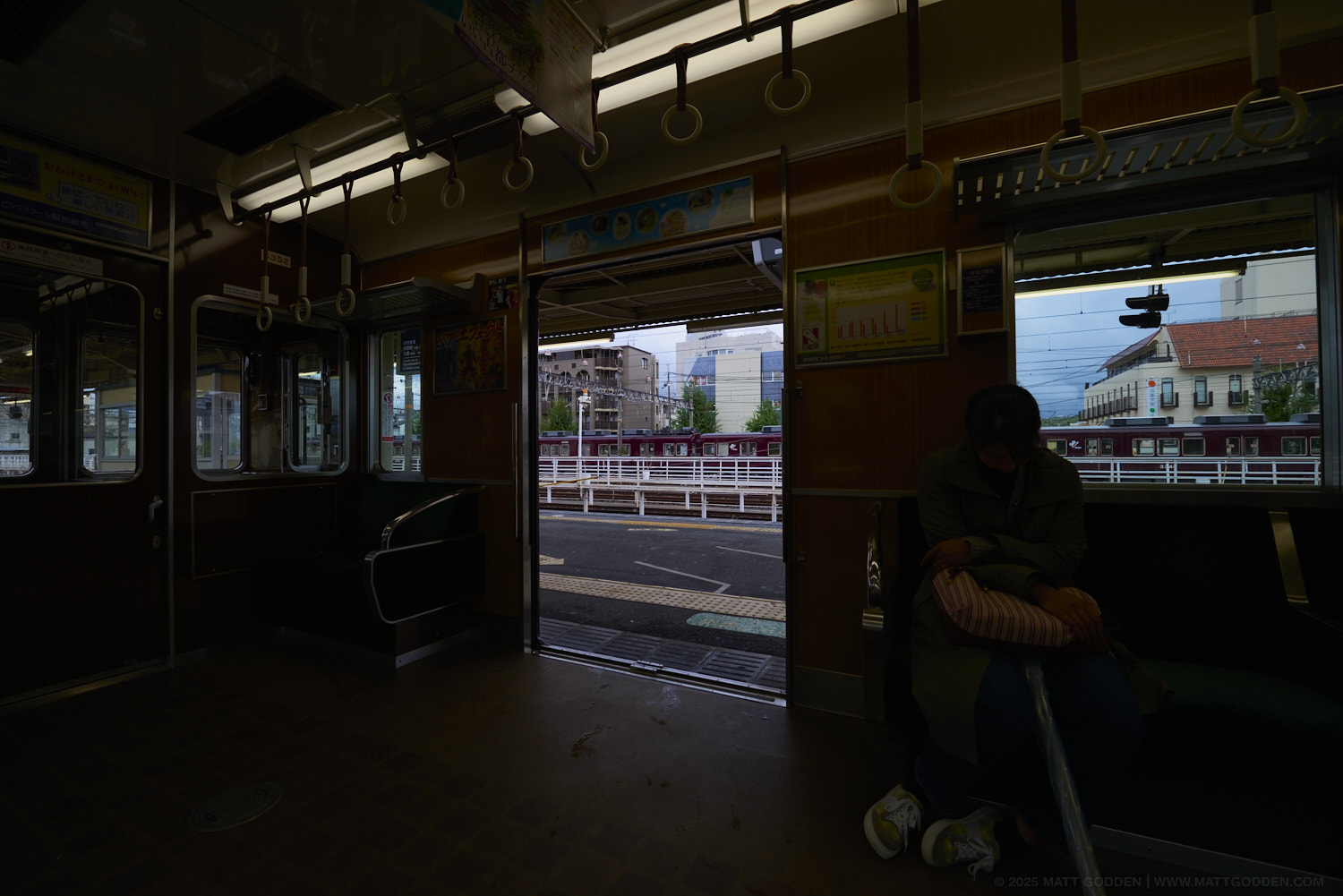
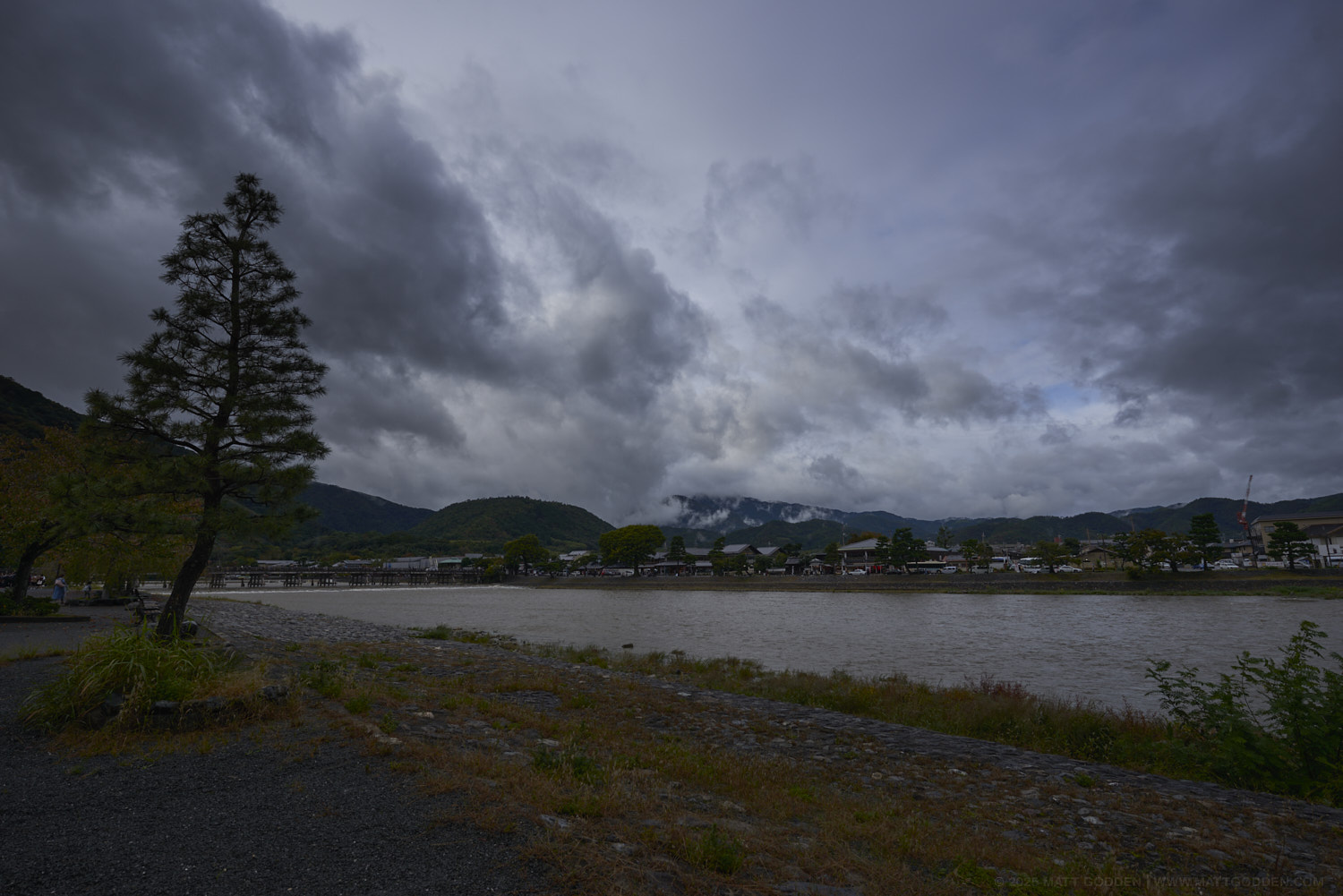
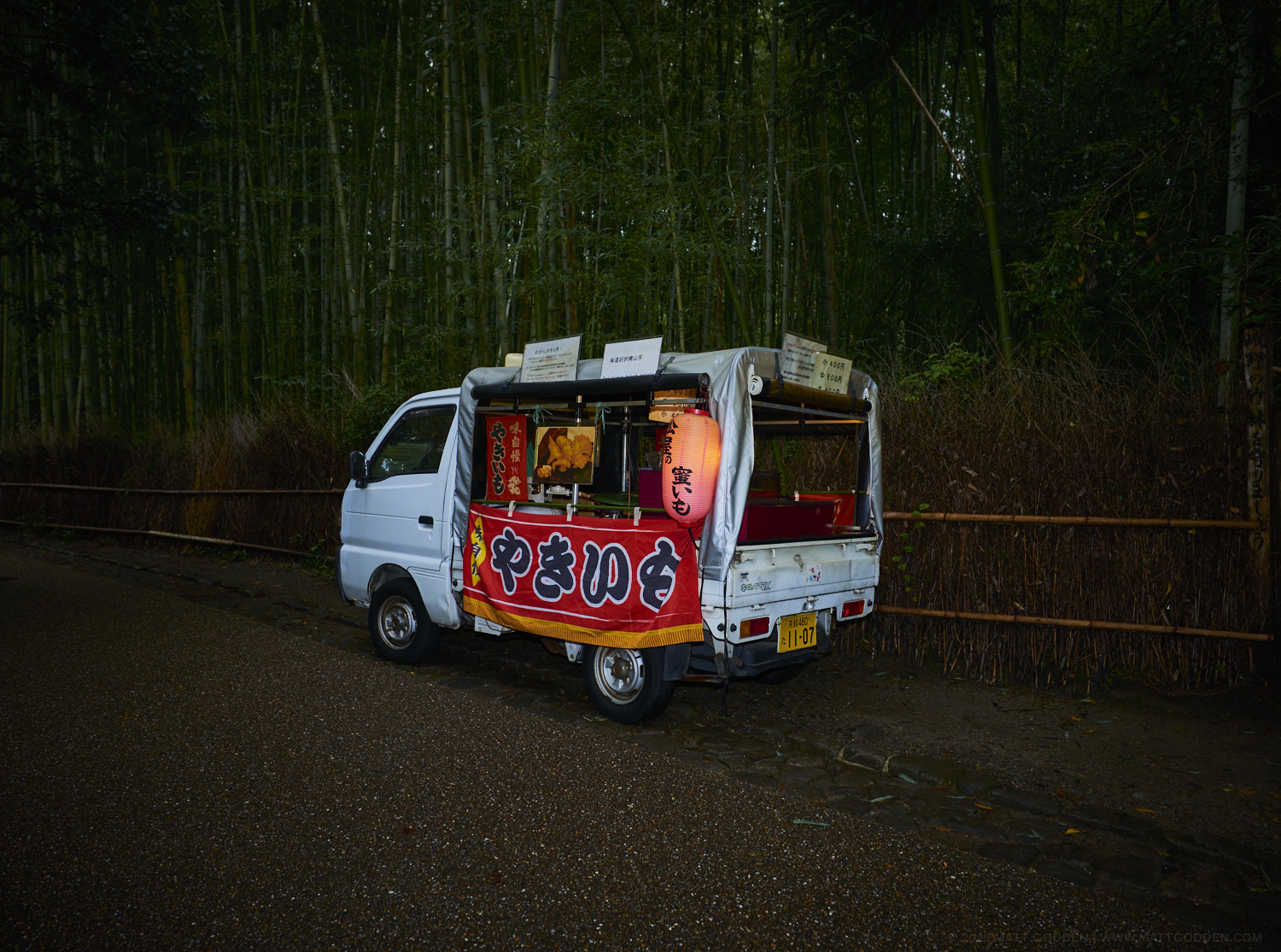
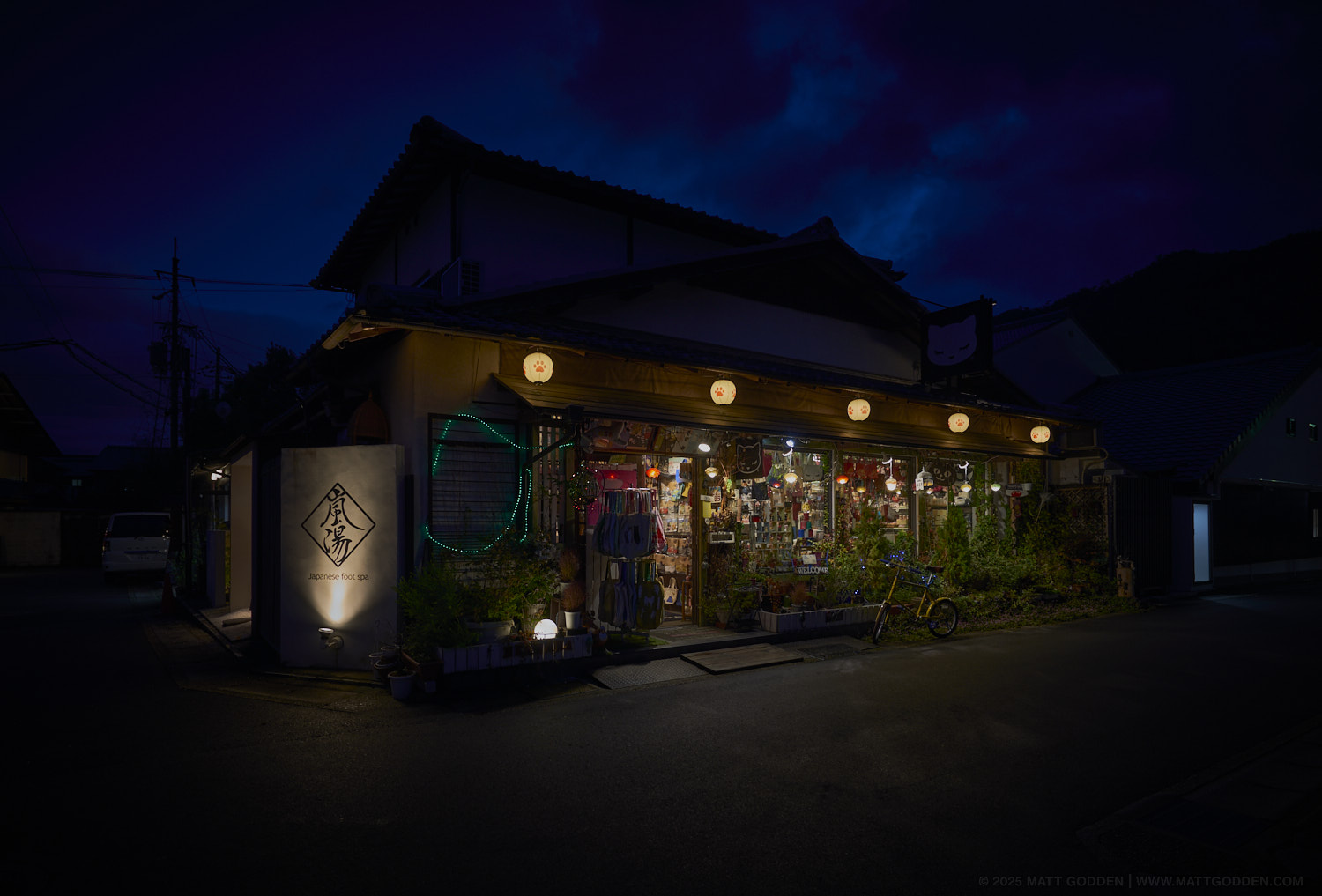
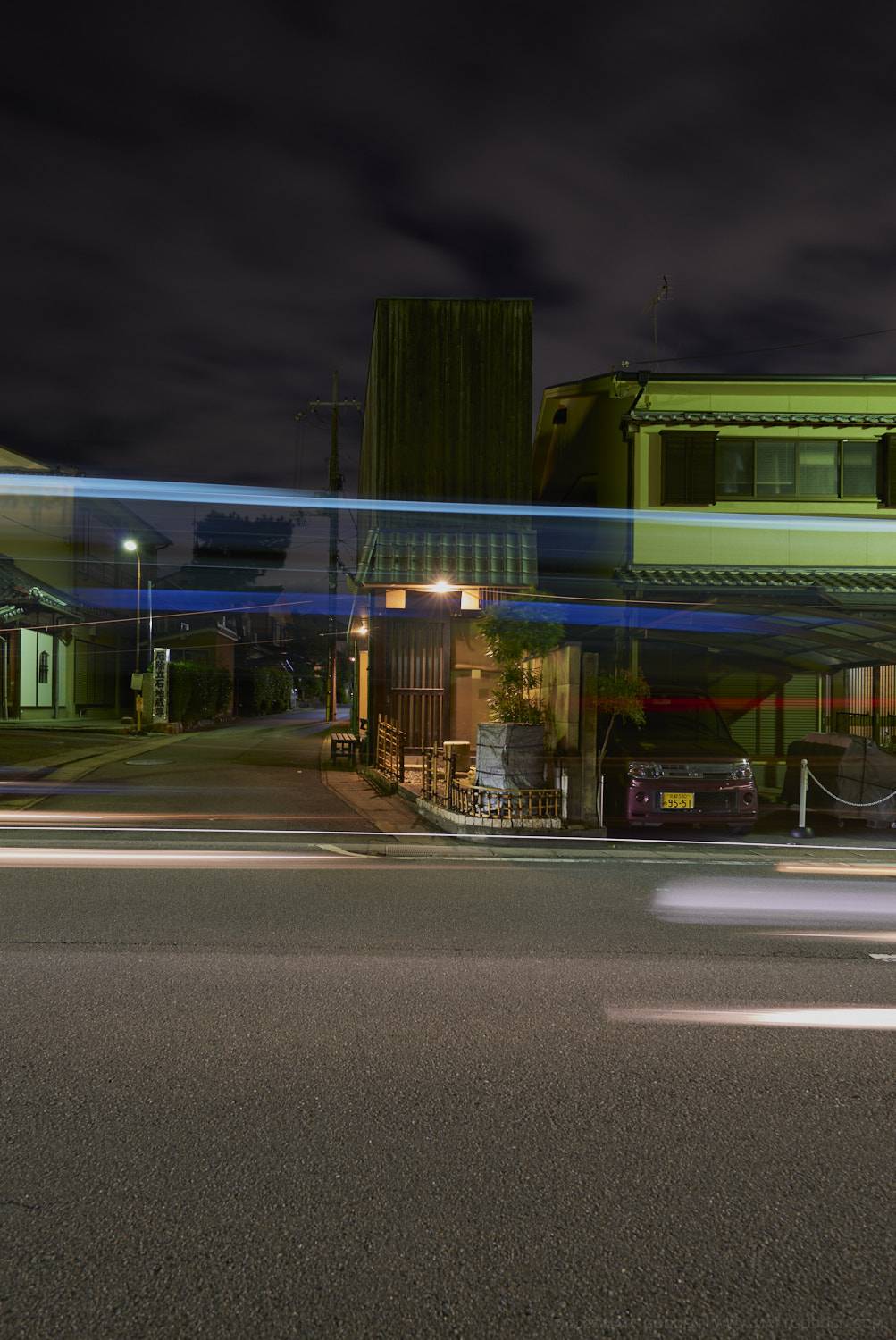
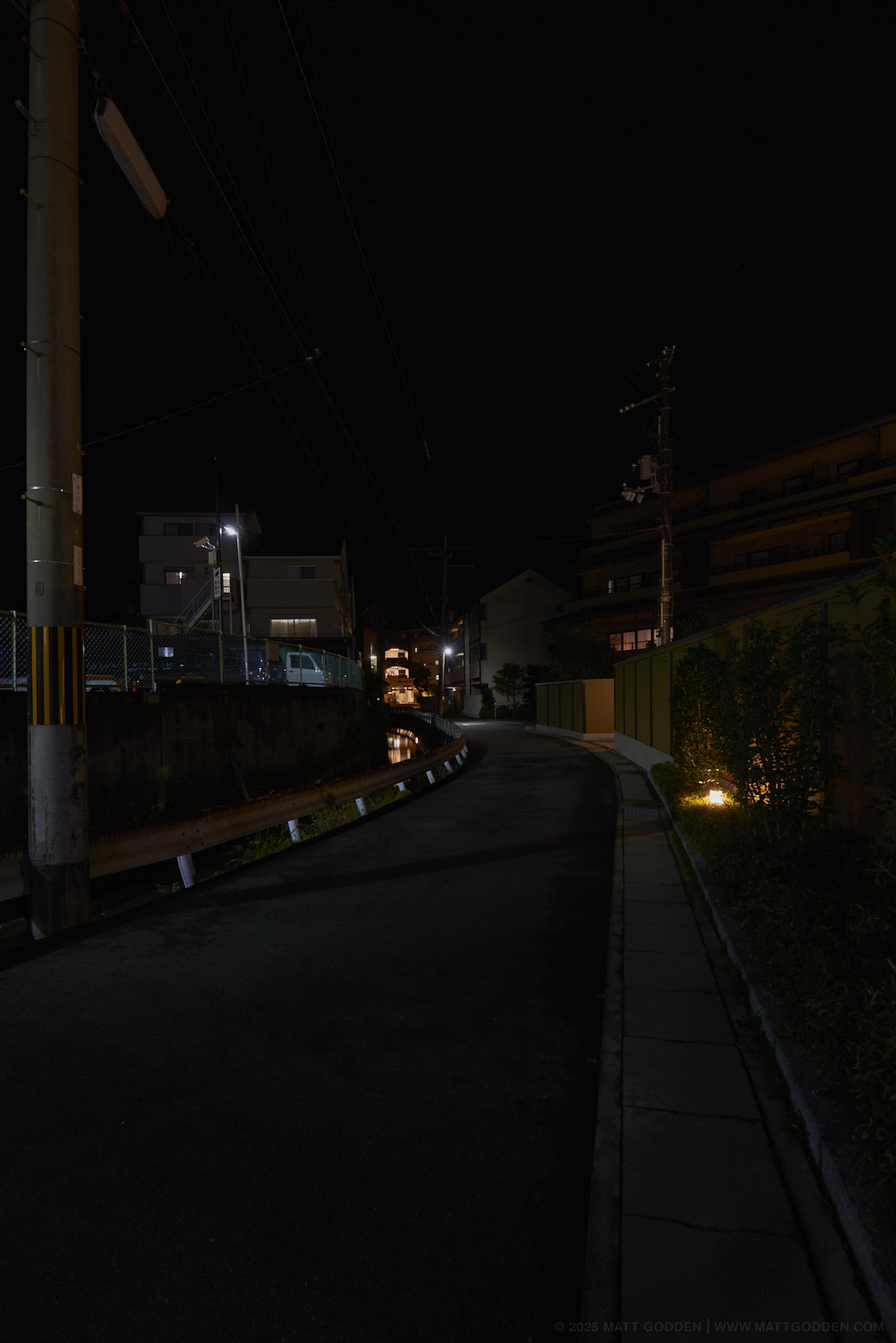
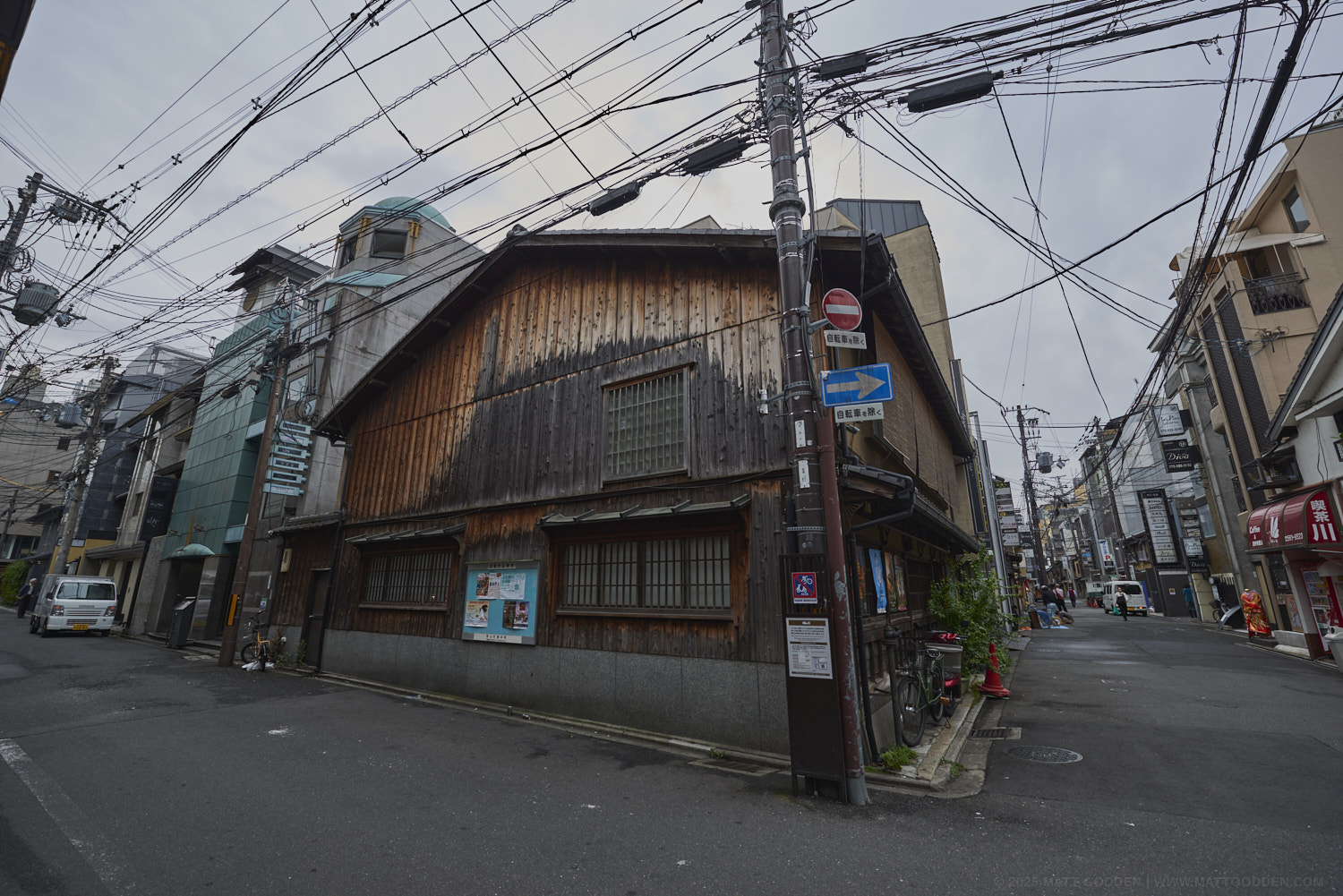
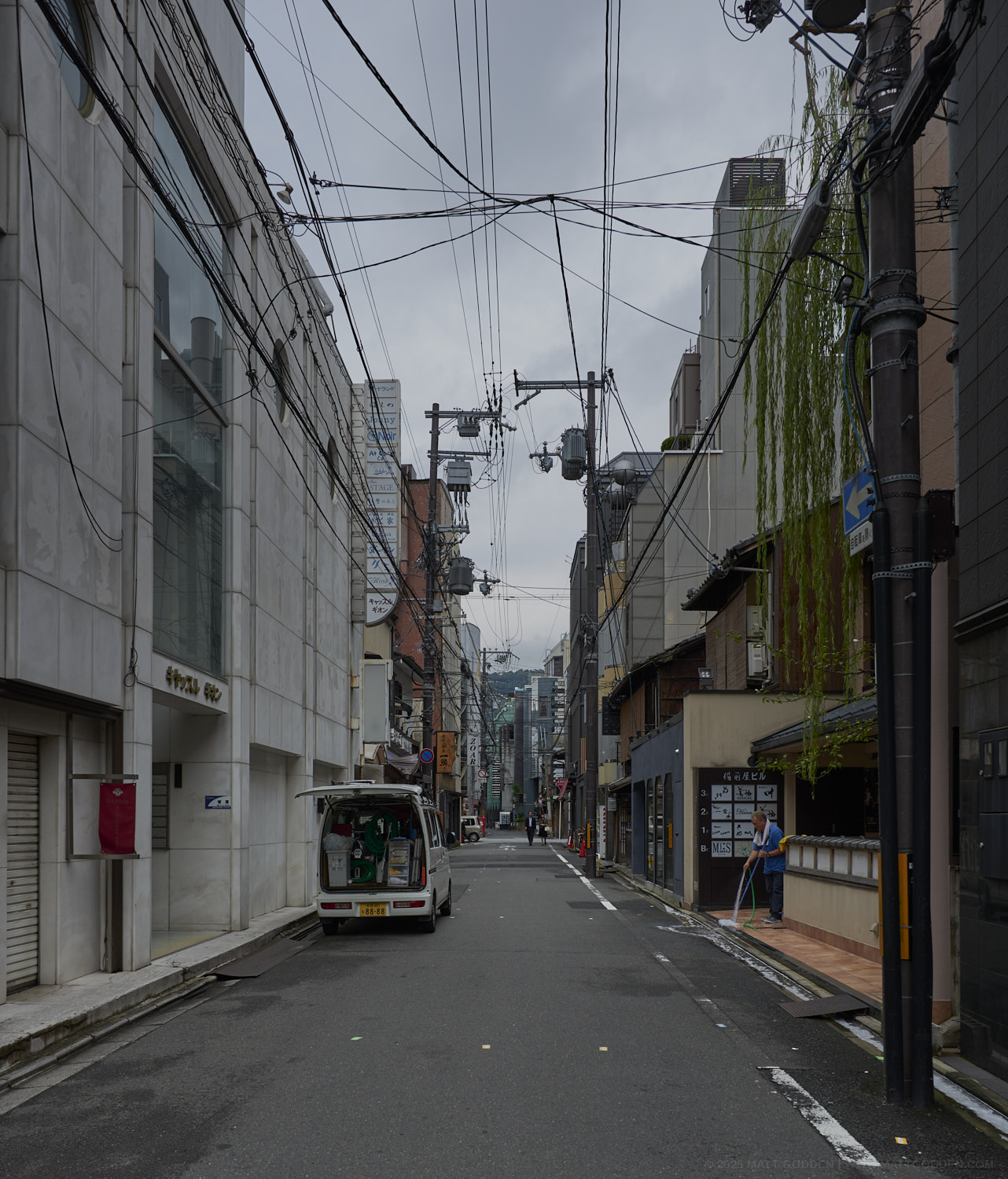
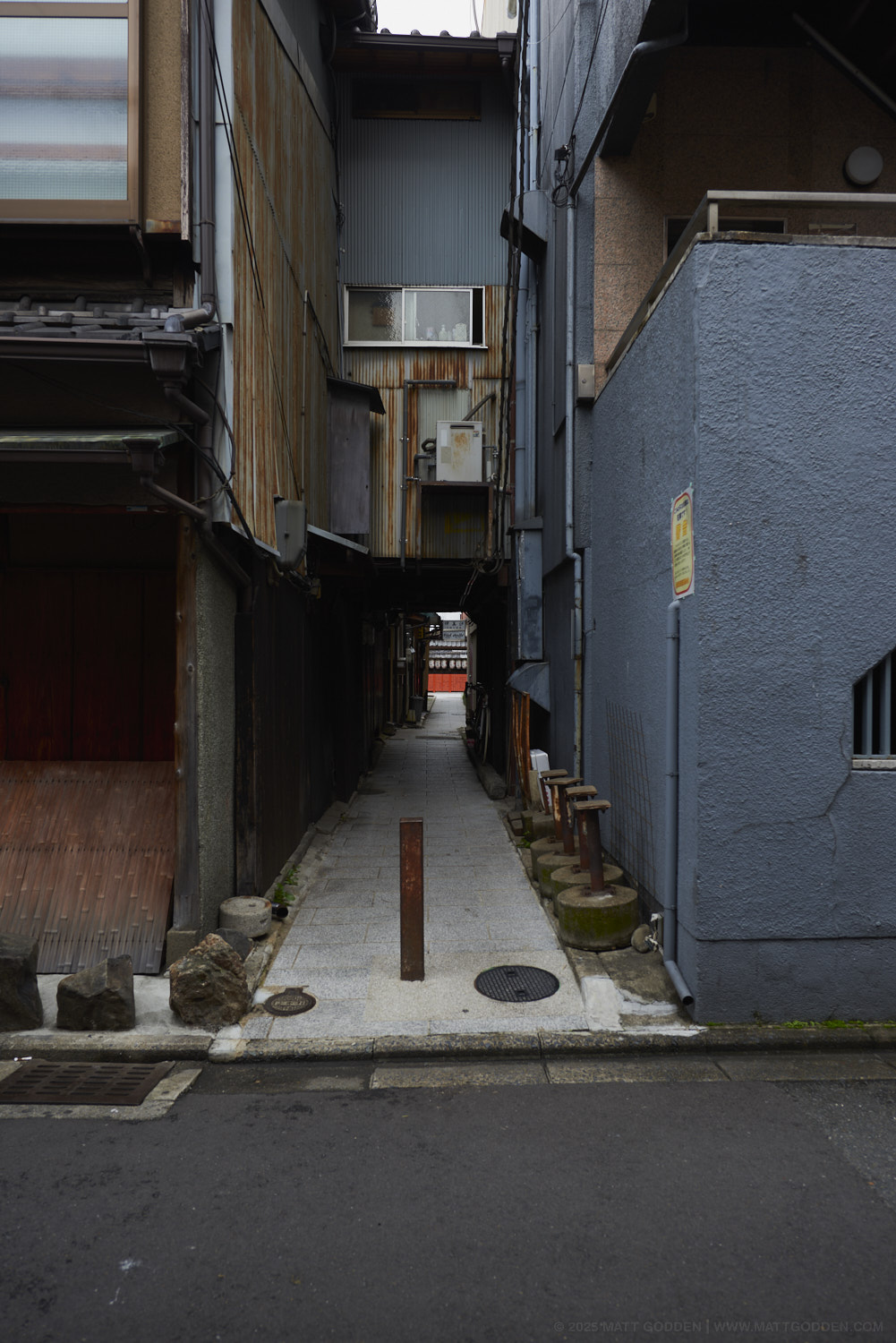
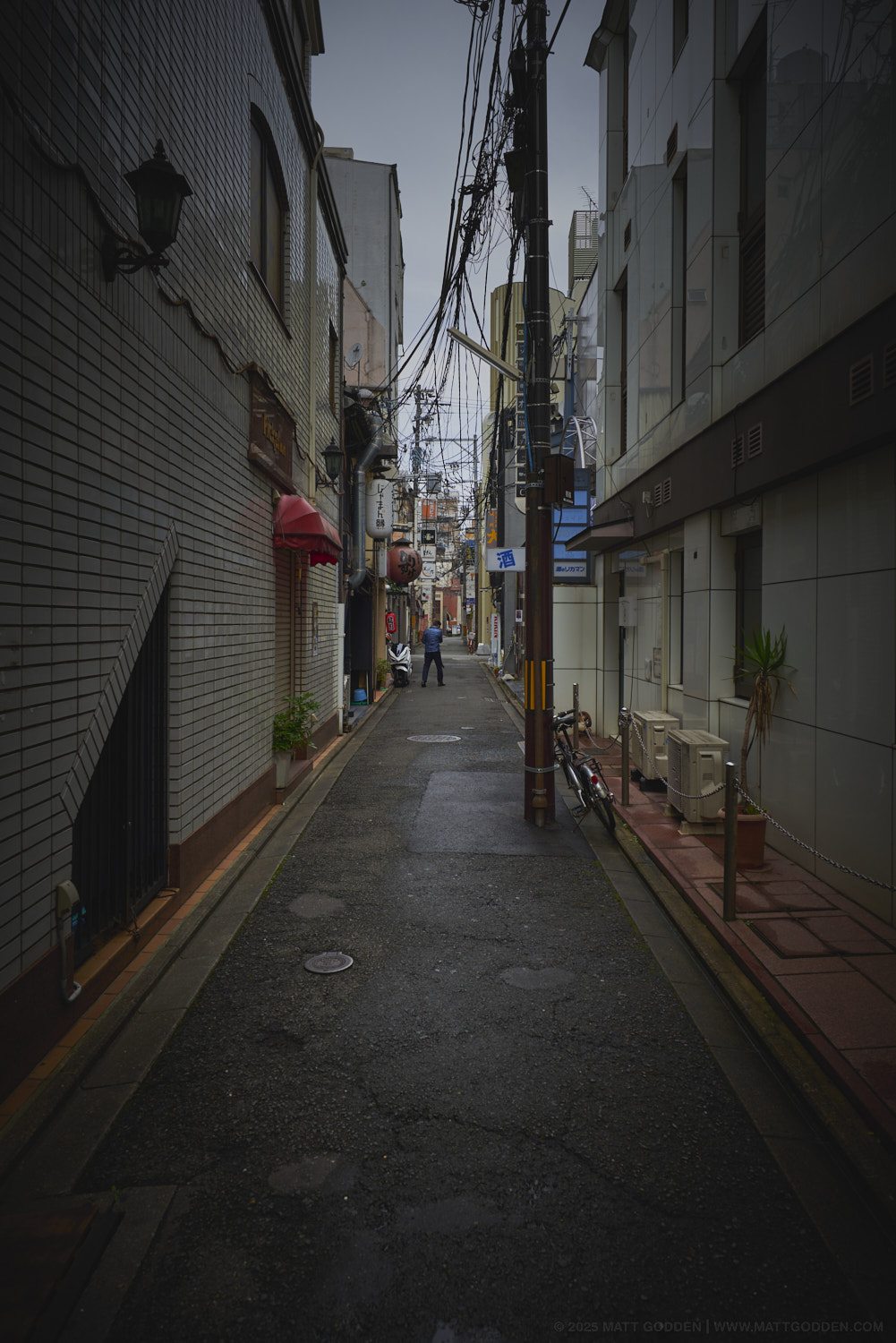
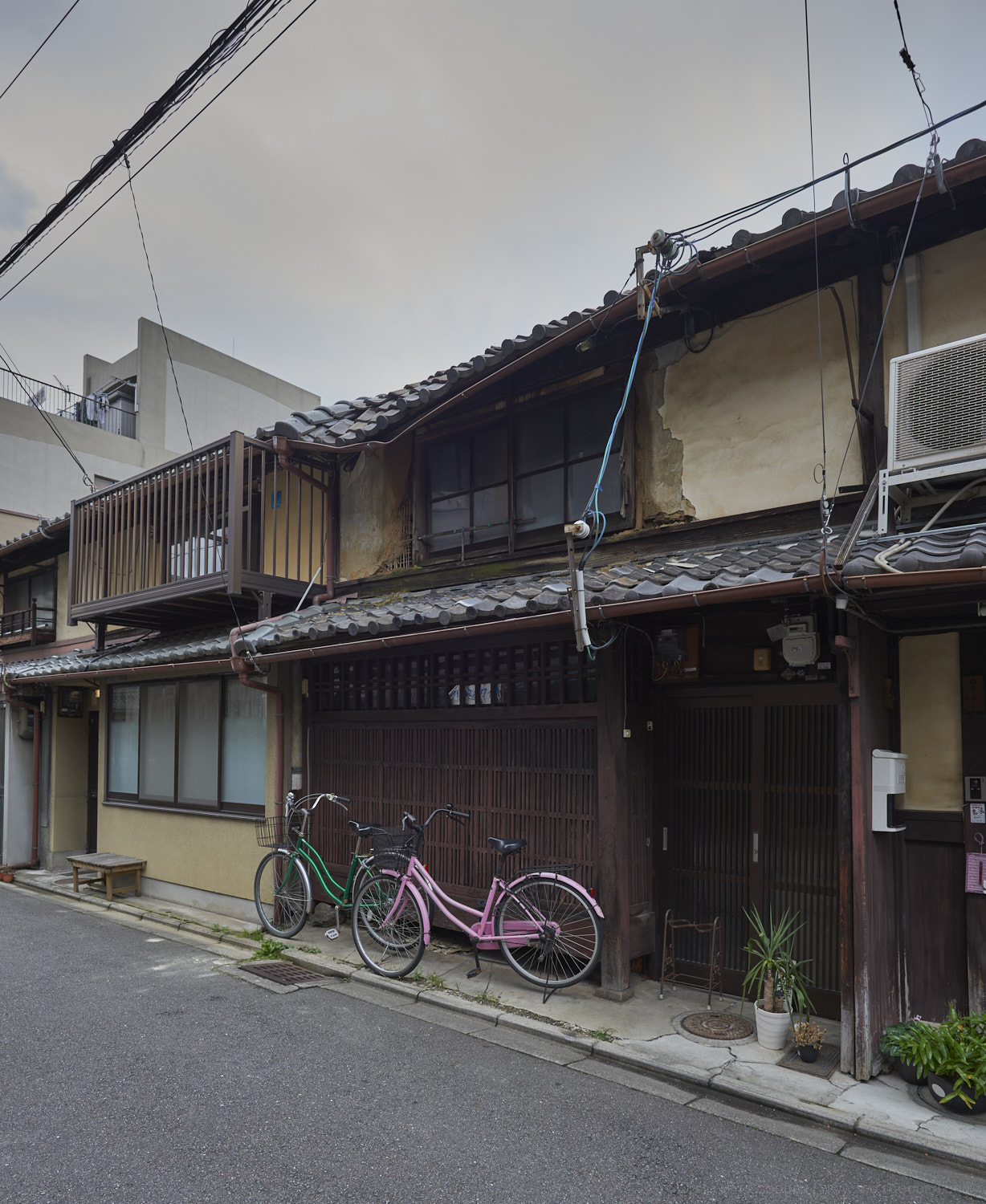
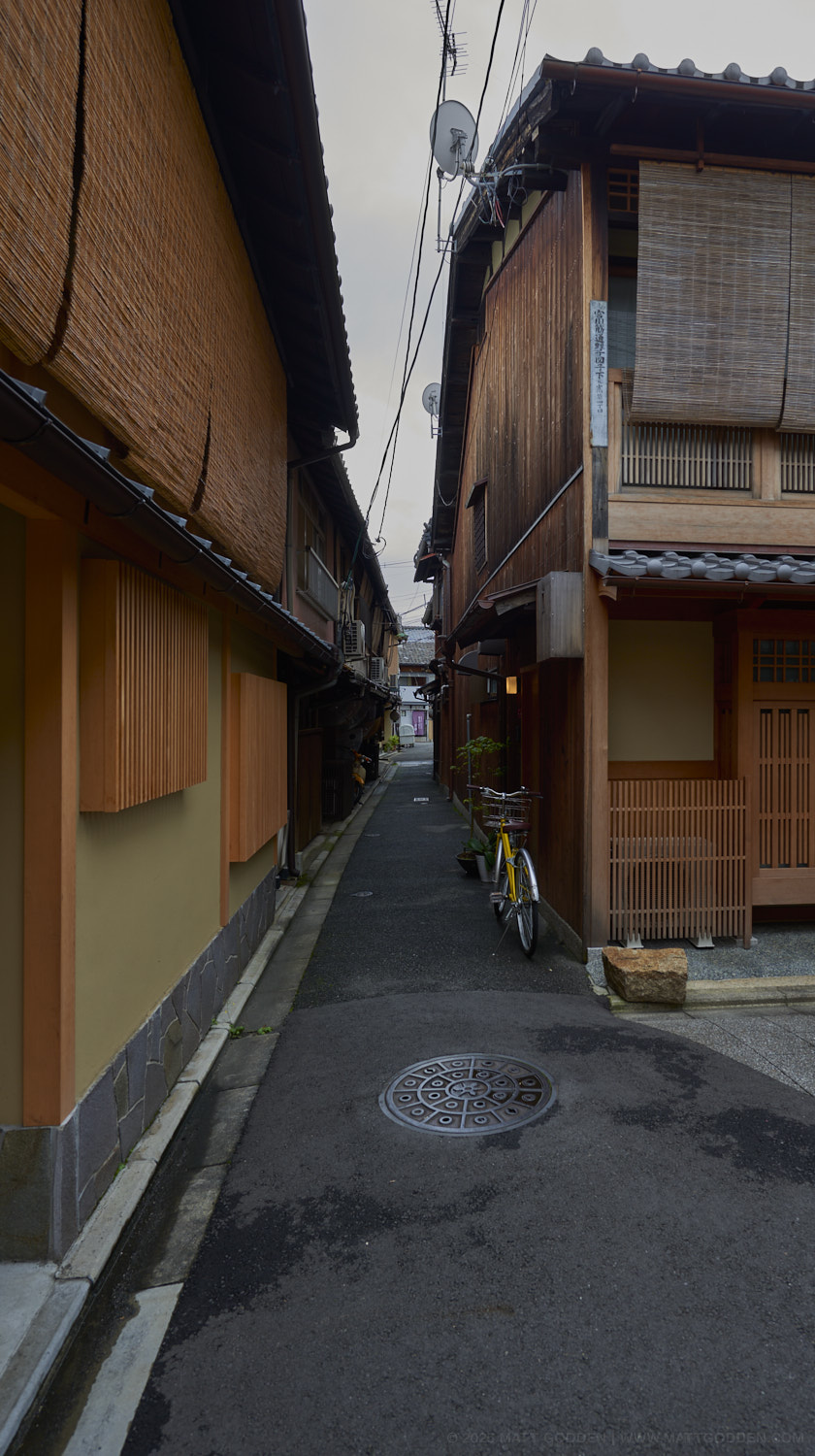
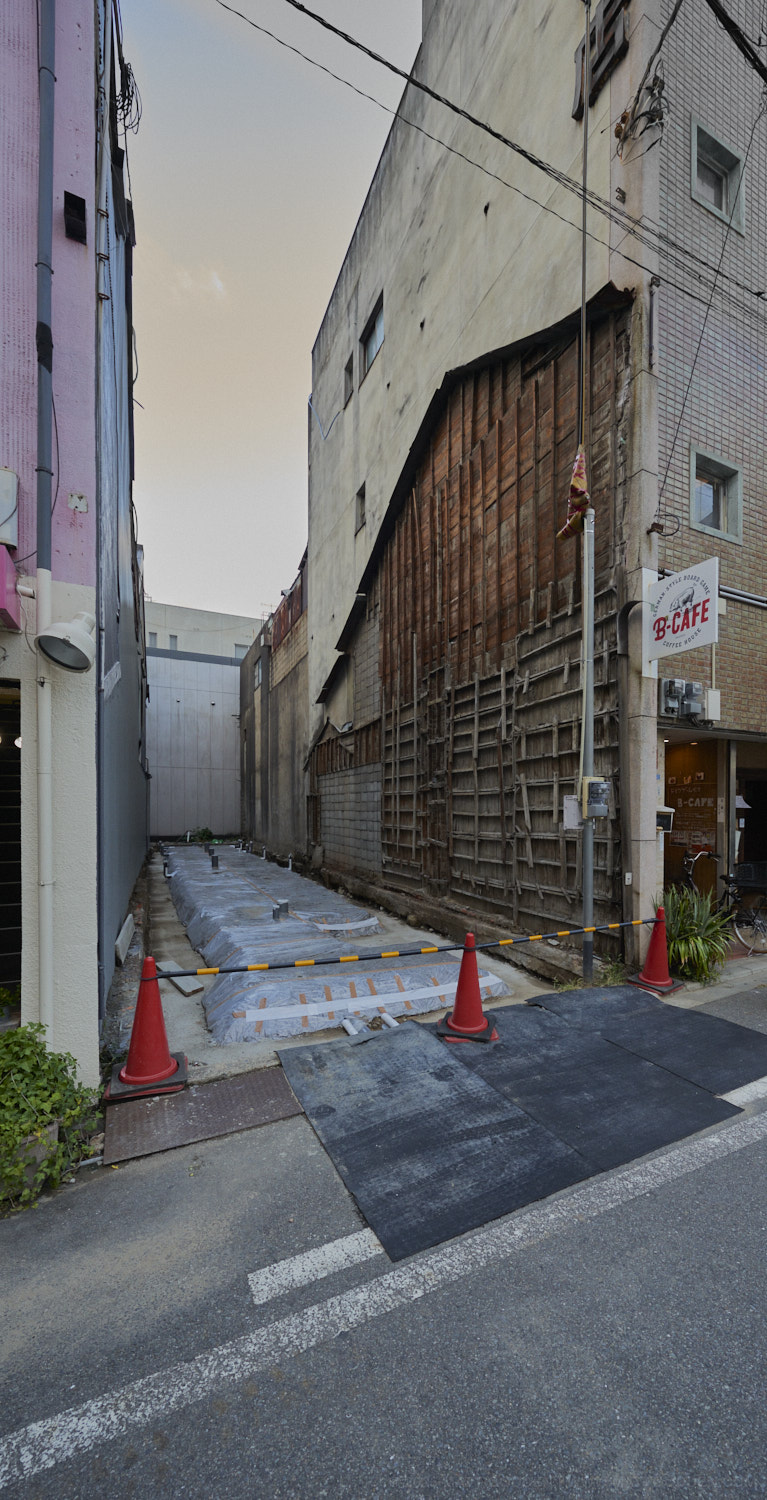

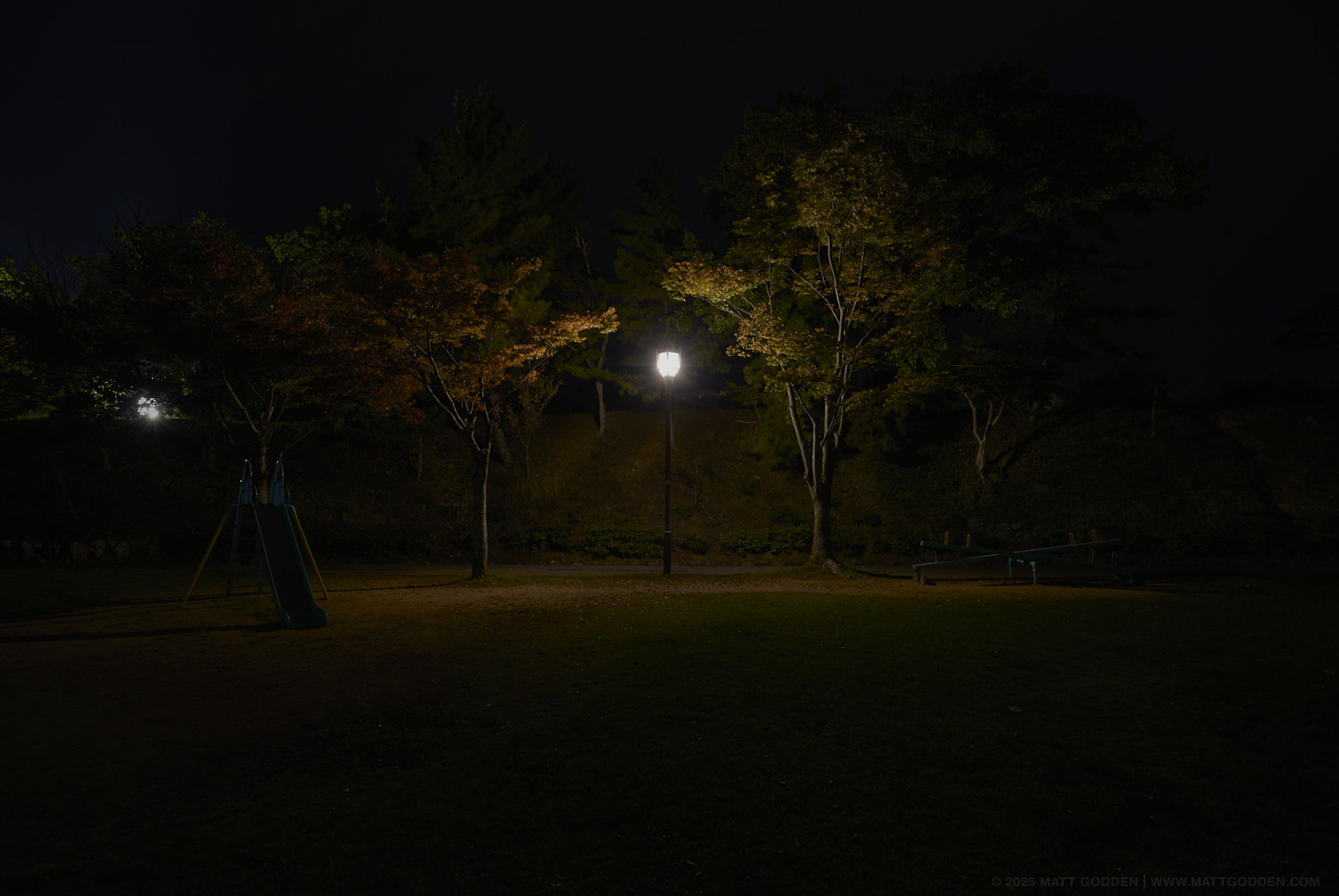
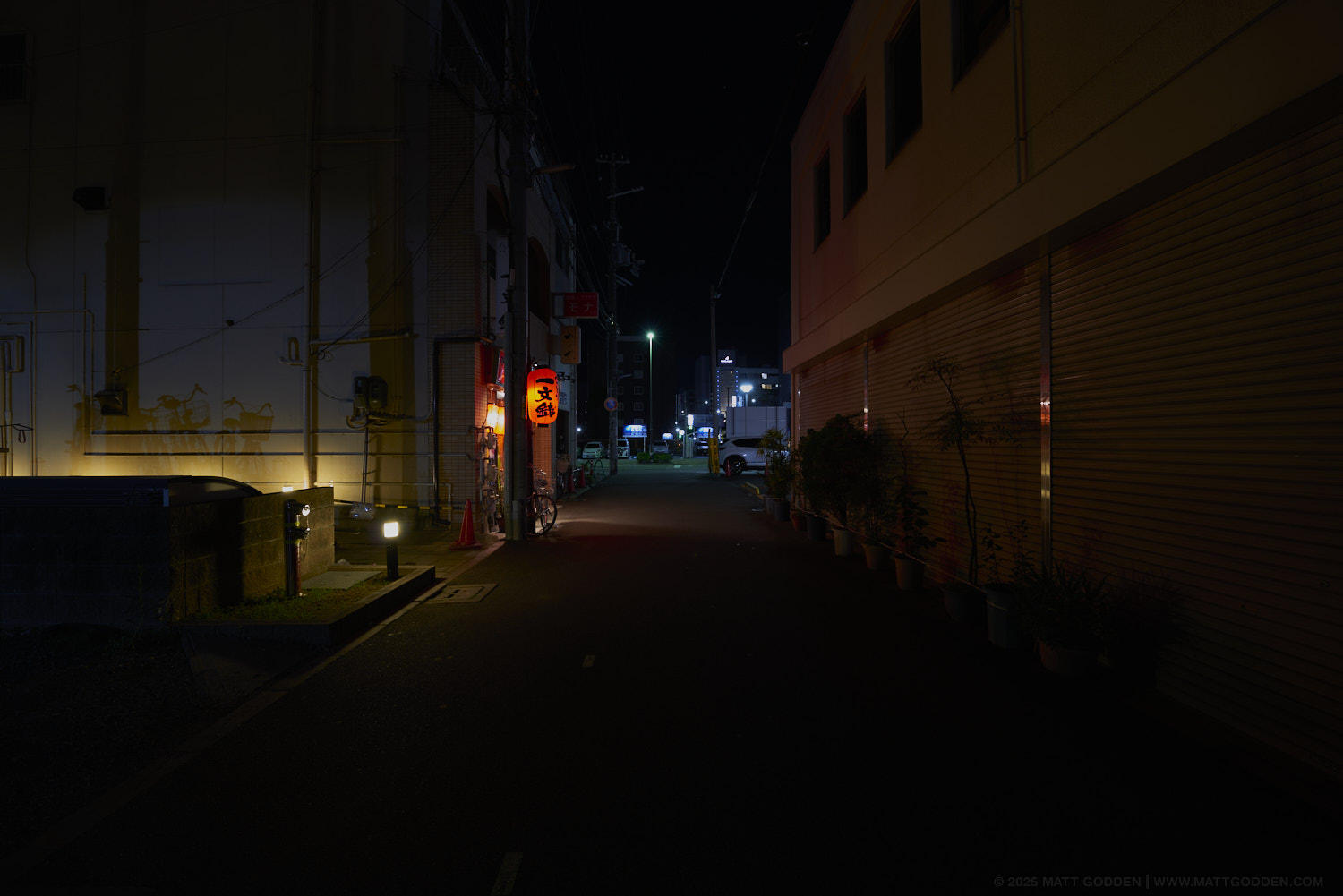
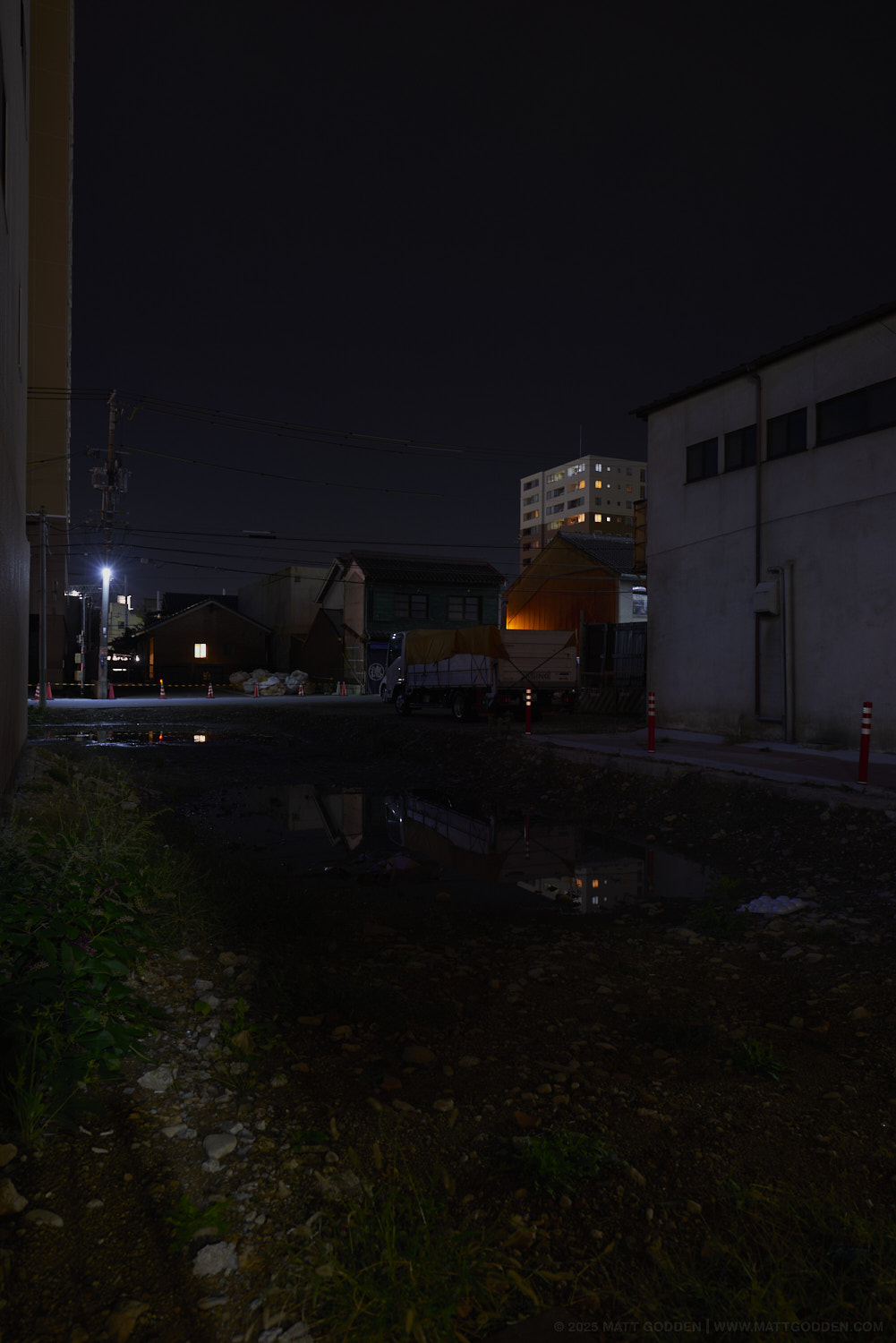
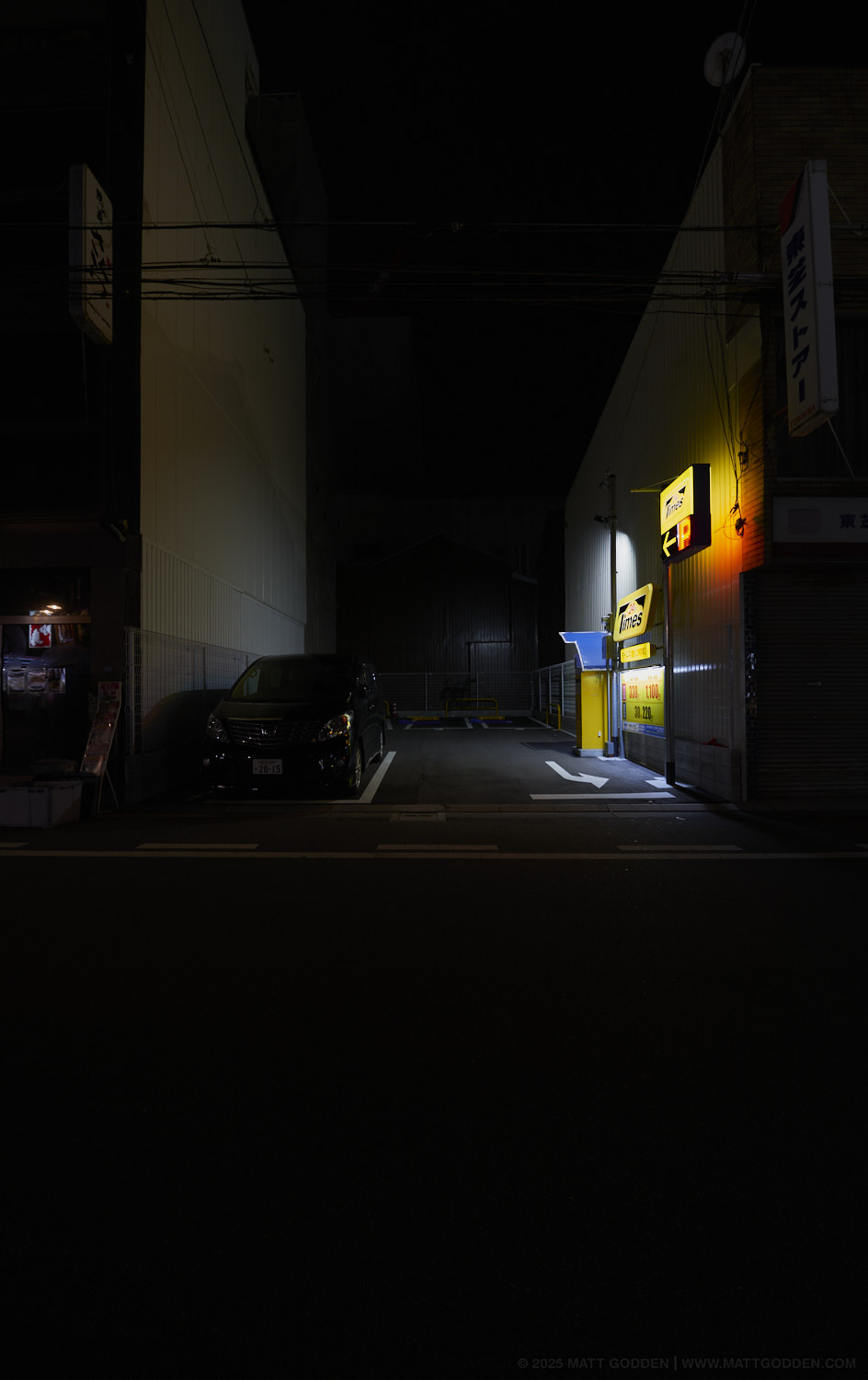
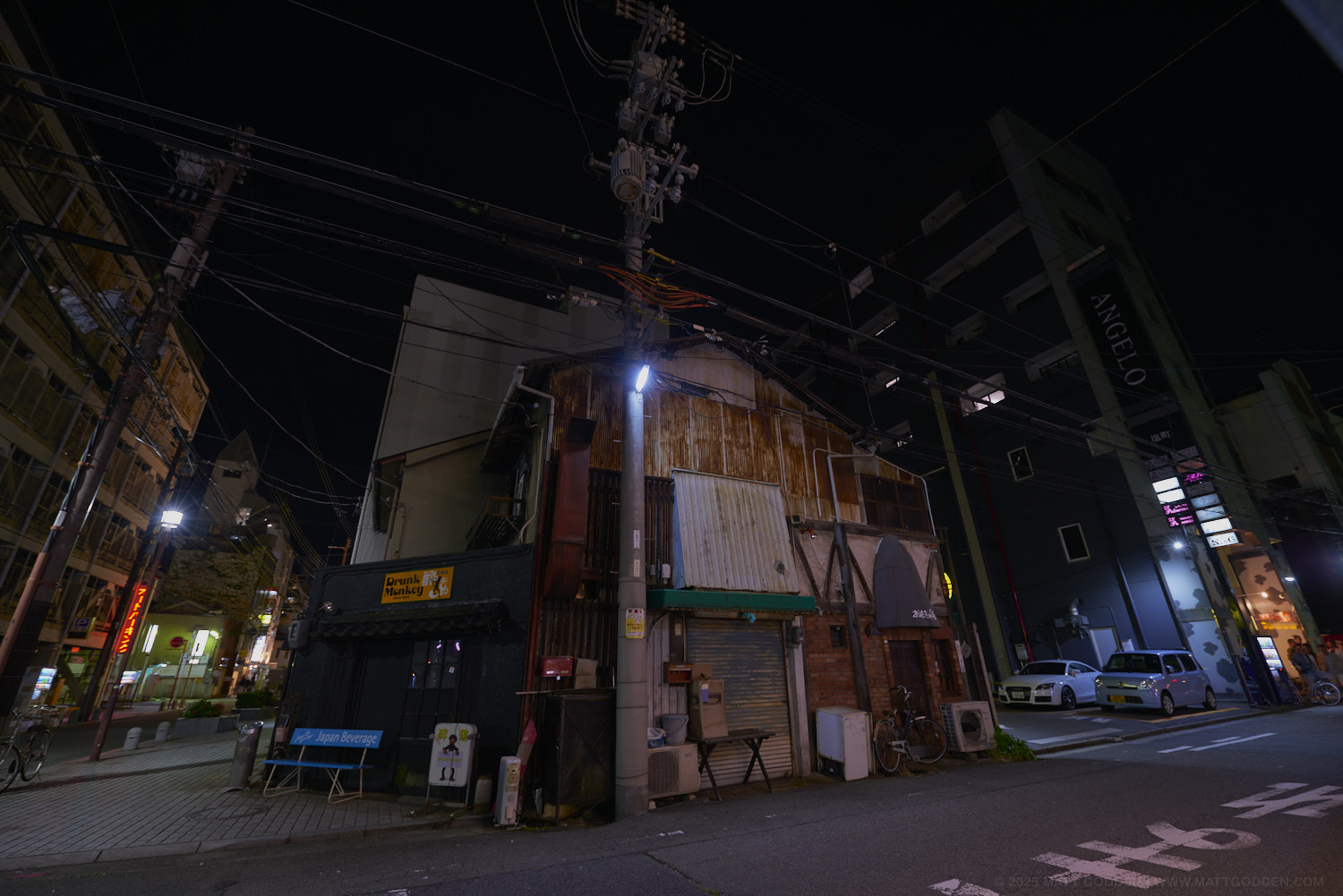
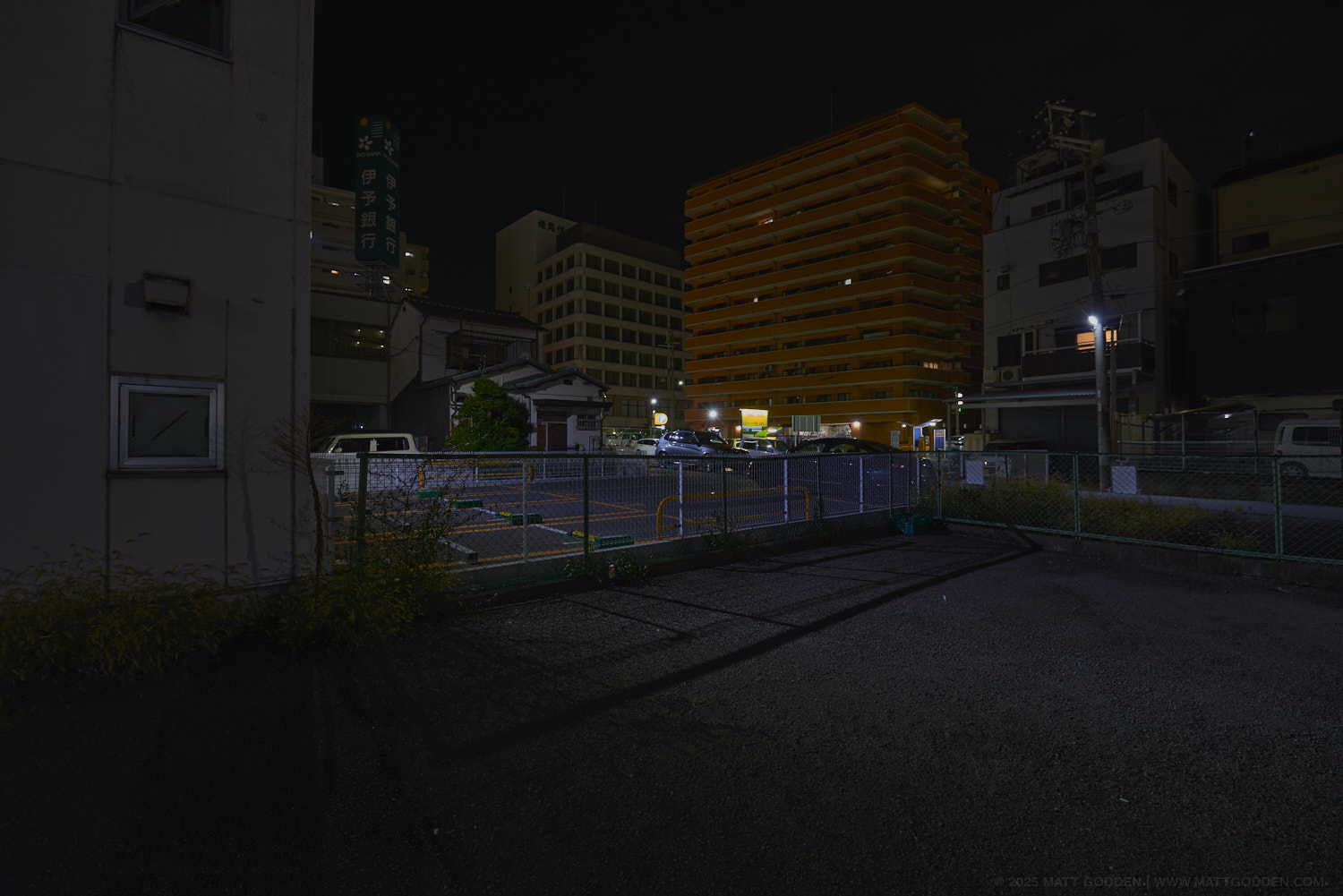
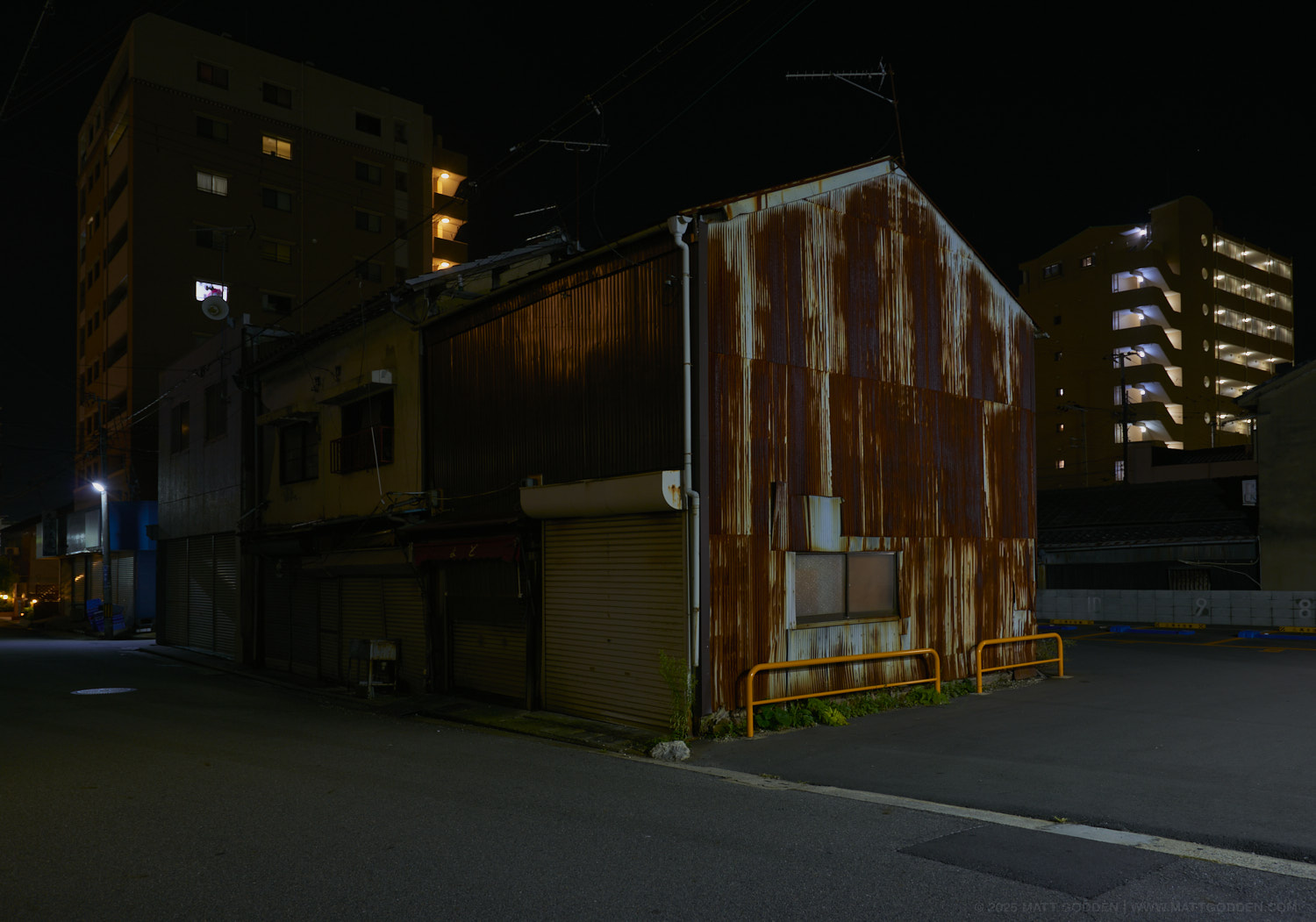
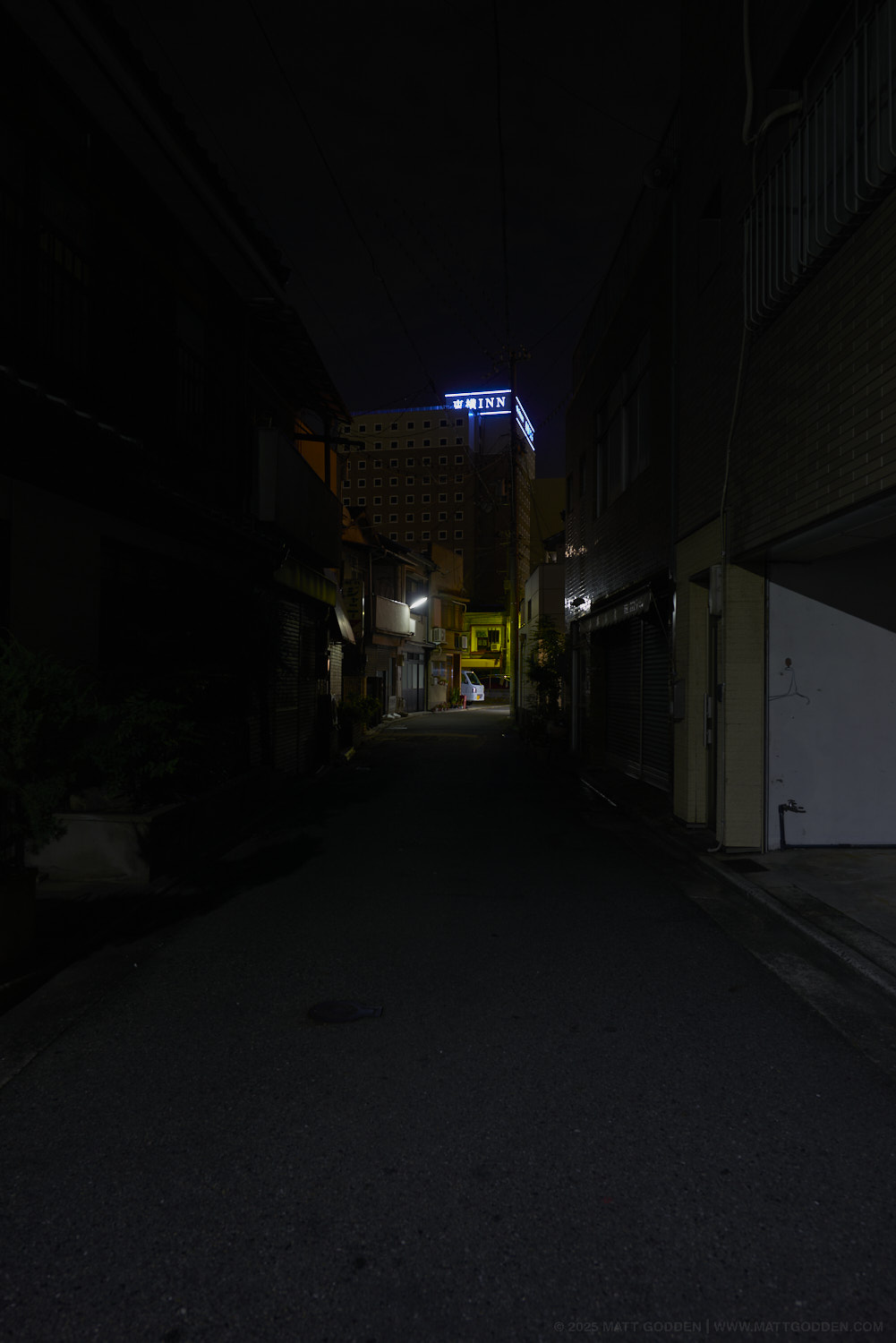

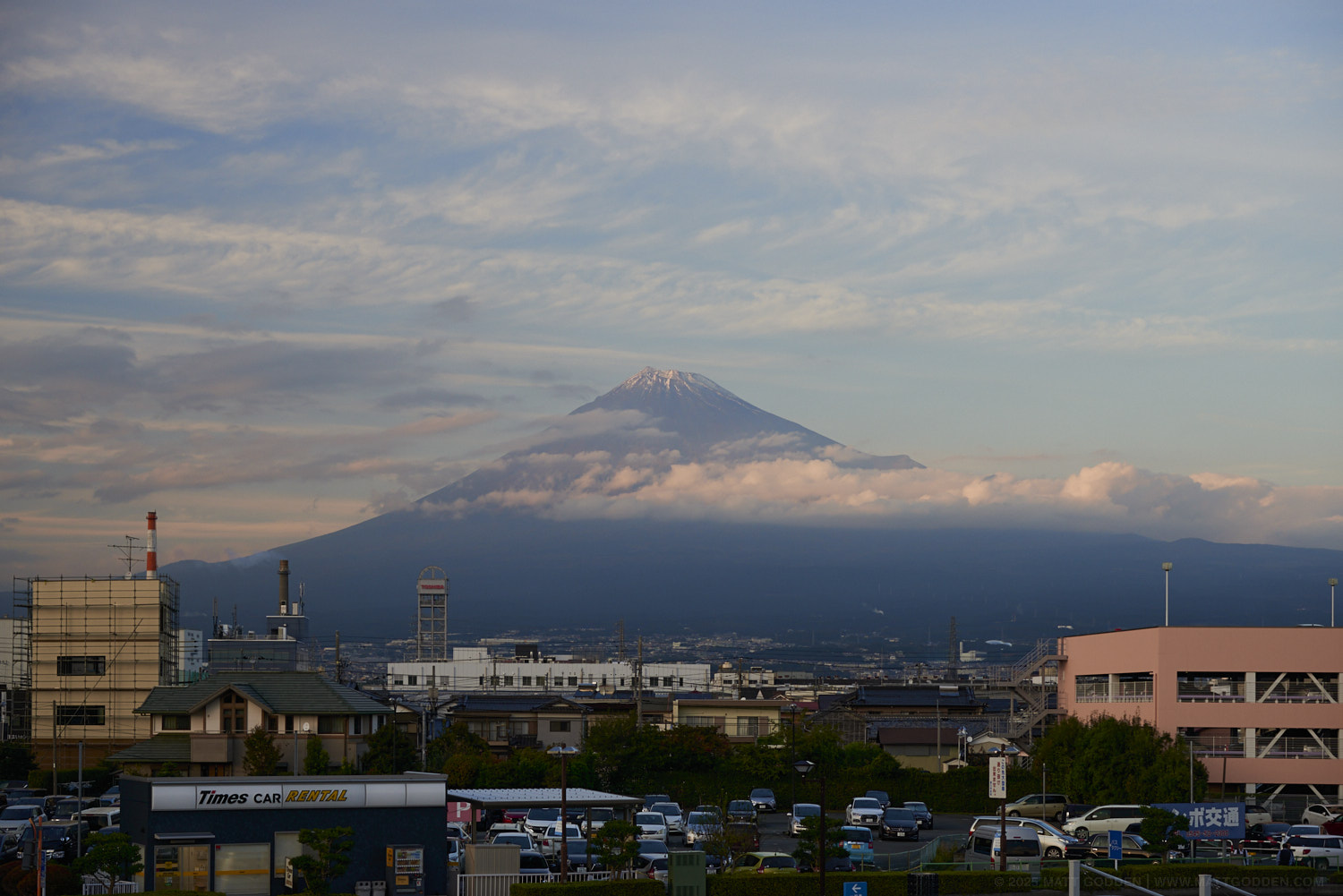
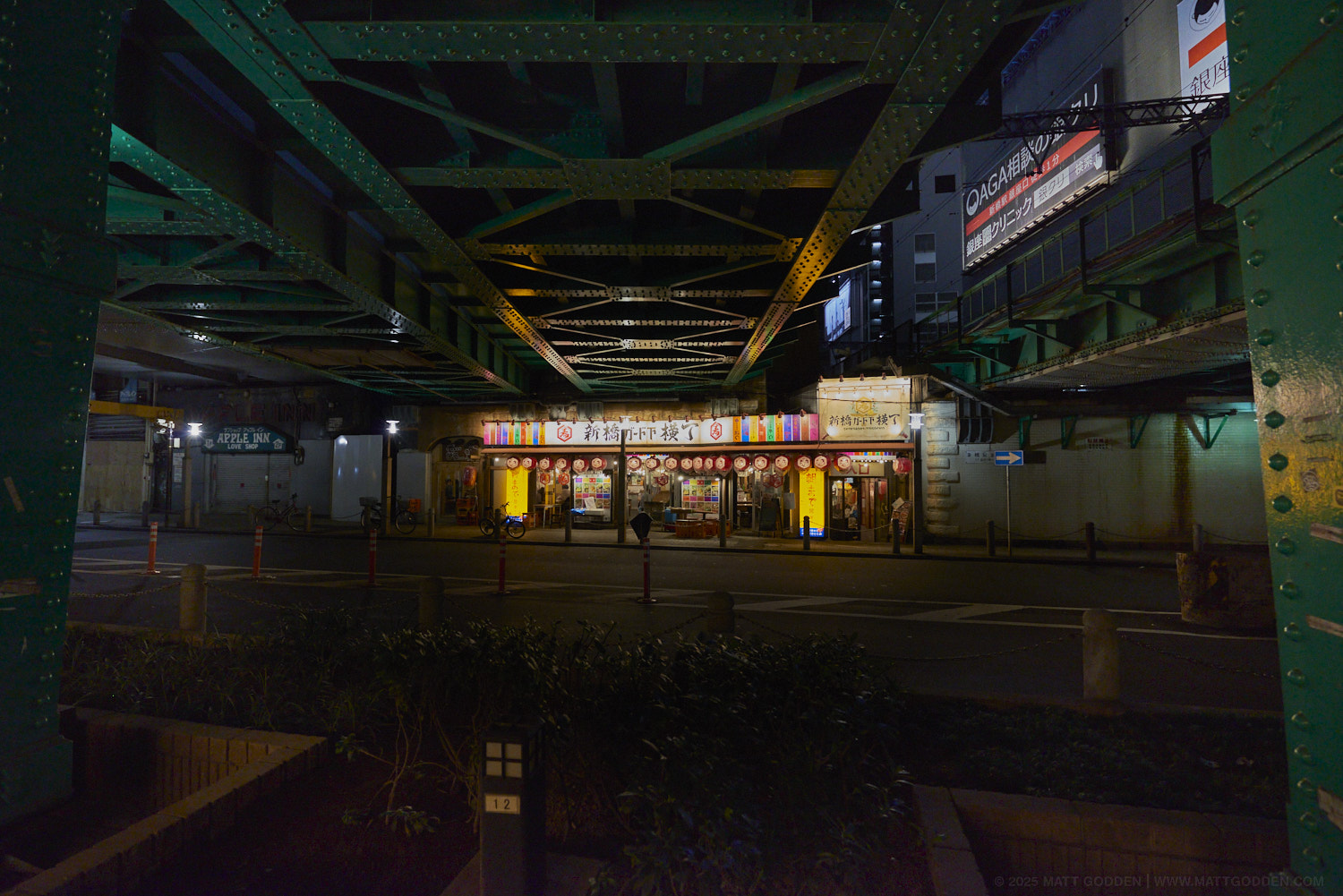
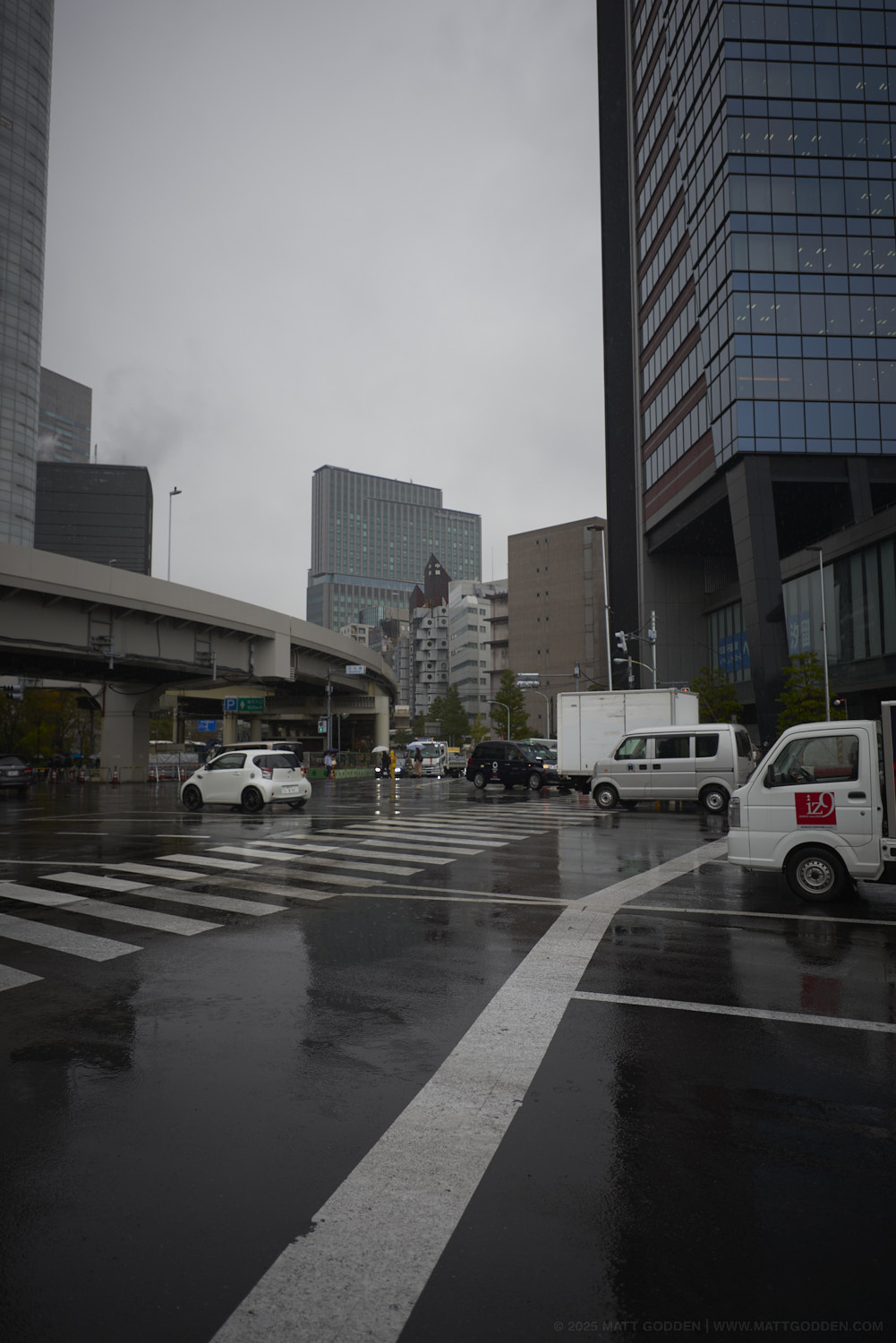
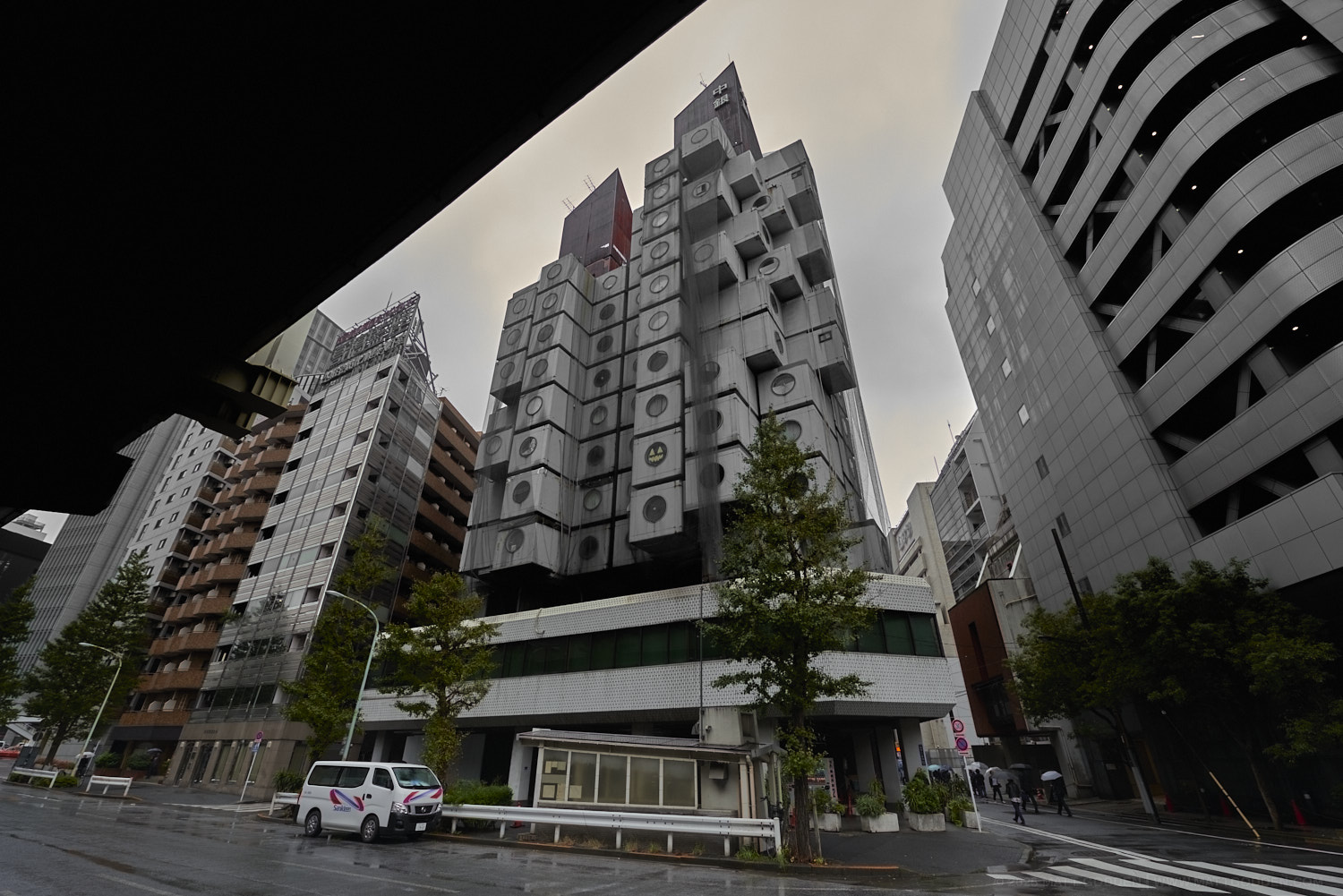
2025 – Week 25
For registered users.
A new book!
I have a new book released today!
This was done as a quickie, while I was stalled on Day And Night, and reminded me of how well I’ve centred on a working production process to make tings like this. Total turnaround, given the images were already done, was about three days.
Fish Noir
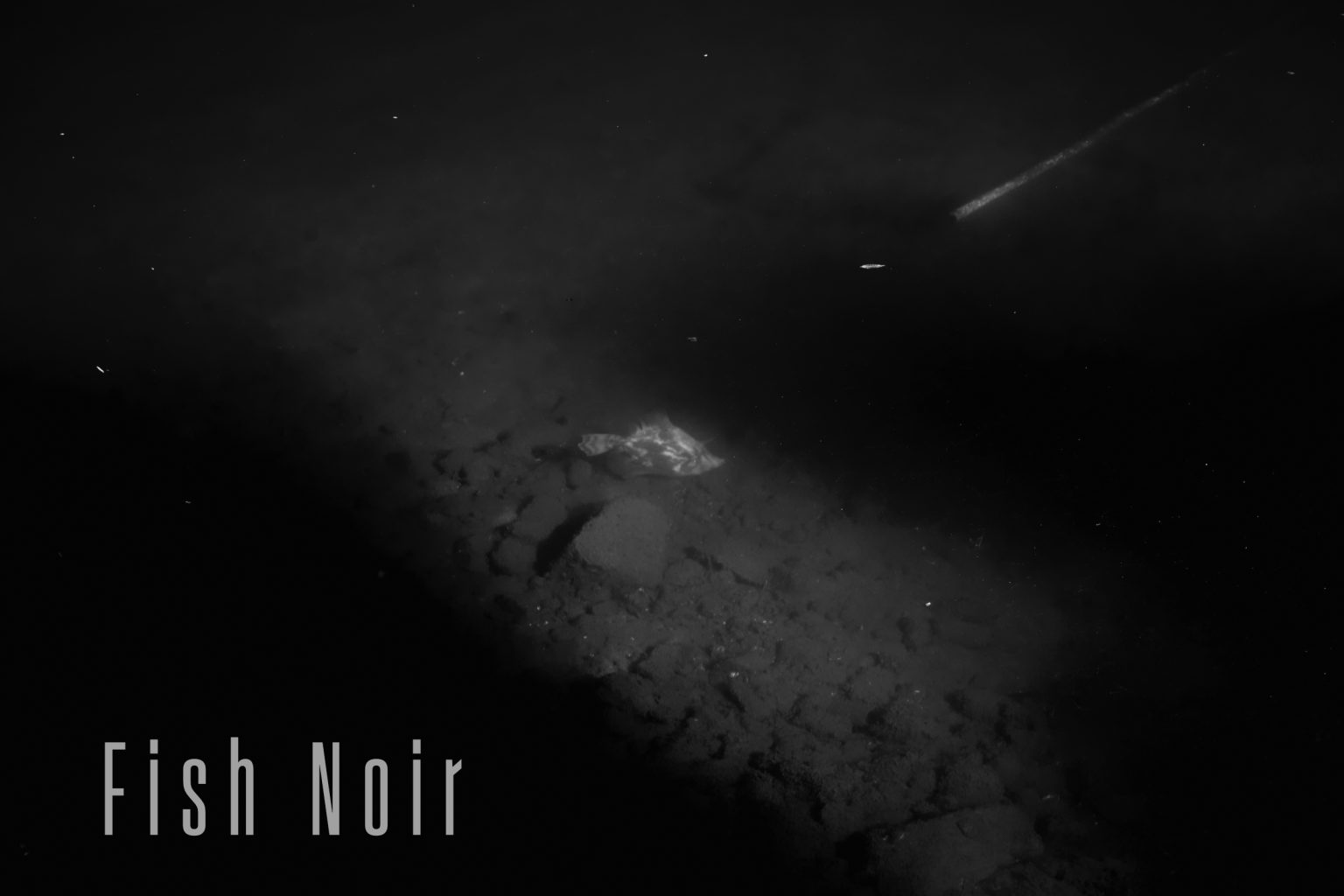
A book of images from a photo shoot at Mosman Bay in 2013. Late afternoon, with long shadows; the conditions isolate the small toadfish who swim amidst more than a century of building rubble left over from the construction of the seawall, during the reclamation of mudflats to produce a parkland. The images from this shoot are paired as colour, and high contrast black & white variants.
This 30 page book is published in DRM-Free Fixed-Layout EPUB format.
2025 – Week 24
For registered users.
Finder DAM Follies
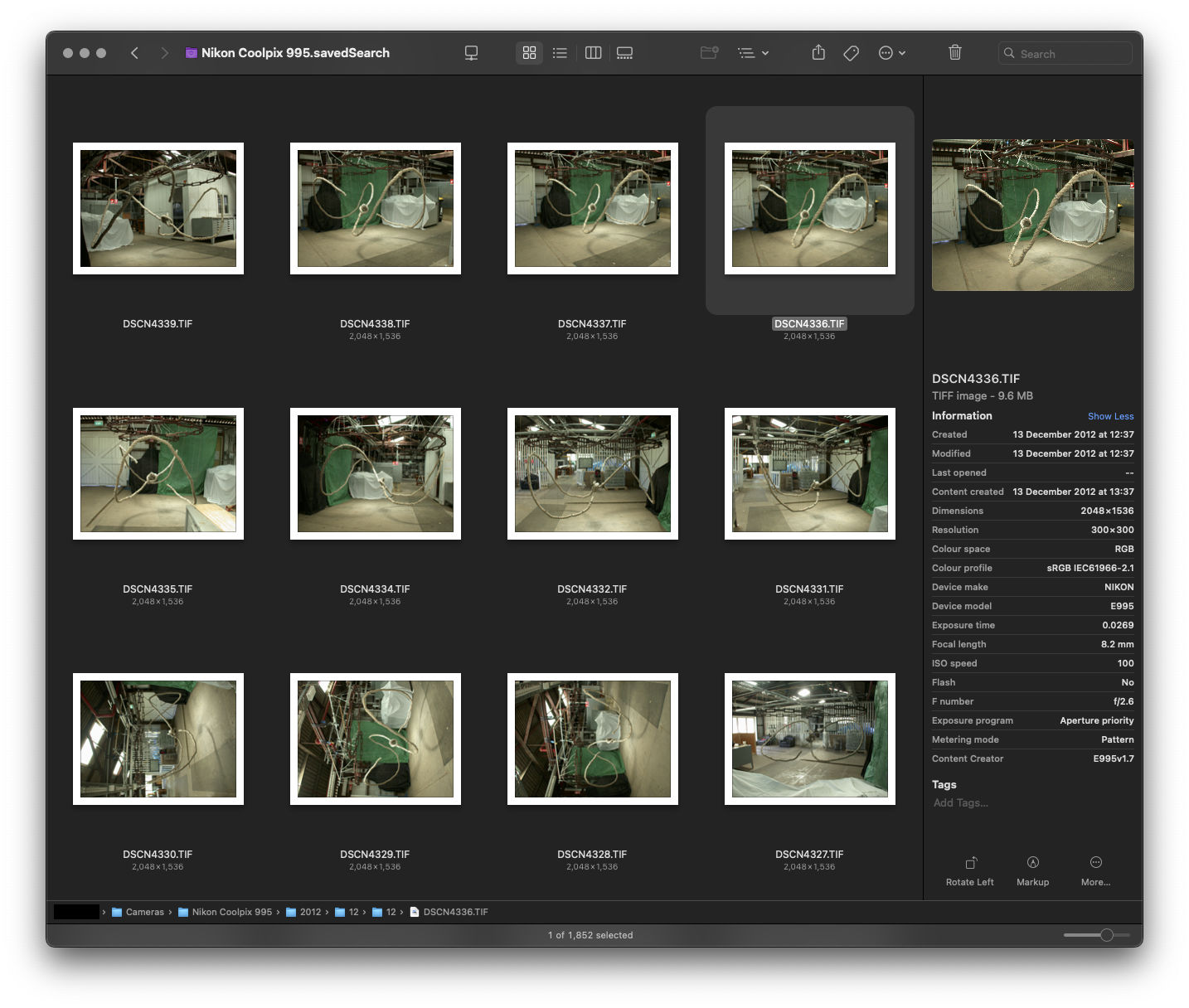
I recently encountered an interesting glitch with my Finder-based Zero DAM setup. I was looking for photos I knew I had taken, but they weren’t showing up in the timeframe I knew they should be appearing, for the camera I knew they had been captured upon. Eventually I managed to find a couple of the images from the day’s shooting, but it was only two out of ninety-two images. So what was up with the others?
In terms of their EXIF data, and their Finder properties, there was no discernible difference between the images Spotlight could find, versus those which seemed invisible to Spotlight-based Finder searching.
More perplexing, turning off spotlight indexing for the drive made the images reappear in searches based upon the date the images were photographed. Turning indexing back on, made the images disappear from the search results within a minute.
So, something about Spotlight’s indexing process was excluding the images from any sort of spotlight-based search. I tried pretty much every method for deleting the spotlight index for the drive, without success; as soon as the index was re-enabled, the images disappeared.
Then, I started to think about one issue macOS has – Extended File Attributes. These can cause all sorts of problems, so I installed Xattred from Eclectic Light and compared the files which Spotlight could find, with those it could not.
Sure enough, a culprit was found:
com.apple.metadata:kMDItemSupportFileType
…with the properties:
<?xml version="1.0" encoding="UTF-8"?>
<!DOCTYPE plist PUBLIC "-//Apple//DTD PLIST 1.0//EN" "http://www.apple.com/DTDs/PropertyList-1.0.dtd">
<plist version="1.0">
<array>
 <string>iPhotoPreservedOriginal</string>
</array>
</plist>
Deleting this attribute from the file made it instantly show up in Spotlight searches.
The question; how to do this for any file on my photo drive, when I couldn’t use spotlight to find or identify them. After a bit of searching online I came across the answer using terminal:
xattr -rd com.apple.metadata:kMDItemSupportFileType (drag the target location here)
Something on the order of a thousand photos which were effectively missing in my Zero DAM system instantly reappeared as I applied this procedure to camera directories (it’s recursive, so will apply to the contents of any subfolder) where I had identified “missing” images.
Problem solved.
Edit: Hello Eclectic Light readers ;)
2025 – Week 23
For registered users.
2025 – Week 22
For registered users.
2025 – Week 21
For registered users.