
For registered users.
Author : Matt
2025 – Week 12
For registered users.
2025 – Week 11
For registered users.
2025 – Week 10
For registered users.
2025 – Week 9
For registered users.
Fixing Finder’s Window spawning.
Finder in macOS has a behaviour that when you switch to it from another application, and there are no other Finder windows open in your current space, it should automatically open a new window to the user’s chosen default location.
Unfortunately, this behaviour isn’t reliable – it will do it once, but then not do it the next time. The problem being that if it fails to spawn the new Finder window when you switch to Finder, pressing the dock icon a second time will transport you to a different space that does have an open finder window.
Thankfully, Keyboard Maestro is here to save the day. To be clear, what really saved the day, was the Keyboard Maestro user forums, whose helpful denizens supplied the solution to this. Here’s the workflow, with documenting commentary included within.
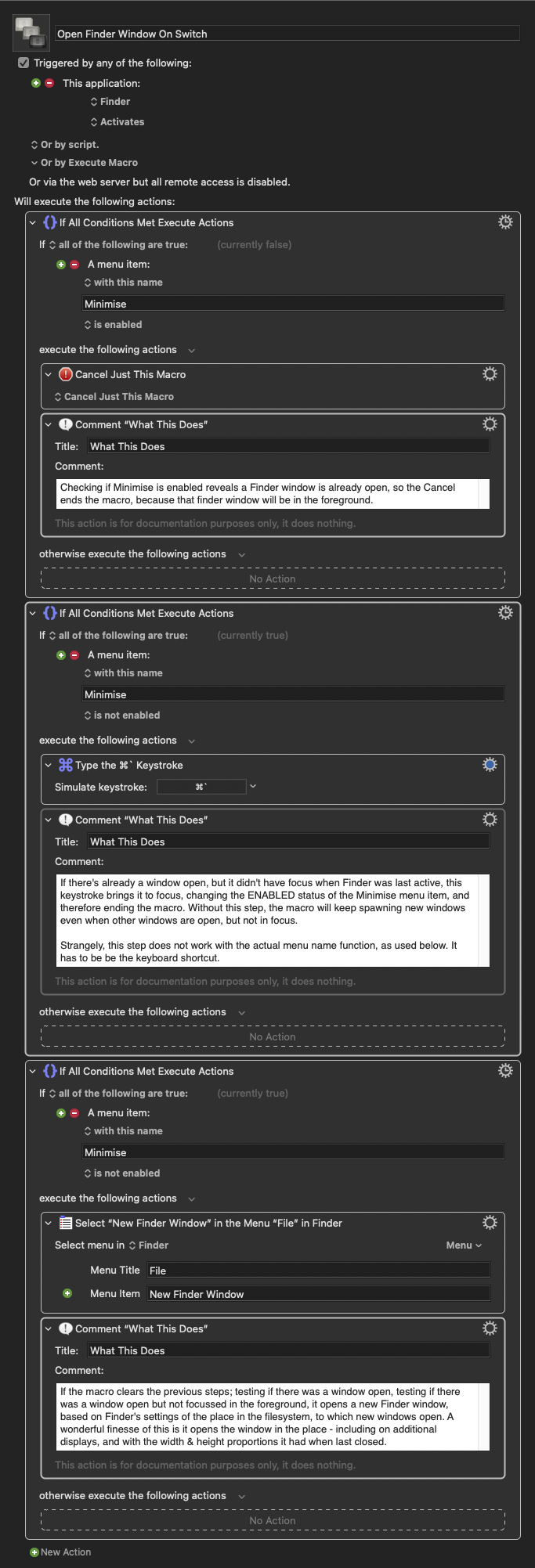
This macro activates when switching to Finder from either the Dock, or by clicking on the desktop, and ensures you always have a file browser window ready to go when you switch to Finder.
Edit December 2025: You may want to be careful with this. I’ve noticed a correlation between having this macro enabled, and Finder’s preferences becoming periodically corrupted, such that the sidebar items will randomly disappear. I’ve disabled it for now, to see if the problem resurfaces.
2025 – Week 8
For registered users.
2025 – Week 7
For registered users.
2026 – Week 6
For registered users.
Done.
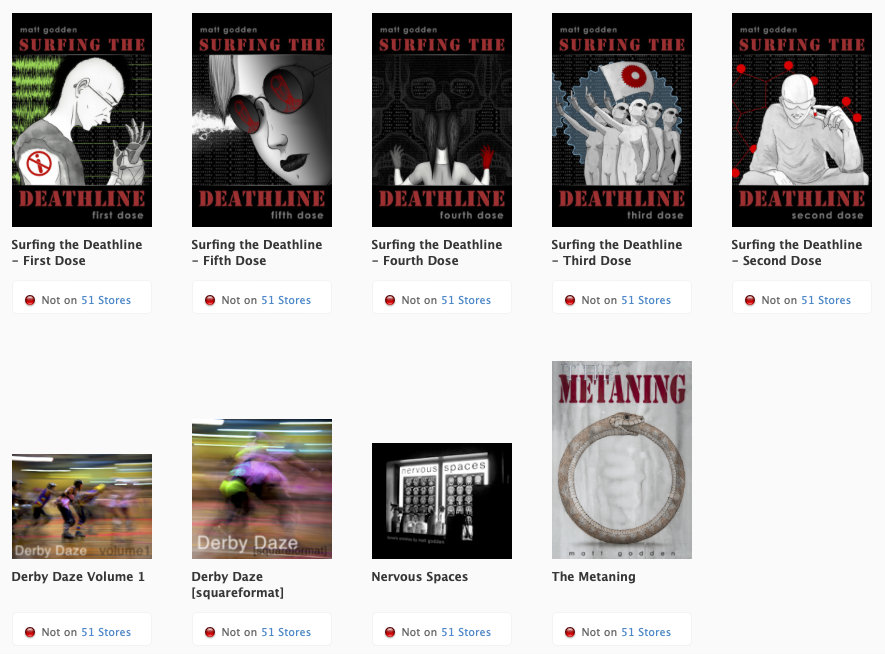
From now on, I’m only selling books direct.
I should have done this earlier, but procrastination won out. What turned things around now, was Apple’s insistence on the requirement that I sell via EU-specific stores to reach EU customers, and those stores were about to require me to publish my home address and phone number.
Also the whole “Apple takes 30% of the cover price” thing, and the “Apple publisher tools have become garbage” thing.
So, we out.